USDT OTC Demo System Deployment Guide: Frontend-Backend Separation with Admin Review Workflow
USDT OTC Demo System Deployment Guide: Frontend-Backend Separation with Admin Review Workflow
Disclaimer: This article is for technical education and demonstration only. It is not professional or financial advice. Any real-world deployment must comply with applicable laws and regulations.
I recently helped a friend who does technical demos deploy a USDT OTC demo system — basically a teaching platform that simulates the OTC business workflow. The frontend deposit and withdrawal flows go through manual admin review, and the overall architecture is a fairly standard admin dashboard setup. It took me two evenings to get everything running smoothly, so I’m writing down all the pitfalls I hit to save some time for anyone else studying this architecture.
Feature Testing: What Actually Works and What’s Just for Show
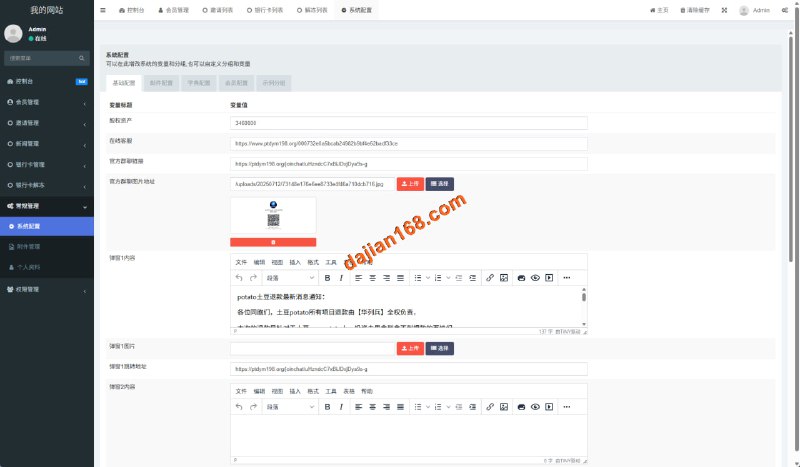
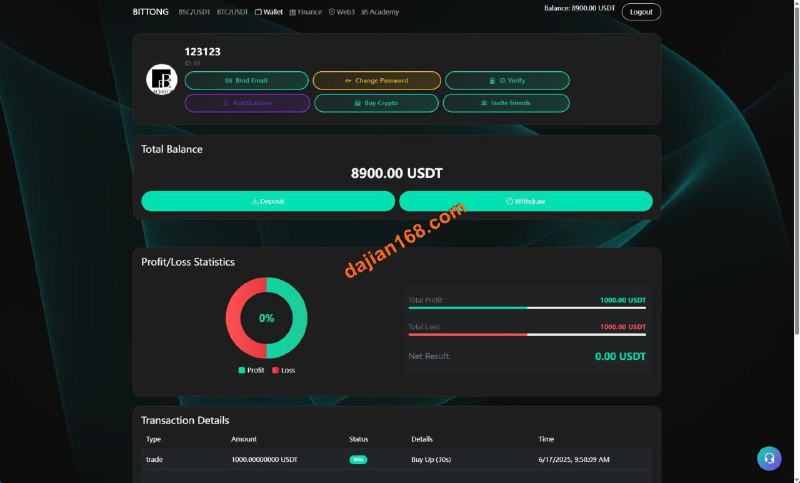
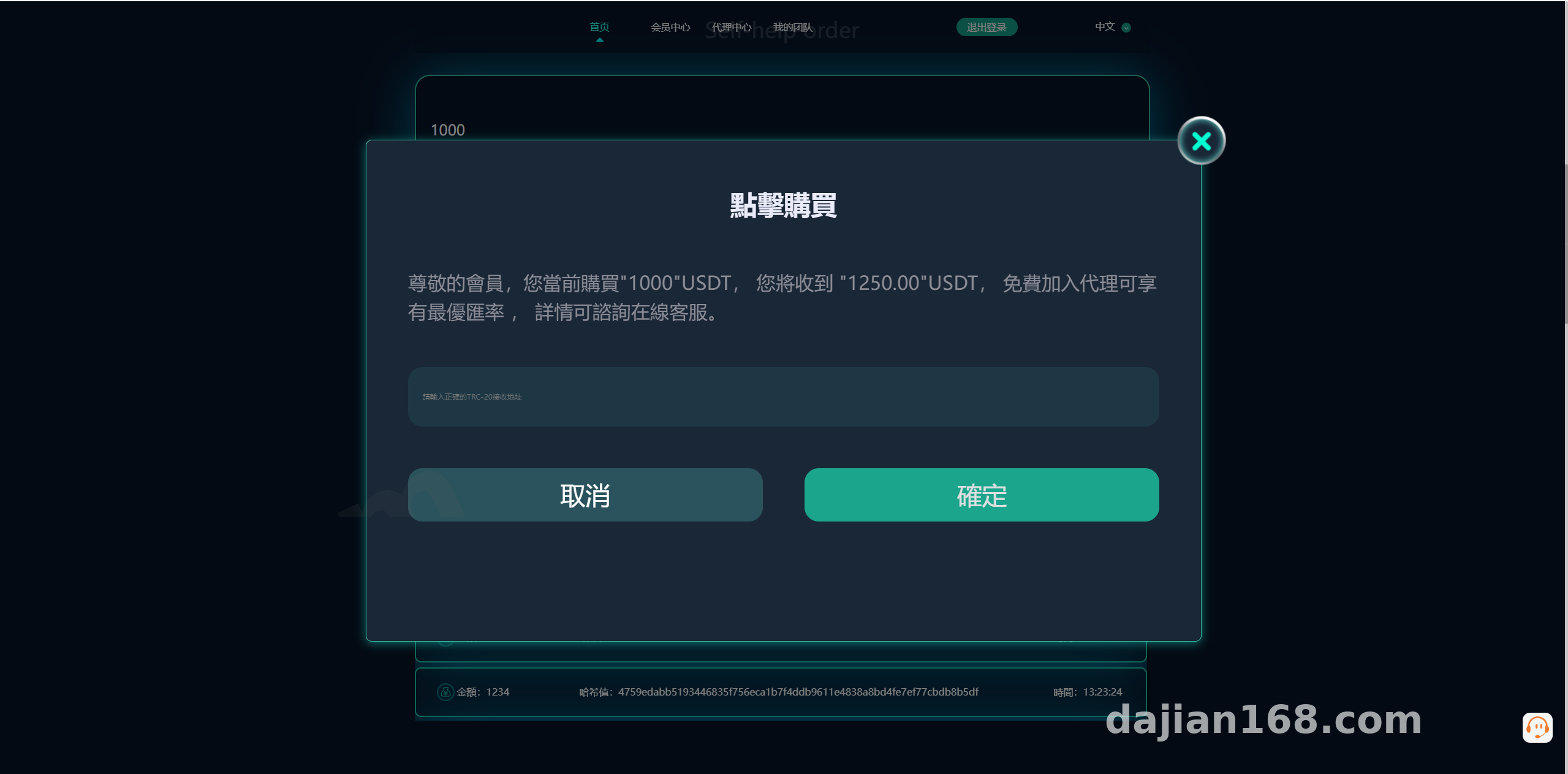
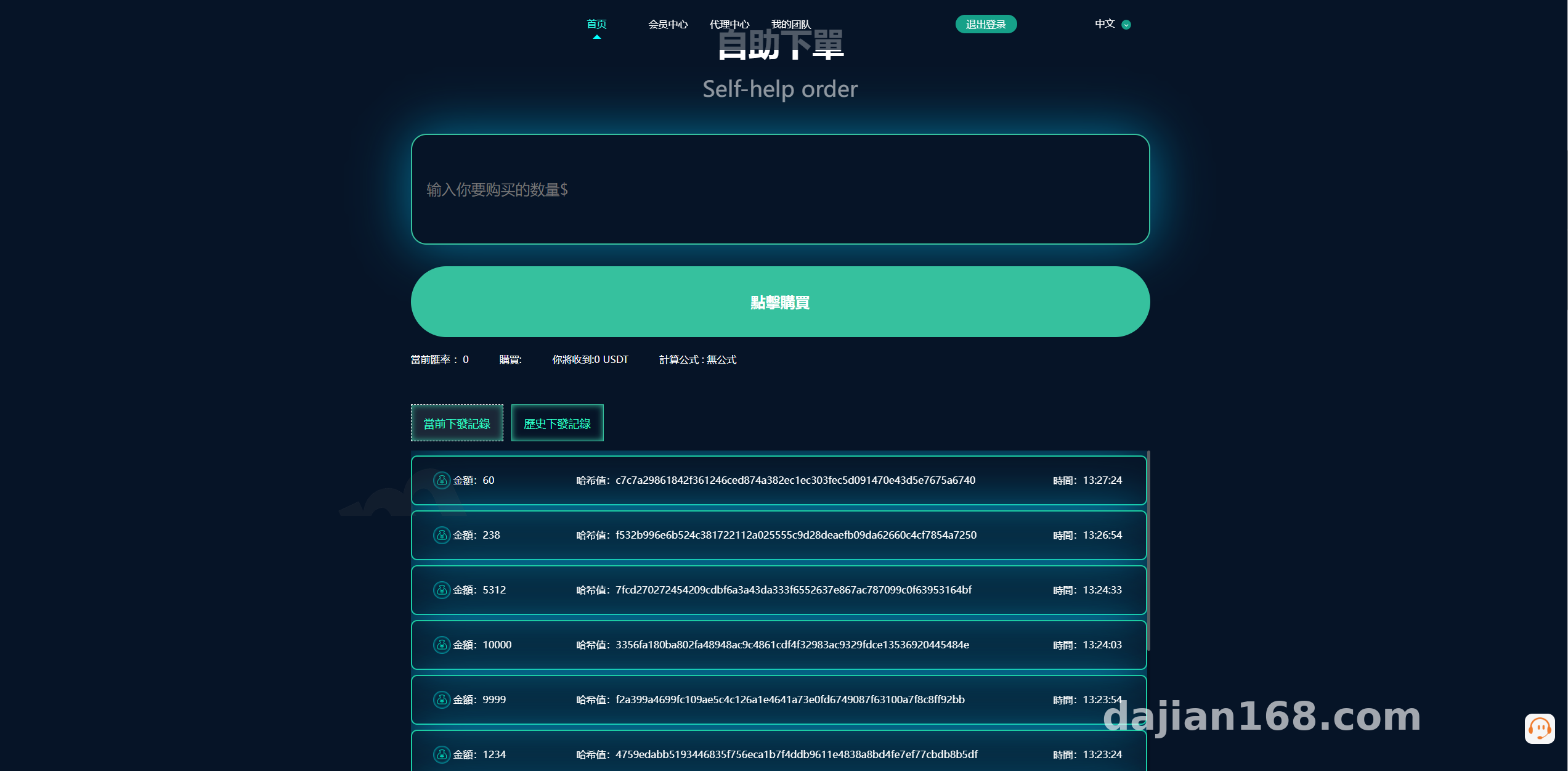
Let me start with the conclusion: the core deposit/withdrawal plus admin review workflow is fully functional. But the original site’s description says it plainly — the sub-site and reservation features are simulated. I tested them myself: clicking into the sub-site entry just shows a display page and doesn’t actually generate independent site data, and after submitting something in the reservation module, there’s no corresponding processing queue in the admin panel. When doing secondary development, either cut these two modules or write the logic yourself.
The Manual Admin Review Workflow
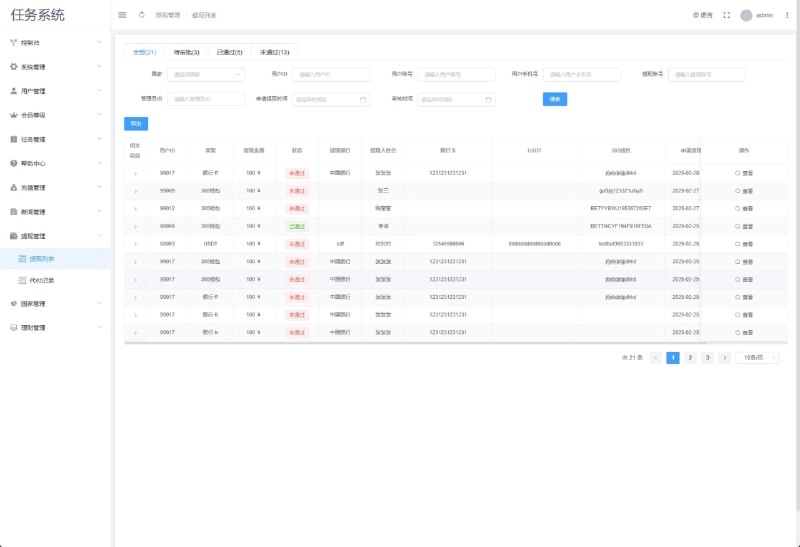
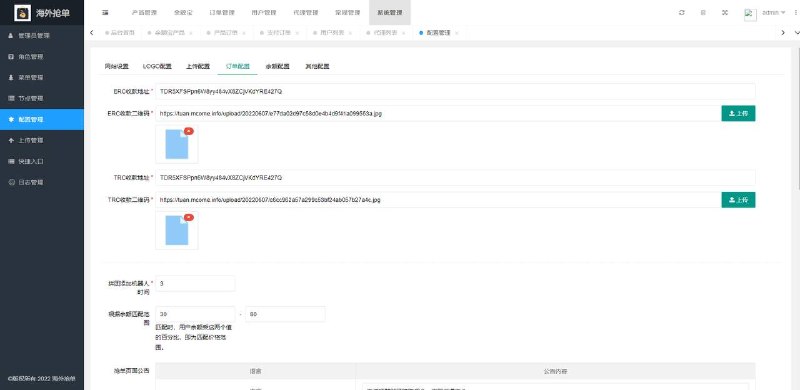
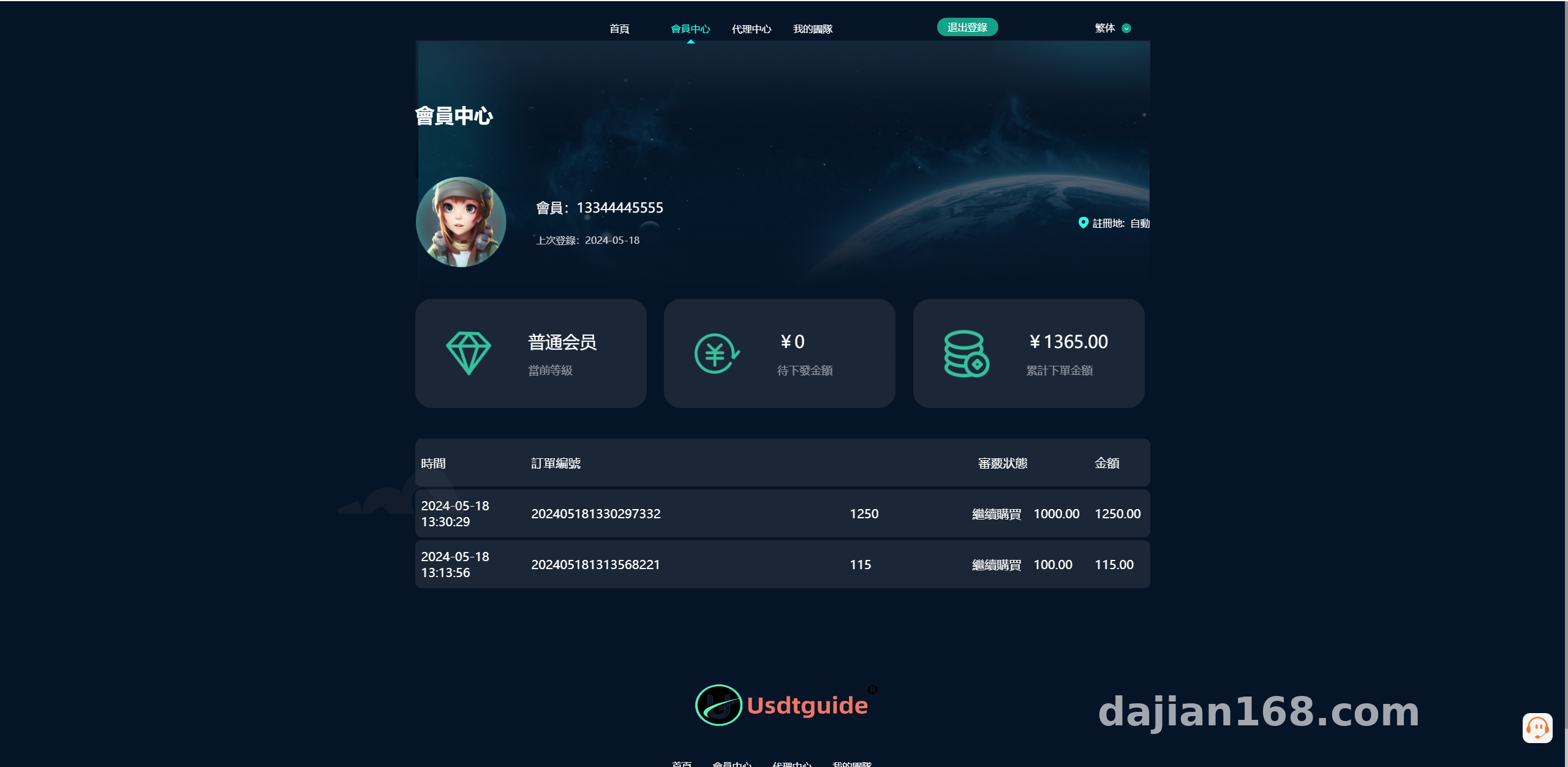
After a frontend user submits a withdrawal request, it appears in a pending review list in the admin panel, and the status only changes once an administrator approves it. The nice thing about this design is that the demo environment stays fully controllable — no need to hook up real payment channels, you just generate your own test data. There are three review statuses: pending / approved / rejected. My suggestion for secondary development is to add a remark field for the rejected status, otherwise users can’t see why their request was denied, which makes demos awkward to explain.
Multi-Language Support
The frontend ships with both Chinese and English language packs, and switching is handled by a frontend config file rather than being dynamically pushed from the admin panel. To change copy, just edit the language pack files directly — they’re in the lang directory. The pitfall I hit: a few sentences in the English pack were left untranslated. Go through every page before your demo goes live, especially the form validation messages.
Deployment Essentials: Environment and Configuration
For the environment I used the most conventional stack: Nginx 1.22 + PHP 7.4 + MySQL 5.7. Don’t go with PHP 8 — this older codebase throws a pile of deprecation warnings on 8.x and it’s a pain to fix.
A Few Configuration Points You Can’t Skip
1. The rewrite rules need to follow the ThinkPHP convention, otherwise admin panel routes will 404 right away.
2. After importing the database, remember to update the connection info in the config, and while you’re at it, change the default admin path — the default admin URL gets scanned way too easily.
3. You need to set up a scheduled task that polls order status. Without it, the frontend status gets stuck, and I initially thought there was a bug in the code — after troubleshooting for ages, I realized the crontab just wasn’t configured.
Also, I’d recommend at least a 2-core, 4GB server. The demo doesn’t see much concurrency, but importing the initial data into MySQL involves several hundred tables, and a low-memory machine can easily freeze halfway through the import.
Secondary Development Suggestions
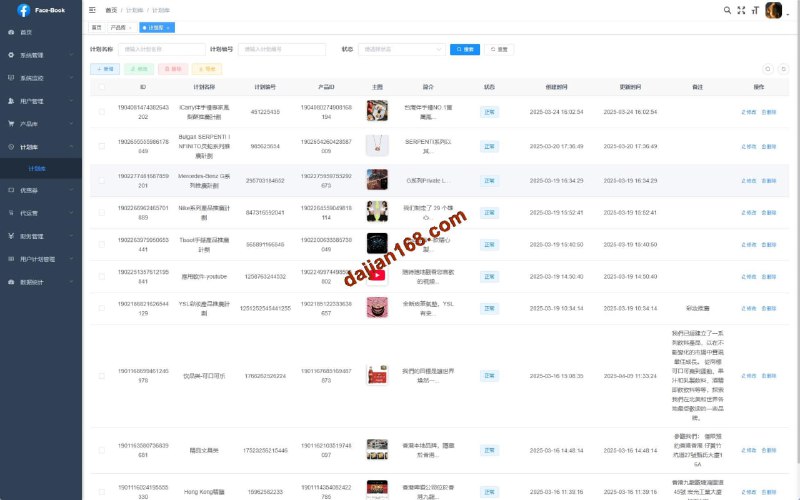
The code structure is reasonably clean, with a standard controller / model / service layering. If you’re planning to extend it, here’s my advice:
Refactor the payment interface layer into a driver pattern. Right now there’s one hardcoded simulated channel — once you abstract it out, adding a new channel is just a matter of adding one class. Add an operation log table to the review module so you record who approved what and when; it makes a huge difference in professionalism when demoing to clients. The frontend uses traditional server-side rendering rather than a decoupled SPA, so to change styles you just edit the template files directly — a low barrier to entry.
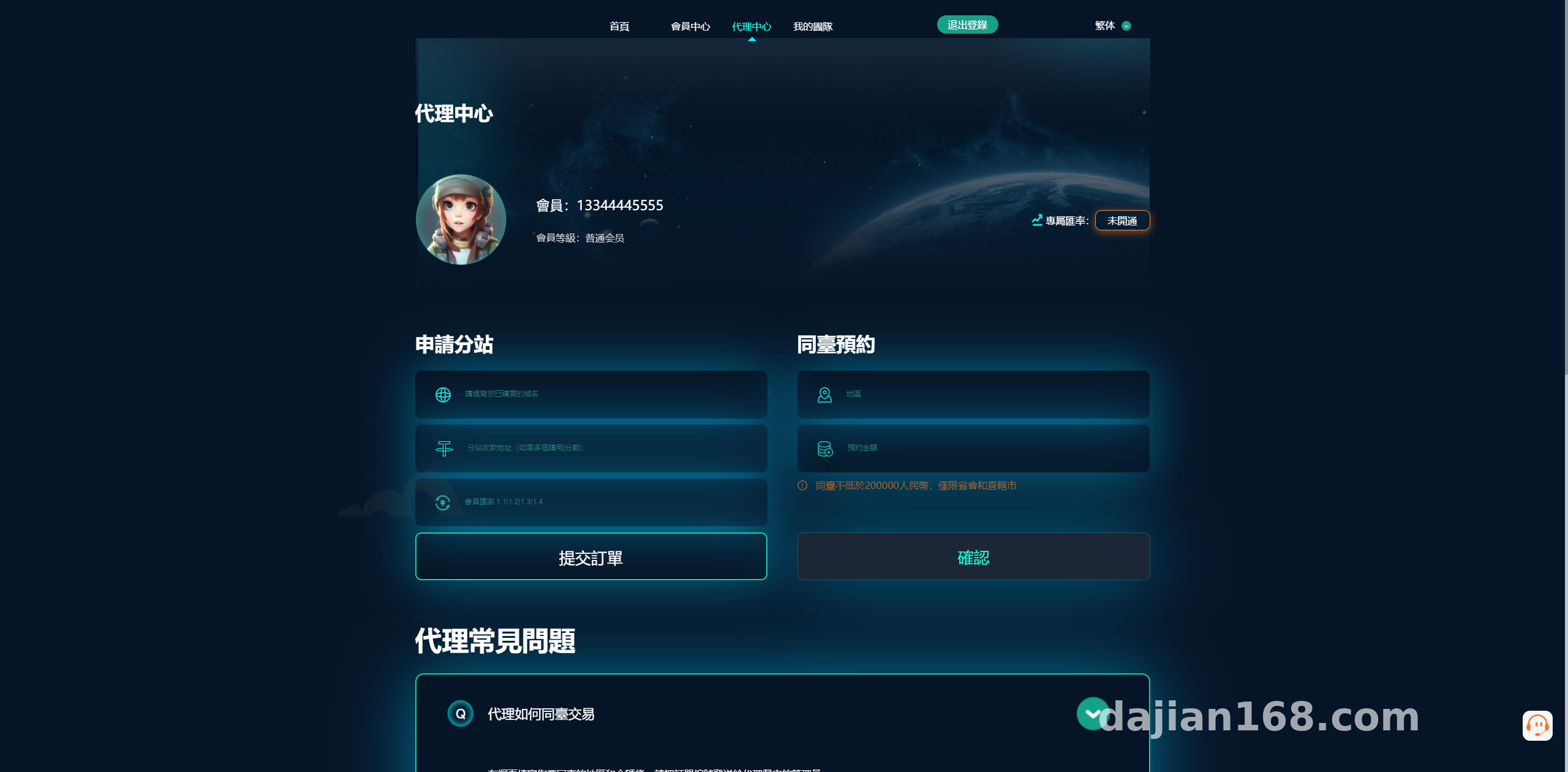
Tip: The first thing you should do after deployment is change the default admin credentials and login path. Even a demo environment shouldn’t run exposed — adding an IP whitelist is a safer points simulation.
Who This Is For
This system suits three types of people: technical teams that want to build teaching demos of OTC business workflows; junior developers who want to study admin dashboard architecture and learn manual review state-flow logic; and studios that have taken on outsourced projects and need to quickly put together a demoable prototype. If you’re looking for a fully automated online operations system, this isn’t it — the manual review design means it’s better suited to demo and teaching scenarios.
Frequently Asked Questions
Q: Does the frontend deposit/withdrawal connect to real payment channels?
A: No. It’s a simulated workflow by default — deposits and withdrawals both go through manual admin review, and the data stays within the demo environment with no real funds involved.
Q: Can the sub-site feature be made real?
A: Yes, but it’s a decent amount of work. You’d need tenant isolation, independent domain binding, and separate data tables. Evaluate the requirements carefully before starting, or you might get halfway through and find the architecture can’t hold up.
Q: Can I add languages beyond Chinese and English?
A: Yes. Language packs are standalone files — copy one, translate it, then add an entry to the frontend language-switching config. It’s about a half-hour job.
Q: The frontend won’t load after deployment — what should I check?
A: Nine times out of ten it’s misconfigured rewrite rules or the wrong document root. Check whether the root directive in your Nginx config points to the public directory.
Disclaimer: This article is for technical education only, sharing deployment experience. All demo features are for learning and research purposes. Users must comply with applicable laws and regulations, and the system may not be used for any unlawful purposes.
Disclaimer: This article is for technical education and demonstration only. It is not professional or financial advice. Any real-world deployment must comply with applicable laws and regulations.
#Source Code Deployment #OTC Demo System #Deployment Notes #Secondary Development Tutorial #Admin Review Workflow
-
 Alipay QR Code Scan
-
 WeChat Scan Pay