Building a Telegram Smart Customer Service Bot: Auto-Reply and Ticket System Deployment Notes
Building a Telegram Smart Customer Service Bot: Auto-Reply and Ticket System Deployment Notes
Disclaimer: This article is for technical education and demonstration only. It is not professional or financial advice. Any real-world deployment must comply with applicable laws and regulations.
I recently helped a client deploy a Telegram-based smart customer service bot system, written in Java and fully open source. The client’s need was pretty typical: lots of users asking questions in the group, manual replies couldn’t keep up, so they wanted a bot to automatically answer common questions and escalate the complex ones to human-handled tickets. After two days of tinkering, here are the pitfalls I hit, to save the next person some time.
Feature Test: What This System Can Actually Do
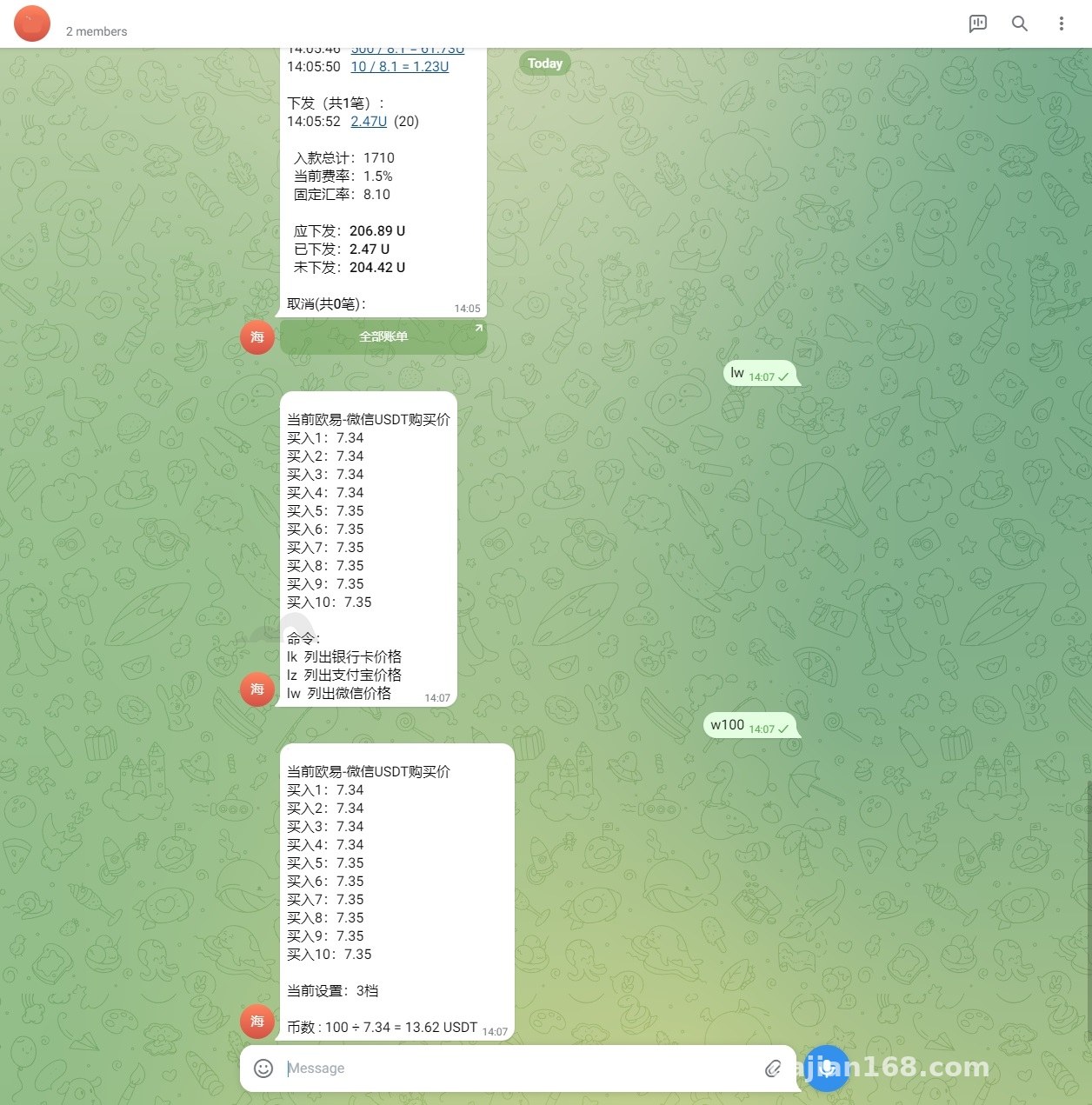
Short version: the features covered more than I expected. The core modules:
Auto-Reply and FAQ Management
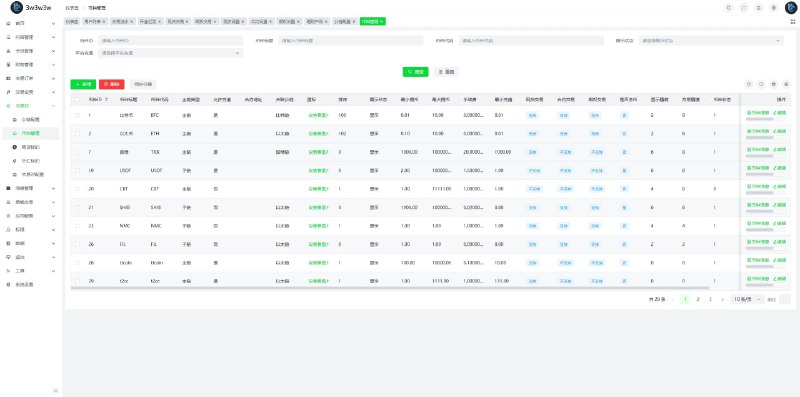
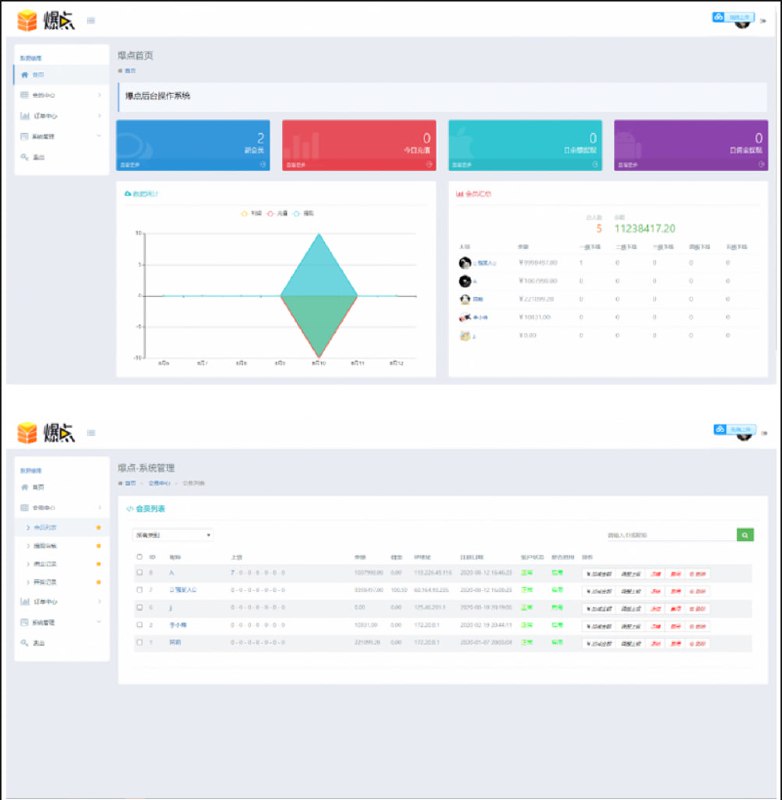
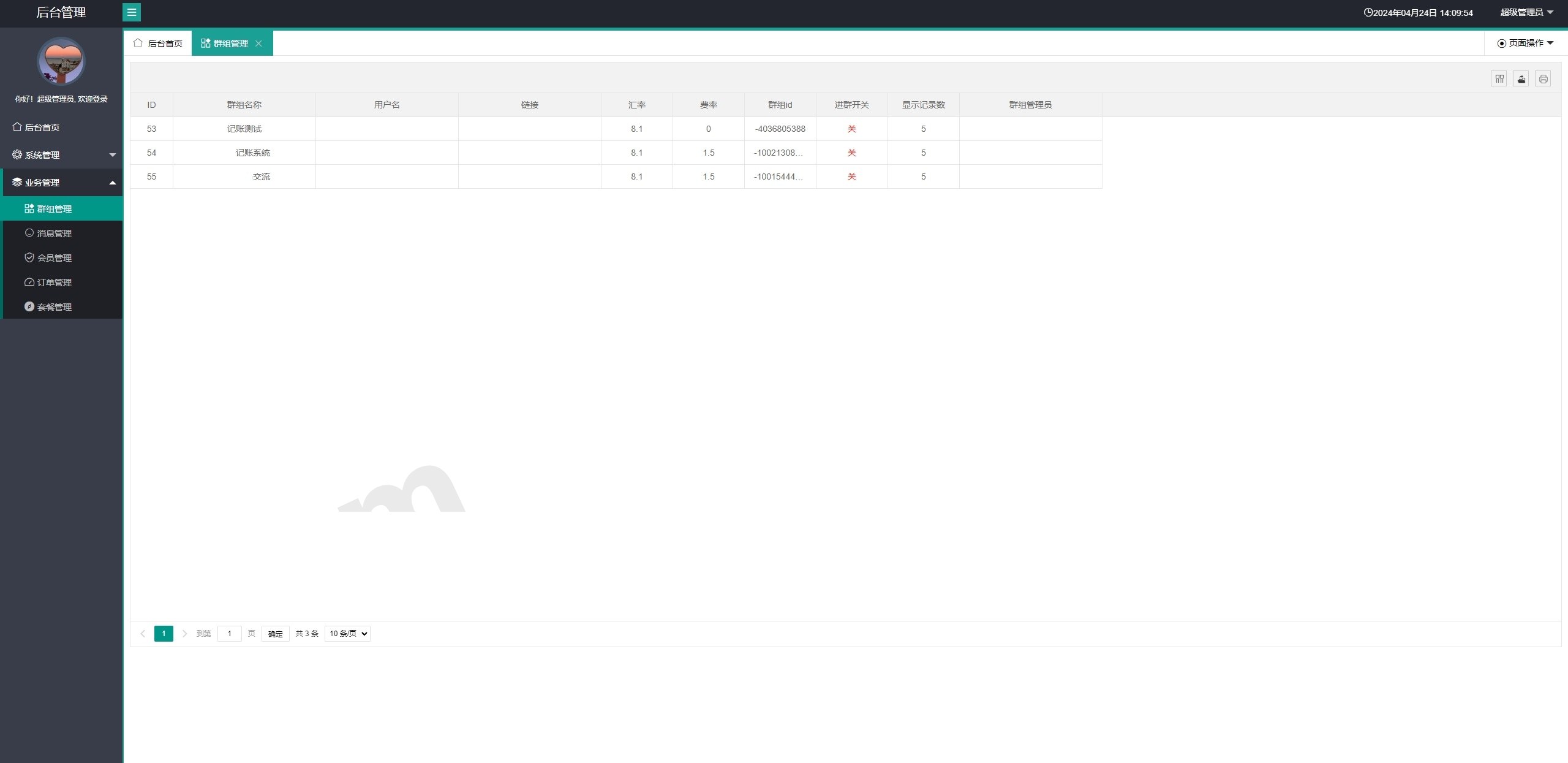
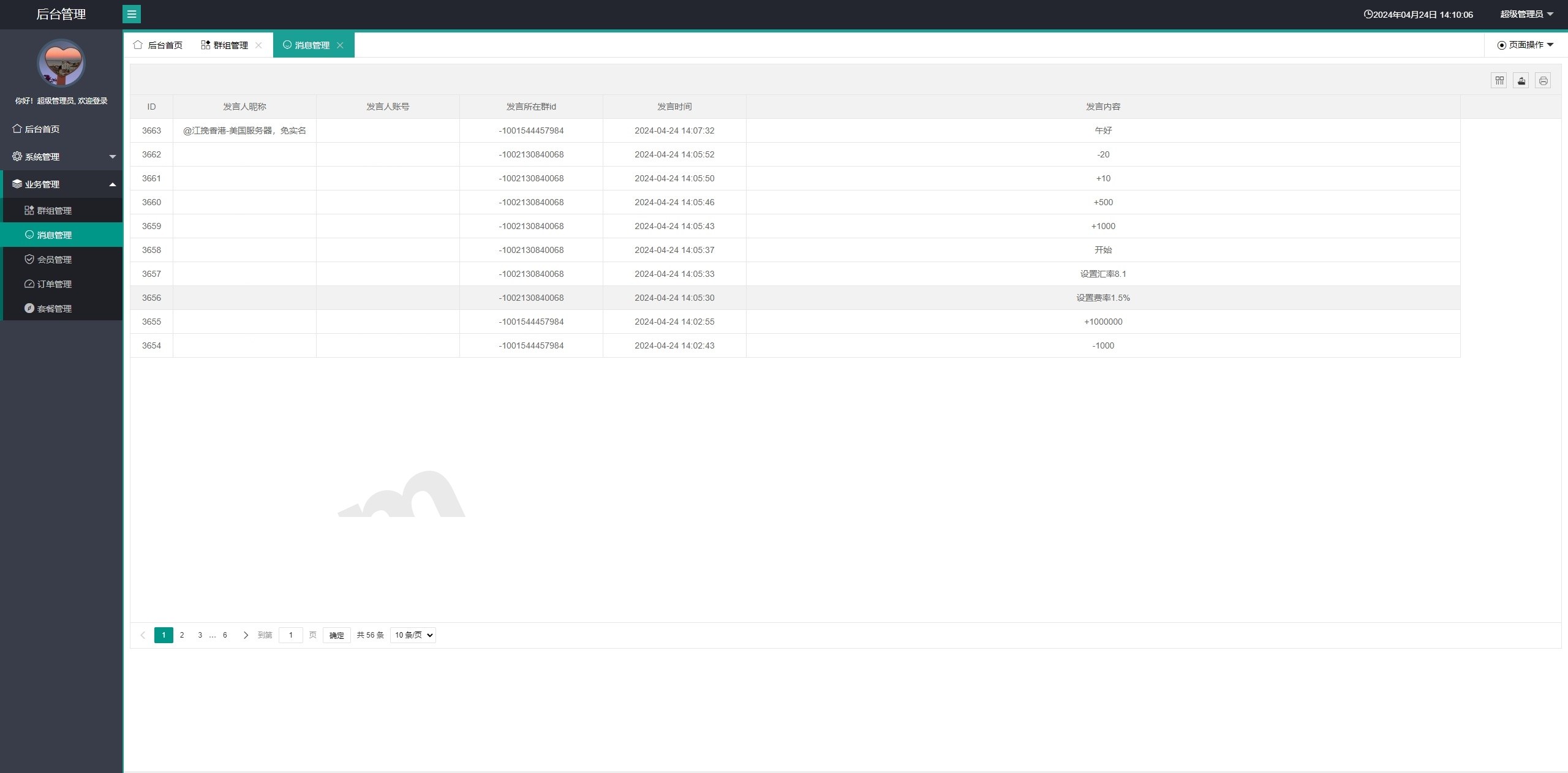
The admin panel lets you maintain an FAQ library. Incoming user messages go through keyword matching first, and a hit pushes the pre-set response directly. It supports fuzzy matching and synonyms — for example, if a user asks “how do I top up,” any of the configured words “top up / pay / transfer” will trigger the same reply. Messages that don’t match fall into a pending queue, where an agent can manually take over the conversation from the backend. That “manual takeover” design is genuinely useful.
Ticket Workflow
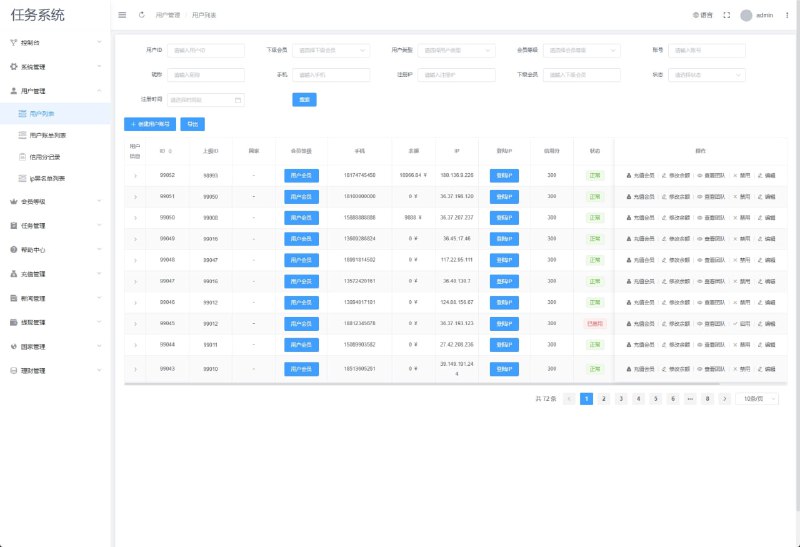
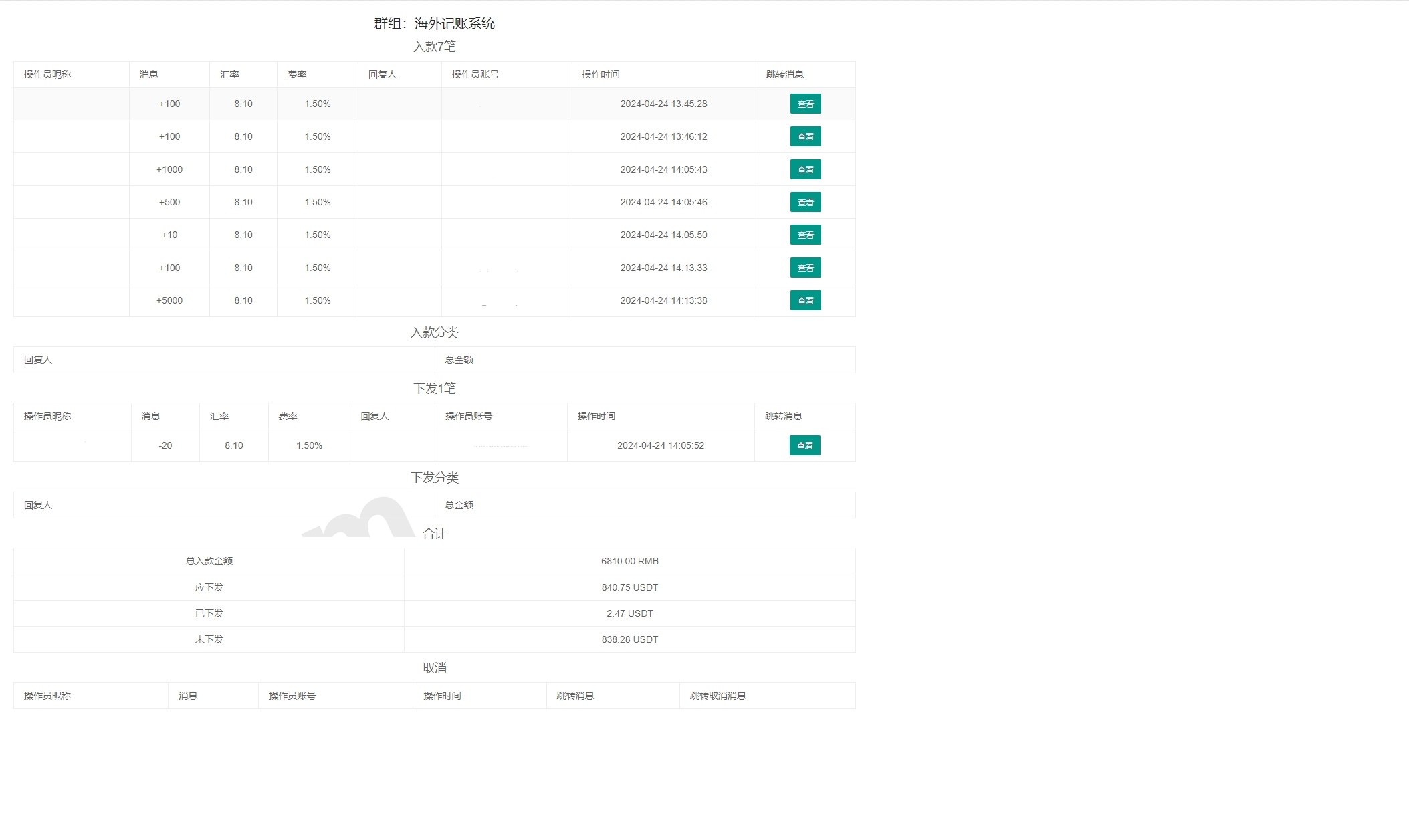
When auto-replies can’t solve the problem, the bot automatically creates a ticket and assigns it to an online agent. Tickets carry status markers: pending, in progress, closed. Users receive push notifications on status changes, which is a much better experience than pure manual group chat.
Plans and Automatic Activation
The system supports custom plans, such as monthly rental of the bot service. It integrates an online payment interface — once payment succeeds, the callback triggers automatic activation with no manual review needed. I tested the callback part thoroughly: signature verification and idempotency handling are both in place, so duplicate callbacks won’t cause duplicate activations.
Deployment Essentials: Environment and Pitfall Log
Environment Setup
Java 8 or above — I ran it on JDK 11 and it was rock solid. Database is MySQL 5.7+, and I’d recommend installing Redis for session caching and rate limiting. A 2-core, 4GB server is a fine starting point; for modest user volume it’s more than enough.
Bot Configuration
Get a token from @BotFather and fill it into the config file. Here’s a gotcha: you must choose between Webhook mode and polling mode — I had both enabled at first and received duplicate messages. I settled on Webhook, and remember to set up a valid SSL certificate; Telegram requires a valid cert on port 443.
Payment Callback Configuration
The callback URL must be identical on both the admin panel and the payment platform side, and the callback endpoint does signature verification. My pitfall: the server firewall wasn’t allowing the callback port, so notifications never arrived and the activation flow hung. Took me half an hour to figure that out — learn from my mistake.
Customization Suggestions
The code structure is reasonably clean — message handling, business logic, and the data layer are well separated. If you want multi-language support, just add a lang field to the response table; I added an English FAQ group for my client along the way, and the change was small. Bot menus, command aliases, and so on can all be adjusted as needed.
Highlight: fully open-source Java code, no encryption or licensing restrictions — use it yourself or rent it out to clients as SaaS, reusing the plan system directly.
Who It’s For
This fits cross-border community operators, teams with outsourced customer service needs, and dev teams wanting to add a Telegram support channel to an existing product. Some Java background makes it easier, but a complete beginner can get it running too — just expect more effort for customization.
FAQ
Q: Does it support multiple agents online at the same time?
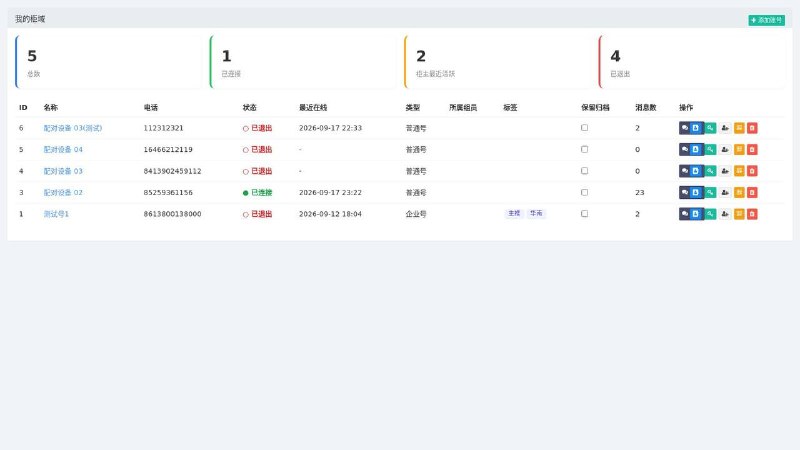
A: Yes. The backend supports multiple agent accounts; tickets are auto-assigned or can be manually routed, and each agent gets their own conversation panel.
Q: How do I troubleshoot failed automatic activation?
A: First check the callback logs to see whether requests are coming in. If not, it’s a network or certificate issue. If requests arrive but activation doesn’t happen, it’s usually a signature verification failure or a mismatch in order status logic — double-check the verification key.
Q: Can it integrate with my own business system?
A: Yes. The system exposes API endpoints, and both ticket data and user data can be pulled or pushed through them, so integration isn’t hard.
Q: Will it crash under heavy message volume?
A: Redis rate limiting and a message queue buffer are built in — in my testing, dozens of messages per second were fine. For larger volumes, add more machines and scale horizontally.
Disclaimer: This system is for technical education and lawful business use only. Deployment and usage must comply with applicable laws, regulations, and platform rules, and must not be used for any unlawful purposes.
Disclaimer: This article is for technical education and demonstration only. It is not professional or financial advice. Any real-world deployment must comply with applicable laws and regulations.
#Telegram Bot #Smart Customer Service #Ticket System #Source Code Deployment #Java Development
-
 Alipay QR Code Scan
-
 WeChat Scan Pay