Overseas Game Demo Platform Build Log: uniapp Frontend + FastAdmin Backend Deployment Notes
Overseas Game Demo Platform Build Log: uniapp Frontend + FastAdmin Backend Deployment Notes
Disclaimer: This article is for technical education and demonstration only. It is not professional or financial advice. Any real-world deployment must comply with applicable laws and regulations.
I recently helped a client deploy an overseas game demo system targeting the Brazilian market. The frontend was built with uniapp, the backend used PHP’s FastAdmin framework, and the API integration was with NG. It took me a bit over two days, so I’m writing down the whole process and the pitfalls I hit, to save some time for anyone looking into this later.
First, the takeaway: the architecture is pretty clean. One uniapp codebase compiles to both H5 and App, and the backend FastAdmin is a secondary development on ThinkPHP with a very complete admin panel. If you have a PHP background, the learning curve isn’t steep.
Hands-On Testing: What This System Can Actually Do
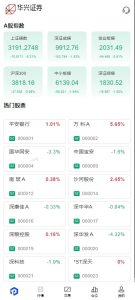
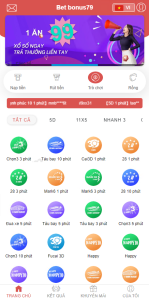
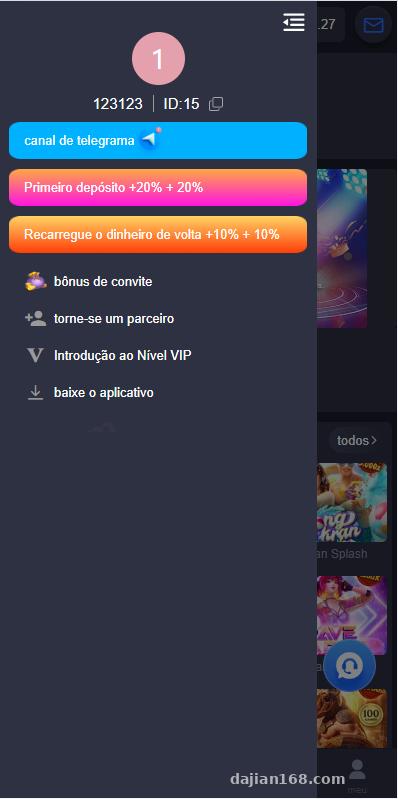
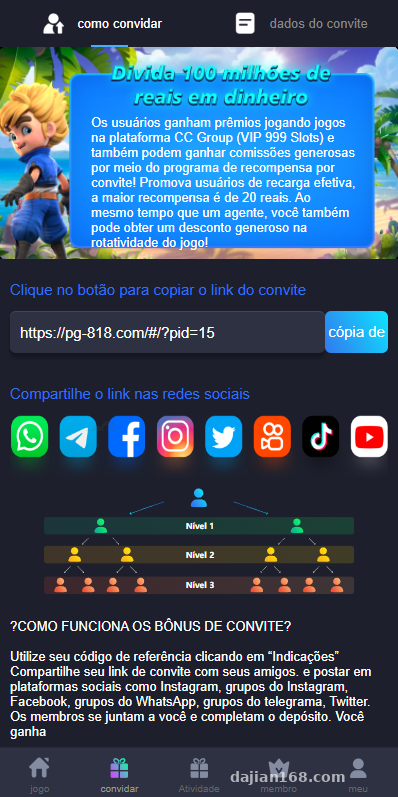
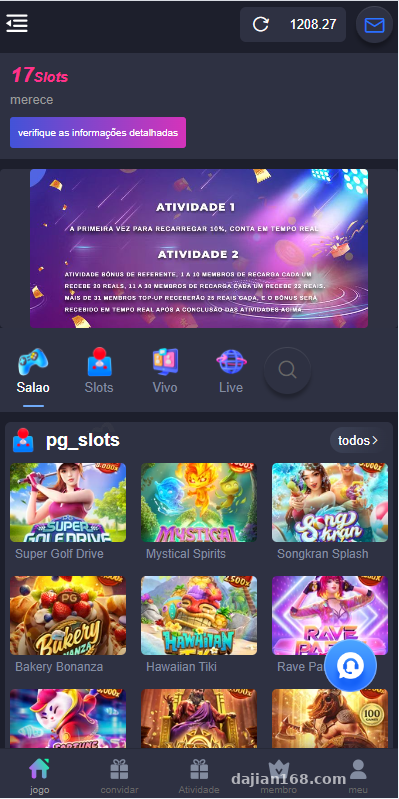
Once I got the source code, the first thing I did was get the frontend running. The uniapp interface is designed mainly for mobile, and page load speed is decent. Game lists, categories, and detail pages all follow standard structure, data is pulled entirely through APIs, and there’s basically no hard-coded logic in the frontend.
The Admin Panel
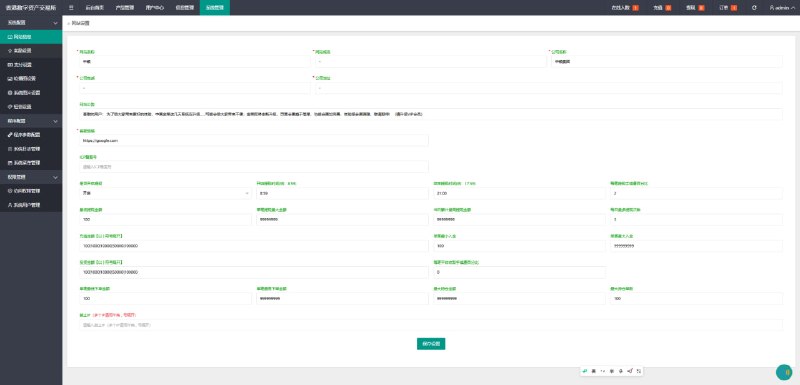
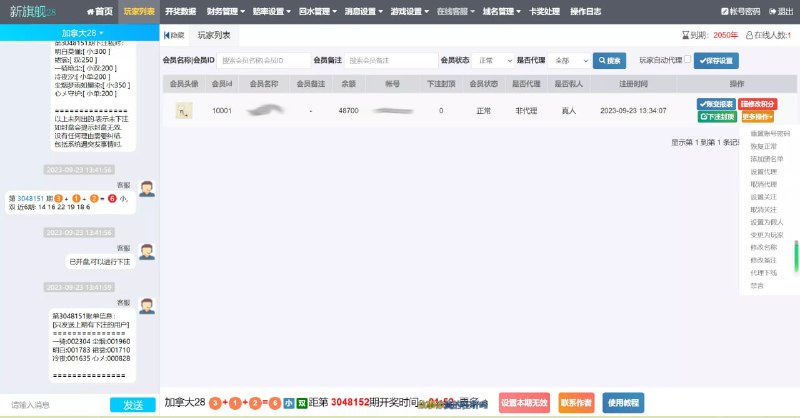
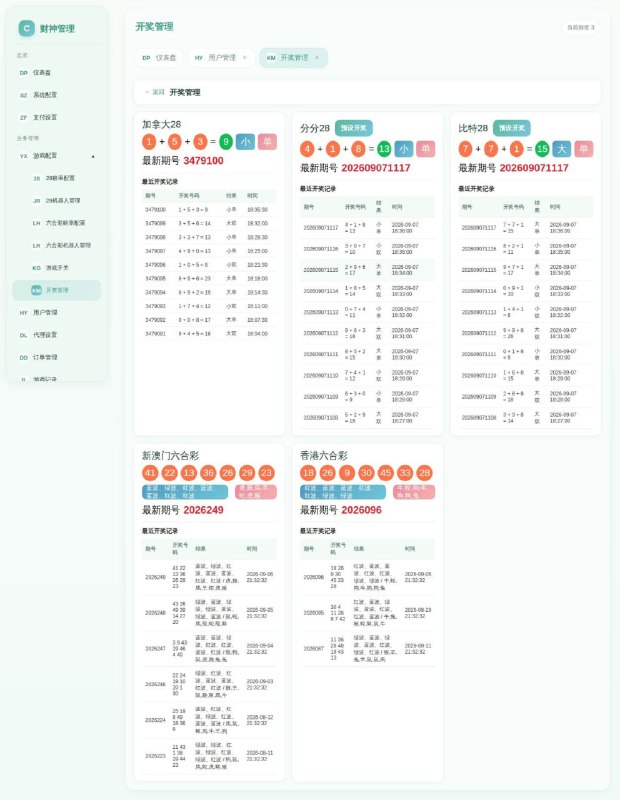
FastAdmin’s backend really saves time — it has modules for game management, user management, transaction records, and an agent system. I focused on testing a few things:
First, game publishing and unpublishing: one click in the backend takes effect on the frontend immediately, since the API reads the database in real time. Second, the user balance system: it supports recharge records and spending detail queries, and Excel export works fine too. Third, permission groups: I set up a read-only account for an operations colleague, and the menu permission checkboxes are quite granular.
Multi-Language Support
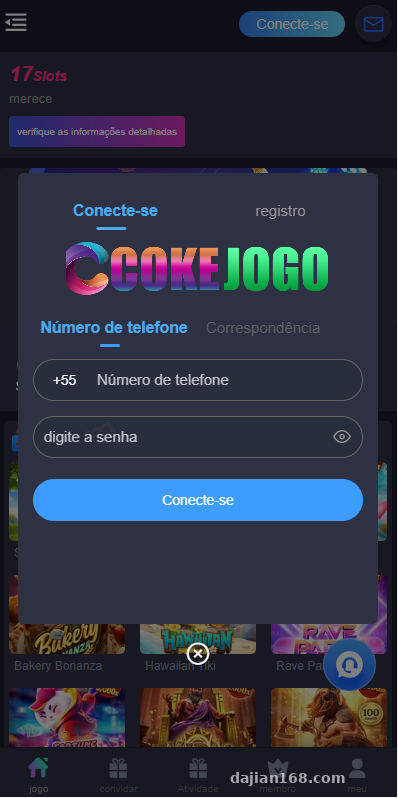
Since this targets Brazil, Portuguese is a must. The frontend language pack is a JSON file, so swapping it isn’t hard. I also changed the default timezone to Brasília (America/Sao_Paulo) while I was at it — otherwise the backend data wouldn’t line up, which is a small trap.
Deployment Essentials: Environment Setup and API Integration
For the environment I used LNMP — PHP 7.4 + MySQL 5.7, with nginx rewrite rules configured per ThinkPHP’s conventions. One heads-up here: don’t go with PHP 8.x. Older FastAdmin versions have mediocre PHP 8 compatibility and will throw a pile of deprecation warnings.
NG API Integration
Integrating with NG is the core of this system. The integration docs include a signing scheme — an MD5 + timestamp combination. Watch out for timezone issues: if the server time differs from NG’s side by even a minute, signature verification fails. I got stuck for half an hour in the test environment before realizing NTP wasn’t synced; installing chrony fixed it.
Remember to configure the callback URL in the backend, and add the whitelist IPs too, otherwise data won’t get pushed through. During testing, I’d suggest enabling logs first and recording all request payloads — it makes troubleshooting much easier.
Frontend Packaging
For uniapp, package with HBuilderX and update the appid and API domain in manifest.json. When deploying the H5 build to nginx, remember to configure try_files, or you’ll get 404s on refresh. For the App build, prepare the Android signing certificate in advance; iOS review is more of a hassle, so generally H5 and Android come first.
Pitfall alert: the API domain must use HTTPS — NG integration has requirements on the transport protocol and will reject plain HTTP outright. A free Let’s Encrypt certificate is enough; just remember to set up auto-renewal.
Suggestions for Secondary Development
The code structure is quite friendly to customization. On the frontend, uniapp’s page components are well divided, with api.js managing requests centrally; on the backend, FastAdmin has a standard CRUD generator, so adding your own modules is quick. I added a data dashboard for the client — using echarts to plot daily active users and transaction trends — and it took about half a day.
If you want to change the UI, I’d suggest only touching the style layer and not restructuring components, otherwise future upgrades won’t line up. As for the payment interface, the source code reserves a standard payment gateway integration layer; whether you connect a third-party convenient payment service or a local payment channel, it’s just a matter of filling in parameters per the docs. Get the callback working in the test environment before switching to production.
Who Is This For
Honestly, this setup suits a few types of people: technical teams building overseas products that need to quickly stand up a demo or operations platform; freelancing site owners whose clients demand fast delivery — FastAdmin’s ready-made backend saves a lot of billable hours; and developers who want to learn the uniapp + FastAdmin combo and could use this as a hands-on practice project.
If you’re a complete beginner with no PHP background and have never touched uniapp, I’d suggest brushing up on ThinkPHP basics first — jumping straight in will be painful.
FAQ
Q: What server specs are needed?
A: Start with 2 cores and 4GB RAM, with 3Mbps bandwidth or more. Once user volume grows, I’d recommend splitting the database onto its own server. For daily concurrency in the low hundreds, this configuration is completely sufficient.
Q: Can the frontend be turned into a mini program?
A: uniapp supports it natively — in theory, just compiling it produces a mini program version. But for overseas scenarios, mini programs don’t matter much; H5 + App is the mainstream. Think about how your target users will access it before making the change.
Q: NG API signature verification keeps failing — what do I do?
A: Ninety percent of the time it’s a timestamp or timezone issue. First sync the server clock, then check whether the signature parameters are sorted as the docs require — casing and whitespace both have to match. Dump the request logs and compare field by field; you’ll locate the problem quickly.
Q: Can’t log into the backend after deployment?
A: Check the session driver configuration and the domain binding. FastAdmin does some domain validation; during local testing, change the bound domain to localhost or whatever domain you’re actually using.
One final reminder: this system is for technical learning and legitimate business deployment only. Please comply with applicable laws and regulations when using it, and never use it for any illegal purposes. If you run into deployment issues, feel free to reach out — I reply to everything I see.
Disclaimer: This article is for technical education and demonstration only. It is not professional or financial advice. Any real-world deployment must comply with applicable laws and regulations.
#Source Code Deployment #uniapp #FastAdmin #API Integration #Deployment Notes
-
 Alipay QR Code Scan
-
 WeChat Scan Pay