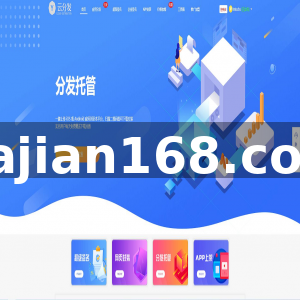
Digital Asset Demo System Build Log: Hashrate Node Tuning and Admin Backend Deployment Notes
Digital Asset Demo System Build Log: Hashrate Node Tuning and Admin Backend Deployment Notes
Disclaimer: This article is for technical education and demonstration only. It is not professional or financial advice. Any real-world deployment must comply with applicable laws and regulations.
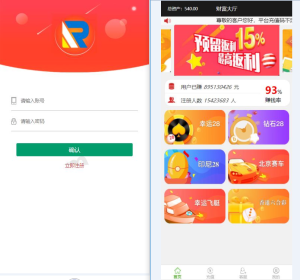
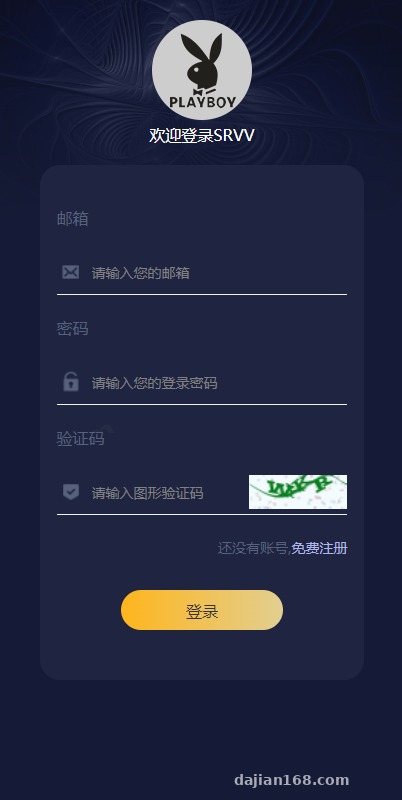
Recently I helped a client set up a demo admin backend for digital asset growth and hashrate node management. From unpacking the source code to accessing the admin panel, it took about two hours. The front end uses Vue plus mobile H5, the backend runs PHP 7.4/MySQL 5.7, and the admin console has fairly granular permissions. The client mainly wanted it for internal technical demos, so this post documents the key points I hit during deployment and feature debugging, as a memo for future secondary development.
Feature Testing: Which Parameters Can the Admin Backend Adjust?
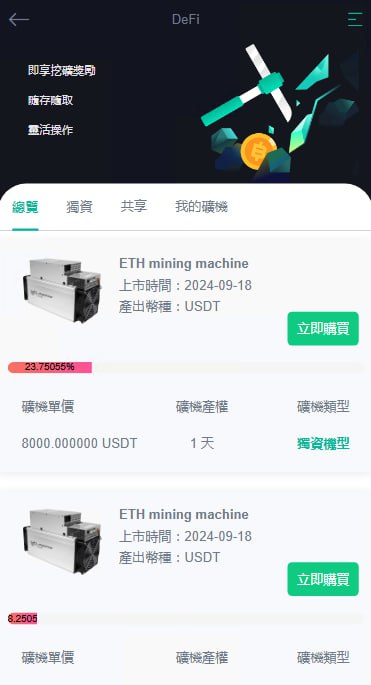
Hashrate Nodes and Yield Coefficients
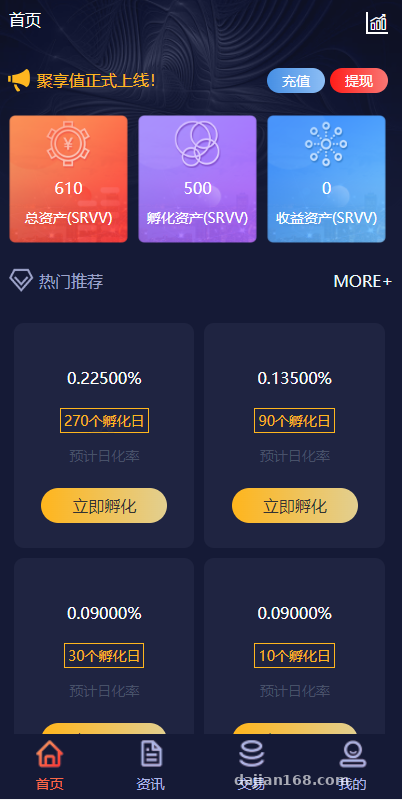
In the admin “Node Management” section, you can directly edit each hashrate node’s output coefficient, unlock cycle, and minimum/maximum holding amount. During testing, I changed the default coefficient from 1.0 to 1.2. After refreshing the front-end page, the yield numbers updated accordingly, showing that calculations read the config table in real time. Note: these parameters are for demo purposes only. Before any production launch, stress-test calculation accuracy under concurrency, especially floating-point accumulation.
Payment Gateway and Order Callbacks
The system supports Alipay and WeChat H5 payments plus third-party aggregate callbacks. The configuration path is admin → Payment Gateway → Merchant Parameters, where you fill in the merchant ID, secret key, and async callback URL. I hit a small pitfall: if the callback URL contained index.php, some gateways would issue a 301 redirect that stripped the signature. Switching to a clean directory path or hiding index.php fixed the callbacks. I also recommend writing callback logs to a dedicated pay_log table to make signature verification failures easier to trace.
Multi-language and Front-end Adaptation
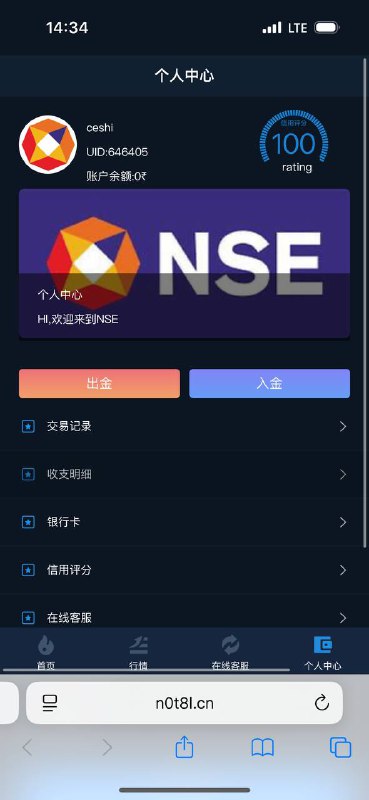
Language packs sit under /public/lang/, with Chinese and English by default; you can add Japanese or Korean yourself. The front end reads them via i18n, but the admin language is independent, so after modifying it you need to clear the lang cache in runtime/cache. On mobile H5, iOS has a small issue: the bottom navigation gets covered by the safe area. Just add viewport-fit=cover to the viewport meta tag and adjust padding-bottom.
Deployment Essentials: From Environment to Go-live
Environment Preparation
My environment was Nginx 1.22 + PHP 7.4 + MySQL 5.7. PHP needs the fileinfo, openssl, and mbstring extensions enabled. The source ships .env.example; copy it to .env and fill in database credentials, JWT secret, and SMS channel parameters. Redis is optional if only used for caching, but I recommend enabling it for the payment callback queue. Otherwise, order status updates can lag under high concurrency.
Rewrite Rules and Directory Permissions
In the Nginx config, set public as the document root; the source already provides an nginx.conf example for rewrite rules. Note: application directories, runtime, and upload should be set to 755; never use 777 on Linux. Also, if PHP’s open_basedir is too strict, image uploads may throw path errors. Disable it or add a whitelist during deployment.
Admin Initial Configuration
After installation, the default super-admin account is admin/123456, and the first login forces a password change. Then fill in system parameters, node packages, and payment channels before generating the API document address the front end needs. I usually separate the admin domain from the front-end domain, putting the admin on an independent subdomain with an IP whitelist to reduce scanning risks.
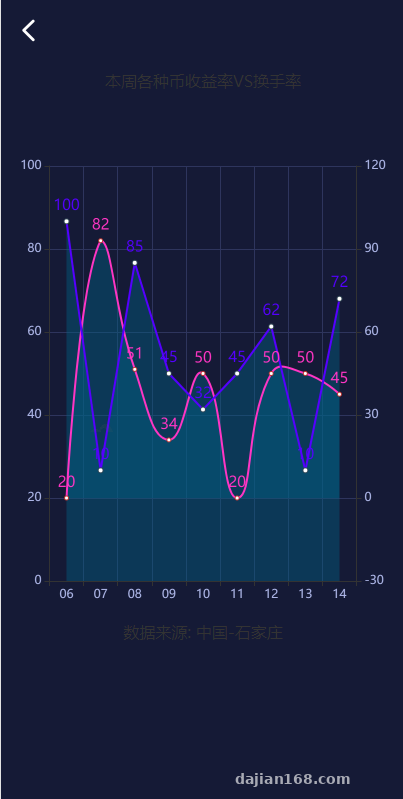
Highlight: the most useful part of this source code isn’t the flashy front end. It’s that the admin panel makes nodes, orders, finance, and language packs configurable. For secondary development, you only need to modify API logic and database fields without touching the front end.
Who It’s For and Secondary Development Tips
If you’re building digital asset demos, market simulation tutorials, or hashrate management prototypes, this system can save a lot of groundwork. For secondary development, I recommend locking down two areas first: extract the yield calculation logic into an independent service, so you can later plug in market data simulations; and make the user wallet fields multi-currency extensible rather than hard-coding them in the user table. If you want to wrap the front end as an app, just package the H5 in a WebView; the API already has token authentication.
FAQ
Q: After installation, the homepage is blank but the admin can log in. What’s the cause?
A: Most likely the front-end API address is misconfigured. Check APP_URL in .env and base_url in the front-end config. Also, Nginx’s try_files should point to /index.html or /index.php; otherwise routes will return 404.
Q: The payment callback succeeded, but the user’s balance didn’t change?
A: First check whether the pay_log table received the callback record. If there is a record but the balance wasn’t added, the business logic threw an exception. A common cause is floating-point precision making a comparison fail. Enable callback logs and trace by order number.
Q: After switching languages, some text is still in Chinese?
A: The admin language cache and front-end language packs are separate systems. To change admin language, go to admin → System Settings → Language Management and clear the cache. For the front end, check the lang key stored in browser localStorage, and force a refresh with a version number if needed.
Q: How do I change node yield settlement to hourly?
A: Set the settlement cycle in admin node management. However, the backend only changes the configuration. The actual scheduled task needs a server cron job; I recommend using supervisor to manage it so manual execution doesn’t get missed.
Overall, this digital asset demo system has a fairly clear source structure and moderate deployment difficulty. The key is to nail down the environment, rewrite rules, and payment callbacks. This article is for technical education only; any live deployment should follow applicable laws and platform policies.
Disclaimer: This article is for technical education and demonstration only. It is not professional or financial advice. Any real-world deployment must comply with applicable laws and regulations.
#digital asset demo #hashrate node #admin backend deployment #payment gateway #Vue H5 system
-
 Alipay QR Code Scan
-
 WeChat Scan Pay