Payment Security Verification Demo System Setup: Login Risk Control & 2FA Deployment Guide
Payment Security Verification Demo System Setup: Login Risk Control & 2FA Deployment Guide
Disclaimer: This article is for technical education and demonstration only. It is not professional or financial advice. Any real-world deployment must comply with applicable laws and regulations.
Last week I helped a friend who runs fintech training courses deploy a demo system. The requirement was straightforward: show students the login verification flow of an overseas banking app — what happens when the password is wrong, how the verification code gets sent out, the two-factor redirect, that whole sequence. The source code was custom-built overseas and written in PHP. Frontend and backend separation isn’t total, but the structure is reasonably clean. From unzipping the package to a working install took the better part of a day, with a few potholes along the way. I’m writing the process down here so anyone deploying a similar system later can save some time.
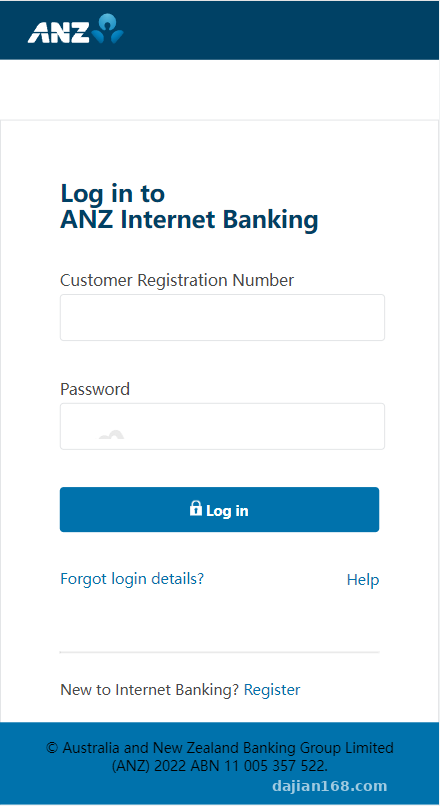
Hands-On Test: How the Login Chain Actually Works
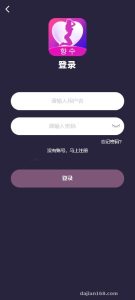
Simulating Error States
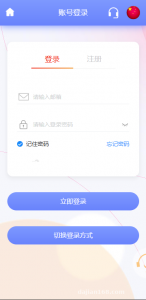
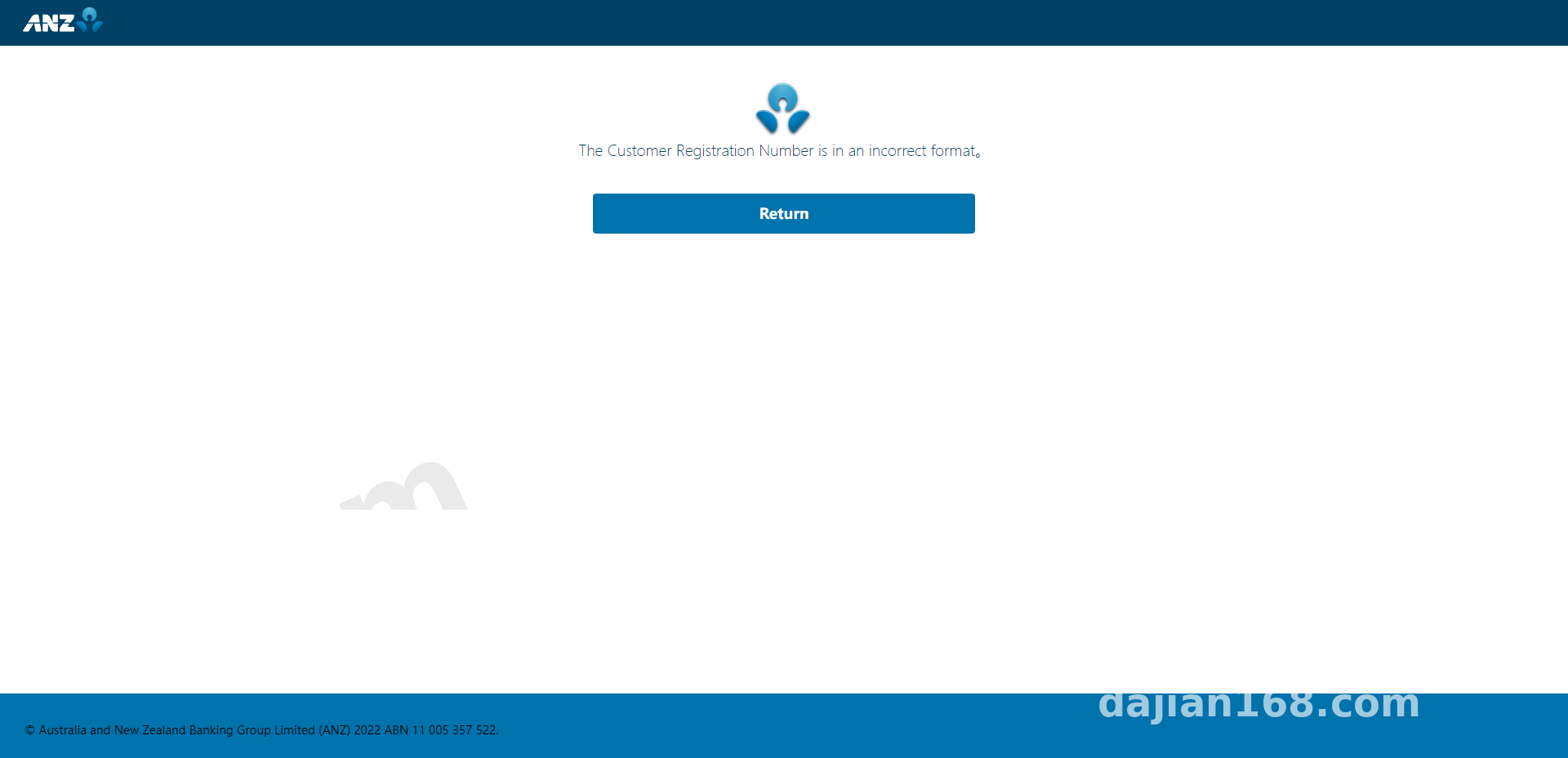
The front-end login page returns three states: account not found, wrong password, and account temporarily restricted. During testing I deliberately entered a wrong password five times; the sixth attempt threw up the restriction notice, which tells me the backend keeps a counter. The default threshold is 5 attempts with a 300-second cooldown, and both values can be changed in the config file. That design works well for teaching demos — you can walk through the entire risk-trigger sequence in one pass.
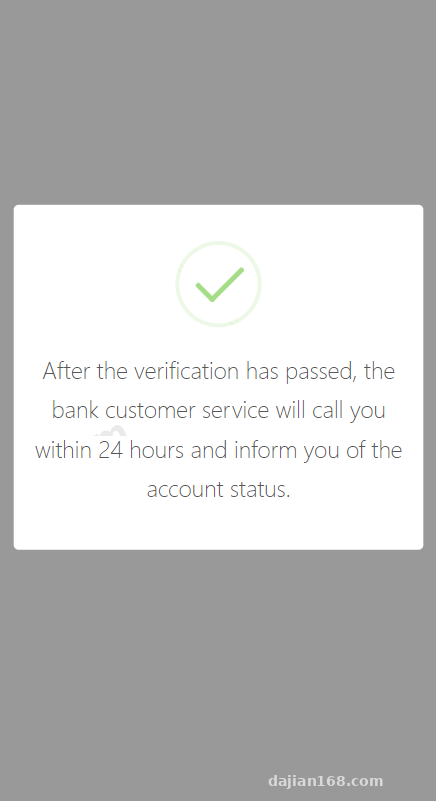
Verification Codes and Two-Factor Auth
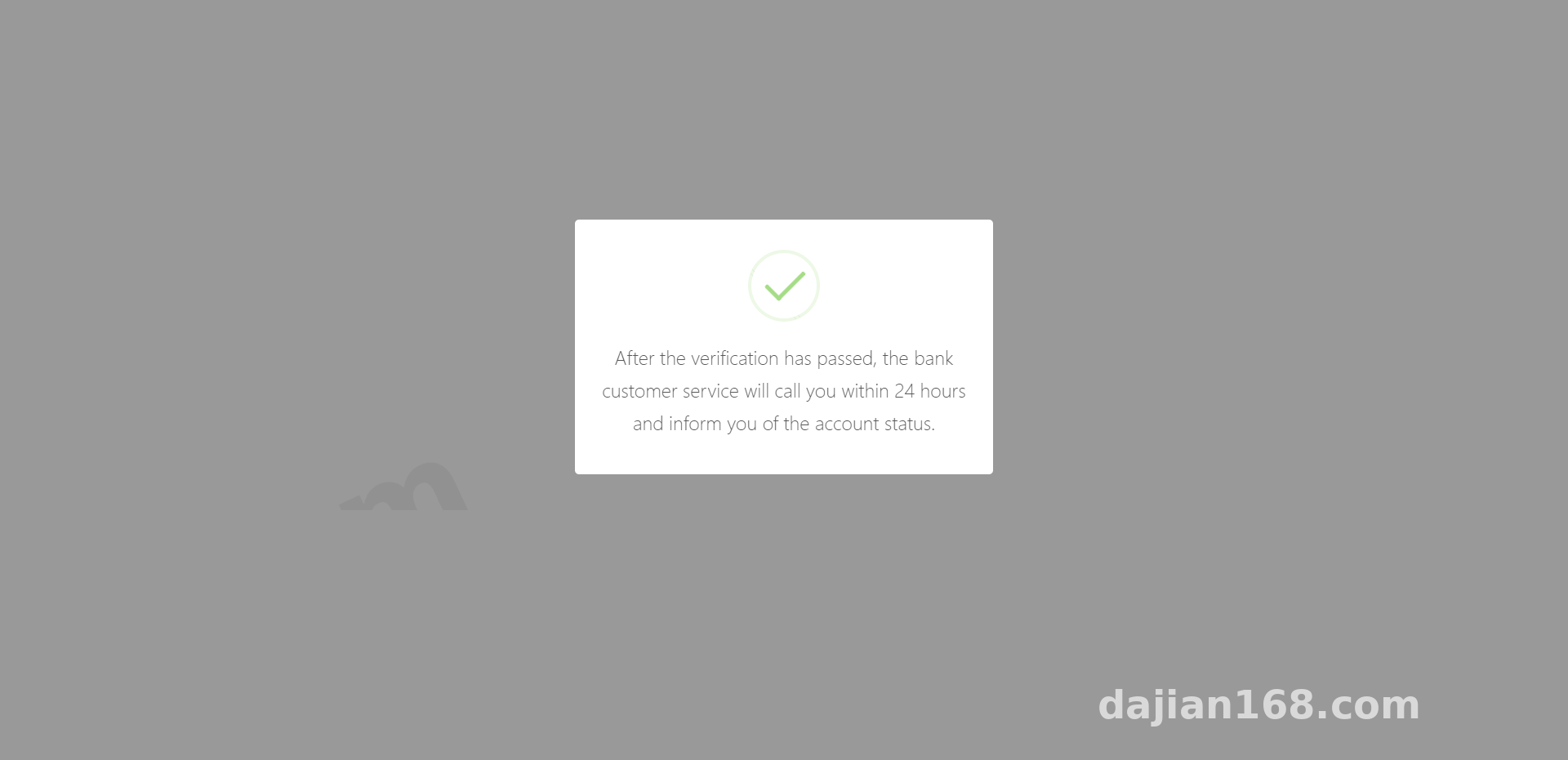
The verification code is six digits, with a 60-second countdown and a greyed-out button on the front end. Storage on the backend goes through a cache layer; looking at the code, it defaults to file caching. Once volume picks up you’ll want Redis, otherwise the codes start mismatching as soon as concurrency rises. The second-factor step is its own page: you enter the code, then get redirected once more to confirm. A session check runs in between, so refreshing the page doesn’t lose your state.
Admin Control Panel
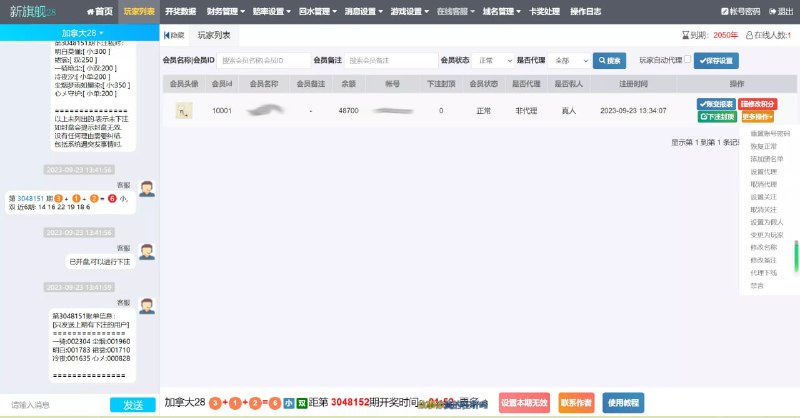
The admin panel exposes more settings than I expected: login page copy, verification code toggle, two-factor toggle, failed-attempt threshold, redirect delay, plus a sharing module that generates demo links you can hand out to students. The log page records the time, IP, and status code of every login attempt, which makes troubleshooting a lot easier.
Deployment Notes: Where Things Usually Go Wrong
Environment and Directories
It runs on PHP 7.4 + MySQL 5.7, with Nginx up front. Before installing, check the rewrite rules first — this system uses rewritten routing, so if you just drop it in without configuring them you’ll get 404s everywhere. I took the lazy route at first and used the default config: the login page loaded fine but every submit endpoint failed. Twenty minutes of digging later, I found the missing rewrite rule. Set the root directory to 755; runtime and upload directories need 777. Don’t cut corners by chmod-ing the whole site to 777 — you’ll have a hard time tracing issues later.
Verification Codes and Caching
Let me expand on the caching issue from earlier. File cache writes to the runtime directory by default, and that directory balloons once volume picks up. I switched the cache driver to Redis, set the host and port, and raised code validity from the default 120 seconds to 180 so slower students aren’t constantly resending. Clear the cache after the change, or you’ll still be reading the old config.
Tip: after deploying, run the full chain once — wrong password → trigger restriction → wait out the cooldown → correct login → verification code → second factor. Walk through all five stages before handing it over and you’ll avoid about 80% of the rework.
Multi-Language Support and Custom Development
Language packs live in a separate lang directory with three sets: English, Chinese, and Vietnamese. Adding a new language means copying one, editing the key-value pairs, then registering it in the admin language list. The extension hooks are reasonably well organized: login validation, code dispatch, and second-factor checks all leave hook functions behind. Want to wire in your own SMS gateway or swap in an image captcha? Edit the corresponding service file — the core logic stays untouched.
Who This Is Actually For
Three groups, mainly. First, people running security training who need a sandbox that demonstrates the full verification chain. Second, front-end developers looking for practice — the UI structure is clean, and recoloring or relaying it out is painless. Third, backend beginners studying session management and caching strategy; the codebase is small enough to actually read through. It is not meant to run in production as-is. The gap between a demo system and a real business setup is not small, especially around encryption and auditing — you’ll have to fill those in yourself.
FAQ
Q: After deploying, the login page opens but clicking login does nothing. What now?
A: Nine times out of ten the rewrite rules aren’t configured. Check whether the Nginx rewrite rule points to index.php, and look in the browser console to see if the API is returning 404. Checking both at once gets you there faster.
Q: The verification code keeps coming back as wrong even though I typed it correctly.
A: Start with the cache driver. If file cache lacks write permission, the code never gets stored at all. Chmod the runtime directory to 777 and try once — if it goes through, that’s your cause. The long-term fix is still Redis.
Q: Where do I change the failed-attempt threshold and cooldown time?
A: The admin system settings have fields for both; saving writes them into the config table. If the admin change doesn’t take effect, find the auth-related config file in the config directory and edit it directly, then clear the cache and restart PHP.
Q: Can I connect my own SMS gateway?
A: Yes. Find the service file that sends codes and replace the third-party API call with your own. Keep the parameter structure the same and return values in the original format — the front end needs no changes.
One last note: this system is for technical demos and teaching only. Deploy and use it in compliance with applicable laws and regulations, and do not use it for any unlawful purpose. Wipe the demo data clean before going live, and don’t load real user information into it.
Disclaimer: This article is for technical education and demonstration only. It is not professional or financial advice. Any real-world deployment must comply with applicable laws and regulations.
#payment security demo #system deployment #two-factor authentication #PHP development #deployment log
-
 Alipay QR Code Scan
-
 WeChat Scan Pay