Building a PHP Service Aggregation Platform: Channel Tracking and PV/UV Analytics Deployment Guide
Building a PHP Service Aggregation Platform: Channel Tracking and PV/UV Analytics Deployment Guide
Disclaimer: This article is for technical education and demonstration only. It is not professional or financial advice. Any real-world deployment must comply with applicable laws and regulations.
A friend in business consulting recently asked me to help deploy a service information aggregation platform—essentially a directory system for enterprise services. His requirements were straightforward: display compliant corporate services and consulting products in one place so users can compare and apply, while giving administrators accurate traffic analytics for different marketing channels. I spent a good part of the day getting the source code up and running. The UI is clean and modern, and the feature set is solid. Here are my notes on the build process and the core technical components, which should be helpful if you are developing a similar directory or aggregation project.
1. Core Features and Architecture Breakdown
After unpacking the archive, I checked the directory structure first. It uses a classic PHP + MySQL stack built on the ThinkPHP framework. None of the code is obfuscated or encrypted, which is great news if you plan to customize the frontend or build new modules down the road.
1. Responsive H5 UI and Product Directory
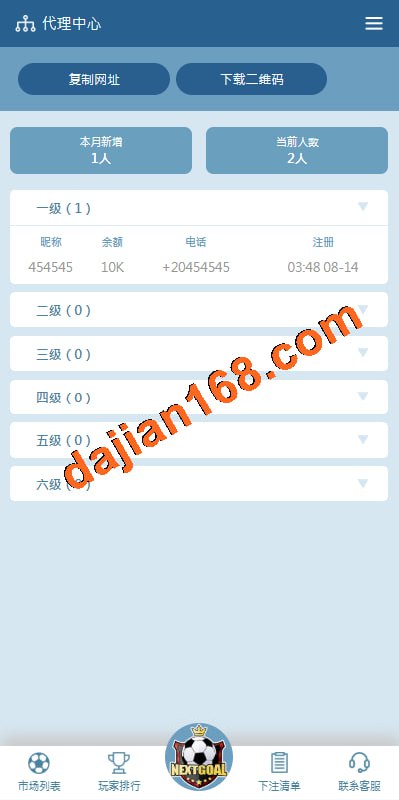
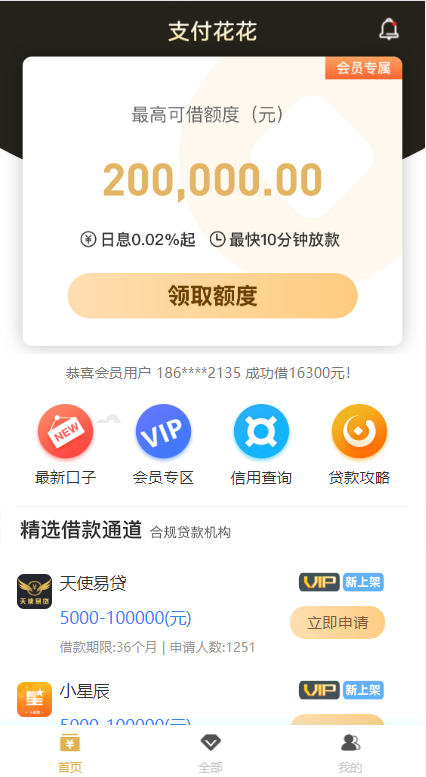
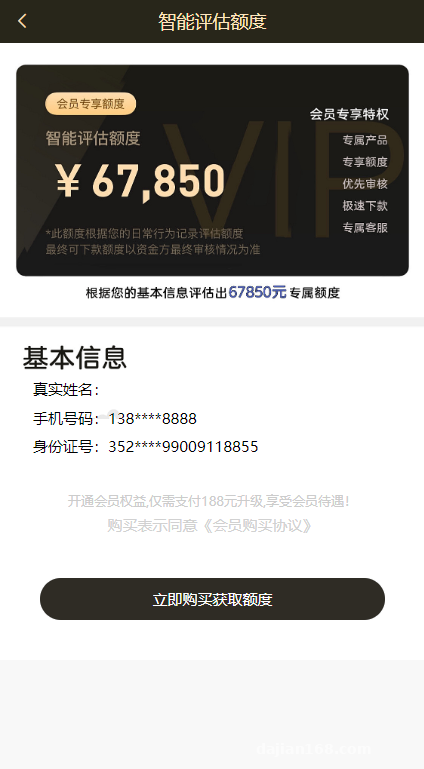
The frontend is a responsive H5 web app that runs smoothly in mobile browsers and can easily be wrapped into a native app. The homepage features a top banner carousel, a category icon grid in the middle, and the consulting service listings below. For each item card, you can customize tags, parameter ranges, application requirements, and external redirect URLs. The admin panel supports one-click publishing and custom sorting weights, making day-to-day operations very simple.
2. Channel Tracking and Traffic Filtering
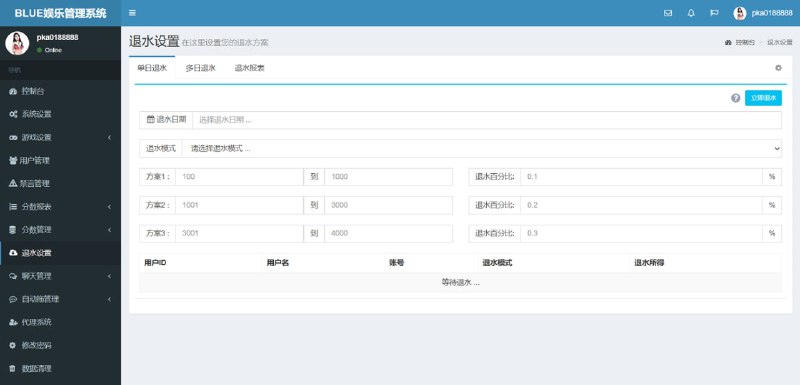
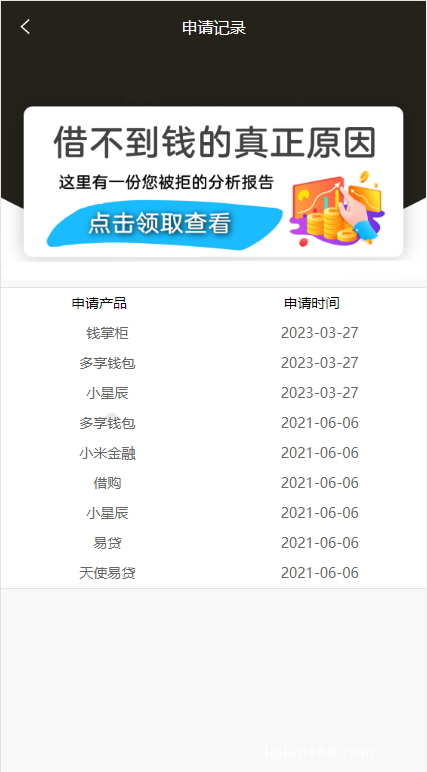
The real value of this system lies in its channel management module. From the backend, you can generate unlimited tracking links, assigning each partner channel an independent sub-account and a dedicated short URL. Built-in PV (Page Views) and UV (Unique Visitors) tracking scripts monitor everything down to the registration conversion rate for each individual channel.
Pro Tip: The admin panel includes a flexible data calibration (ratio conversion) feature. Administrators can configure display rules per channel based on actual invalid traffic ratios, which is very practical for teams running CPA or CPS traffic distribution campaigns.
3. SMS Verification and Payment Gateways
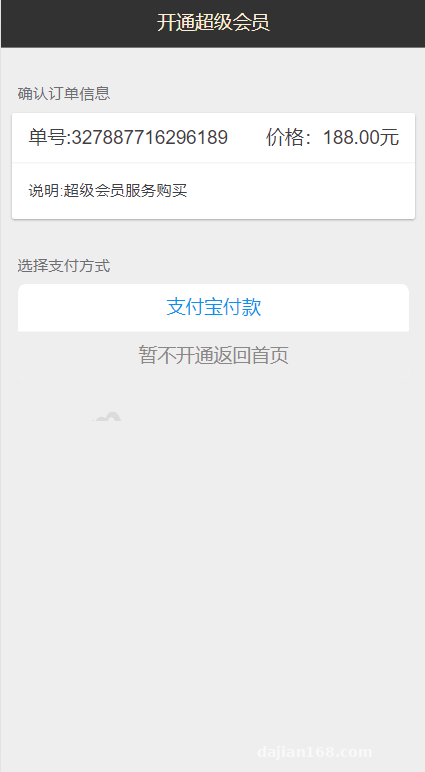
To prevent bot registrations and API abuse, the sign-up flow integrates both graphical captchas and SMS verification. The source code comes pre-configured for mainstream SMS providers like Alibaba Cloud SMS and SMSBao—you just drop in your AppKey and signature in the backend to start sending codes. As for payments, which are mainly used for VIP memberships or unlocking premium consulting reports, the system has built-in hooks for standard payment gateways, WeChat Pay, and Alipay Face-to-Face. Updating your merchant ID and secret key completes the loop.
2. Server Environment Setup and Troubleshooting
Even though this is a standard PHP application, a few configuration details can trip you up during deployment, leading to 500 errors or broken analytics.
1. Recommended Server Specs
I used a Linux control panel (aaPanel/BT Panel) for this deployment. Sticking to the following stack will save you a lot of headaches:
- OS: CentOS 7.9 64-bit
- Web Server: Nginx 1.20
- Database: MySQL 5.6 or 5.7 (Avoid MySQL 8.0, as some legacy SQL queries will fail)
- PHP Version: PHP 7.2 (Make sure to install the
redis,sg11, orfileinfoextensions depending on what the environment check prompts)
2. URL Rewriting and Public Directory
After uploading and extracting the source code, go straight to your site settings, set the running directory to /public, and uncheck the anti-XSS (open_basedir) option. Next, set up URL rewriting by selecting the built-in thinkphp template. If the captcha image on the admin login page fails to load after setup, it is almost certainly a permissions issue on the runtime directory—setting it to 755 or 777 fixes it right away.
3. Database Config and Admin Access
Locate the .env or config/database.php file in the root directory, enter your database name, username, and password, and import the provided SQL file. Once imported, navigate to yourdomain.com/admin to log in. The very first thing you should do inside the dashboard is go to “System Settings” and update both the main site domain and the promotional domain to your own URLs. Otherwise, any QR codes generated for your channels will still point to the old demo address.
3. Use Cases and Customization Tips
Overall, this codebase is lightweight, clean, and well-suited for commercial directory projects. It works great for teams building business consulting directories, enterprise service portals, or general product comparison sites. If you know your way around HTML and CSS, you can easily repurpose the “product” listings into a franchise directory, a software download portal, or a task distribution hub—the underlying UV tracking and channel settlement logic works the same regardless of the niche.
If you plan to scale, I strongly recommend setting up Redis caching on your server to cache the high-traffic product listing pages. Promotional campaigns often bring sudden spikes in concurrent users, and hitting MySQL directly on every page load can easily bottleneck your database.
Frequently Asked Questions
Q: Why do generated channel links sometimes get flagged when opened inside social apps like WeChat?
A: That is a common hurdle in traffic distribution. To minimize false positives, configure multi-domain rotation in the backend, use an established domain with a clean history as your main entry point, and keep your entry domains separate from your landing domains.
Q: Why do the backend PV/UV numbers differ slightly from third-party tools like Google Analytics or Baidu Tongji?
A: The built-in UV tracker relies on a combined check of the visitor’s IP address and browser cookies, while automatically filtering out known web crawlers. Also, if channel data calibration is enabled, channel partners will see the adjusted metrics in their sub-dashboards, whereas the raw, unfiltered numbers are only visible in the master admin panel.
Q: I configured the SMS API, but clicking “Send Code” on the frontend returns an error. What should I check?
A: Check the SMS logs in the backend first. If you are using Alibaba Cloud SMS, verify that your template code is approved and that your server’s system clock is synced properly. Also, check your firewall outbound rules for ports 80 and 443 to make sure cURL requests aren’t being blocked.
Disclaimer: The deployment process and source code analysis described in this article are for technical education and system demonstration purposes only. Please ensure all operations comply with local laws and regulations, and obtain all necessary industry permits before deploying any commercial service.
Disclaimer: This article is for technical education and demonstration only. It is not professional or financial advice. Any real-world deployment must comply with applicable laws and regulations.
#PHP Source Code #Channel Tracking System #Web Deployment #Traffic Analytics #ThinkPHP
-
 Alipay QR Code Scan
-
 WeChat Scan Pay