Building a Multi-language Short Video Social and Task Distribution System: Vue Frontend Customization Notes
Building a Multi-language Short Video Social and Task Distribution System: Vue Frontend Customization Notes
Disclaimer: This article is for technical education and demonstration only. It is not professional or financial advice. Any real-world deployment must comply with applicable laws and regulations.
Late last month, a friend running an overseas local lifestyle service reached out to me. He wanted to build an interactive short video platform featuring local social networking and creator task distribution. His team had previously purchased a few source code packages, but either the frontend code was encrypted—making UI changes impossible—or the multi-language setup was so rigid that switching languages broke the entire page layout. Fortunately, I had a freshly refactored version on hand. It features a pure Vue frontend architecture, a backend with complete scheduled result announcement and task scheduling scripts, and 100% unencrypted open-source code. After pulling two all-nighters to get their environment up and running, I decided to document the deployment and customization details as a reference for fellow developers with similar needs.

1. Core System Architecture and Feature Testing
Looking at the directory structure of the source package, this system adopts the mainstream decoupled frontend-backend architecture. Older versions usually hardcoded a single language directly into the templates. In this customized build, the focus was refactoring the frontend internationalization (vue-i18n), making it ideal for overseas local services or cross-regional content distribution.
1. Vue Frontend and Dynamic Multi-language Switching
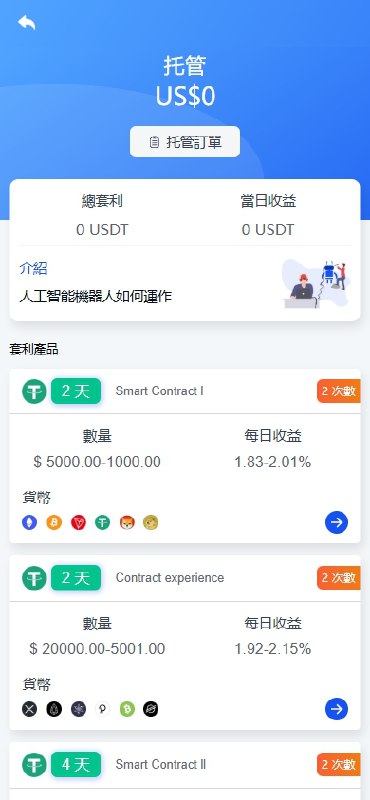
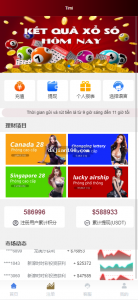
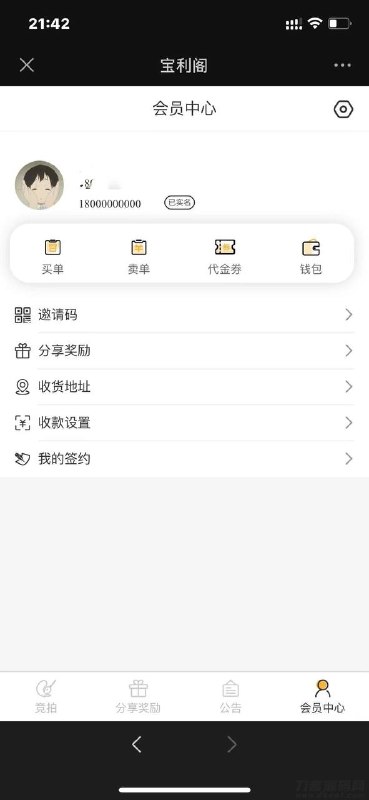
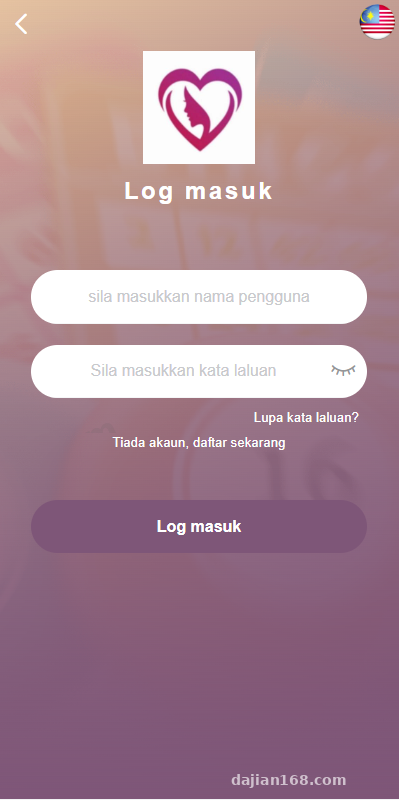
The frontend project is built on the Vue 2 ecosystem paired with the Vant UI component library, keeping the final bundle size well under control. Language packs are stored independently in the src/lang directory, pre-configured with Traditional Chinese, English, Vietnamese, and Thai. During testing, I noticed the multi-language support goes beyond static button text—even category tags and local event status prompts returned by backend APIs have multi-field mappings at the database level. When users switch languages in their profile center, the page renders in real time without a hard refresh, delivering a very smooth experience.
2. Local Task Distribution and Points Interaction Module
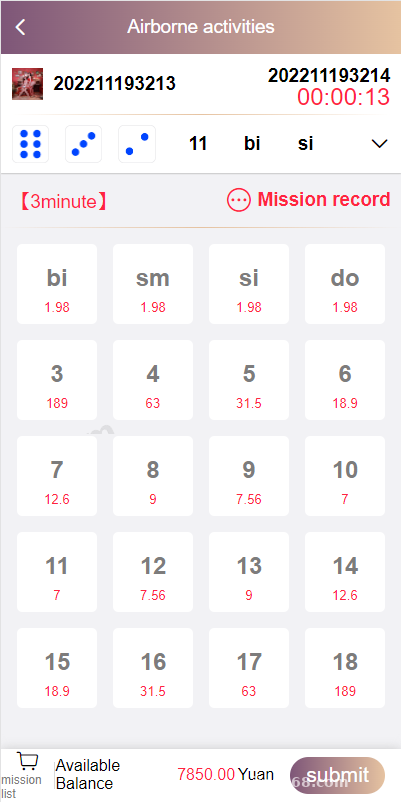
The core business logic of this codebase revolves around “social networking + local creator tasks.” Platform admins or onboarded merchants can publish store-visit tasks, short video check-ins, or topic interaction missions from the backend. The system includes a custom-built random reward simulation and points mystery box demo module. All event categories and trigger rules are generated by built-in system algorithms without relying on external third-party data APIs. The biggest advantage here is stability: the frontend result announcements will never freeze due to overdue external API bills or network fluctuations.
3. Backend Parameter Configuration and Preset Rules
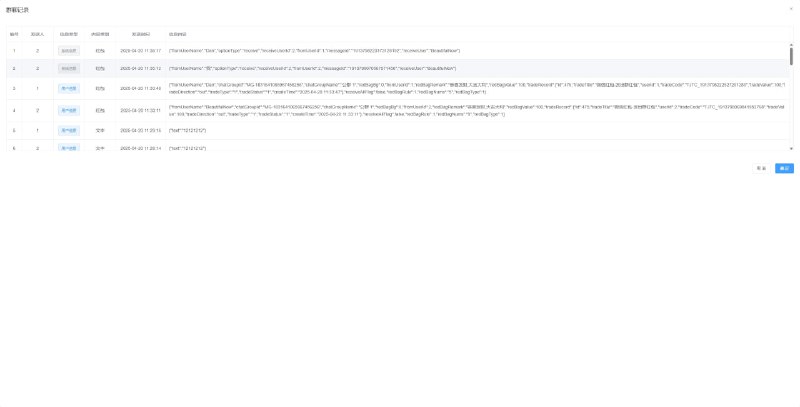
During the cold-start phase, operations teams often worry about low event participation or unbalanced points distribution. This system’s backend includes a granular weight configuration panel. Administrators can directly adjust the probability weights for specific local events or configure preset outcomes for designated test accounts. Every data flow and points transaction is recorded in detailed audit logs, allowing operators to review campaign performance at any time.
Developer Pro Tip: This codebase is completely open-source. The frontend includes the full, uncompiled
srcdirectory, and the backend PHP code has zero obfuscation or encryption. If you know your way around Vue component development, revamping the theme colors and homepage feed layout takes about two to three days of work.
2. Production Deployment Essentials and Script Configuration
Although the code structure is clean, getting it running smoothly in a production environment requires paying close attention to several environment parameters and daemon processes. Otherwise, you might run into awkward issues where task statuses fail to update.
1. Recommended Base Environment
For this deployment, I used a 2-core, 4GB lightweight cloud server running CentOS 7.9 with aaPanel (Baota Panel) installed for easier management. Here are the exact environment specs:
- Web Server: Nginx 1.20 (better memory efficiency under high concurrency compared to Apache)
- Backend Environment: PHP 7.3 (you must install the
redis,fileinfo, andsg11extensions, and remove disabled functions likeputenvandproc_open) - Database: MySQL 5.7 (make sure to remove
ONLY_FULL_GROUP_BYfromsql_mode, otherwise backend statistical reports will throw SQL syntax errors) - Frontend Compilation: Compiled locally using Node.js v14.18.0; simply upload the generated
distdirectory to the server.
2. URL Rewriting and CORS Handling
Because the frontend and backend are decoupled, I recommend binding the H5 frontend to a primary domain and the backend API to a subdomain, or simply setting up a reverse proxy using location /api in your Nginx configuration. Personally, I prefer the reverse proxy approach since it saves the hassle of configuring CORS headers. For the ThinkPHP backend rewrite rules, just select the built-in thinkphp template in aaPanel. If your frontend router uses History mode, remember to add try_files $uri $uri/ /index.html; to prevent 404 errors on page refresh.
3. Scheduled Task Settlement Script Configuration (Critical Pitfall)
The source package includes a standalone script for result announcements and task settlement. Many beginners deploy the app and notice that after a local interaction task countdown ends, its status stays stuck on “Calculating.” In 99% of cases, this happens because the settlement script isn’t running. You need to add a Shell script in aaPanel’s “Cron” manager set to run every minute, or use Supervisor to keep the command persistent in memory: php think task:settle. With Supervisor running, settlement happens within seconds, and the frontend polling API experiences virtually zero delay.
3. Secondary Development Ideas and Use Cases
Based on my freelance project experience over the past few years, this architecture is a great fit for overseas local community platforms, short video creator task distribution, or local club event booking systems. Having ready-to-use Vue code on the frontend keeps customization costs very low. For instance, while customizing it for my client, I replaced the standard image-and-text task list with a vertically swipeable short video feed using the open-source xgplayer, and integrated Stripe alongside local e-wallet payment gateways. The entire setup has been running rock-solid.
Disclaimer: The source code deployment and technical configurations documented in this article are strictly for technical education, software development research, and e-commerce system architecture demonstrations. Users must comply with local laws and regulations.
Frequently Asked Questions
Q: What should I do if node-sass fails to install while compiling the Vue frontend?
A: This is a classic environment compatibility issue. Avoid using overly new Node versions. I recommend using nvm to switch to Node 14.x and configuring a fast npm mirror, or simply replacing node-sass with sass (dart-sass) in your package.json, then running npm install again for a smooth build.
Q: I updated the multi-language dictionary in the backend, so why didn’t the frontend page update immediately?
A: To reduce database load, the system caches the multi-language configuration packs in Redis and the browser’s LocalStorage. After editing entries in the backend, click “Clear System Cache” in the top right corner of the admin panel, then have frontend users log out and log back in (or clear their browser cache) to fetch the updated language pack.
Q: How do I fix the scheduled settlement script if it stops running automatically after a while?
A: If you are running it via aaPanel Cron jobs, check whether the PHP CLI version matches the PHP 7.3 version configured for your website. The most reliable approach is to install the “Supervisor” plugin in aaPanel and add the settlement command there. Even if the process exits unexpectedly due to a database connection timeout, the daemon will automatically restart it within one second.
Disclaimer: This article is for technical education and demonstration only. It is not professional or financial advice. Any real-world deployment must comply with applicable laws and regulations.
#Vue Source Code #Multi-language System #Local Social Platform #Secondary Development #Deployment Guide
-
 Alipay QR Code Scan
-
 WeChat Scan Pay

![? The repair and optimization process for the [Meisheng] program’s point-theft BUG. Date: 2026.7.25](https://dajian168.com/wp-content/uploads/2026/07/telegram-img-2026-07-25-6a650358579c2.jpg)