Facebook Built-in Login-Free Ad Delivery System | JAVA Backend + VUE Frontend Full Open Source Solution
Facebook Built-in Login-Free Ad Delivery System | JAVA Backend + VUE Frontend Full Open Source Solution
Honestly, the first time I got my hands on this system source code, I spent a good half night figuring out the overall architecture. This thing is completely different from those flashy template projects on the market — the Facebook account auto-recognition combined with the login-free experience, these two features genuinely impressed me. I have decided to share the complete deployment process and core functionalities breakdown for everyone who needs a reference.

1. System Architecture and Core Features
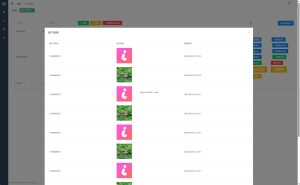
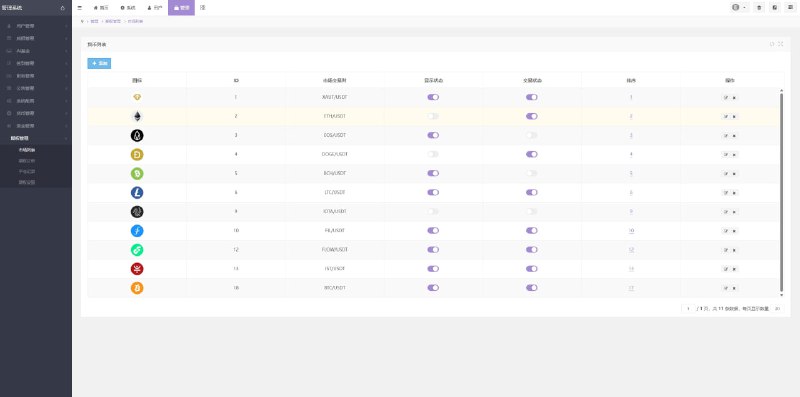
This Facebook built-in login-free ad delivery system adopts the industry mainstream front-end and back-end separated architecture, with JAVA powering the backend and VUE developing the front-end, source code completely open for secondary development. The entire system revolves around the two core modules of ad delivery and plan management, achieving seamless integration between them. Users can monitor delivery effectiveness while managing ad plans, with data synchronization at near-zero latency.
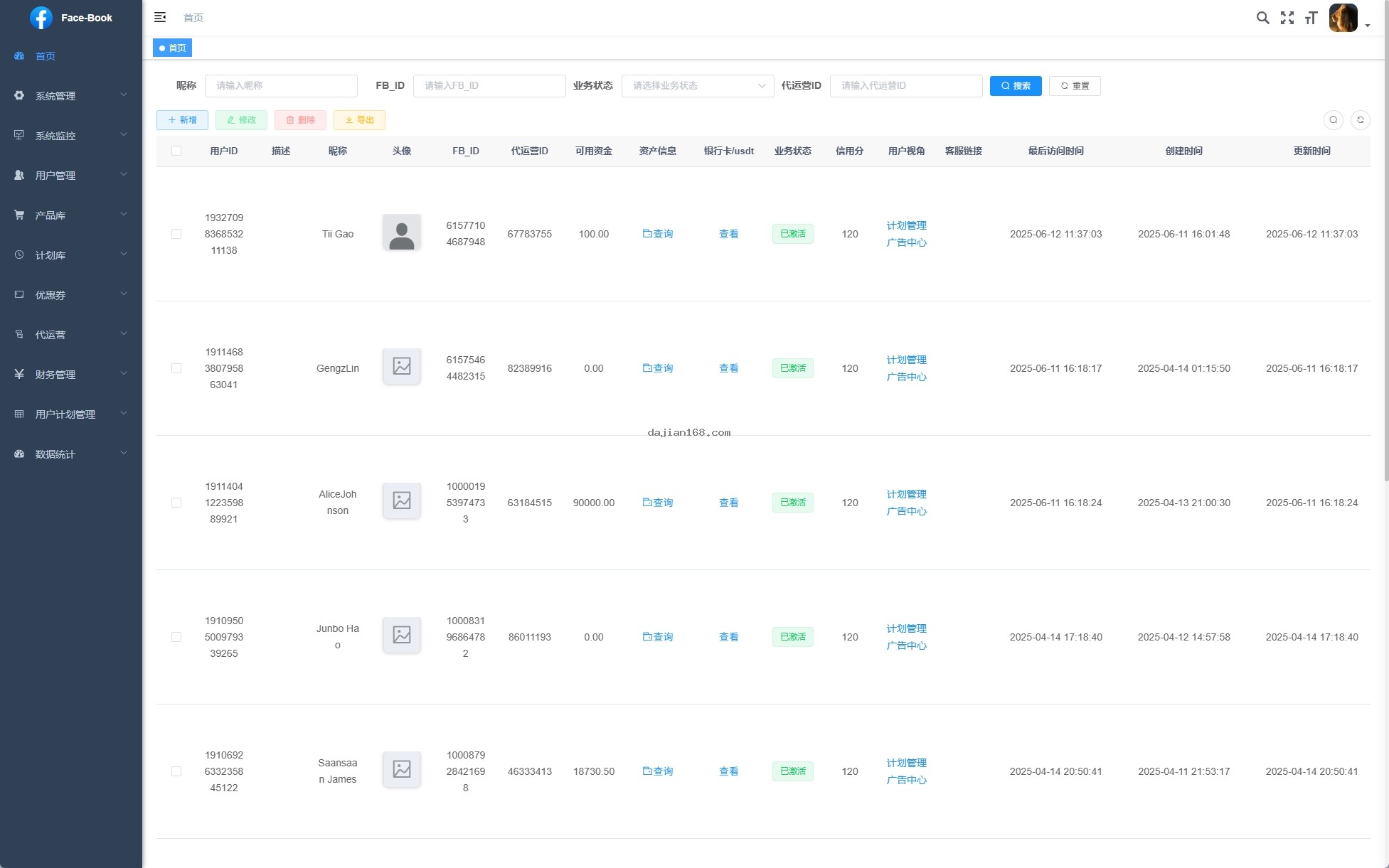
- Ad Center and Plan Management System: Deep integration, full-process coverage of ad creation, delivery, monitoring, and optimization, supporting multi-dimensional targeting strategy configuration including geography, time, and user profiling
- Login-Free Experience: Innovative technology achieves Facebook account auto-recognition, users can access the system without secondary login, greatly reducing usage barriers and improving user retention
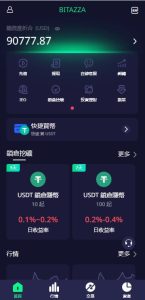
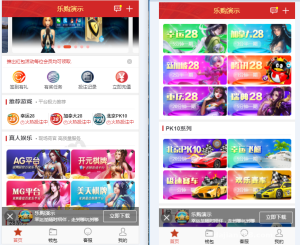
- Full Platform Support: Includes mobile applications (iOS/Android) and web versions, truly achieving unified management of multiple terminals with one backend, real-time data synchronization
- Flexible Built-in Link Replacement: Built-in links can be replaced with any program, easily creating exclusive applications, supporting custom jump logic and parameter passing
- Ad Delivery Management: Supports advertisers creating multiple delivery plans, viewing real-time delivery data reports, supporting A/B testing and intelligent optimization suggestions
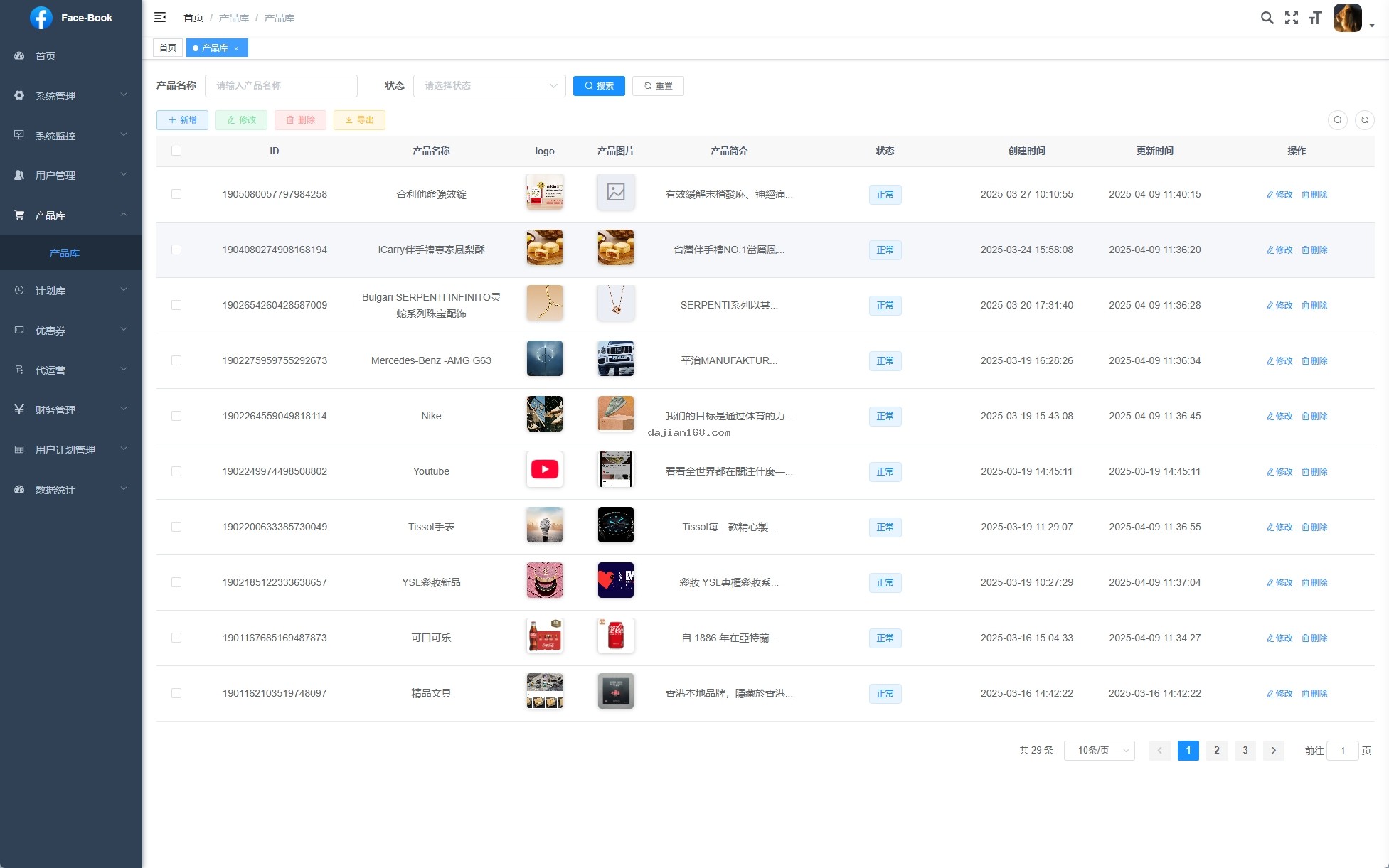
2. Deployment Preparation and Environment Requirements
- Server configuration: Minimum 2 cores 4G memory, recommended 4 cores 8G, CentOS 7.x or Ubuntu 20.04
- Java environment: JDK 1.8+ installed and JAVA_HOME configured
- Maven or Gradle build tools
- MySQL 5.7+ database environment
- Node.js 14+ and npm (used for front-end VUE project build)
- Nginx reverse proxy configuration
- Facebook Developer account and App Key configuration
- SSL certificate (Let us Encrypt free certificate recommended)
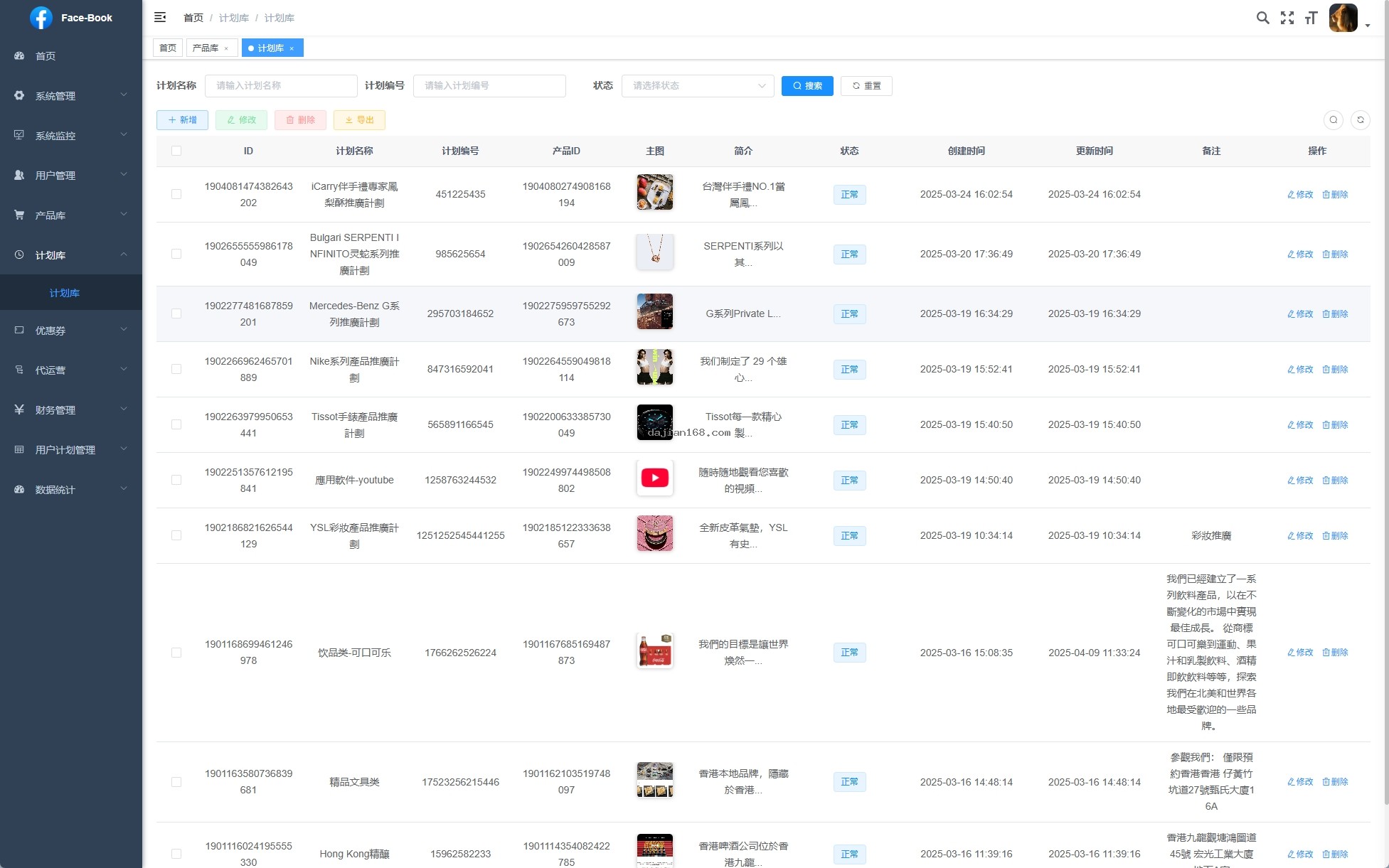
3. Common Issues and Solutions
3.1 Facebook Account Auto-Recognition Failure
If you encounter account recognition abnormalities, first check whether the application permission configuration on the Facebook Developer Platform is complete, especially whether user_friends and email permissions have been applied. Second, confirm that the OAuth callback address is filled in correctly and matches the actual deployment domain name.
3.2 Ad Plan Synchronization Failure
When the Ad Center and Plan Management are out of sync, it is usually an API interface configuration issue. Go to System Backend – Ad Management – Interface Configuration, check whether App ID and App Secret are correct, and confirm that the server time is synchronized with Beijing Time (time zone deviation will cause signature verification failure).
3.3 Login-Free Feature Failure
The login-free feature relies on browser Cookies and local storage. If users clear their cache, the login state will be lost. It is recommended to configure Redis cluster in the production environment to maintain session state, avoiding session inconsistency issues under distributed deployment.
3.4 Mobile Terminal Compatibility
If iOS shows page misalignment, check whether incompatible CSS flexbox writing was used; for Android, it is recommended to use the X5 kernel for better WebView compatibility.
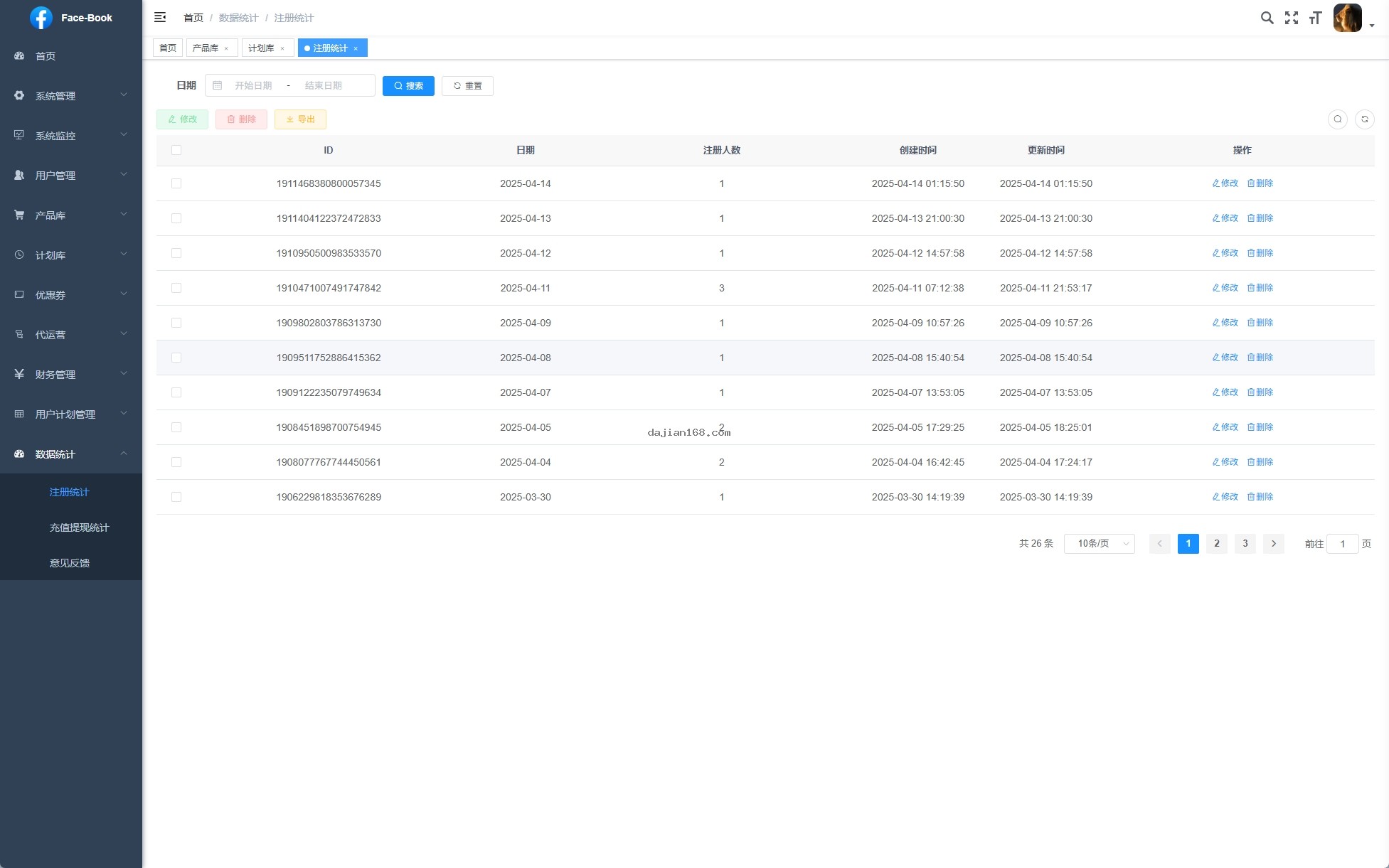
4. Secondary Development and Customization Guide
The system front-end VUE code has a clear structure and high componentization, making it very suitable for customized development. Ad components are located in the /src/components/ad/ directory, and plan management components are in /src/views/plan/. You can add or modify functional modules according to actual business requirements. The back-end JAVA uses the Spring Boot framework, RESTful API design specifications, complete interface documentation, and secondary development documentation is provided together with the source code.
The replacement of built-in links is the most common customization requirement. You only need to go to System Backend – Application Management – Built-in Settings, fill in the target program URL address and necessary passing parameters, to achieve one-click switching. The system supports encrypted transmission of parameters to ensure data security.
Important Tip: Before deploying this system, please make sure you have legal ad delivery qualifications and Facebook ad account usage permissions. Unauthorized batch delivery behavior may violate Facebook platform policies, leading to account suspension. This system only provides technical architecture reference. When using it, you must comply with local laws, regulations, and platform rules.
5. FAQ
Q1: How many concurrent users can the system support simultaneously?
A1: Under 4 cores 8G server configuration, a single node can support approximately 500-800 concurrent connections. If higher concurrency is needed, it is recommended to adopt cluster deployment, with Nginx load balancing and Redis session sharing, which can theoretically scale linearly to ten-thousand-level concurrency.
Q2: Is the login-free feature secure?
A2: The system adopts JWT Token plus device fingerprint dual verification mechanism, and the entire user identity recognition process uses encrypted transmission. Compared with traditional username-password login, the login-free approach is actually harder to brute-force crack, because attackers cannot obtain static credentials.
Q3: Does the ad data report support export?
A3: Yes. The system has a built-in data export function, supporting Excel and CSV format exports. Reports include core metrics such as impressions, click-through rate, conversion rate, and ROI. Custom time ranges and dimension filtering are supported.
Q4: Are there usage restrictions on the source code?
A4: The source code is fully open source and can be used commercially, but it is prohibited for illegal purposes. It is recommended to consult a professional legal consultant before deployment to ensure the business model complies with local regulations.
Q5: Does the system support multiple languages?
A5: The current version is mainly for the Chinese market, with interface copy hard-coded. If multi-language support is needed, secondary development of front-end internationalization configuration (i18n) is required.
#FacebookBuiltInSystem #AdDeliverySystem #LoginFreeSystem #JAVADevelopment #FullPlatformSupport
⚠️ Compliance Notice: The content of this article is for technical exchange and learning reference only. Please do not use it for any illegal activities or unauthorized commercial promotion. When using this system, please strictly comply with Facebook platform policies, Chinese relevant laws and regulations, and other applicable regional regulations.
-
 Alipay QR Code Scan
-
 WeChat Scan Pay