Cross-Border E-Commerce System Setup: Multi-Language Mall, Merchant Registration, and Product Distribution Deployment Guide
Cross-Border E-Commerce System Setup: Multi-Language Mall, Merchant Registration, and Product Distribution Deployment Guide
Disclaimer: This guide is provided for technical education and reference only. Cross-border e-commerce operations and payment integration must comply with local laws and business licensing requirements. Before deploying any system that handles real payments or customer data, consult a qualified legal and compliance professional in your target markets.
The first time I deployed this cross-border e-commerce system, I will be honest — the architecture caught me off guard. Four separate portals (user storefront, merchant portal, registration portal, and admin backend), all built on Vue, talking to a Java-powered backend. That stack is a lot to take in at once. After working through it end to end, I want to walk you through the complete setup process and the core modules that actually matter.
1. System Architecture and Core Modules
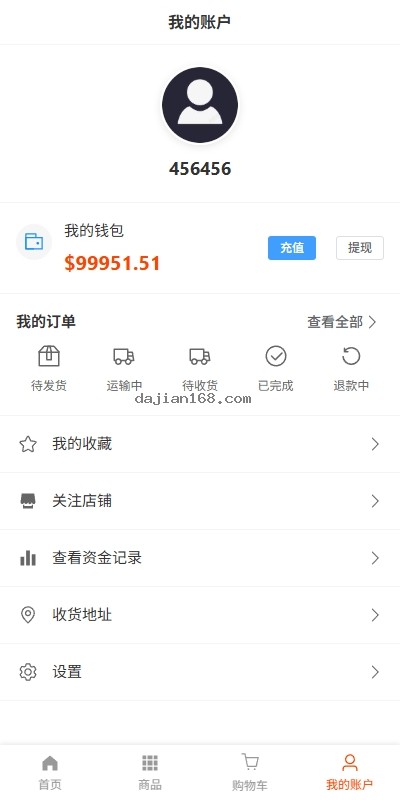
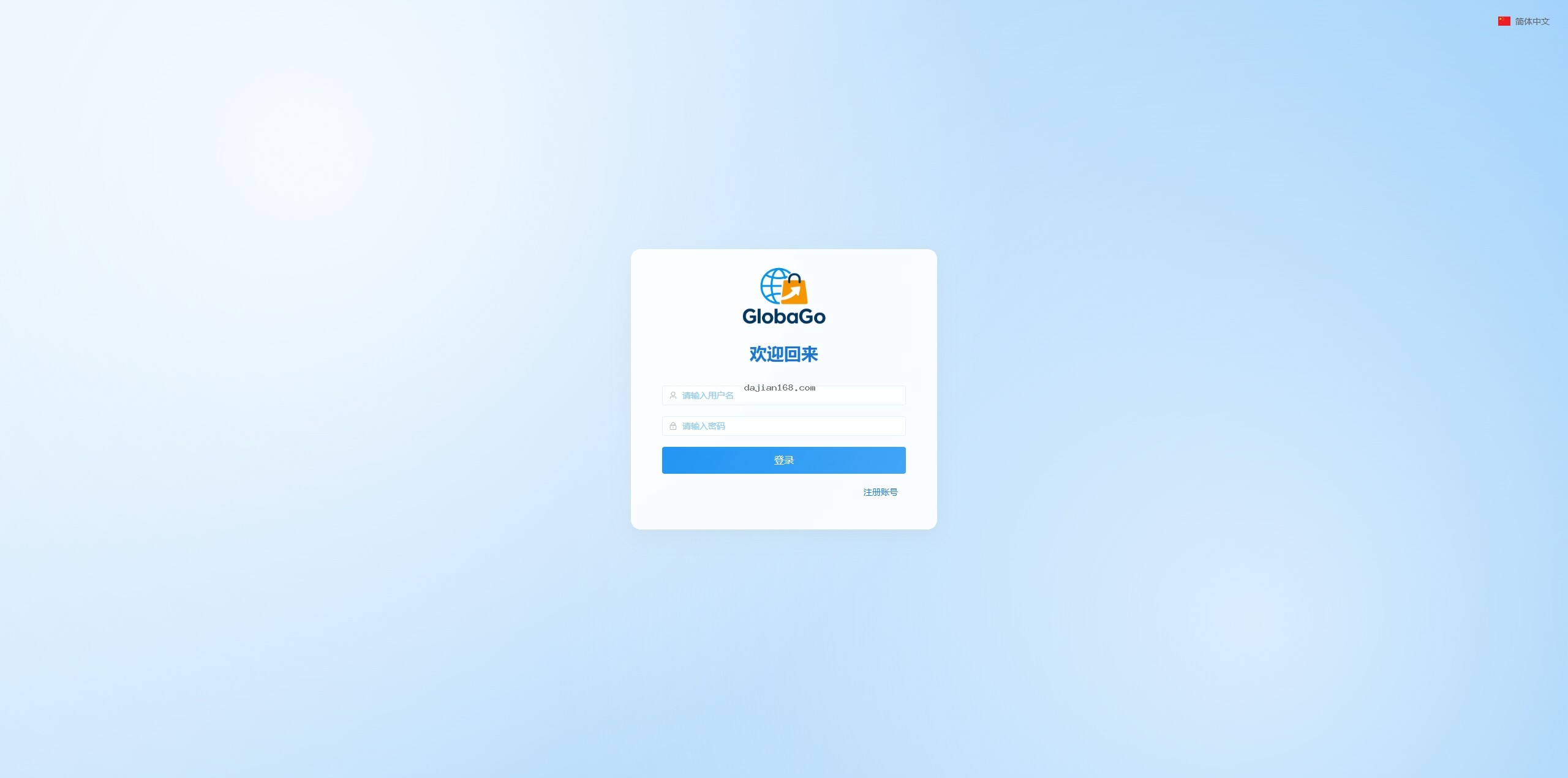
This is a standard front-end and back-end separated build. The client side is unified under Vue, covering four entry points: the user storefront, the merchant portal, the registration portal, and the backend management console. The server side runs on Java, the source code is open for secondary development, and the system ships with multi-language support out of the box.
Merchant registration is straightforward, and the one-click product distribution feature cuts down a lot of repetitive work for sellers. For teams building a cross-border e-commerce project, this combination covers most of the baseline needs.
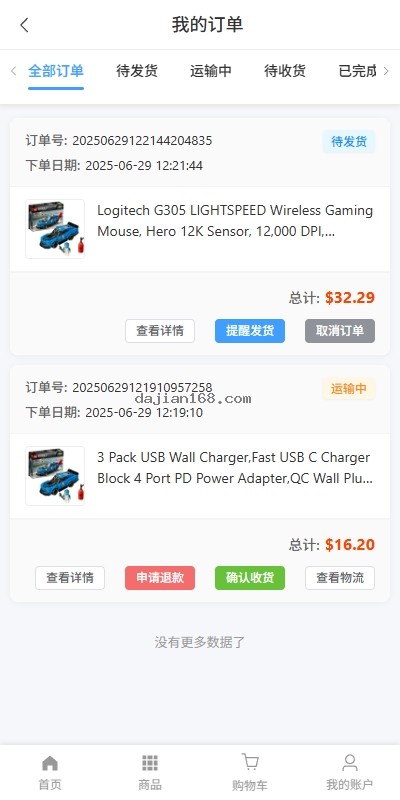
- Multi-Language Mall System: Native language switching. All front-end copy is managed through an internationalization configuration, so you can adapt quickly to different countries and regions.
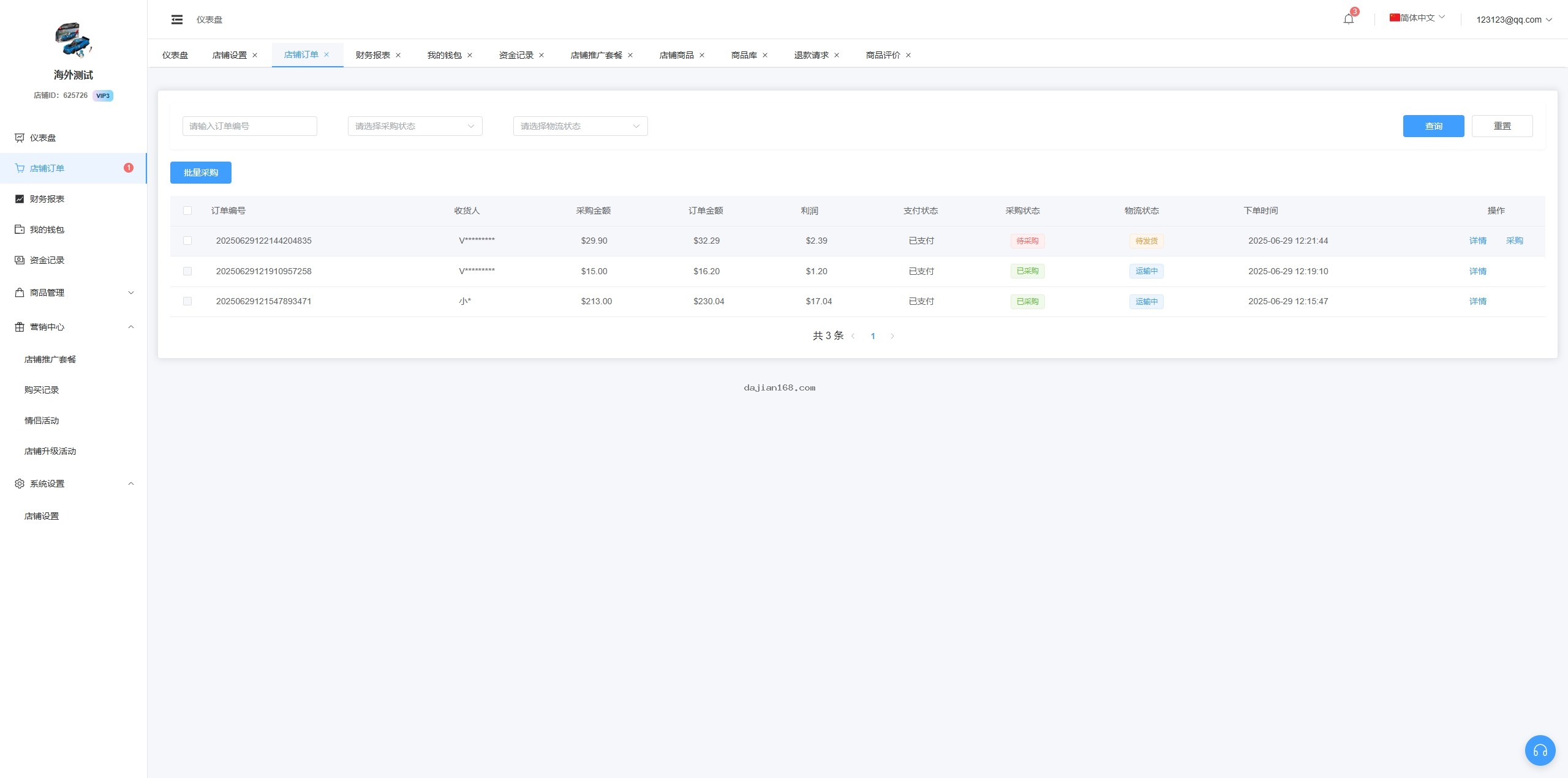
- Merchant Registration System: Full merchant registration flow, including qualification review, contract signing, and store activation. You can customize the registration conditions and review rules.
- One-Click Product Distribution: Lets merchants push products to the platform quickly, with batch support so product listing does not become a bottleneck.
- Backend Manual Order Creation: Useful for virtual products, internal testing, and special customer-service scenarios where a normal checkout flow is not practical.
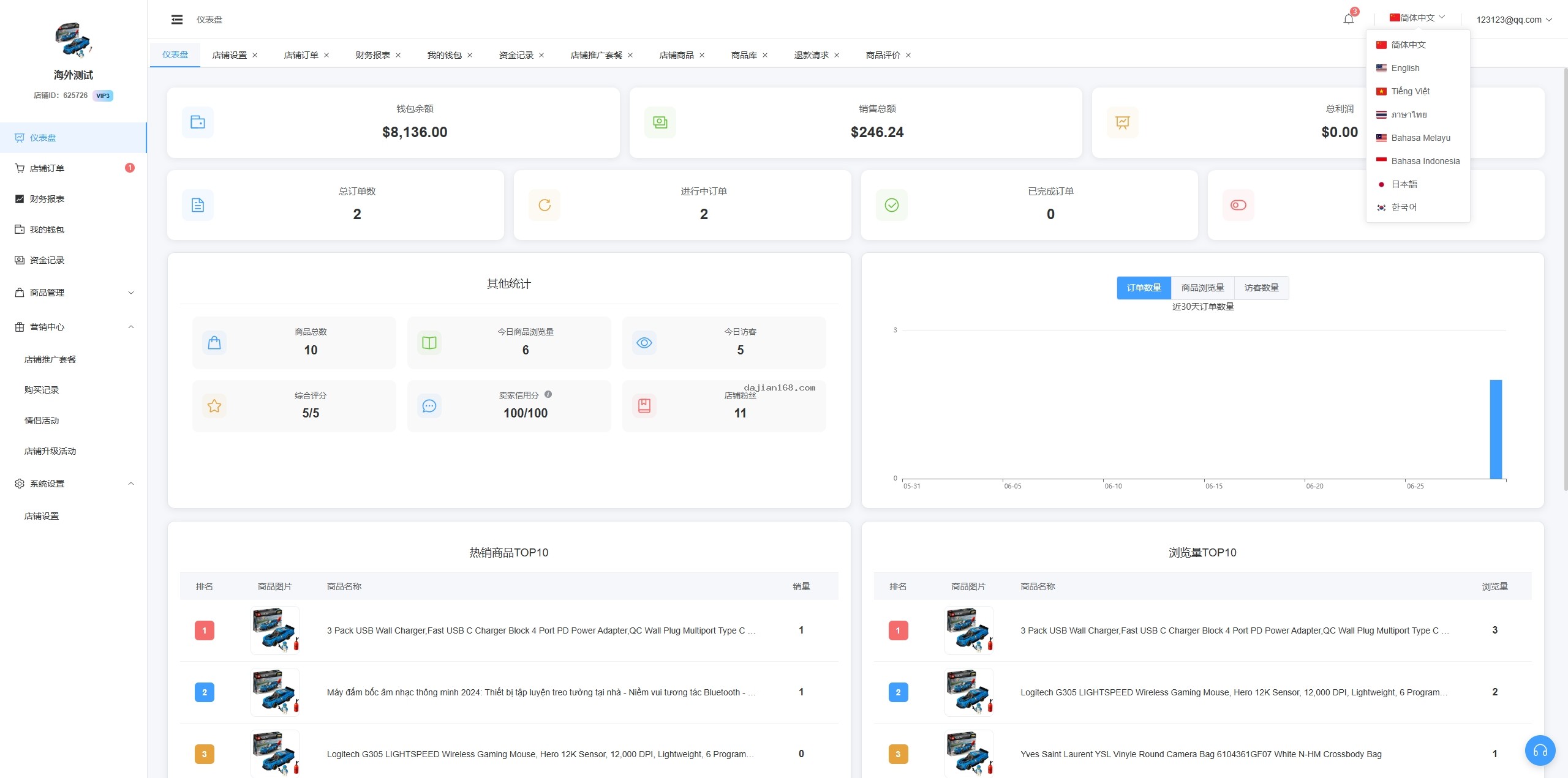
- Merchant Data Management: Admins can configure store visits, credit scores, follower counts, and other key metrics to control how merchants appear on the platform.
2. Deployment Preparation and Environment Requirements
- Server: Start with at least 4 cores and 8 GB of RAM. CentOS 7.x or Ubuntu 20.04 LTS are both fine. For cross-border businesses, an overseas server is usually a better fit.
- JDK: JDK 1.8 or JDK 11, with JAVA_HOME configured correctly.
- Database: MySQL 5.7 or newer. Enable binlog if you plan to do data synchronization.
- Cache: Redis 6.0+ for session caching and queue handling.
- Message queue: RabbitMQ for asynchronous order processing.
- Node.js: 14.x or 16.x for building the Vue front-end projects.
- Nginx: For static file hosting and reverse proxy.
- SSL certificate: Let’s Encrypt or a commercial certificate.
- Storage: Alibaba Cloud OSS or MinIO object storage for product images and attachments.
3. Common Issues and Solutions
3.1 Multi-Language Switching Not Working
Check the language pack files under /src/locales/. The file names should match the language codes (for example, zh-CN.js, en.js). Then confirm that the Vue-i18n plugin is mounted correctly. The import order inside main.js matters more than you might expect.
3.2 Merchant Registration Review Fails
Most review failures come from qualification images not uploading, or from unsupported formats. The system accepts JPG, PNG, and WebP up to 10 MB per file. Double-check your OSS configuration and make sure the callback address is reachable.
3.3 One-Click Product Distribution Throws Errors
The platform does not ship with preloaded product data. Merchants must add their own products before distribution can run. If distribution still fails, check the product category and available inventory.
3.4 Backend Manual Order Creation Fails
Manual orders require a product, a buyer, and a shipping address. All three are mandatory. If creation fails, verify that the order service is healthy and that inventory is sufficient. The order will then go through the message queue for asynchronous processing, so keep an eye on the consumer service.
4. Secondary Development and Customization Guide
The backend is built on Spring Boot plus MyBatis Plus, with a clean structure and commented code. The front end uses Vue 3 plus Vite, so components are highly reusable. Before you start customizing, get familiar with the layout: user views live in /src/views/user/, merchant views in /src/views/merchant/, and admin views in /src/views/admin/. Add new features following the existing directory structure and naming conventions.
One of the most common customization needs is payment integration. The system already includes Alipay and WeChat Pay SDKs. If you need to add other channels such as PayPal or Stripe, add an adapter under /src/payment/ for the corresponding provider.
Important Tip: Cross-border e-commerce and payment integration involve sensitive business functions. Before deploying, confirm that your business holds the required permits and licenses for cross-border payments and foreign currency settlement in your target markets. Speak with a professional legal advisor to make sure your business model complies with Chinese law and the laws of every country you plan to serve.
5. FAQ
Q1: Which languages does the system support?
A1: It natively supports Simplified Chinese, Traditional Chinese, English, Japanese, and Korean. To add more languages, create a new language pack under /src/locales/ and register it in the language configuration.
Q2: What qualifications are required for merchant registration?
A2: The registration conditions are configurable. The default requirements include a business license, legal representative ID, and bank account details. You can add extra requirements from Backend > Registration Settings.
Q3: Does one-click product distribution support batch operations?
A3: Yes. Merchants can select multiple products and distribute them to the store in one action. You can also set up automatic distribution rules so new listings sync to specific stores automatically.
Q4: How can I trace manually created backend orders?
A4: Orders created manually are marked as “Backend Manual Creation” in the order details, where you can see the creator and the creation time. This makes tracing and reconciliation easier.
Q5: How is the merchant credit score calculated?
A5: The system calculates the score automatically from metrics such as order completion rate, refund rate, and positive review rate. Admins can also adjust scores manually. The credit score affects how prominently a merchant appears on the platform.
#CrossBorderECommerceSystem #MultiLanguageMall #MerchantRegistrationSystem #OneClickProductDistribution #JavaEcommerce
⚠️ Compliance Notice: Cross-border e-commerce and payment settlement involve sensitive business functions. When deploying and operating this system, strictly comply with the Electronic Commerce Law of the People’s Republic of China, the Personal Information Protection Law, and the local laws and regulations of every target market to ensure your business runs legally and compliantly.
-
 Alipay QR Code Scan
-
 WeChat Scan Pay