Solution for importing large MySQL database files failing in Baota panel
Solution for BT Panel failing to import large MySQL database files
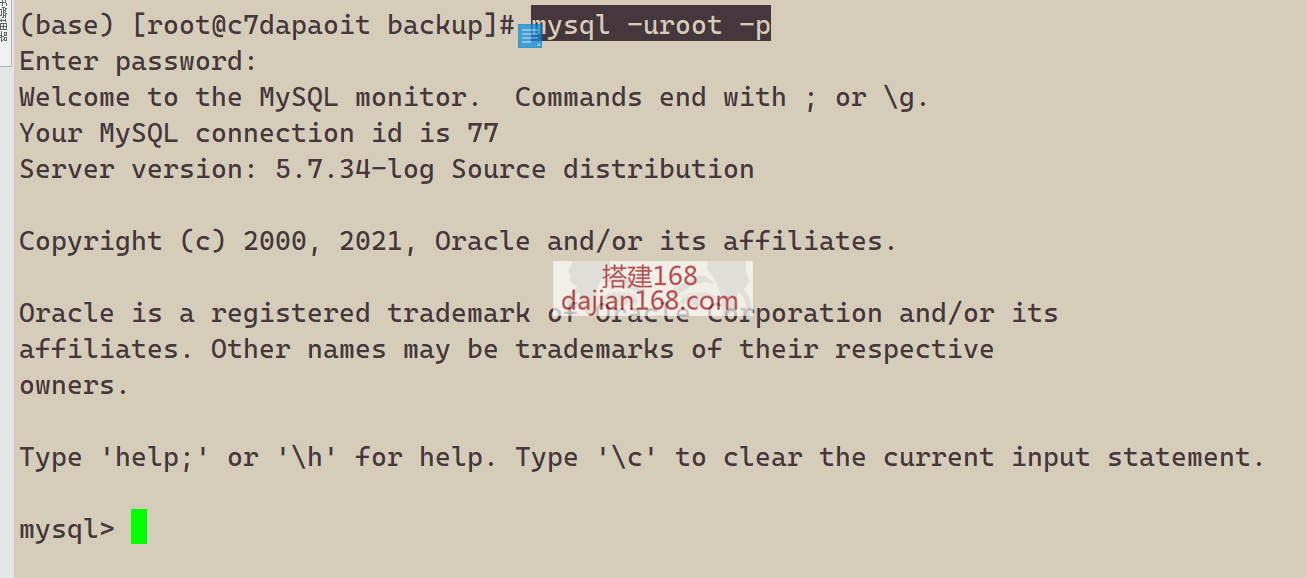

Importing MySQL files via phpMyAdmin times out. If the database is too large, you can import it using the MySQL command line with the source command. Example:
1. First, upload the database file to the /www/backup directory. The database to be imported is dapaowpsql_com, and the backup file is dapaowpsql_com.sql.
2. Log in to the MySQL command line: mysql -uroot -p. After pressing Enter, enter the password (the password is not displayed by default). Then run: use dapaowpsql_com; source /www/backup/dapaowpsql_com.sql. Press Enter and it will start importing.
Support
-
 Alipay QR Code Scan
-
 WeChat Scan Pay