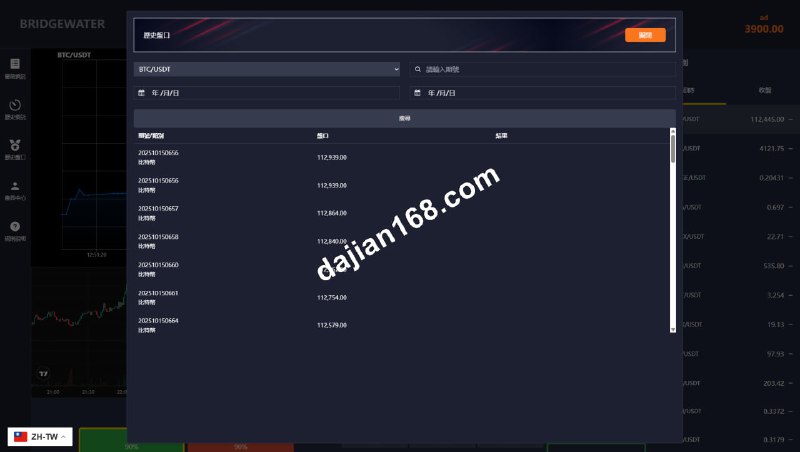
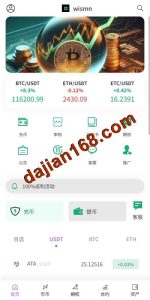
Secondary Development Market Simulation System Source Code Setup Guide: Precious Metals Demo Trading Platform and UniApp Frontend Implementation
Secondary Development Market Simulation System Source Code Setup Guide: Precious Metals Demo Trading Platform and UniApp Frontend Implementation
Last month I took on a client who wanted a precious metals market simulation platform with a UniApp frontend wrapper, while keeping the ThinkPHP backend unchanged. I spent three days getting the whole system running and encountered quite a few pitfalls along the way. UniApp’s cross-platform capabilities are indeed impressive, but compared to pure Vue projects, there are some API compatibility issues to watch out for. I’m documenting the entire process here in hopes of helping others who need it.
Disclaimer: This guide is for technical education and demonstration only. It is not investment advice. Any real-world financial operation requires proper licenses and compliance with local laws and regulations.
1. System Architecture and Technology Selection
This market simulation system adopts a frontend-backend separated architecture with the following technology stack:
- Frontend Framework: UniApp, where one codebase can compile to H5, WeChat Mini Program, App, and other platforms. In actual testing, the H5 version is the most stable, while the App version requires handling some native permission issues.
- Backend Framework: ThinkPHP 6.x, a classic PHP MVC framework with a low learning curve and mature documentation community.
- Database: MySQL 5.7+, storing user data, demo order records, product configurations, and other core data.
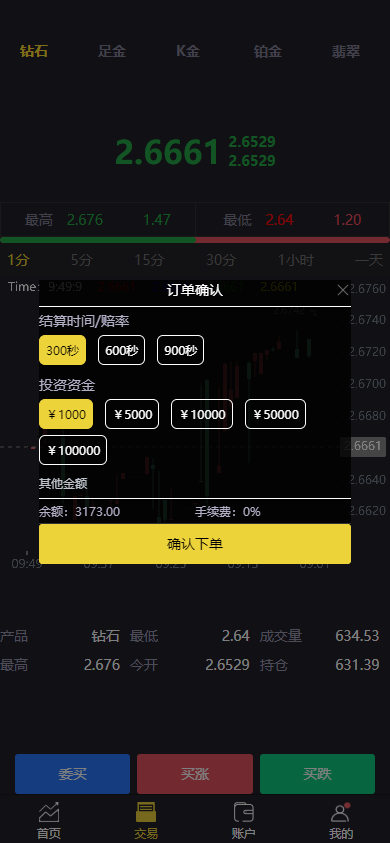
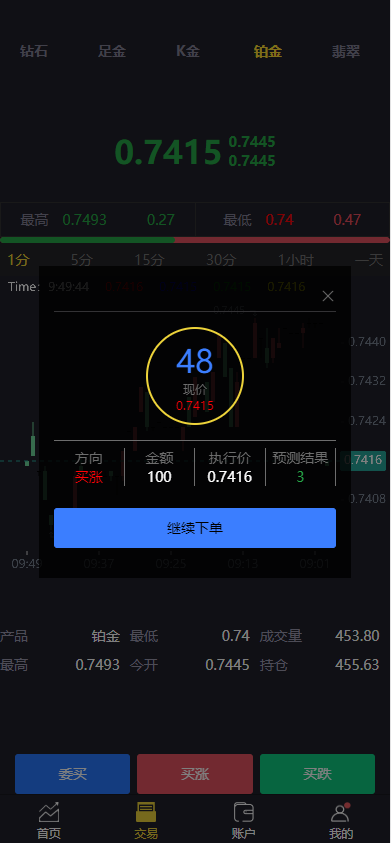
- Real-time Market Data: WebSocket pushing real-time precious metals market data, with the frontend receiving data through UniApp’s websocket API.
- Admin Panel: An independent backend panel for product configuration, user management, and demo account flow tracking.
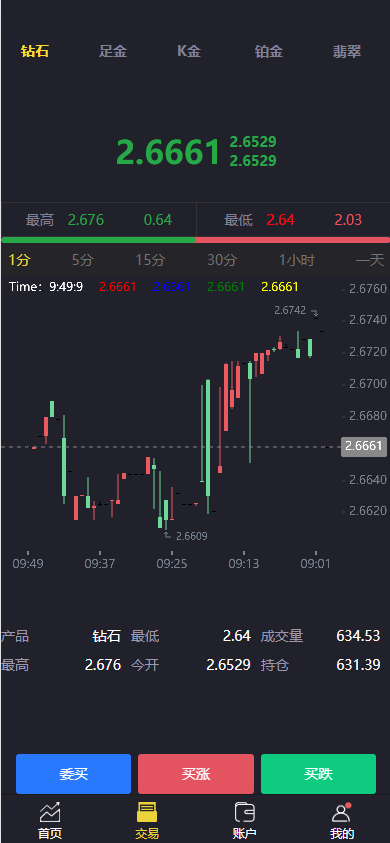
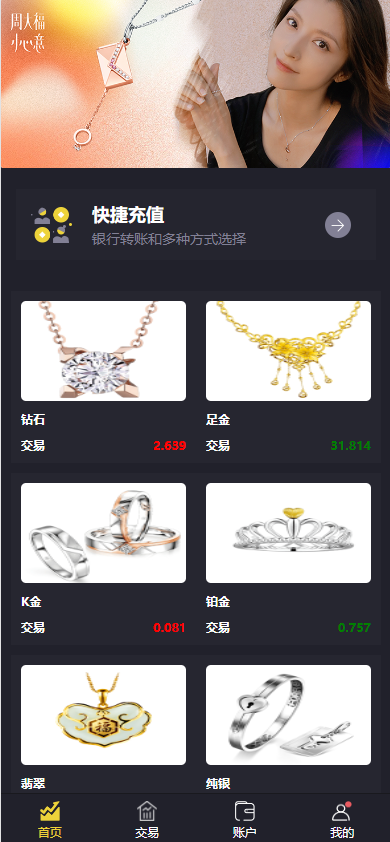
The system supports a rich variety of product types. In addition to mainstream precious metals like gold and silver, it can also configure other commodity simulation categories. The backend product management module supports dynamic addition and removal, with the frontend automatically syncing the display.
2. Environment Preparation Checklist
Before officially starting the setup, check the environment first to avoid problems later:
- Server: CentOS 7+ or Ubuntu 20.04+, recommend 4-core 8GB at minimum.
- PHP Environment: PHP 7.4+, need to enable pdo_mysql, gd, fileinfo extensions.
- Web Server: Nginx 1.18+, configure URL rewrite and HTTPS.
- Node.js: 14+, for compiling UniApp frontend projects.
- HBuilderX: UniApp official IDE, more convenient for development and debugging.
- MySQL: 5.7+, choose utf8mb4_unicode_ci when creating the database.
- Redis: Optional, used for session caching and market data caching.
Special reminder: ThinkPHP’s runtime directory must have write permissions, otherwise log and cache files cannot be generated and the system will throw errors directly. I got stuck for half an hour due to permission issues during my first setup.
3. Common Issues and Troubleshooting Records
3.1 UniApp Compiled Style Disarray
When UniApp compiles to H5, some CSS units (rpx) display abnormally on PC browsers. It’s recommended to use px uniformly in the project or handle it with conditional compilation. My approach is to add global styles in App.vue with platform-specific adaptations.
3.2 WebSocket Market Data Disconnection and Reconnection
Precious metals market data has high real-time requirements, but WebSocket connections drop during network fluctuations. UniApp’s websocket API doesn’t have built-in automatic reconnection, so you need to implement heartbeat detection and reconnection yourself. I added a ping every 5 seconds, and if no pong is received within 15 seconds, it automatically reconnects, which works well.
3.3 ThinkPHP Cross-Origin Configuration
Frontend-backend separation inevitably encounters cross-origin issues. ThinkPHP 6 can configure allowed origin domains in config/cors.php, but remember to add the production environment domain, not just localhost. If the interface returns CORS errors after going live, this configuration is likely the culprit.
3.4 Backend Product Changes Not Syncing to Frontend
After modifying product information in the backend, the frontend still shows old data after refreshing. This is because the frontend has local caching. You need to add a version number parameter on the product detail page, automatically increment the version number when the backend modifies products, and force refresh the cache when the frontend detects a version change.
4. Feature Extensions and Customization Directions
According to project needs, this system can be further developed in several directions:
- Multi-language support: UniApp’s i18n plugin is relatively easy to integrate, just extract copy to JSON files to achieve Chinese-English switching.
- K-line Charts: Integrate echarts or TradingView’s K-line chart components to enhance data visualization.
- Demo Account Top-up: Simulate wallet recharge and balance changes for testing user flows without real money.
- Simulation Parameters: Add demo position limits, maximum single order amounts, and other configurable parameters to control the virtual environment.
Reminder: This system is a technical simulation environment for education and development testing. It does not process real funds or provide investment advice. Operating real financial services requires relevant licenses and compliance with local laws and regulations.
5. FAQ Frequently Asked Questions
Q1: Can UniApp compiled Apps be listed on app stores?
A: Yes, but you need developer accounts for each platform. Apple App Store review is quite strict, and educational or data-visualization apps still need to provide accurate category descriptions. I recommend launching the H5 version first, testing the experience, and then considering the App.
Q2: How many concurrent users can the system support?
A: On a 4-core 8GB server, the ThinkPHP + MySQL configuration can support approximately 2000 online users. If the user base is larger, I recommend adding Redis caching, MySQL read-write separation, or using message queues for peak shaving.
Q3: Where does the market data come from?
A: The system itself doesn’t come with market data sources; you need to integrate third-party data interfaces. Common ones include Sina Finance, Juhe Data, and other APIs, charged by call volume. You can also directly connect to exchange data push services for visualization only.
Q4: Can the backend set demo fees?
A: Yes. The backend has an independent fee configuration module that supports setting different virtual fee ratios by product, user level, and order direction. Changes take effect in real-time without needing to restart the service.
Important Notice: This system is for technical demonstration and learning purposes only. Any use involving real financial operations must obtain relevant licenses and comply with local laws and regulations. This guide does not constitute investment advice.
-
 Alipay QR Code Scan
-
 WeChat Scan Pay