Dark Theme Local Task Distribution System Setup Guide: Admin-Controlled Backend + Result Publishing Script Deployment Notes
Dark Theme Local Task Distribution System Setup Guide: Admin-Controlled Backend + Result Publishing Script Deployment Notes
Disclaimer: This article is for technical education and demonstration only. It is not professional or financial advice. Any real-world deployment must comply with applicable laws and regulations.
I recently helped a client deploy a dark-UI version of a local task distribution system. The front end is a customized interface, and honestly it looks considerably better than the original. What the client wanted was a demo scenario combining task distribution with random-number result publishing, so this source code was a perfect fit. After two days of tinkering, here are the pitfalls I hit — hopefully this saves some time for anyone planning to set this up.

Feature Review: What This System Actually Offers
Bottom line up front: feature completeness is higher than other source code at the same price point, but there are a few things you should know beforehand.
Backend Control Module
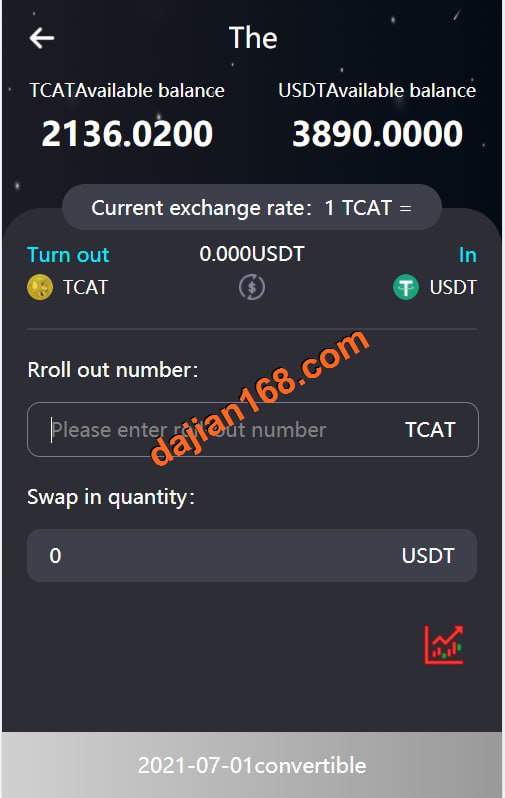
The admin panel is a comprehensive management dashboard where task categories, result parameters, and the result publishing demo logic are all configured. In my testing, each task type can have its parameters set independently, and the random-number demo results are generated by a server-side script rather than hardcoded in the front end. This matters a lot for data simulation demo scenarios — the front end can’t alter the results, which keeps the demo data controllable.
Result Publishing Script
The system ships with a result publishing script that runs on a schedule and outputs to the front-end publishing board. I used a BT Panel scheduled task running every 60 seconds, and it ran flawlessly for a week. I’d recommend keeping the script logs enabled — troubleshooting is much easier when something goes wrong.
Customized Front-End UI
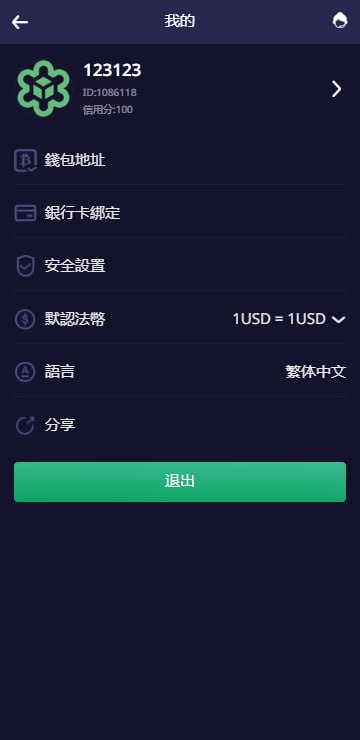
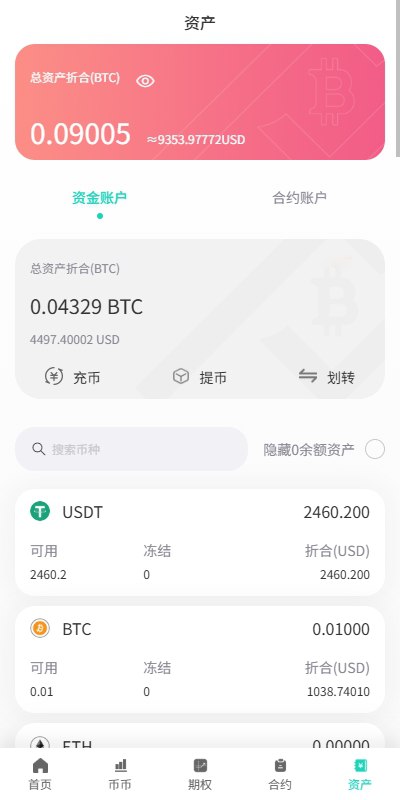
The dark theme is a reworked UI with responsive layout, and it displays cleanly on mobile with no obvious misalignment. The downside: the front end isn’t built with Vue, it’s pure template rendering, so changing pages means editing template files — not very friendly if you’re not familiar with PHP templates. If you plan deep customization, back everything up first.

Deployment Essentials: Environment Setup and Pitfall Log
My environment was Nginx + PHP 7.4 + MySQL 5.7, configured with one-click setup in BT Panel. A few key points:
Rewrite Rules and Document Root
This source code requires ThinkPHP rewrite rules, otherwise the admin login page shows a blank screen. The document root must point to public — don’t get lazy and use the root directory. I fell into that trap on my first attempt, and the error logs were full of path issues.
Scheduled Task Configuration
The result publishing script needs a scheduled task. Add a shell script in BT Panel and remember to grant execute permissions (chmod +x). One gotcha: if the server timezone and the script timezone don’t match, the publishing times will be off. Make sure date.timezone in php.ini is uniformly set to PRC.
Payment Interface Integration
The system has a reserved payment interface module. For the demo environment I connected to a third-party aggregated payment channel in sandbox mode and got the callback flow working. Before going live, always run a complete closed-loop test with test orders — the callback URL must be reachable from the public internet. Not receiving callbacks during local testing is the most common beginner pitfall.
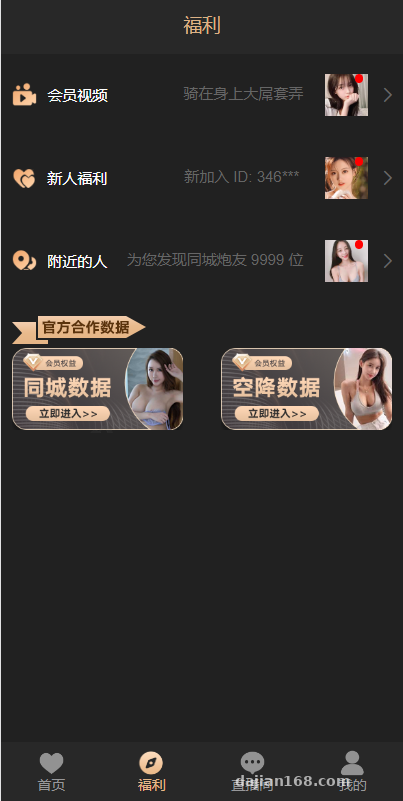
Highlight: The backend controllability of this system is quite detailed — each task type has independently configurable parameters, and combined with the result publishing script, it’s very complete for data simulation demo scenarios. I’d suggest running it for 24 hours and watching the logs before opening it to the public.
Customization Tips: Changing the UI and Adding Features
If you want to modify the front end, the template files are in the view directory, and the dark theme’s CSS is in a separate file, which makes color changes fairly easy. To add new task types, there’s a category management entry in the backend, but the front-end display logic needs matching template changes — medium workload. As for localization, the original only supports Chinese; an English version requires building your own language pack, it’s not plug-and-play.
One more reminder: since there’s no Vue front end, if the client later wants a mini-program client, I’d recommend extracting the API layer first and keeping business logic out of the templates — otherwise future customization will be painful.
Who This Is For
1. Technical webmasters who want to quickly build a local task distribution demo site;
2. Scenarios that need a backend-controlled, publishable-results data simulation platform;
3. Developers with some PHP background who want to customize the UI based on templates. Complete beginners shouldn’t jump straight in — just the environment setup and rewrite rules will eat half a day.
FAQ
Q: The admin login page keeps showing a blank screen. What should I do?
A: Nine times out of ten the rewrite rules aren’t configured. Select the ThinkPHP rewrite template in your BT Panel site settings, save, restart Nginx, then clear the runtime cache directory.
Q: The result publishing script doesn’t run or the timing is off?
A: Check three things: whether the scheduled task has execute permissions, whether the script path is correct, and whether the server and php.ini timezones are both set to PRC. In my experience, timezone issues are the biggest culprit.
Q: The front end isn’t Vue — is customization difficult?
A: Changing styles is easy; changing interaction logic is medium difficulty. I’d suggest isolating the API layer first before customizing, and always keep a full backup.
Q: How do I test the payment interface?
A: Use the aggregated payment channel’s sandbox environment to run test orders first. Once you confirm callbacks are received correctly and order statuses update, then consider the production channel. The callback URL must be publicly reachable.
Disclaimer: This article only shares technical deployment experience. The system is intended solely for lawful data simulation and task demonstration scenarios. Users must comply with applicable laws and regulations, and any unlawful use is prohibited.
Disclaimer: This article is for technical education and demonstration only. It is not professional or financial advice. Any real-world deployment must comply with applicable laws and regulations.
#Source Code Setup #Deployment Log #Task System #PHP Development #Web Building Notes
-
 Alipay QR Code Scan
-
 WeChat Scan Pay