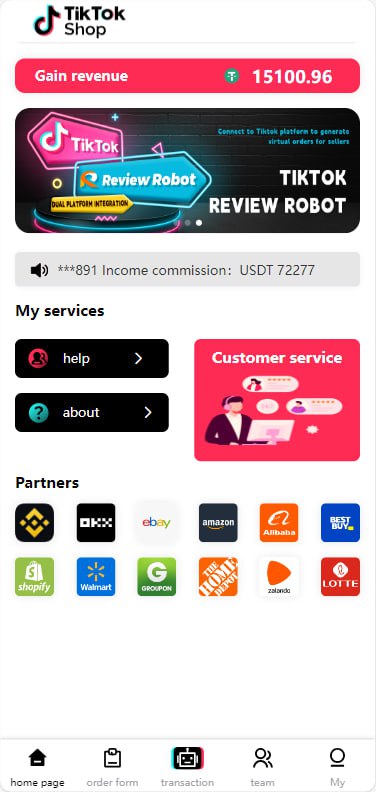
Overseas Food Delivery Proxy Payment System: Custom Products and UniApp Frontend
Overseas Food Delivery Proxy Payment System: Custom Products and UniApp Frontend
This overseas food delivery proxy payment system is built for markets where users need a local payment layer on top of third-party food platforms. It supports custom product catalogues, order dispatch and a UniApp frontend that runs on both Android and iOS. The goal is to let operators collect payment locally and then place the actual order on the food platform, rather than building a full logistics stack from scratch.
1. Core Features
- Custom product management: operators can add stores, menus, prices and availability windows without touching the code.
- Proxy payment workflow: users pay the operator, the operator places the real order, and the platform records the difference as commission.
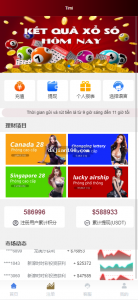
- UniApp mobile frontend: one codebase compiles to Android, iOS and H5, reducing mobile development cost.
- Order dispatch and tracking: assign orders to runners or agents, track status and handle refunds.
- Multi-currency display: show prices in the target market currency while settling in the operator’s base currency.
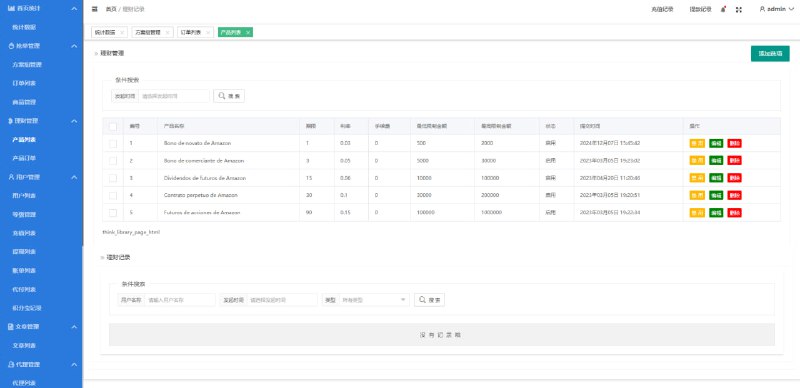
- Admin dashboard: monitor orders, payments, agent performance and dispute tickets.
2. Recommended Environment
Start with a 2-core/4 GB server running Ubuntu 20.04 or CentOS 7+, Nginx, PHP 7.4 or 8.0, MySQL 5.7+ and Redis for session and cache storage. The UniApp build requires HBuilderX or the uni-app CLI with Node.js 16+. HTTPS is required for in-app payment SDKs and push notifications.
3. Deployment Steps
- Upload the backend code, import the database and configure the API domain in
.env. - Build the UniApp package for H5 first, test login and product list rendering, then build Android and iOS packages.
- Configure the payment gateway for the target market and set the webhook endpoints.
- Create at least one sample store, a sample menu and a test agent account.
- Run a complete order flow: user places order, payment completes, operator receives alert, operator marks order placed, runner marks delivered.
4. Common Pitfalls
4.1 Payment callbacks fail in the app
Payment SDKs often require a specific return URL scheme or universal link. Register the scheme in the UniApp manifest, test it on a real device and verify the backend records the callback before updating the order status.
4.2 Product images do not load
Image URLs must be HTTPS and must allow cross-origin requests. If the admin panel and the app use different domains, configure the correct CORS and image-domain allowlist.
4.3 Order dispatch is too slow
Dispatch should use Redis or a push service rather than polling the database every second. Switch to WebSocket or push notifications once the driver count grows.
5. FAQ
Q1: Do I need my own delivery fleet?
No. The system can operate as a proxy payment layer while you use third-party couriers or local runners. The module is flexible enough to support either model.
Q2: Can the app work without app stores?
Yes, the H5 build runs in any mobile browser. For a native app experience, distribute the Android APK directly or submit the iOS package to the App Store.
Q3: Which payment providers are supported?
The backend is designed for custom payment adapters. Common integrations include regional wallets, card gateways and QR-code systems. Add the adapter in the backend code and configure the credentials.
Compliance note: payment and food-delivery proxy services must follow local consumer-protection, tax and financial regulations. Confirm the rules for each operating region before charging customers.
#FoodDeliveryProxyPayment #OverseasPaymentSystem #UniAppFrontend #CustomProductPlatform #FoodDeliverySystemDeployment
-
 Alipay QR Code Scan
-
 WeChat Scan Pay