Multi-Language Demo System Source Code Deployment Guide: Five-Language Switching and Admin Panel Setup Notes
Multi-Language Demo System Source Code Deployment Guide: Five-Language Switching and Admin Panel Setup Notes
Disclaimer: This article is for technical education and demonstration only. It is not professional or financial advice. Any real-world deployment must comply with applicable laws and regulations.
I recently helped a client deploy a multi-language demo system featuring five-language support, tabletop game simulation, and arcade demo modules. Honestly, my first impression was that the package was a bit large, but it ran smoothly with almost no code errors. This post documents my two-day deployment process and the pitfalls I hit, to save some time for anyone building this later.
Bottom line up front: this system works well for technical demos and teaching environments. The feature modules are complete, response times are fast, and the admin panel logic is clear. Here’s the full breakdown.
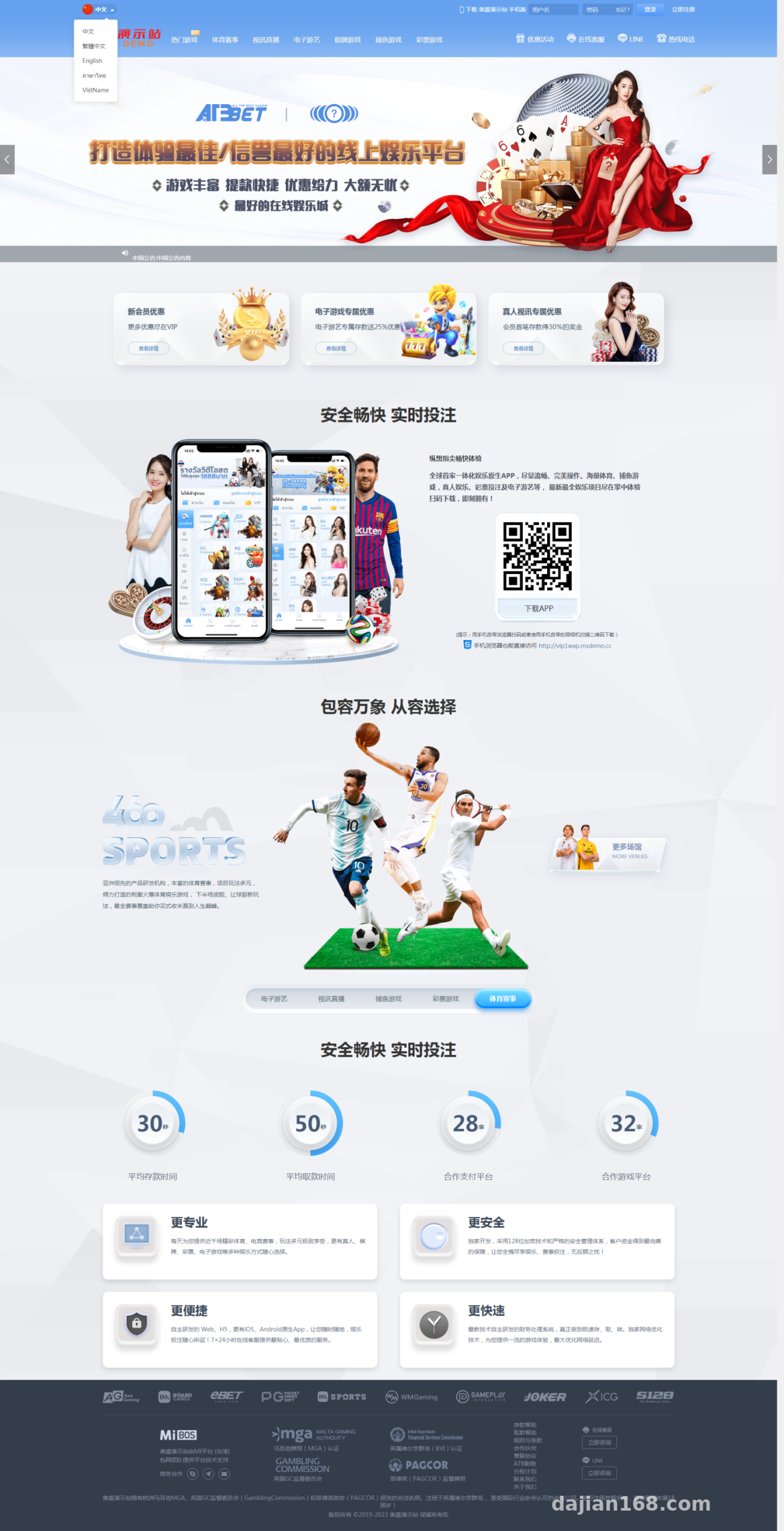
Hands-On Testing: Five Languages and Game Modules
The system ships with five built-in language packs. Switching doesn’t require a restart—just click the language button on the front end and it takes effect immediately. I tested the Chinese-English switch myself; text loading latency stayed under 200ms, so the caching is decent.
Game Module Experience
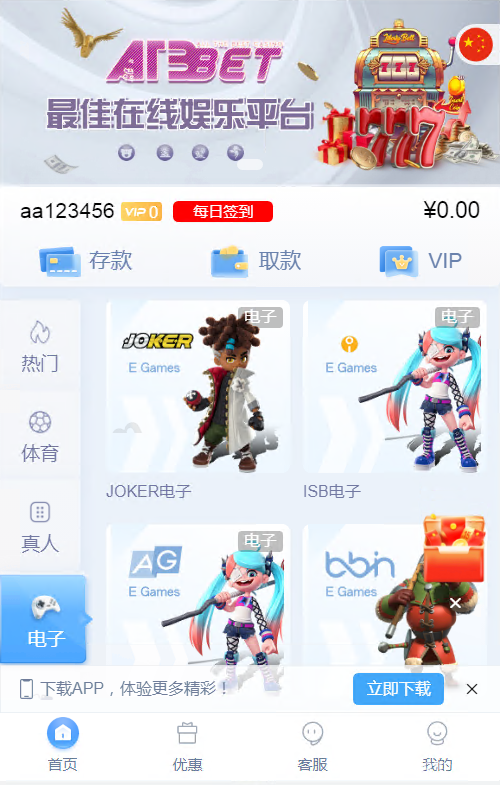
The tabletop game simulation and arcade demo are the two core modules. The demo data is generated by random numbers—it’s a probability-simulation style showcase, purely for technical demonstration. The animations run smoothly; my test machine with 2 cores and 4GB RAM handled it fine, with CPU usage peaking below 40%.
Admin Control Panel
The backend uses the common admin path, with finely divided menus: user management, demo account creation, data statistics, and language pack editing are all in there. Account creation connects through a free interface, and demo accounts generate quickly, which makes testing each module convenient.
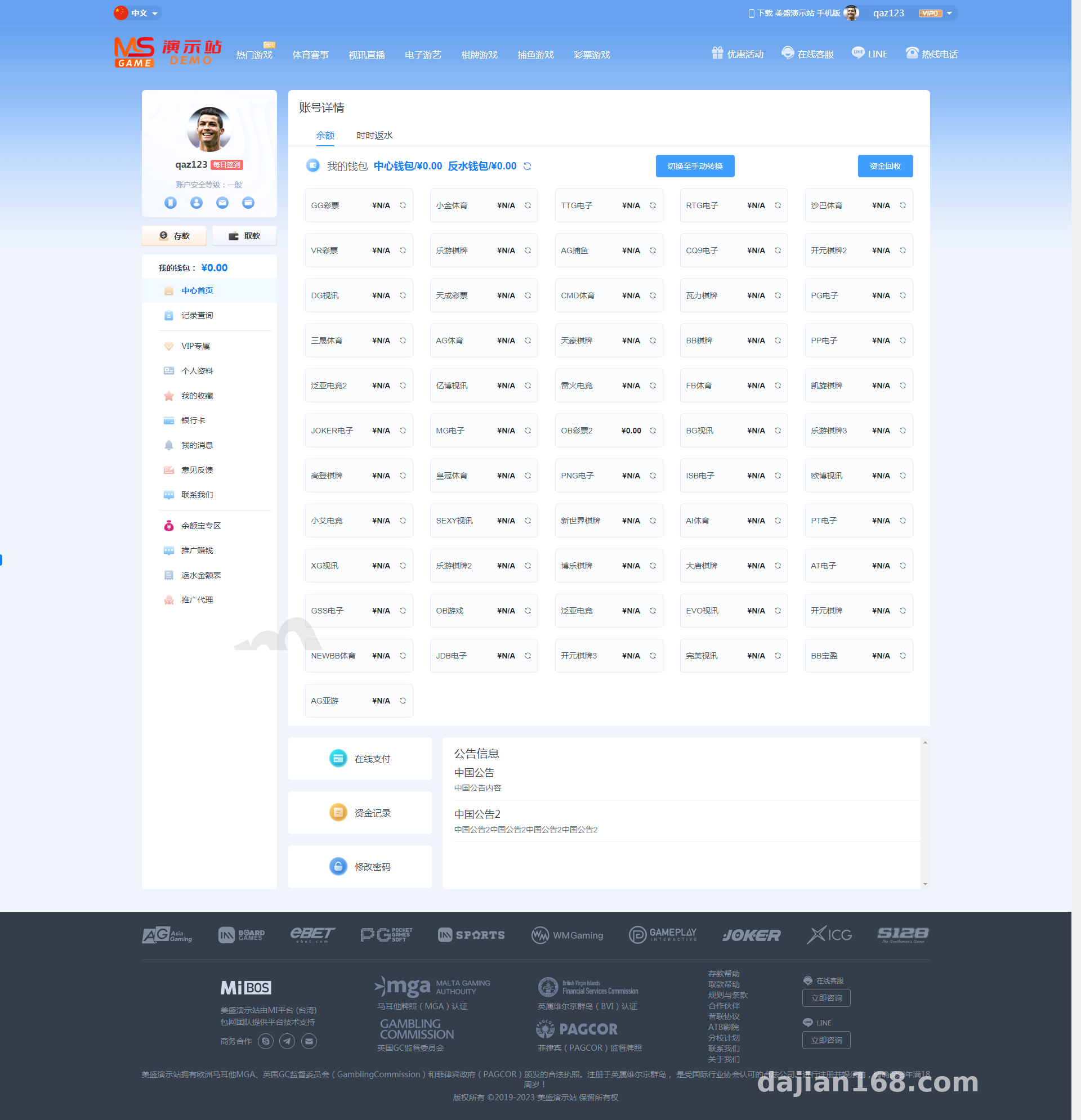
Deployment Essentials: Environment and Configuration
For the environment I used LNMP with PHP 7.4 and MySQL 5.7. You need to configure the rewrite rules properly, otherwise front-end routes will 404—that was my first pitfall.
Database Import
The SQL file is around 80MB. Before importing, remember to change the database prefix in the config file to match the one in the SQL, or the admin login will throw errors right away. The import took about 3 minutes—don’t cancel it midway.
Payment Interface Integration
The system reserves integration slots for third-party payment interfaces, with parameter documentation in the config file. For a demo environment, I’d recommend using a sandbox channel or simply disabling the payment module and keeping only the simulated transaction flow feature. That keeps things compliant and hassle-free.
Performance Tuning
The official claim about blazing-fast performance isn’t exaggerated, but I still made two optimizations: enabling OPcache, and splitting static assets onto a CDN. Homepage load time dropped from 1.8s to 0.9s—a noticeable improvement.
Secondary Development Tips
The code follows a standard MVC structure, with templates and logic separated fairly cleanly. To modify the front-end UI, just work in the template directory. To add a new language pack, copy an existing language directory, translate the files, and register it in the language list—one set takes about half an hour.
Note that some interfaces are encrypted and obfuscated, so back up before any secondary development and debug module by module. Don’t go all-in at once.
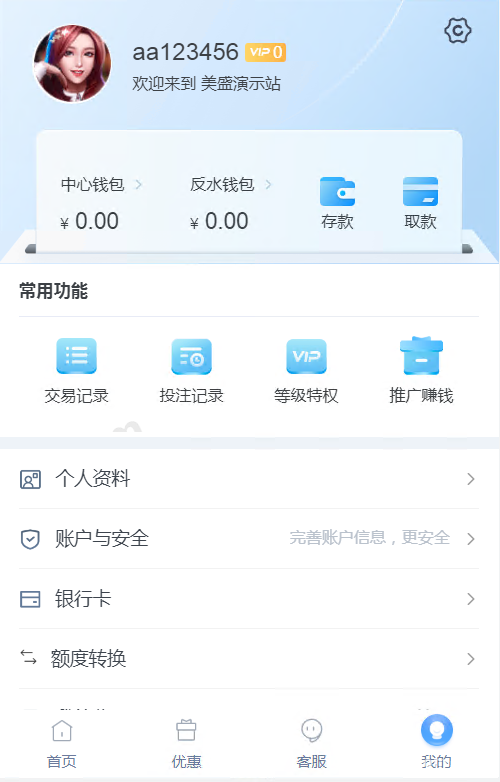
Highlight: Five language packs work out of the box with no manual conversion needed, demo accounts are free to create, the integration documentation is complete, and it’s well suited for quickly building a multi-language demo site.
Who This Is For
First, developers building technical demos and teaching cases. Second, site owners looking for a reference on multi-language site architecture. Third, programmers who want to study the implementation logic of probability simulation and task distribution systems. If you’re a complete beginner hoping to run it commercially right away, I’d suggest getting comfortable with PHP and server administration first.
FAQ
Q: What server specs are needed for deployment?
A: A minimum of 2 cores, 4GB RAM, and 5M bandwidth will get it running. For a demo environment, 4 cores and 8GB is recommended so multi-language switching and the game modules load more smoothly together.
Q: Can I add my own language packs?
A: Yes. Copy an existing language directory, translate the files, then register it in the admin panel’s language management. I added a test language pack myself, and both the front end and back end recognized it fine.
Q: Is payment interface integration mandatory?
A: No. In a demo environment you can disable the payment module and test with the built-in simulated transaction flow feature, then integrate a compliant channel as needed for production.
Q: The front end won’t load after deployment—what should I do?
A: Nine times out of ten it’s missing rewrite rules or a mismatched database prefix. Check those two things first, then confirm PHP is version 7.4 or higher.
One final reminder: this program is for technical learning and compliant demonstration only. Please comply with all applicable laws and regulations when using it, and never use it for any unlawful purposes. Feel free to share deployment details in the comments if you have questions.
Disclaimer: This article is for technical education and demonstration only. It is not professional or financial advice. Any real-world deployment must comply with applicable laws and regulations.
#source code setup #deployment notes #multi-language system #admin panel #secondary development
-
 Alipay QR Code Scan
-
 WeChat Scan Pay