Mark Six Draw Gallery System Deployment Notes: Live Draw + Historical Image Gallery + Macau Results Website Source Code
Mark Six Draw Gallery System Deployment Notes: Live Draw + Historical Image Gallery + Macau Results Website Source Code
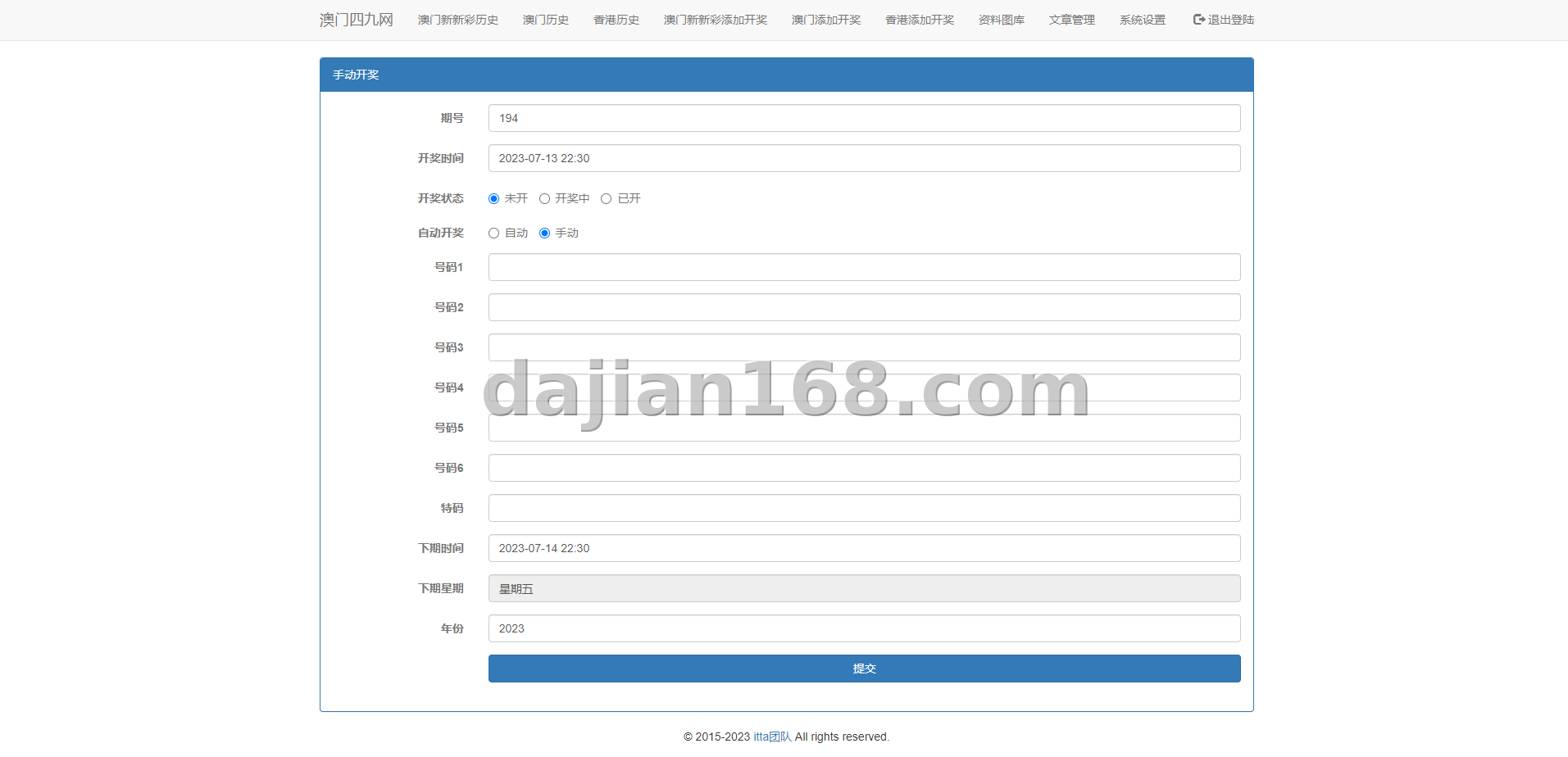
This is my second lottery-related project this month. The last one focused on a discussion forum; this client wanted something different — a “draw gallery” at the core, meaning the number images, zodiac images and color-wave images for each draw are generated automatically and archived, so users can browse historical draws like flipping through a photo album. This source code package ships with an automatic gallery generation module, eliminating the old manual image-making work. As usual, here is the full deployment record including the pitfalls.
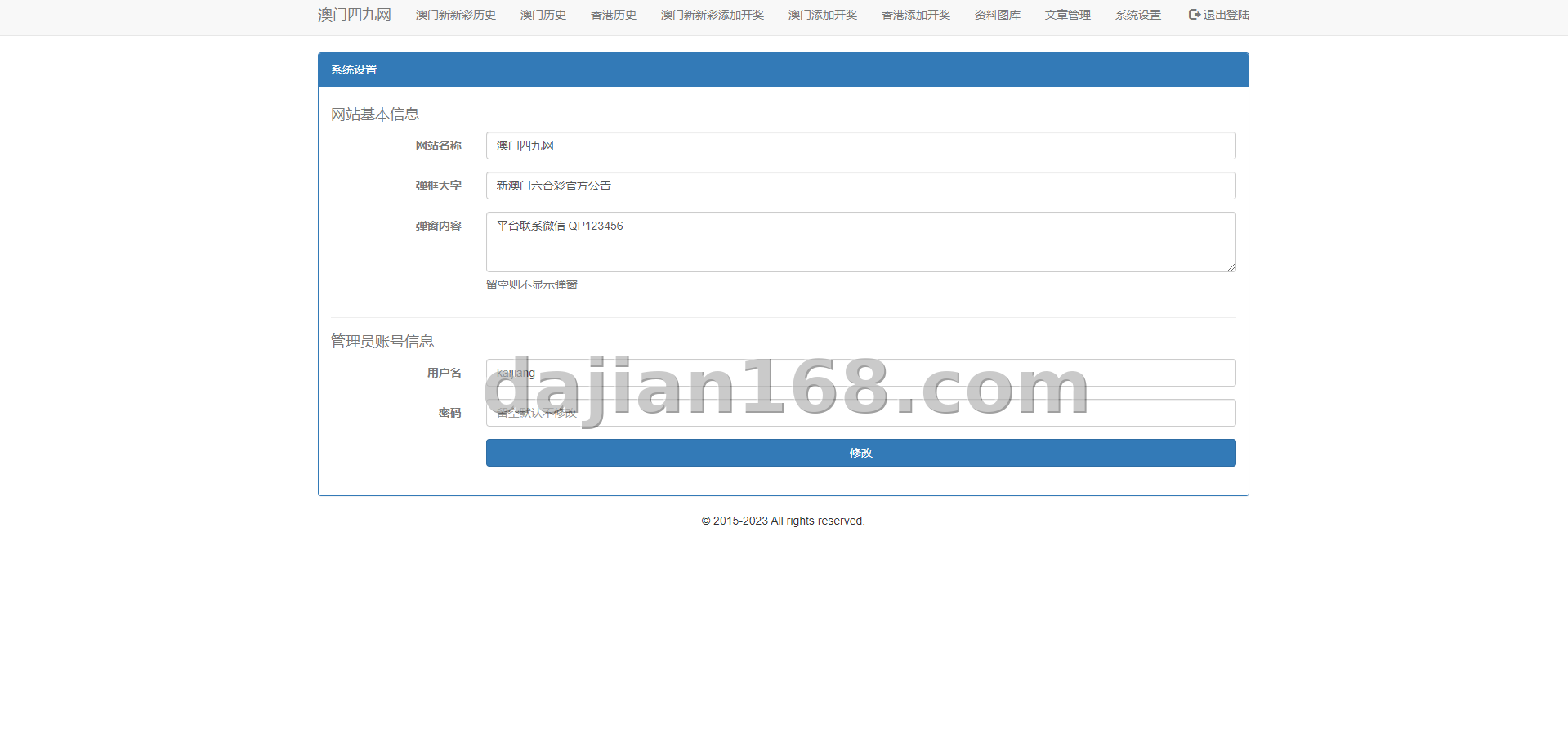
1. System Feature Overview
The system is built around the dual core of “live draw + gallery”. The main modules are:
- Live draw: automatically displays the current numbers at draw time, with countdown and draw animation effects;
- Automatic gallery generation: after each draw, number images, zodiac images and color-wave images are generated from templates and archived into the period directory;
- Historical gallery search: filter past images by period, year or zodiac, with fast loading;
- Reference sections: mystery images, expert materials and trend content blocks, all publishable from the admin panel;
- Member center: daily check-in points, gallery favorites and browsing history to improve retention;
- Admin backend: period management, gallery template management, ad slots and friendly links all in one place.
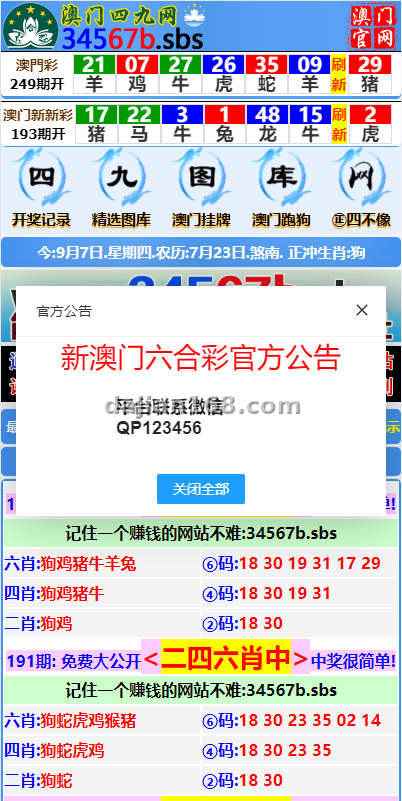
2. Preparation and Deployment Notes
Pre-deployment checklist:
- An offshore server (Hong Kong, 2 cores / 4 GB is enough; the gallery holds many images, so 40 GB+ disk recommended);
- PHP 7.3 + MySQL 5.6, with the GD library and imagick extension enabled (gallery generation depends on them);
- Domain resolution and SSL certificate; for an image-heavy gallery site, enabling WebP or image compression is worthwhile;
- A draw data source: manual entry or API synchronization, pick one.
A key note on the environment: the automatic gallery feature depends on PHP image extensions. The default PHP build in aaPanel does not include imagick — my first deployment got stuck exactly on image generation failures until I reinstalled the extension.
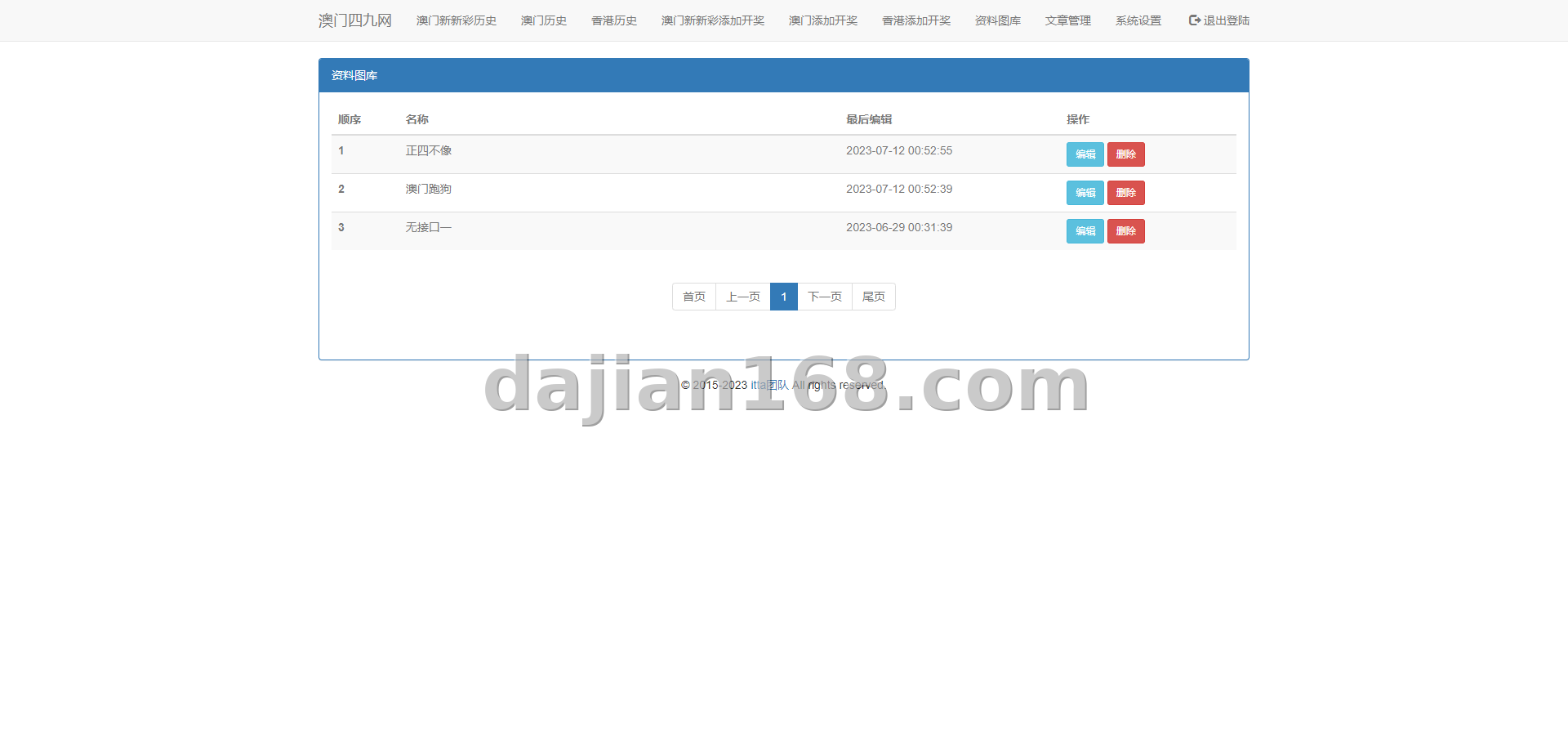
3. Common Problems and Pitfalls
3.1 Gallery images fail to generate
No images appeared after the draw, and the log showed Imagick not found. The cause was the missing imagick extension for PHP. Installing it from the aaPanel app store for the right PHP version and restarting the PHP service fixed it immediately.
3.2 Wrong permissions on the gallery directory
Images were generated but returned 404 on the frontend. It turned out the generated files were owned by root while the site ran as www. A bulk chown -R www:www on the gallery directory solved it — add this to your deployment checklist.
3.3 Slow historical gallery loading
After the gallery accumulated more than 300 periods, the list page slowed noticeably. Adding an index on the period field and enabling aaPanel’s Redis object cache cut load time from 4 seconds to under 1 second.
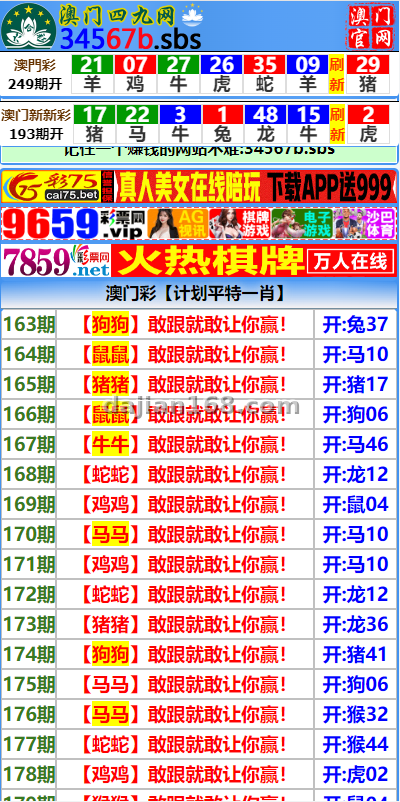
4. Customization Options
- Custom gallery templates: fonts, colors, logo and layout can all be rebuilt around the client’s brand;
- Integrating an automatic draw data API for fully unattended draw-to-image workflow;
- Gallery subscription push: automatically push new draw images to Telegram groups or an app;
- Multi-language interface expansion for Hong Kong, Macau, Taiwan and Southeast Asian users;
- CDN integration — with a heavy image payload, CDN noticeably improves loading experience.
💡 Important: this type of system is only suitable for regions and compliant scenarios where local laws permit. Always confirm local policy requirements before deployment, implement content review, and never use it for any unlawful purpose.
5. FAQ
Q1: Are the gallery images generated automatically?
A: Yes — that is the biggest highlight of this system. Once the winning numbers are entered, the system generates number, zodiac and color-wave images from preset templates with no manual design work.
Q2: Can historical galleries from an old site be imported?
A: Yes. The admin panel supports batch uploading by period and provides an SQL import template; several thousand periods can be migrated in half a day.
Q3: Does a gallery site demand a powerful server?
A: Image volume means heavier disk and bandwidth consumption. Start with 40 GB+ disk, and once traffic grows, a CDN is the most cost-effective upgrade.
Q4: Gallery version or pure draw system — which to choose?
A: It depends on your operation strategy. For community discussion choose the forum version; for content accumulation and user retention choose the gallery version — gallery pages are also friendlier for search engine indexing.
#MarkSixDrawSystem #DrawGallery #MacauLotteryResults #LiveDrawSystem #LotterySourceCode
-
 Alipay QR Code Scan
-
 WeChat Scan Pay






![? The repair and optimization process for the [Meisheng] program’s point-theft BUG. Date: 2026.7.25](https://dajian168.com/wp-content/uploads/2026/07/telegram-img-2026-07-25-6a650358579c2.jpg)