Japan Air-Drop Task System Build Log: Vue Frontend + PHP Backend, Fully Open Source for Secondary Development and Deployment
Japan Air-Drop Task System Build Log: Vue Frontend + PHP Backend, Fully Open Source for Secondary Development and Deployment
I recently deployed an overseas same-city air-drop task system for a client targeting the Japanese market. The frontend uses Vue and the backend is PHP — fully open source and ready for secondary development. I spent three days working through the setup and ran into every possible pitfall. Today I’m compiling the deployment process and key features into notes for anyone with similar needs.
The system defaults to a Japanese interface and is primarily built for the Japanese market, but the multi-language architecture is well designed, making it easy to customize for other language versions. Below I’ll break down my hands-on experience across several modules.
1. Core Feature Testing
1. Air-Drop Task Publishing and Acceptance
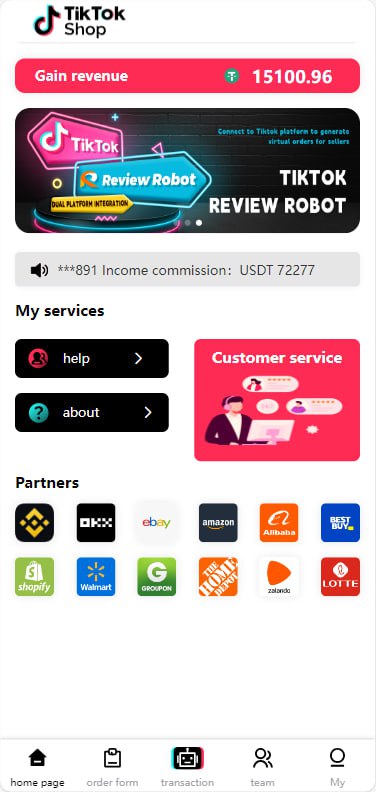
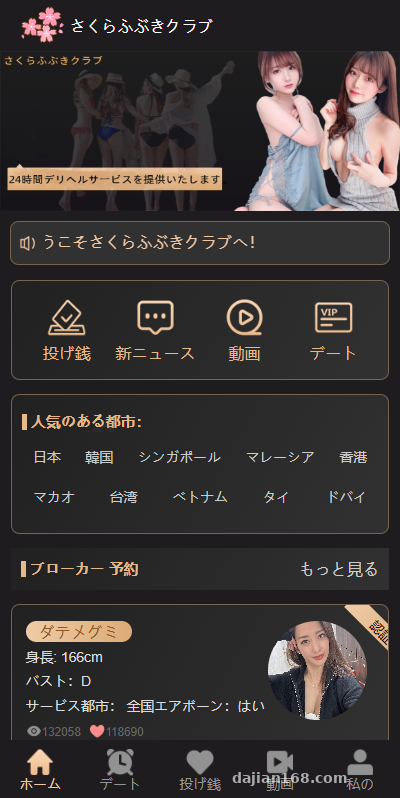
The core of the system is the “Air-Drop Task” module, which functions like a same-city task dispatch system. Users can publish task requests on the frontend, and other users can accept and complete them. Basic features like task categorization, time limits, and regional filtering are all in place. The frontend interaction is built with Vue, page transitions are smooth, and there’s none of that jQuery-style refresh lag.
2. Built-in Lottery Types and Backend Presets
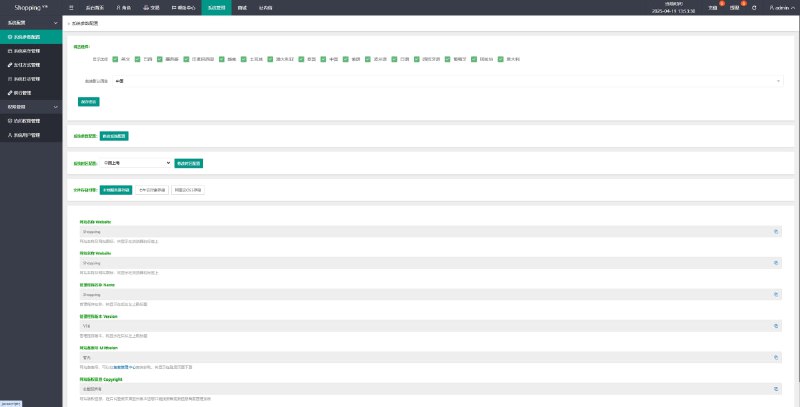
The backend comes with a built-in lottery type configuration module. All task-related reward mechanisms run on the system’s own lottery engine rather than connecting to third-party lottery APIs. The site owner can preset winning probabilities, prize types, and trigger conditions in the backend. The entire logic runs on your own server, giving you full control over security. This is why many people are willing to invest the effort in customizing it — your data stays in your hands.

3. Multi-Language Switching Architecture
The default language pack is Japanese, but the language files are independently configured in a standard key-value structure. I had a quick look at the source code, and adding a new language pack just requires duplicating ja.json, renaming it to zh.json, and filling in the translations — no changes to the core logic are needed. For Southeast Asian markets, switching to Thai or Vietnamese is equally straightforward.
2. Deployment Essentials
Environment and Dependencies
This system doesn’t demand much from the server. I used a standard 2-core 4GB VPS and it ran fine. Here’s the required environment:
- PHP 7.4 or 8.0 (7.4 is recommended for the best compatibility)
- MySQL 5.7+ or MariaDB 10.3+
- Node.js 14+ (used for Vue frontend build)
- Nginx or Apache — rewrite rules need to be configured separately
Note that you’ll need to enable a few PHP extensions: fileinfo, opcache, and redis (optional, for caching acceleration).

Frontend Build Steps
The frontend is a Vue project. After getting the source code, run npm install to install dependencies, then modify the API address in the config directory to point to your backend domain, and finally run npm run build to package it. Drop the resulting dist folder into your Nginx web root, or point a subdomain to it.
Important note: If your Vue router uses history mode, you must add try_files $uri $uri/ /index.html; to your Nginx rewrite config. Otherwise refreshing the page will result in a 404 — I fell into this trap on my first attempt.
Database and Backend
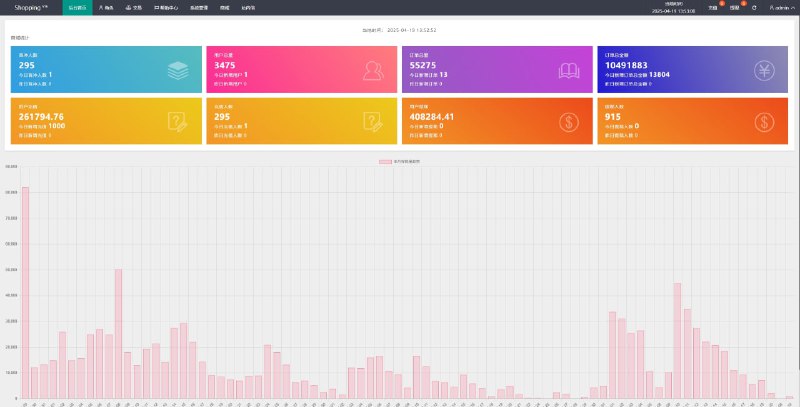
Import the SQL file from the root directory into MySQL, then modify database.php in the application directory to fill in your database credentials. The default backend path is /admin. The username and password can be found in the SQL file or config file — I strongly recommend changing them immediately after deployment.
3. Customization and Tailoring Directions
The beauty of a fully open source system is that you can modify whatever you want. When customizing for my client, I mainly touched a few areas:
Payment Gateway Integration
The original system is built around Japanese domestic payment methods, which the client’s Japan site couldn’t use with domestic channels. During customization, I built a payment gateway adapter layer that wraps Japanese credit card payments and certain local payment methods. The interface is clean to call, and order status callbacks run through async notifications — you’ll need to write your own callback URL validation.
Backend Permission Granularity
The original backend only had a single super admin role. I added three new roles for the client: “Operations”, “Finance”, and “Customer Service”, with permissions assigned down to individual menus and buttons to prevent accidental operations.

4. Suitable Users and Scenarios
This system isn’t for everyone. Based on my experience, here are the scenarios where it might be worth considering:
- Site owners already operating in the Japanese market who want to test a new business line at low cost
- Developers with basic PHP and Vue skills who want to save time by customizing an existing framework
- Technical teams working on cross-border projects that need multi-language switching capability
If you have zero technical background but want to run it directly, I’d recommend asking a technically savvy friend to help with deployment or hiring someone to set it up. The overall system logic isn’t overly complex, but the frontend build, Nginx configuration, and database import are all steps where one mistake can prevent everything from working.
Frequently Asked Questions
Q: Can this system be used directly for a Chinese-language site?
A: Yes. The language packs are independent in the source code — just duplicate the Japanese file, rename it to Chinese, and fill in the translations. The frontend calls don’t need to change, and theoretically the entire site can be localized in 2-3 hours. However, note that the default Japanese local payment methods won’t work in China, so you’ll need to integrate domestic payment gateways.
Q: What are the minimum server requirements?
A: From my testing, a VPS with 2 cores, 4GB RAM, and 50GB storage runs the system perfectly, provided daily active users stay under a few thousand. If you expect over 10,000 daily active users, I recommend upgrading to 4 cores and 8GB RAM, paired with Redis caching and CDN acceleration. The static assets from the Vue frontend build should also be served through a CDN.
Q: How do I adjust the winning probabilities for lottery types? Can the system be exploited?
A: The backend has a dedicated probability configuration panel that lets you set probability ranges per lottery type and limit trigger conditions (e.g., daily participation limits per user, IP restrictions, etc.). But to be honest, probability tuning requires careful operational judgment — there’s no 100% foolproof anti-exploitation solution. I recommend pairing this with risk control logs for ongoing review.
Q: Can the Vue frontend be replaced with uniapp for an APP version?
A: In theory, yes — the frontend uses standard Vue syntax without heavy reliance on platform-specific APIs. However, during actual customization, features like login state persistence, payment callbacks, and push notifications require APP-side adaptation. It’s a substantial workload, so I’d recommend working with a developer experienced in uniapp.
Q: Can the system be updated and upgraded normally after deployment and customization?
A: It depends on how much you’ve modified. If you’ve only made localized changes like language packs and payment integration, compatibility with the original version’s upgrades shouldn’t be a major issue. However, if you’ve altered core business logic, I recommend backing up before each upgrade and writing a diff script to compare changes — don’t blindly overwrite your customized files.
#Source Code Deployment #Overseas Air-Drop #Vue Frontend #PHP Secondary Development #Japan Market
-
 Alipay QR Code Scan
-
 WeChat Scan Pay