TRX Staking Yield Demo System: TronLink Integration, Source Deployment & Admin Config
TRX Staking Yield Demo System: TronLink Integration, Source Deployment & Admin Config
Disclaimer: This article is for technical education and demonstration only. It is not professional or financial advice. Any real-world deployment must comply with applicable laws and regulations.
Recently I helped a client deploy a TRX staking yield demo system on the Tron network. The platform simulates staking yield and airdrop logic for front-end display, while the back office controls the rules. It took about three days from environment setup to admin tuning, and I ran into a few gotchas. I wrote this post as a reference for anyone building a similar demo system.
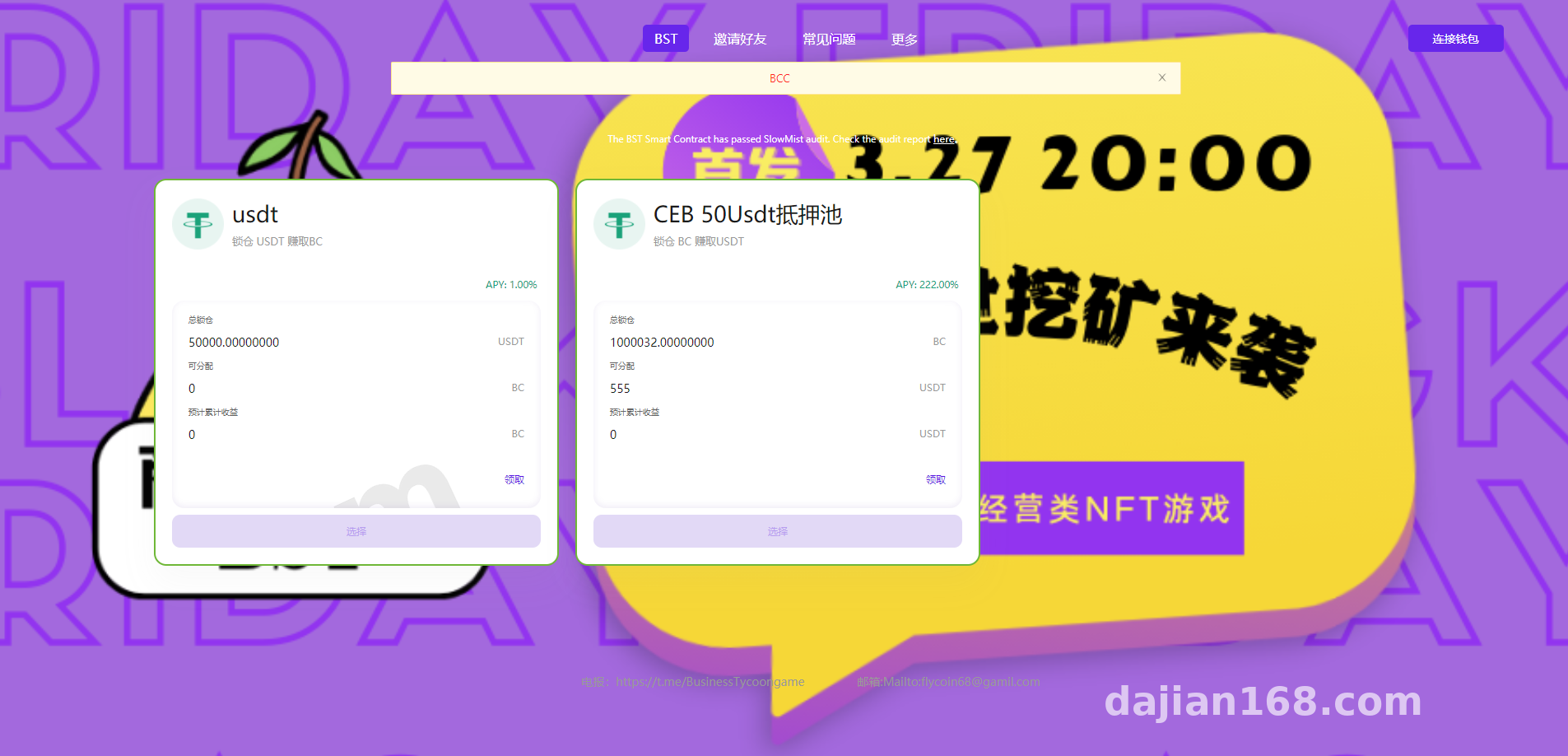
1. System Functions I Tested
At its core, this is a digital-asset yield demo platform: the front end shows simulated yield data, and the admin panel can adjust rules on the fly. I broke my testing into three modules.
1.1 Static Yield Configuration
For the static yield module, the admin sets staking cycle, yield rate, deposit token, and fixed amount. For example, if the admin sets a 7-day lock, 10% yield rate, and a 10 TRX fixed deposit, the front end requires that exact amount. This works well for fixed-amount demo scenarios. Flip the backend switch and the entire static-yield module disappears.
1.2 Dynamic Tiered Rewards
The dynamic reward module is the other core feature. It uses a tiered completion system based on valid participation volume: after 2 active participants finish tasks, the system pays 5% across 3 tiers; after 5 participants, 2% across 5 tiers; after 8 participants, 1% across 8 tiers; after 10 participants, 1% across 15 tiers. The back office keeps dynamic and static yield in separate modules, so tier depth and percentages can be changed independently. When I adjusted the percentage from 5% to 3%, the front end refreshed within about two minutes.
1.3 Admin Control Center
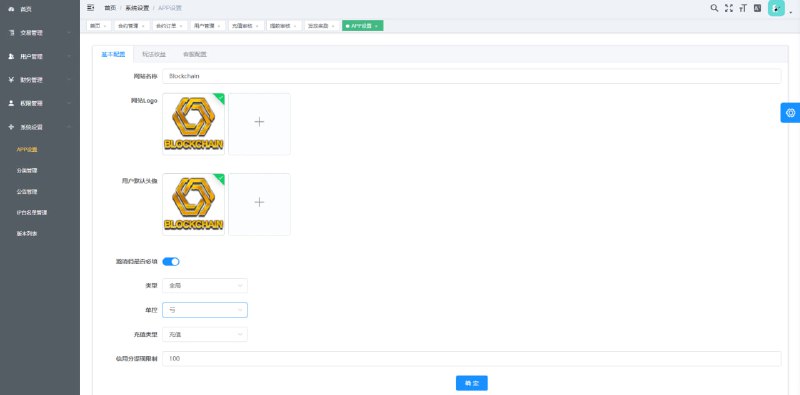
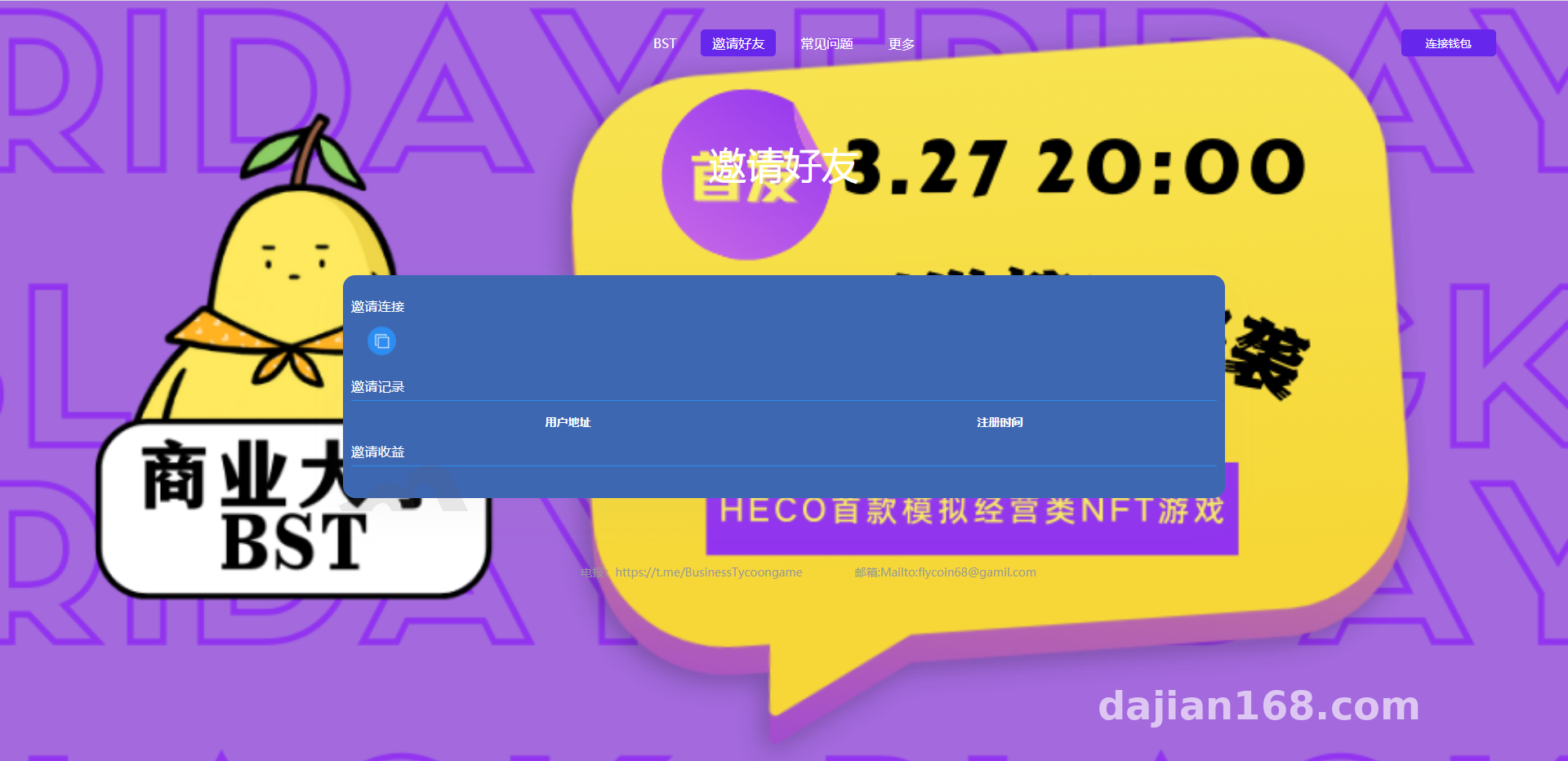
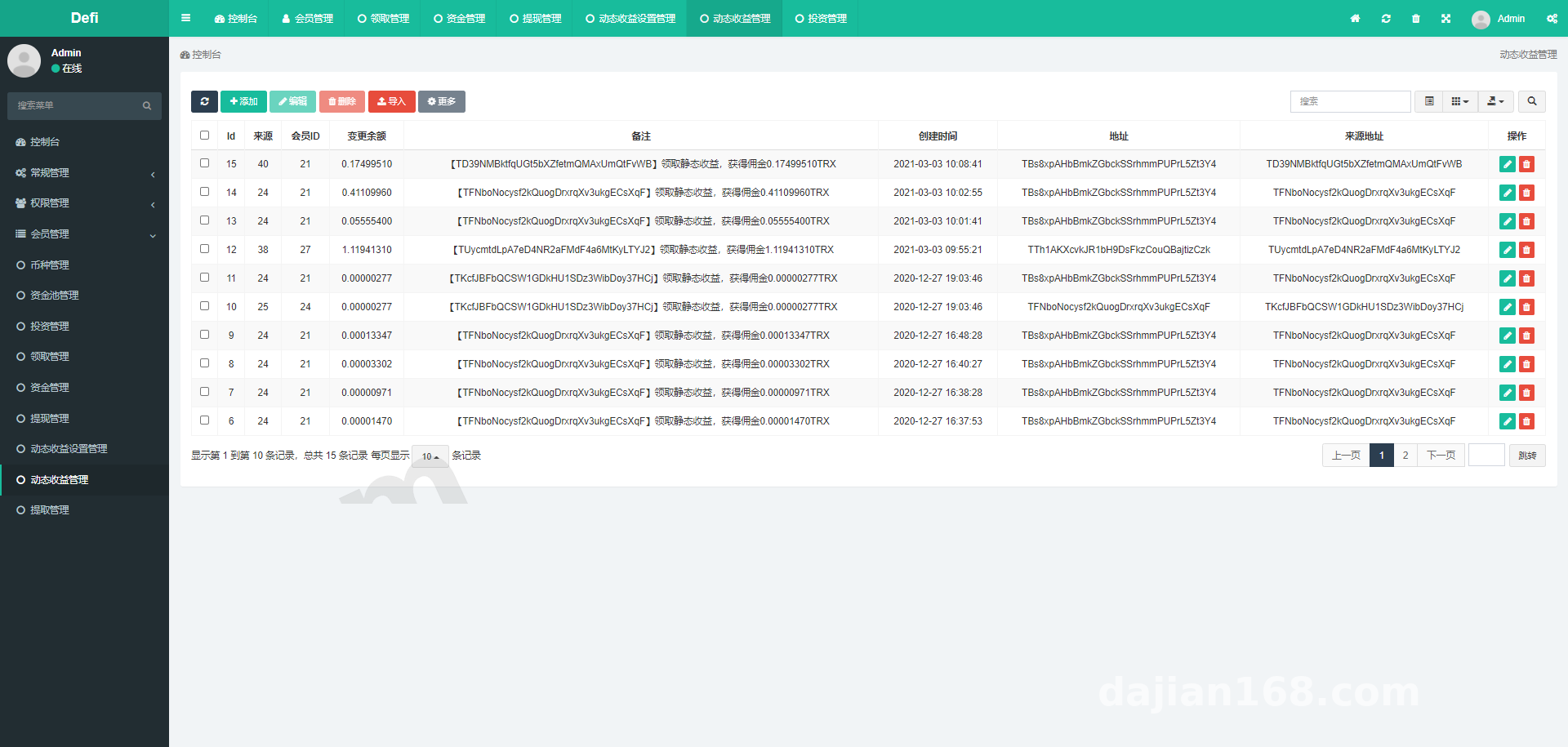
The admin panel is fairly complete. Besides yield parameters, you can manage users, view team trees, configure airdrop token rules, and toggle registration or withdrawals. It uses a single admin entry point, so the first thing I did after deployment was change the admin path and default credentials.

2. Deployment Environment and Technical Notes
I used a 2-core 4 GB server running CentOS 7.9, Nginx 1.20, PHP 7.4, and MySQL 5.7. That handled the load fine; for higher concurrency I would bump RAM to at least 4 GB or more.
2.1 Environment Setup
The source is written in PHP, and the rewrite rules need to be correct or admin routes will 404. On Nginx I added try_files $uri $uri/ /index.php?$query_string;. After importing the database, check the chain node address in the config file, and keep testnet and mainnet endpoints separate.
2.2 Tron Chain Integration
System interaction with TRX relies on TronWeb and Tron node APIs. You need an API key during deployment, preferably from an official or stable RPC provider. Transfer event callbacks handle deposit monitoring. For local testing, run against the Shasta testnet first to confirm transaction hashes, block confirmations, and deposit logic before switching to mainnet.
2.3 Pitfalls I Hit
The first issue was time zones. The source defaulted to UTC, so yield settlement was off by eight hours. I fixed it by setting php.ini and the database timezone to Asia/Shanghai. The second issue was TRX precision. On-chain TRX uses six decimals, so yield calculations must use bcmath; otherwise you get 0.000001-level errors. The third issue was caching. After changing the yield rate in the admin panel, the front end still showed the old number until I cleared the Redis cache.
Highlight: The dynamic reward algorithm in this source is stored in config tables, not hard-coded. That means you can tweak parameters directly in the admin panel during secondary development without redeploying the whole build. For teams building digital-asset yield demos or marketing activity systems, that design saves a lot of time.
3. Target Users and Secondary Development
3.1 Applicable Scenarios
This system fits blockchain project demos, digital-asset yield simulations, membership marketing systems, or internal training platforms. Keep in mind it is a demo system; all yield data should follow simulated rules and must not be used for fund-raising or return-promising activities.
3.2 Secondary Development Directions
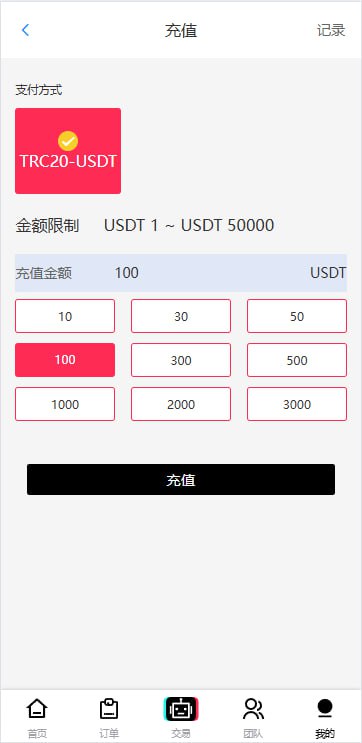
If you plan to extend it, I suggest three directions. First, add multi-token support such as USDT-TRC20 to broaden payment scenarios. Second, add language packs; the source is Chinese-only, so overseas projects need English and Southeast Asian languages. Third, turn the tiered rewards into task-distribution rewards, replacing direct user-invitation flows with “complete tasks” logic to fit more lawful marketing scenarios.
4. Frequently Asked Questions
Q: The front end displays fine, but clicking the participate button does nothing.
A: Most likely TronLink wallet is not installed, or the selected network is wrong. Check the browser extension, node address configuration, and whether the contract address is filled in correctly.
Q: How soon does a yield-rate change in the admin panel take effect on the front end?
A: In my test it wrote to the database immediately, but if Redis or file caching is enabled, you need to flush it. Adding a manual cache-clear button in the admin panel prevents users from seeing stale data.
Q: Can this system be used commercially as-is?
A: It can run technically, but before commercial use you should perform a security audit, compliance review, and harden permissions. All digital-asset systems must comply with local laws and regulations, and any illegal or unauthorized use is prohibited.
Q: Can the tiered completion rewards be disabled?
A: Yes. Turn off the dynamic yield switch in the admin panel, or set every tier percentage to zero, and the front end will hide the reward module.
Disclaimer: This article records the technical deployment process only. All features are intended for legal technical demonstration and learning exchange. Please comply with applicable laws and regulations; any unlawful or unauthorized use is prohibited.
Disclaimer: This article is for technical education and demonstration only. It is not professional or financial advice. Any real-world deployment must comply with applicable laws and regulations.
#TRX Staking #Tron Demo System #Source Code Deployment #Blockchain Demo #Admin Configuration
-
 Alipay QR Code Scan
-
 WeChat Scan Pay