Multi-Chain Payment Gateway Cashier Setup: ETH/BNB Wallet Integration and Sandbox Testing
Multi-Chain Payment Gateway Cashier Setup: ETH/BNB Wallet Integration and Sandbox Testing
Disclaimer: This article is for technical education and demonstration only. It is not professional or financial advice. Any real-world deployment must comply with applicable laws and regulations.
Recently I helped a client deploy a multi-chain payment gateway cashier demo environment. My main job was wiring together the payment flows for IM Wallet, TokenPocket, and MetaMask. The source code is meant as a payment interface demo and cashier prototype validation, not a production-grade live-payment gateway. I spent one day going from environment setup to wallet launch and got the whole flow working. This post is my deployment notebook, capturing the key pitfalls. This article is for technical education only.
Real-World System Test: Wallet Launch and Transfer Flow
Multi-Wallet Environment Adaptation
The source code has three wallet launch options built in. On mobile, open the H5 page inside IM Wallet or TokenPocket’s DApp browser, then send the authorization request through window.ethereum or the corresponding provider. On desktop, use the MetaMask browser extension. One practical detail from testing: some browsers block pop-ups, so the wallet must be triggered by a user click. You cannot auto-call it the moment the page loads.
ETH/HT/BNB Transfer Demo
The current gateway mainly supports EVM-compatible chain demo currencies: ETH, HT, and BNB. After the user clicks confirm on the payment page, the frontend calls wallet.sendTransaction, submitting the receiving address, amount, and gas parameters together. Once the user signs, the transaction is broadcast to the chain, and the frontend returns the transaction hash to the backend. The backend then records the order according to the configured logic.
Deployment Essentials: Cashier Backend and API Configuration
Backend Receiving Address Setup
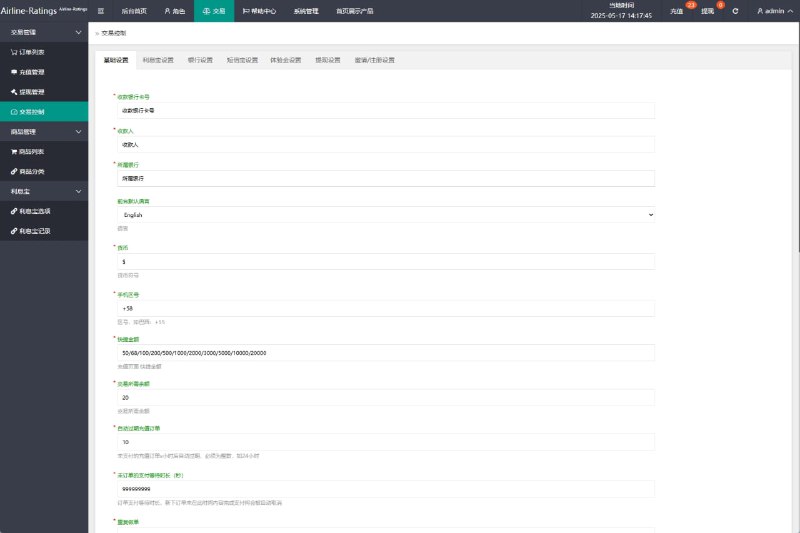
Enter the admin backend, find Payment Config or Channel Management, and fill in the test receiving address. I strongly recommend using a testnet address first to avoid accidentally sending real assets. I usually run the full flow on BSC Testnet or Goerli before doing anything else.
Transaction Records and Callback Logic
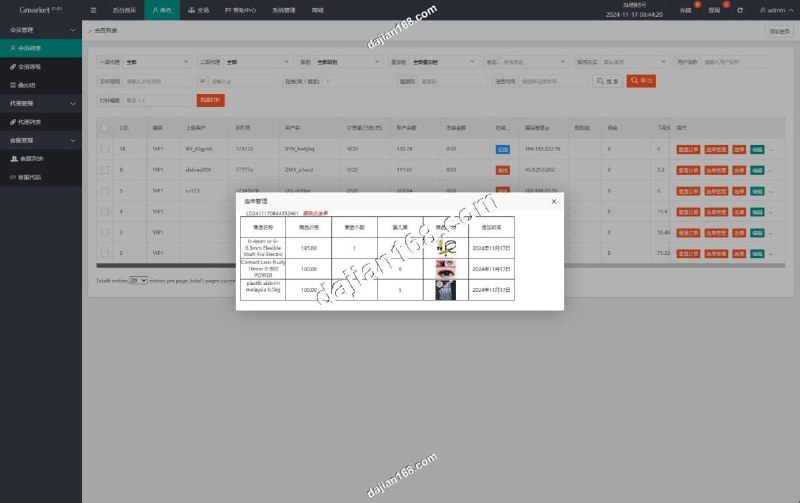
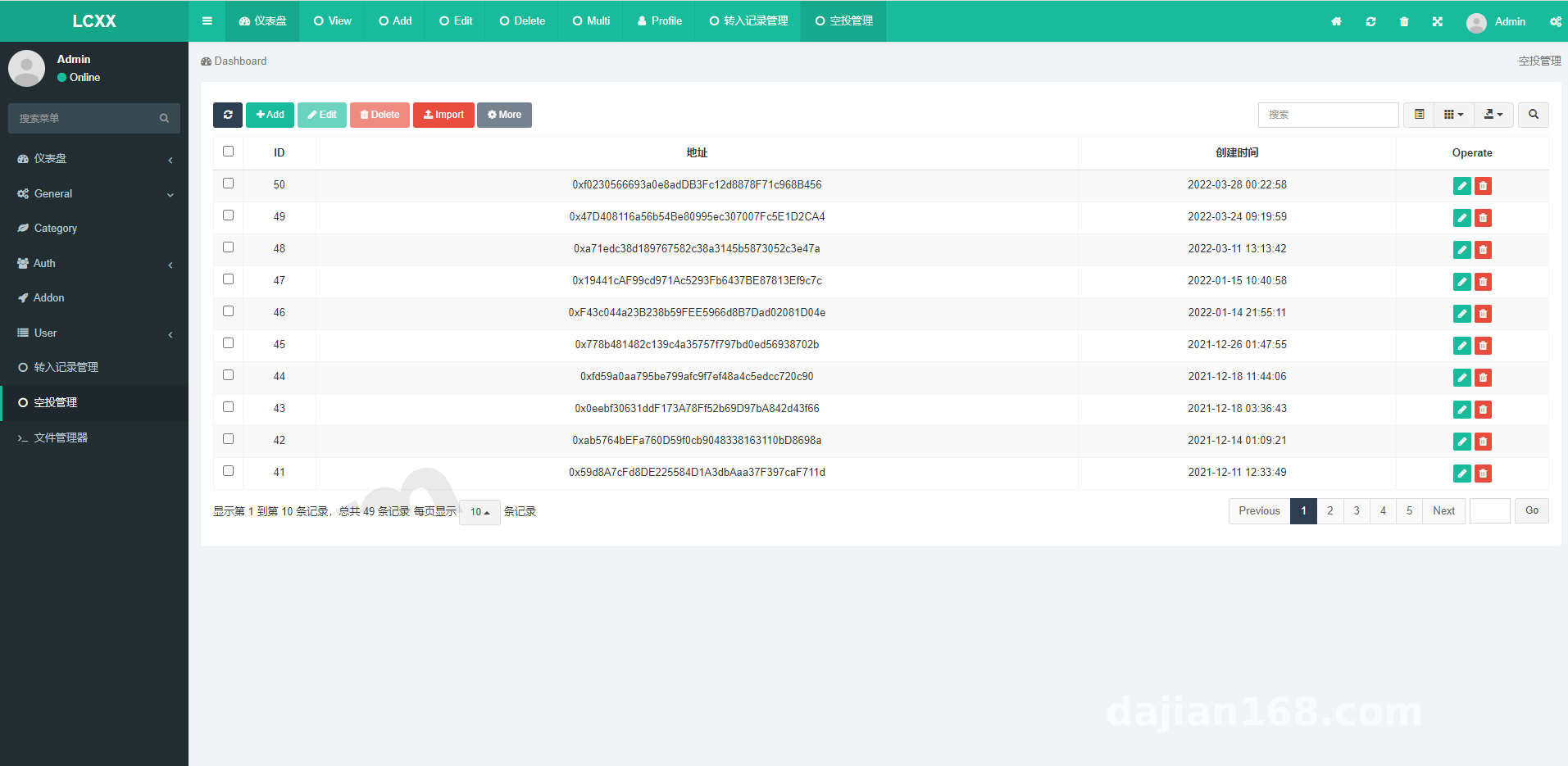
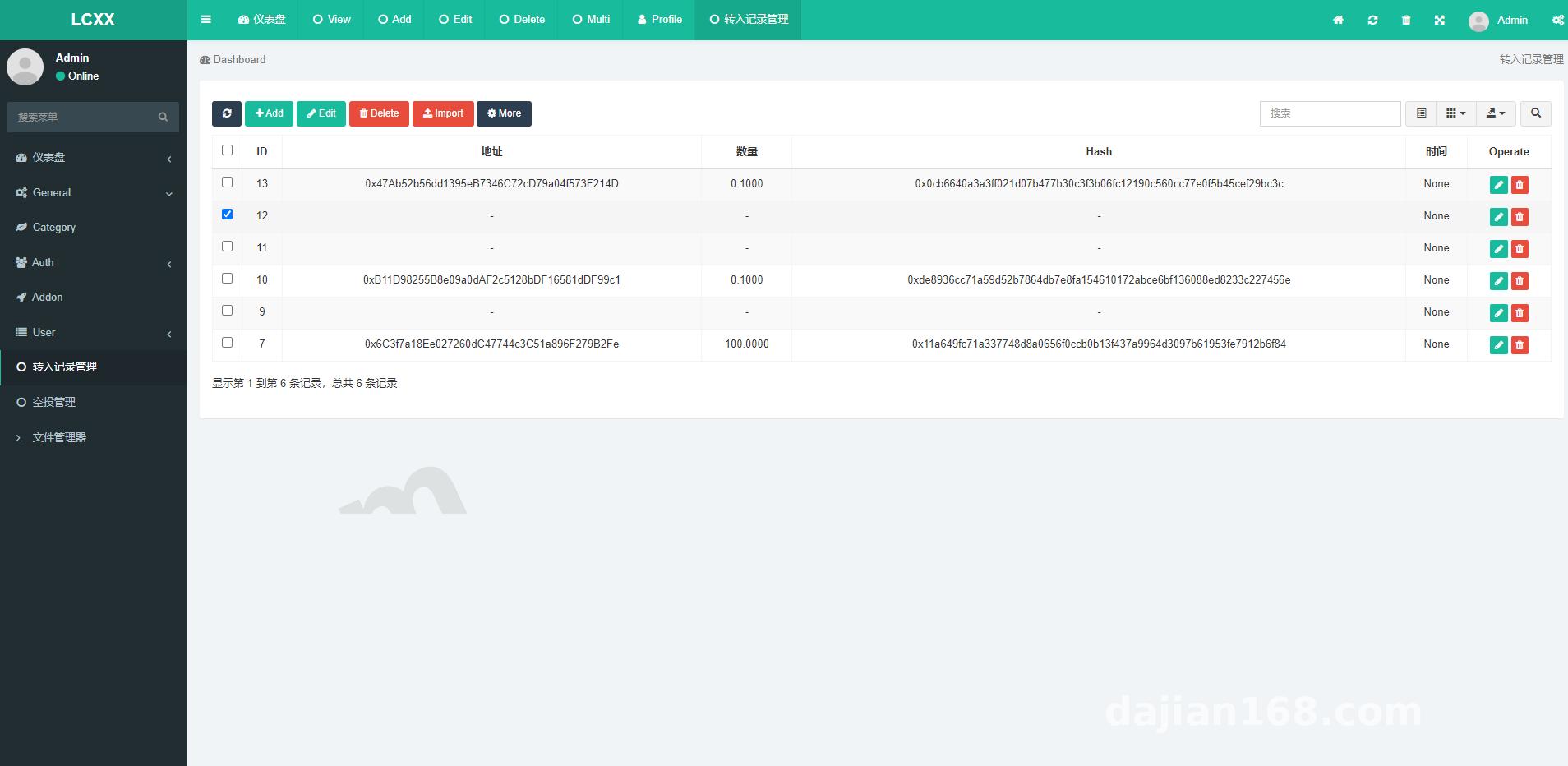
Core backend fields include: transaction hash, currency, amount, status, and timestamp. A successful frontend transfer is only the first step. The reliable approach is for the backend to query the chain once more to confirm the transaction status. BSC Testnet confirms quickly, but faucet payouts sometimes lag, so the callback must poll instead of relying on a single frontend notification.
Multi-Language and Template Customization
The H5 page structure in the source code is clean. The language pack is a separate file, so changing copy, swapping the logo, or adjusting button colors is straightforward. When I customized it for the client, I replaced the default payment instructions with business demo copy in about half an hour.
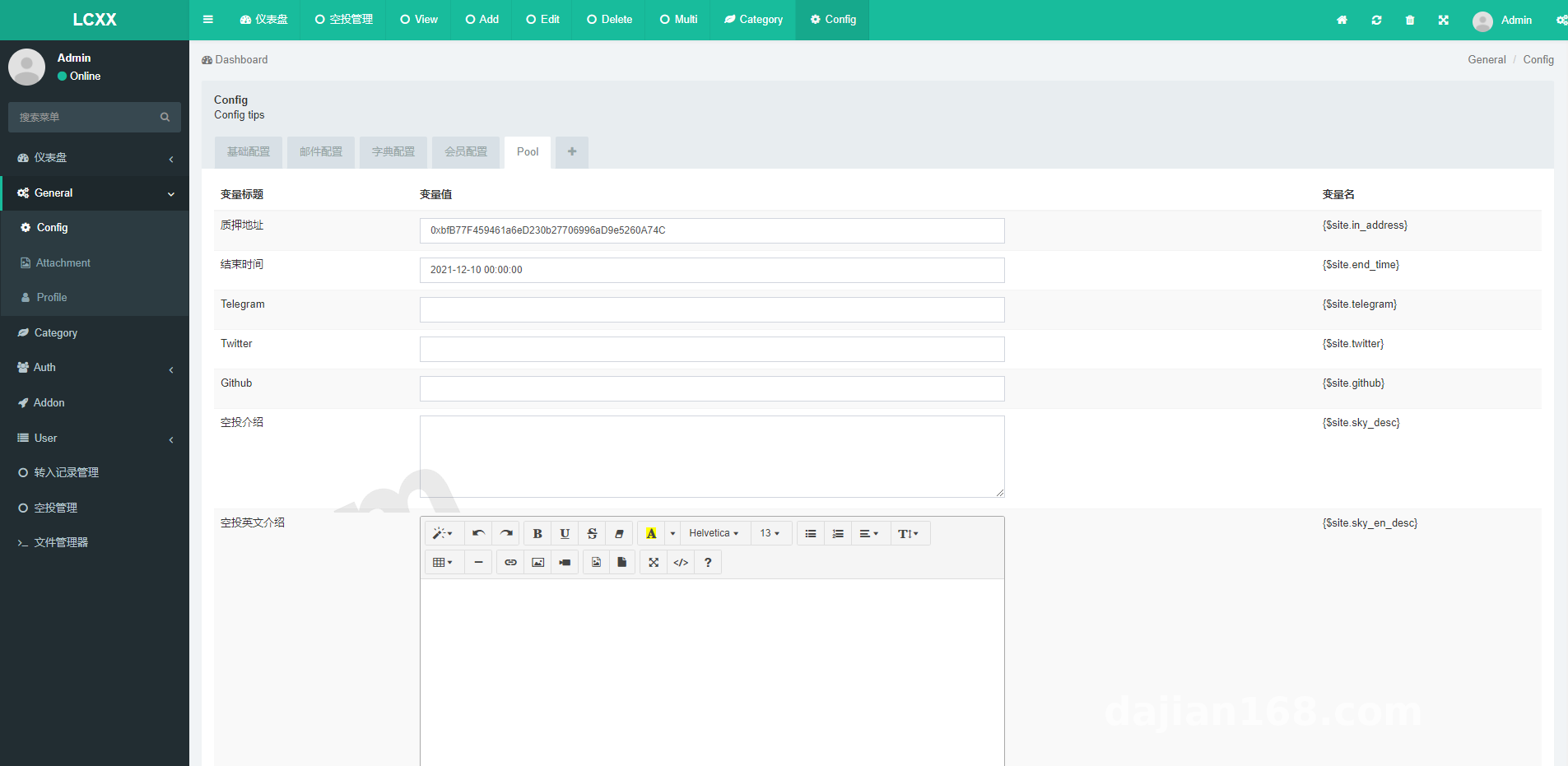
Highlight: the most useful part of this system is that it wires the whole chain “wallet authorization → transfer broadcast → backend record” together, making it convenient for payment demos or internal cashier prototype validation.
Security and Sandbox Testing Recommendations
Testnets First
Before any formal deployment, run everything on Sepolia, Goerli, or BSC Testnet first. Claim test coins, configure test addresses, confirm the wallet can launch, transactions can be recorded, and backend statuses update. Once the flow is stable, switch to mainnet for final verification.
Risk Control and Compliance Boundaries
This source code is only for legal payment interface demos and cashier system prototype validation. It cannot be used for unauthorized payment proxying, signature bypassing, or risk-control evasion. The deployment page must include a clear statement: comply with applicable laws and regulations, and prohibit any illegal or non-compliant use. The backend should have role-based permissions to prevent accidental changes to test addresses and configurations.
Common Error Troubleshooting
When the wallet is not installed, show a friendly prompt. If MetaMask’s chain ID is wrong, the transfer will fail. The frontend should check balances before sending. If test coins have not arrived yet, sending will report insufficient funds. These error messages should be displayed clearly on the page instead of letting users retry blindly.
Target Audience and Customization Directions
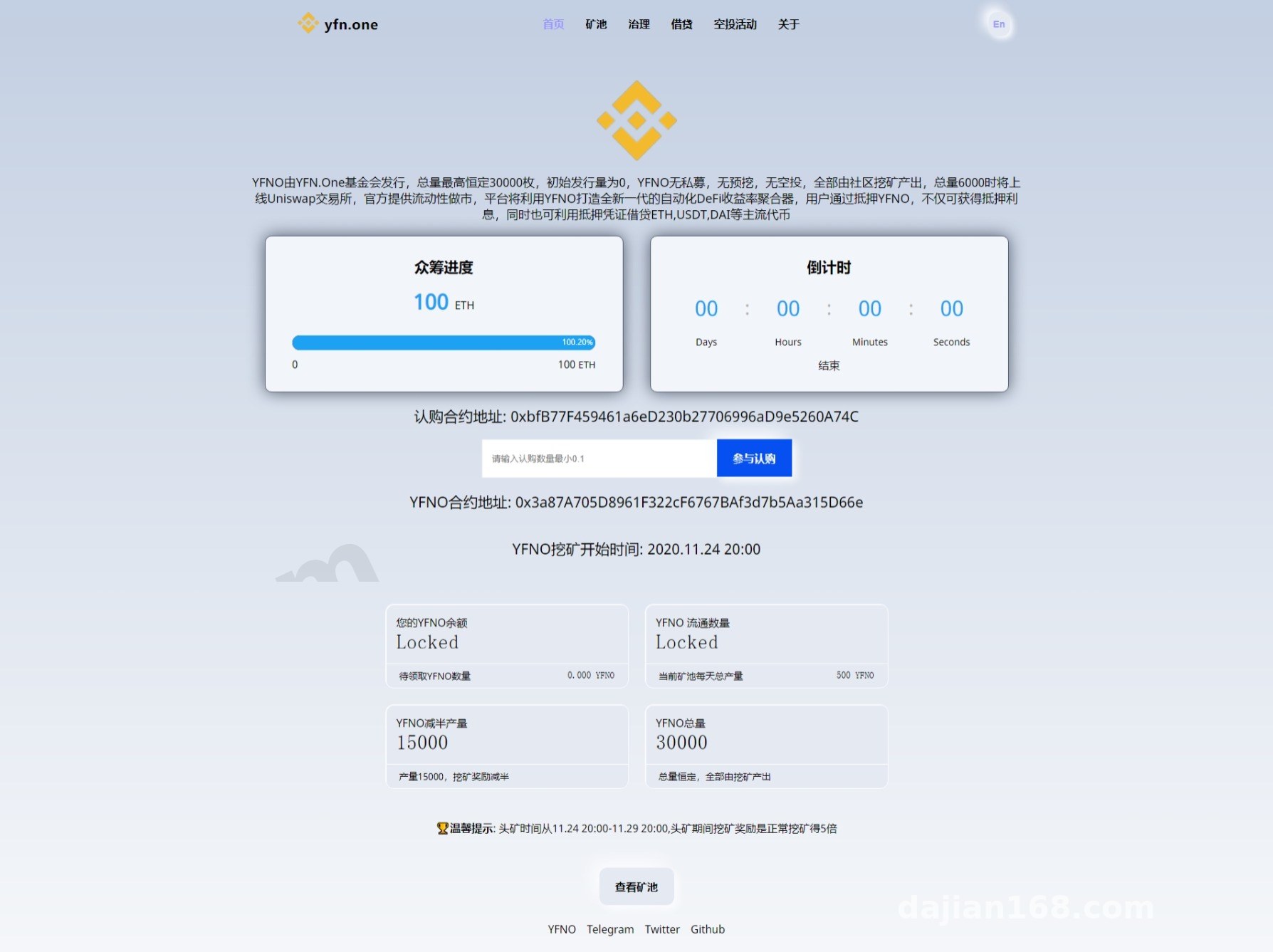
This system suits three groups: technical teams learning wallet payment integration, product managers who need to quickly build a cashier system prototype, and developers building digital asset demo platforms.
Customization directions could include: adding more EVM chains, adding an order query API, integrating stablecoin demos such as USDT, customizing the payment cashier UI skin, or refactoring the backend into RESTful APIs for easier frontend-backend separation.
Frequently Asked Questions
Q: Which wallets does this system support?
A: It has been tested with IM Wallet, TokenPocket’s built-in browser, and the MetaMask browser extension. Mobile works best when opened in a DApp browser.
Q: Does the transfer use mainnet or testnet?
A: The default configuration supports both mainnet and testnet, but I recommend running sandbox tests on Sepolia, Goerli, or BSC Testnet first.
Q: What records can the backend see?
A: It can see the transaction hash, currency, amount, time, and status. A more complete version will also auto-update the order status based on on-chain confirmation count.
Q: Can it be changed to other coins or stablecoins?
A: The source structure is fairly open. You can customize it to support ERC-20 or BEP-20 token demos such as USDT test coins. You will need to update the contract address and transfer method.
Q: What environment is needed for deployment?
A: A basic PHP/MySQL or Node environment is enough. The frontend is H5. The main challenges are wallet provider handling and on-chain callback logic.
Disclaimer: This article is for technical education and demonstration only. It is not professional or financial advice. Any real-world deployment must comply with applicable laws and regulations.
#Payment Gateway #Cashier System #Wallet Integration #Sandbox Testing #Blockchain Demo
-
 Alipay QR Code Scan
-
 WeChat Scan Pay