LEY Multi-Language VUE Framework Probability Simulation System Deployment Guide
LEY Multi-Language VUE Framework Probability Simulation System Deployment Guide
Disclaimer: This article is for technical education and demonstration only. It is not professional or financial advice. Any real-world deployment must comply with applicable laws and regulations.
Last month I took on a project requiring deployment of a multi-language probability simulation demo platform. Ended up choosing the LEY 4th edition system. This program uses VUE framework with frontend-backend separation architecture and integrates live API providers. Overall code quality far exceeds the old PHP systems I’ve worked with before. Hit a few gotchas during deployment that are worth documenting in detail.
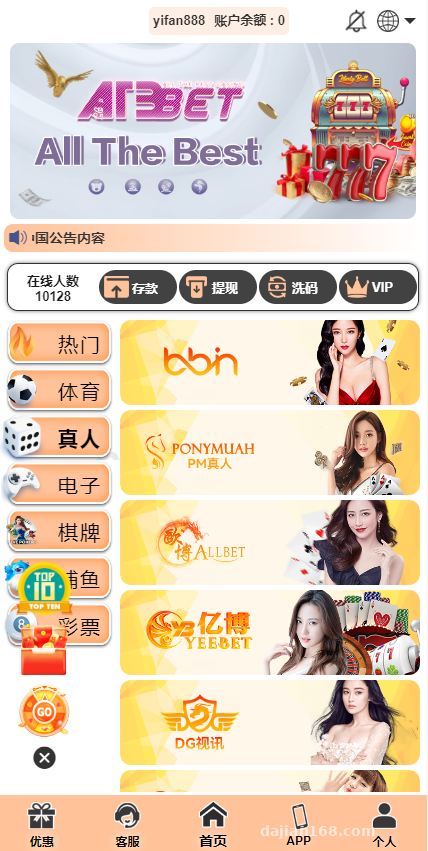
System Architecture and Technology Stack Testing
First thing after getting the source code was examining the directory structure. Frontend is built with VUE3+Vite, backend uses ThinkPHP8 framework. For databases, MySQL handles user data and configuration items, while Redis manages caching and session control. The beauty of this architecture is the frontend can be compiled and deployed to CDN independently, with backend API maintained separately.
Frontend Deployment Key Points
Before packaging the frontend, you need to modify the API address in the .env config file. First time around I forgot to change it and ran npm run build directly—result was all endpoints returning 404 after going live. Correct workflow is to first configure VUE_APP_API_URL pointing to your backend domain, then execute the build command. The generated dist directory goes straight into Nginx’s html directory. Remember to configure rewrite rules to support SPA routing.
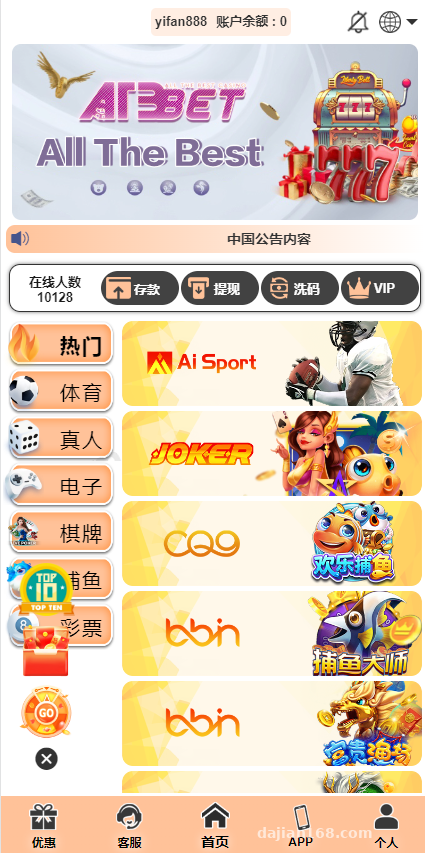
Backend API Configuration
Backend deployment is fairly standard. After uploading code to the server, pay attention to these items: database.php for database connection info, redis.php for cache server address, and there’s a payment.php specifically storing payment gateway merchant IDs and keys. The system supports integration with multiple live API providers, switchable from the admin panel between different API suppliers. This design is very friendly for client business expansion.
Multi-Language Feature Real-World Experience
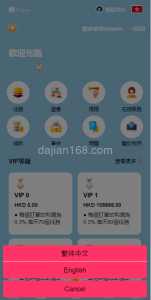
The standout feature of this system is its comprehensive multi-language support. The backend language manager allows adding unlimited language variants, each corresponding to an independent JSON language pack. During testing I configured Chinese, English, and Vietnamese versions. The frontend uses localStorage to remember the user’s language choice—switching updates all text instantly without page refresh.
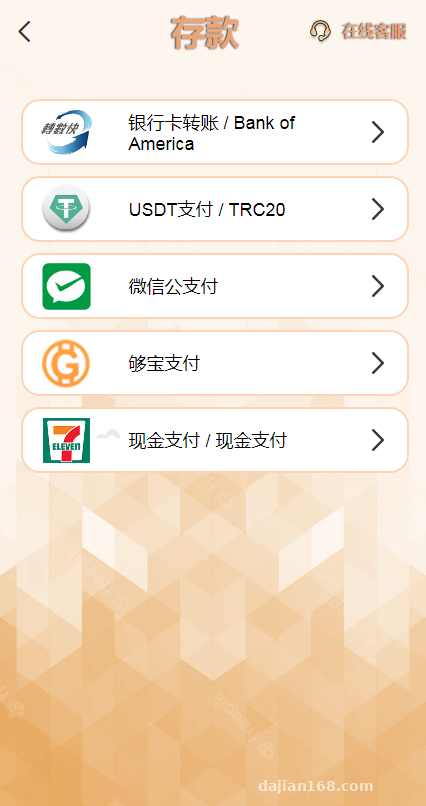
Important reminder: Language pack files are in the /public/lang directory. If adding a new language, besides adding it in the backend config, you must manually copy and rename a JSON file, otherwise the frontend throws 404 errors.
Backend Permissions and Probability Controls
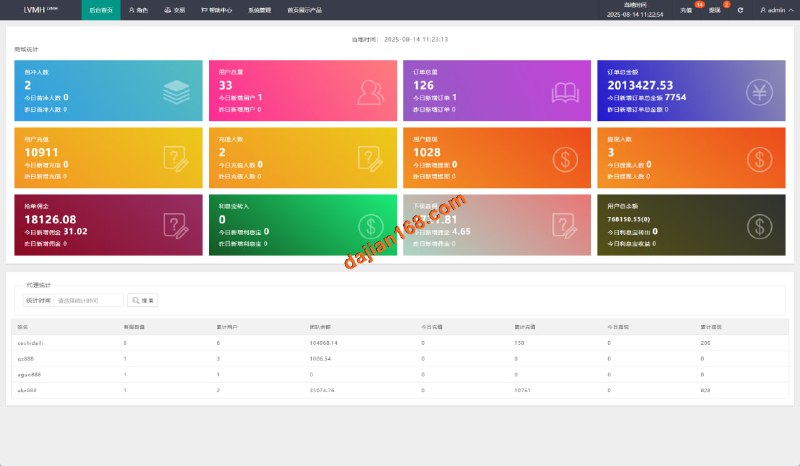
The admin panel’s permission system has three tiers: super admin, agent, and regular admin. Each role sees different menus and has different operational permissions. The probability simulation section lets you set return ratios for different demo projects in the backend, and even adjust parameters by time period—very practical for demo scenarios. The data statistics module provides real-time views of participation numbers and data flows for each demo project.
Deployment Pitfalls I Encountered
First pitfall was Nginx configuration. Since the frontend is a single-page application, you must configure try_files rules, otherwise refreshing pages causes 404s. My configuration: location / { try_files $uri $uri/ /index.html; }. This way all routes fallback to index.html.
Second pitfall was live API integration. Different providers have different API return formats. The system code includes an adapter layer, but if a provider updates their protocol version, you need to manually modify the parsing logic in /app/service/GameService.php. Recommend getting the latest API documentation from providers before deployment and comparing.
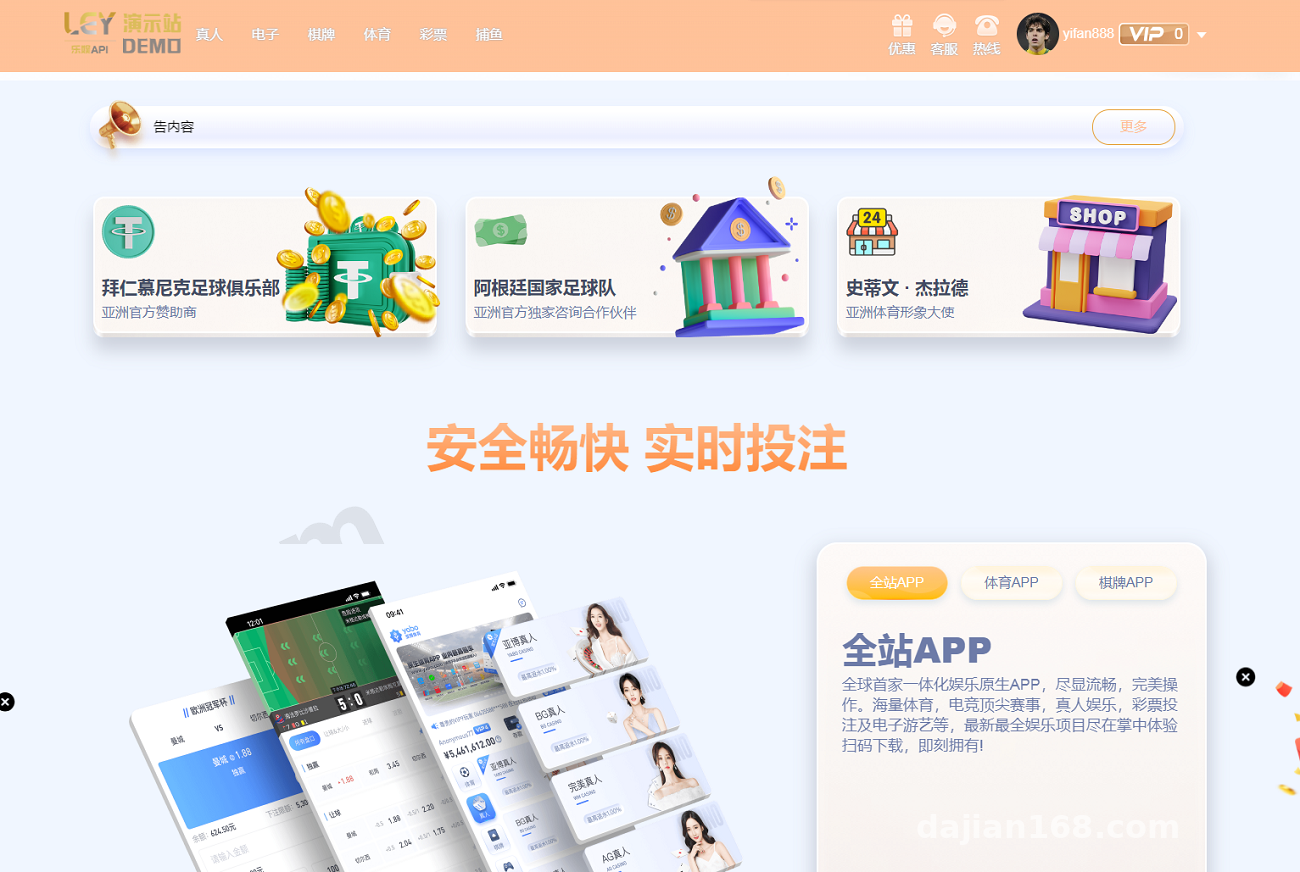
Third pitfall was Redis connection timeout. Default configuration has timeout=0 for never timing out, but during actual operation I found connection pool exhaustion occurring under high concurrency. Problem solved after changing to timeout=300 seconds and increasing the max_connections parameter.
What Scenarios Is This Suitable For
Based on actual deployment experience, this system works well for scenarios requiring quick setup of probability simulation demo platforms. The VUE framework’s response speed is genuinely faster than traditional PHP templates—user experience is smooth. Multi-language support is friendly for international business, and backend functionality is adequate.
If your requirement is secondary development, this codebase structure is reasonably clear. Frontend componentization is well done, and the backend uses ThinkPHP which is a mainstream domestic framework, so finding developers for maintenance isn’t difficult. However, watch out for licensing issues—confirm authorization scope before commercial use.
Common Questions
Q: What server specs are needed for deployment?
A: Minimum 2 cores with 4GB RAM will run it, but I recommend 4 cores with 8GB RAM plus SSD. Database and Redis can be deployed separately. For high traffic, put the frontend behind CDN acceleration. My test environment used CentOS 7.9 + Nginx 1.20 + PHP 8.0 + MySQL 5.7 combination.
Q: Can certain demo modules be removed?
A: Yes. On the frontend, comment out unneeded routes in router/index.js. On the backend, disable corresponding modules in the admin menu manager. But be aware some modules have dependencies—for example, the user module and wallet module are bound together and can’t be deleted individually.
Q: How to integrate your own payment gateway?
A: The system provides a payment interface abstract class. Create a new class in the /app/payment directory that extends BasePayment and implements the pay() and notify() methods. Then add your gateway merchant info in the backend payment configuration. I’ve integrated with certain payment providers before—takes about half a day per gateway.
Deployment Summary and Recommendations
Overall, this LEY system’s code quality ranks above average among similar programs I’ve encountered. The VUE framework choice brings noticeable frontend performance improvement, and the multi-language functionality is genuinely useful. Deployment difficulty is manageable—basic Linux operations experience is sufficient.
Some practical suggestions: test the complete workflow in a local environment before deployment; definitely set up scheduled database backups; if traffic is high, enable Redis persistence; don’t hardcode live API keys directly in code—managing them with environment variables is more secure.
Disclaimer: This article is for technical education and research purposes only. All functionality demonstrations are based on legal and compliant scenarios. Any use of the system for illegal or non-compliant purposes is strictly prohibited. Users must comply with local laws and regulations. All legal liability arising from non-compliant use shall be borne by the user.
Disclaimer: This article is for technical education and demonstration only. It is not professional or financial advice. Any real-world deployment must comply with applicable laws and regulations.
#VUE Framework #Multi-Language System #Frontend Backend Separation #System Deployment #ThinkPHP
-
 Alipay QR Code Scan
-
 WeChat Scan Pay