Building a Random Number Prediction Demo System: Complete Deployment Guide for Statistical Analysis Platform
Building a Random Number Prediction Demo System: Complete Deployment Guide for Statistical Analysis Platform
Disclaimer: This article is for technical education and demonstration only. It is not professional or financial advice. Any real-world deployment must comply with applicable laws and regulations.
Last month I took on a project where the client wanted to build a random number prediction demo system, mainly used to simulate the operational logic of random number generation algorithms. This type of system actually has a low technical barrier, but there are tons of details, especially around data statistics and chart rendering. I spent three days front to back getting the environment configured and features tested. Now I’m documenting the entire deployment process and the pitfalls I encountered.
Core System Features Testing
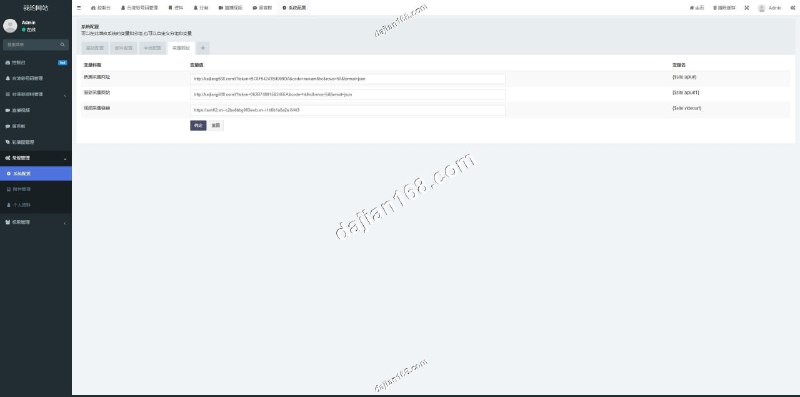
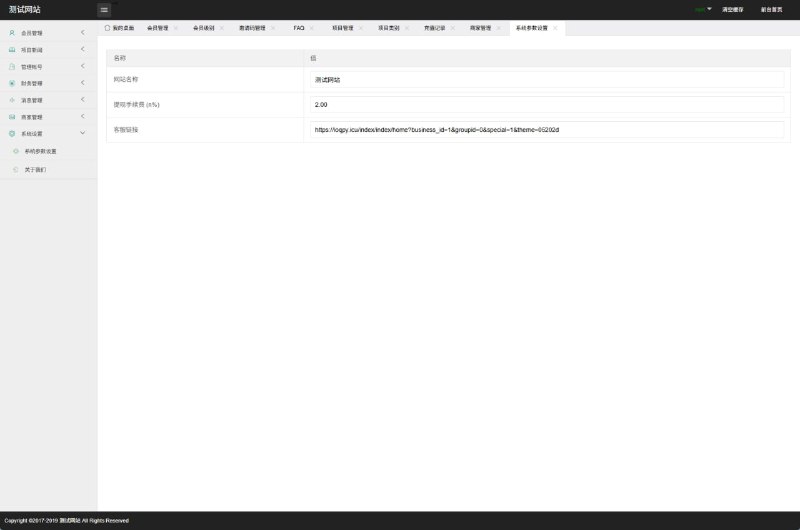
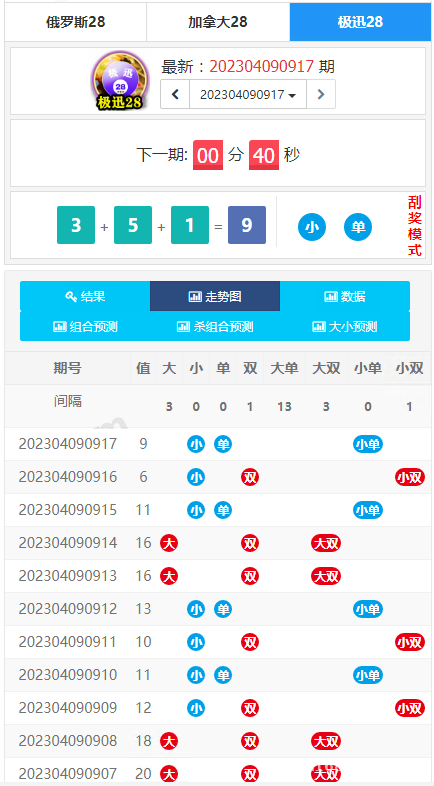
This source code integrates three algorithm models by default: Russian random number, Canadian fast algorithm, and speed mode. Each algorithm has an independent configuration file where you can adjust generation frequency and value ranges. The backend management panel is fairly clean, with a left sidebar menu that lets you directly switch between different simulation scenarios.
Data Display Module
The frontend uses ECharts for chart rendering, supporting three display types: line charts, bar charts, and heatmaps. During testing I found that with default settings, large data volumes would cause lag. Later I adjusted the refresh rate from 500ms to 1000ms and it became smooth. Historical record queries support filtering by date, algorithm type, and result range, and can store up to 30 days of data.
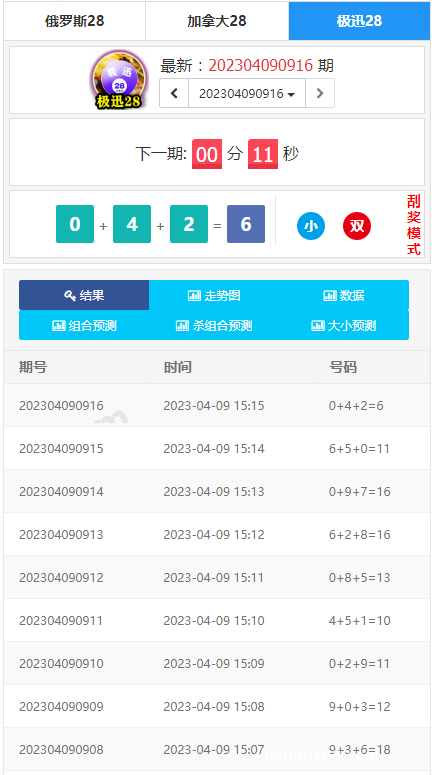
Preset Results and Manual Adjustment
This feature is quite critical. The backend can preset simulated results for upcoming periods in advance, and also supports retroactive modification of historical data. The operation logic is to first pause automatic generation, then manually input values in the result management interface. During testing I discovered that after modifying historical records, the trend chart doesn’t automatically refresh. You need to clear the browser cache to see the updates.
Key Points for Deployment Environment Configuration
For the server I used a 2-core 4GB cloud host with Ubuntu 20.04 as the operating system. The entire tech stack is PHP 7.4 + MySQL 5.7 + Nginx. I didn’t use Docker containerization, just ran it directly on the host machine.
Database Import Considerations
The source code package includes an install.sql file. Directly importing it with phpMyAdmin will trigger character set errors. My solution was to first convert the file encoding to UTF-8 without BOM format using Notepad++, then the import worked fine. I recommend creating an independent database user instead of using root privileges. Just grant SELECT, INSERT, UPDATE, and DELETE permissions—that’s sufficient.
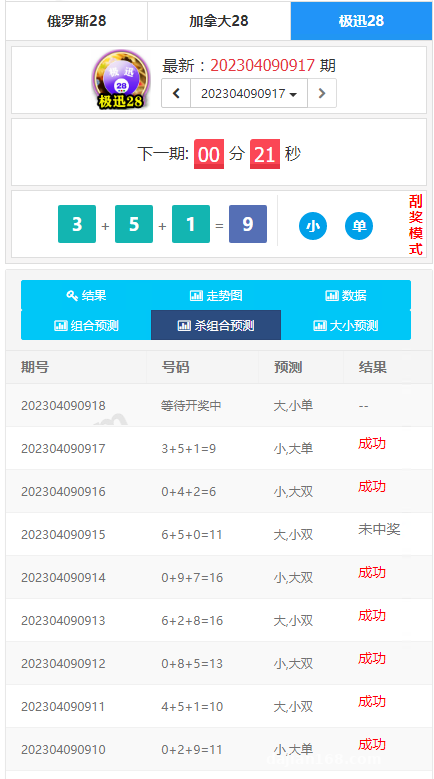
API Integration Configuration
The system supports pushing generated random numbers to third-party platforms via API. The configuration file is located at /config/api.php. You need to fill in the target interface address, authentication key, and request frequency. During integration testing I found it defaults to POST method for transmission. If the target interface only supports GET, you need to modify the source code, specifically at line 48 in /app/service/ApiService.php.
Highlight tip: The most practical aspect of this system is algorithm extensibility. The official version reserves a plugin interface. If you want to add new random number generation logic, you just need to inherit the BaseAlgorithm class and override the generate() method. The secondary development cost is very low, suitable for projects requiring customized scenarios.
Suitable Application Scenarios
Based on my actual deployment experience, this type of system is mainly used in three directions:
First is teaching demonstrations. Computer science courses on random algorithms can use this as a visualization teaching tool, allowing students to intuitively see the output distribution patterns of different algorithms. Second is data analysis training. Data analysts in finance or statistics can use historical data for backtesting practice. Third is product prototype verification. If you’re developing a business system involving random number generation, you can use this to validate the logic first before writing formal code.
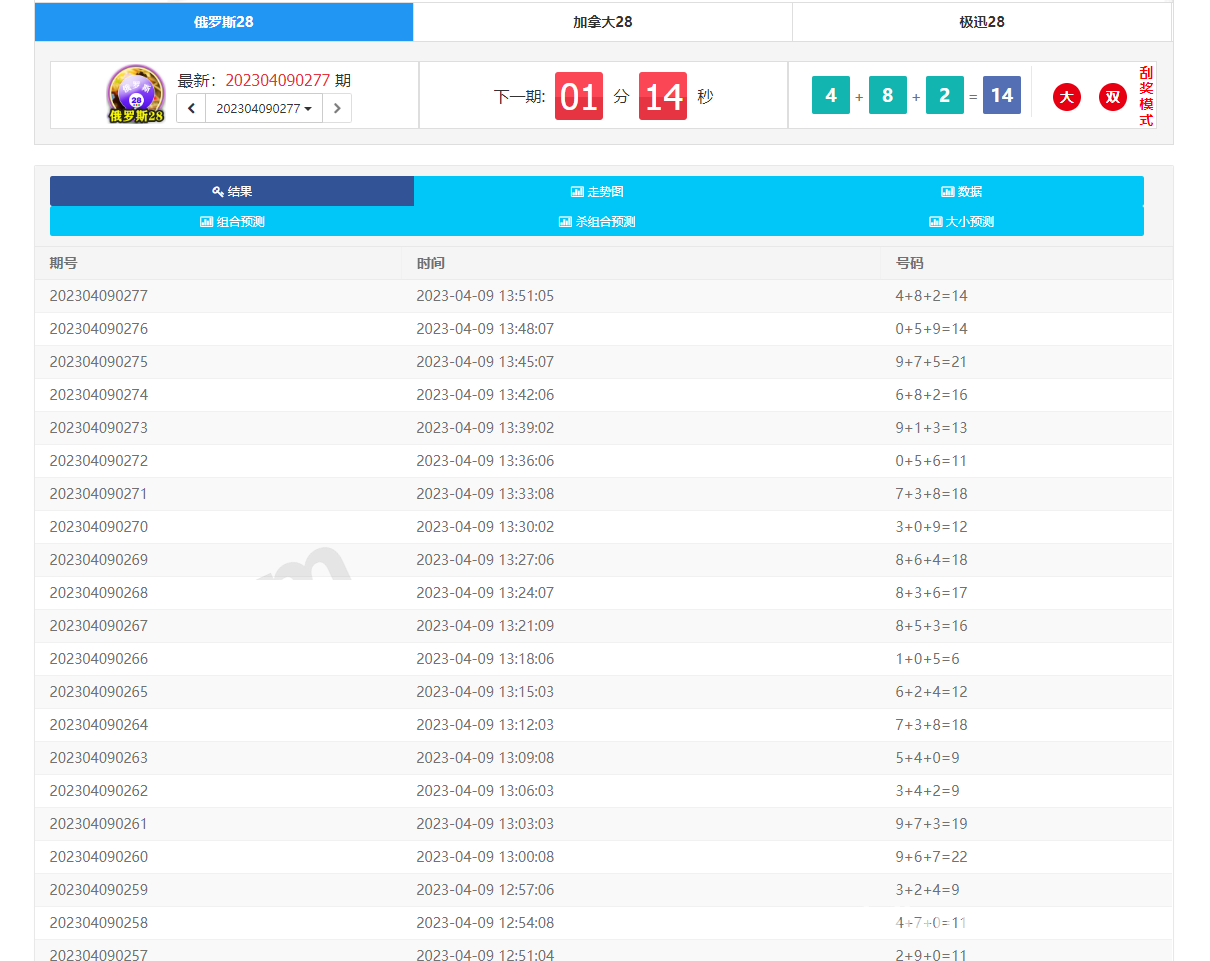
Performance Optimization Experience
Under default configuration the system runs fine, but once user volume increases you need to make several optimizations. First, add indexes to the historical data table. I created a composite index on the result_time and algorithm_type fields, which improved query speed by about 60%. Second, enable Redis caching to cache hot data for 10 minutes, reducing database pressure. Finally, serve static resources through CDN. The chart library files are quite large, and loading them locally impacts initial page load speed.
Multi-Algorithm Concurrent Processing
If you enable all three algorithm simulations simultaneously, server CPU usage will spike above 70%. My solution was to use a message queue for asynchronous processing, throwing generation tasks into the queue and consuming them with independent worker processes. Specifically I used Redis’s List structure as a simple queue, paired with Supervisor as a daemon process. The stability has been pretty good.
Common Issues
Q: After deployment, the frontend page is blank and the console shows 404 errors?
A: Check whether the root path in your Nginx configuration file points to the public directory, and also confirm whether the .htaccess rewrite rules are taking effect. If you’re using an Apache server, you need to enable the mod_rewrite module.
Q: Backend configuration parameter changes don’t take effect?
A: The system has a configuration caching mechanism. After modifications you need to click the clear cache button in the backend system settings. Or directly delete the files under the /runtime/cache directory and restart the PHP-FPM service.
Q: How do I add a new algorithm type?
A: Create a new PHP class file in the /app/algorithm directory, inherit the BaseAlgorithm base class, and implement the generate() and getName() methods. Then register the new algorithm’s class name and display name in the /config/algorithm.php configuration file.
Q: Data statistics charts display incompletely?
A: This might be because the data volume exceeds the frontend rendering limit. By default it only displays the most recent 100 records. You can modify the dataLimit parameter in /public/static/js/chart.js, but I recommend not exceeding 500 records or the browser will lag.
Final Thoughts
Overall, this system has a fairly clear code structure, suitable for people with some PHP foundation to do secondary development. Deployment difficulty isn’t high, mainly just pay attention to detailed configurations. If you’re building a similar data simulation platform, I suggest running through the process in a test environment first, especially thoroughly testing API integration and database optimization.
Disclaimer: This article is for technical education only. The described system must comply with local laws and regulations and is prohibited for any illegal purposes. Please confirm the compliance of your use case before deployment.
Disclaimer: This article is for technical education and demonstration only. It is not professional or financial advice. Any real-world deployment must comply with applicable laws and regulations.
#System Deployment #PHP Development #Data Visualization #Algorithm Demo #Source Code Setup
-
 Alipay QR Code Scan
-
 WeChat Scan Pay