Multi-Language Interactive Entertainment System Deployment Guide: 8 Languages + Digital Asset Payment Demo
Multi-Language Interactive Entertainment System Deployment Guide: 8 Languages + Digital Asset Payment Demo
Disclaimer: This article is for technical education and demonstration only. It is not professional or financial advice. Any real-world deployment must comply with applicable laws and regulations.
I recently helped a client deploy a multi-language interactive entertainment system, and after two days of tweaking, it’s finally running smoothly. The system is quite interesting — it supports eight languages, comes with 50 built-in interactive programs, and has fairly comprehensive payment integration, including PayPal, manual top-up, and BTC. I’m documenting the whole deployment process here for anyone looking to build something similar.
Feature Walkthrough
Multi-Language Support
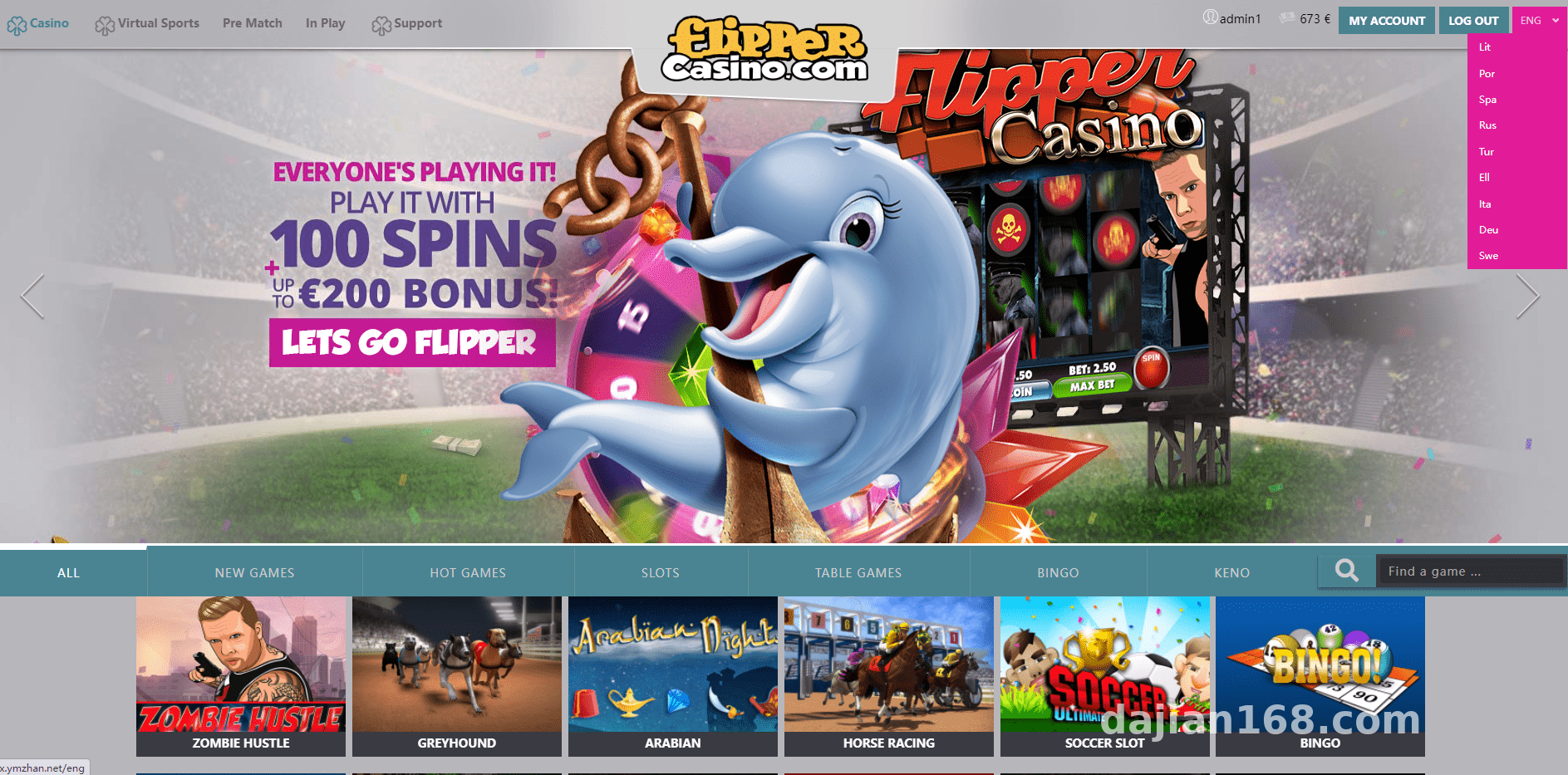
The system supports eight languages out of the box, and you can customize language packs from the admin panel. I tested English, Chinese, Japanese, and Korean, and the interface adapted perfectly across all of them. Language pack files live in the langs directory in standard JSON format, making them straightforward to modify. If you need additional languages, just duplicate a template and fill in the translations.
Interactive Program Library
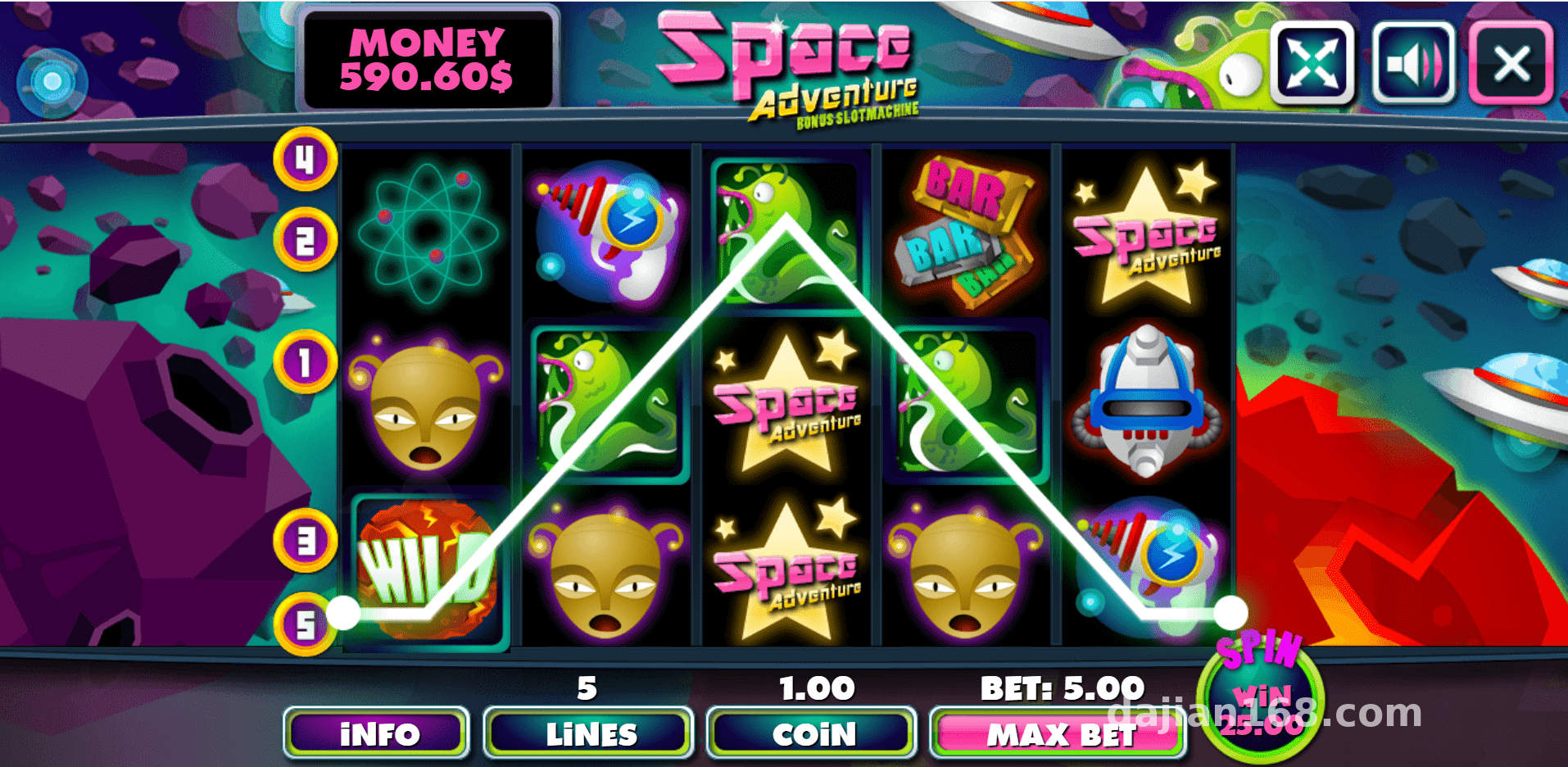
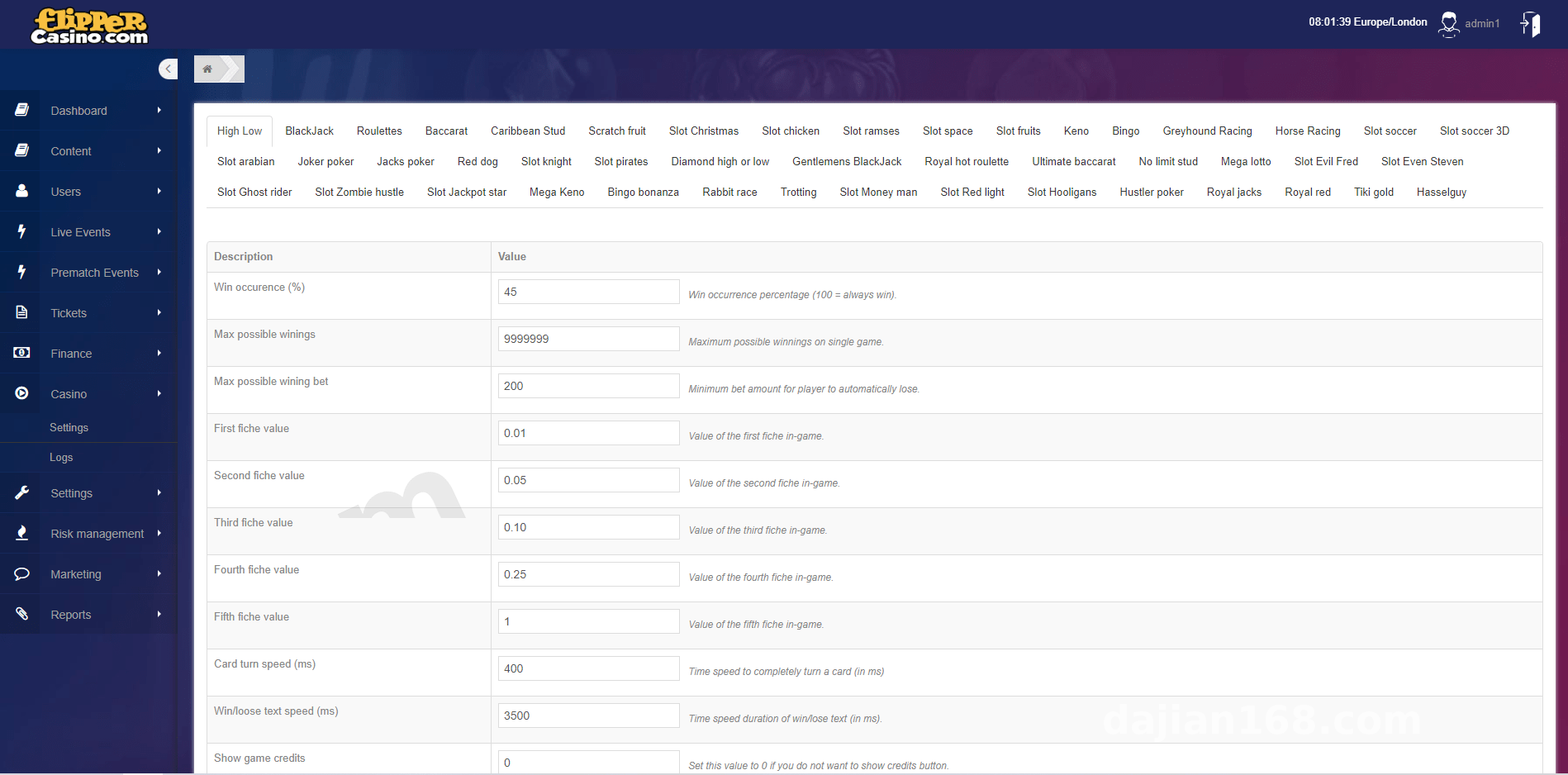
The system ships with 50 interactive programs covering probability simulation, random number demonstration, and strategy games. Each program has its own dedicated statistics dashboard, so you can track call counts, user activity, and other metrics from the admin panel. I spent the most time testing the probability simulation programs — they ran stably, and the random number generation relies on a built-in pseudo-random algorithm, which is more than sufficient for demo purposes.
Payment Integration
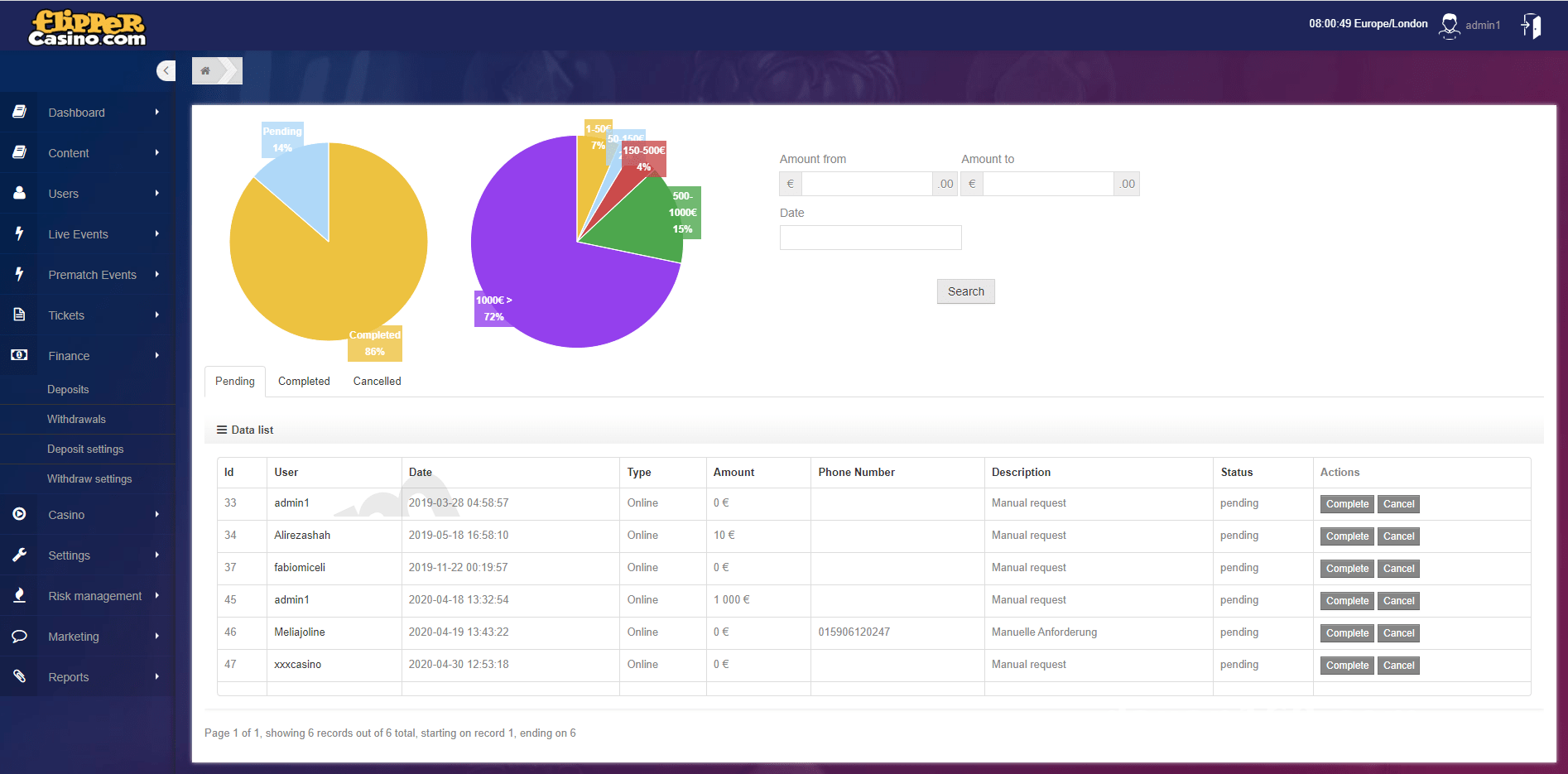
The payment section is well-implemented, supporting three methods: PayPal API, manual top-up with admin review, and BTC digital asset payments. PayPal requires a merchant account and API key configuration. BTC payments use an open-source payment gateway that monitors blockchain addresses for incoming transactions and automatically updates user balances upon confirmation. Manual top-up is ideal for small teams getting started quickly, with admin-side review and credit processing.
Deployment tip: When configuring payment interfaces, keep test and production environments strictly isolated. Complete a thorough security audit before going live, especially for any digital asset payment components.
Deployment Essentials
Environment Requirements
Server: minimum 2 cores, 4 GB RAM. OS: Ubuntu 20.04 or CentOS 8. Database: MySQL 5.7 or later. PHP: version 7.4 or above. Required extensions include curl, mbstring, openssl, pdo_mysql, and bcmath. For BTC payment demos, you’ll also need bitcoind installed or a third-party API service.
Installation Steps
Download the source code and extract it to your web root. Edit the .env file to configure your database connection and payment keys. Run php artisan migrate –seed to initialize the database schema. Then execute npm install && npm run production to compile frontend assets. Finally, configure Nginx rewrite rules and restart the service — that’s it.
Common Issues
I ran into a few pitfalls during deployment, so here’s what to watch out for. First, the timezone: the system defaults to UTC, so if your server is in China, set timezone=Asia/Shanghai in .env. Second, BTC payment monitoring: if you use a self-hosted node, you’ll need to wait for blockchain sync — a third-party API is much faster for demos. Third, language pack encoding: make sure all files are saved in UTF-8 without BOM to avoid garbled text.
Who Is This For
This system fits a few scenarios well: developers building interactive entertainment platforms who need a fast multi-language foundation; students learning payment integration who want a hands-on project; and educational or research institutions needing probability simulation demos. The architecture is clean, the code is well-organized, and the bar for secondary development is reasonably low.
Customization Suggestions
If you plan to customize the system, here are a few directions to consider: expand the language packs to support additional languages; add new interactive program modules by following the existing architecture as a template; or integrate more payment channels such as USDT or Alipay. The admin backend is built on Laravel Admin, and the secondary development documentation is fairly comprehensive.
FAQ
Q: What types of interactive programs does the system support?
A: It includes 50 built-in programs covering probability simulation, random number demonstration, strategy games, and data visualization. Each program’s status and parameters can be managed from the admin panel.
Q: How do I configure the BTC payment demo?
A: Enter the BTC monitoring address and API key in .env. The system will automatically track on-chain transactions and update user balances. It’s recommended to test on a testnet first.
Q: How do I add a new language pack?
A: Copy any language file from the langs directory, add translations following the same format, and enable the new language through the admin language management interface.
Q: What security precautions should I take?
A: Change the default admin password immediately, enable HTTPS, back up the database regularly, isolate payment test environments from production, and ensure full compliance with applicable laws and regulations. This system must not be used for any illegal or unauthorized purposes.
This article is for technical education and demonstration purposes only. The system described is intended for learning, research, and legitimate development use. Always comply with local laws and regulations.
Disclaimer: This article is for technical education and demonstration only. It is not professional or financial advice. Any real-world deployment must comply with applicable laws and regulations.
#system deployment #multi-language #payment integration #interactive programs #deployment tutorial
-
 Alipay QR Code Scan
-
 WeChat Scan Pay