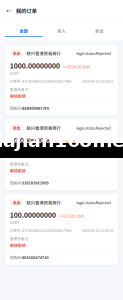
.NET Multi-Frontend Platform Deployment: API Integration and Payment Configuration Notes
.NET Multi-Frontend Platform Deployment: API Integration and Payment Configuration Notes
Disclaimer: This article is for technical education and demonstration only. It is not professional or financial advice. Any real-world deployment must comply with applicable laws and regulations.
Recently I helped a client deploy a .NET-based integrated platform system with multiple front-end templates and a unified backend. The client had been using an older version and wanted to migrate to the new architecture, so we also reworked the API integration and payment gateway from scratch. It took me a full two days and one night to get through the entire process, and I ran into a few pitfalls along the way. I’m writing down this deployment walkthrough today to save some time for those who need it.
System Features in Practice
The core of the system is its multi-frontend and unified backend design. An integrated platform, put simply, lets one backend drive multiple display ends at the same time, with each frontend able to have its own style and logic.
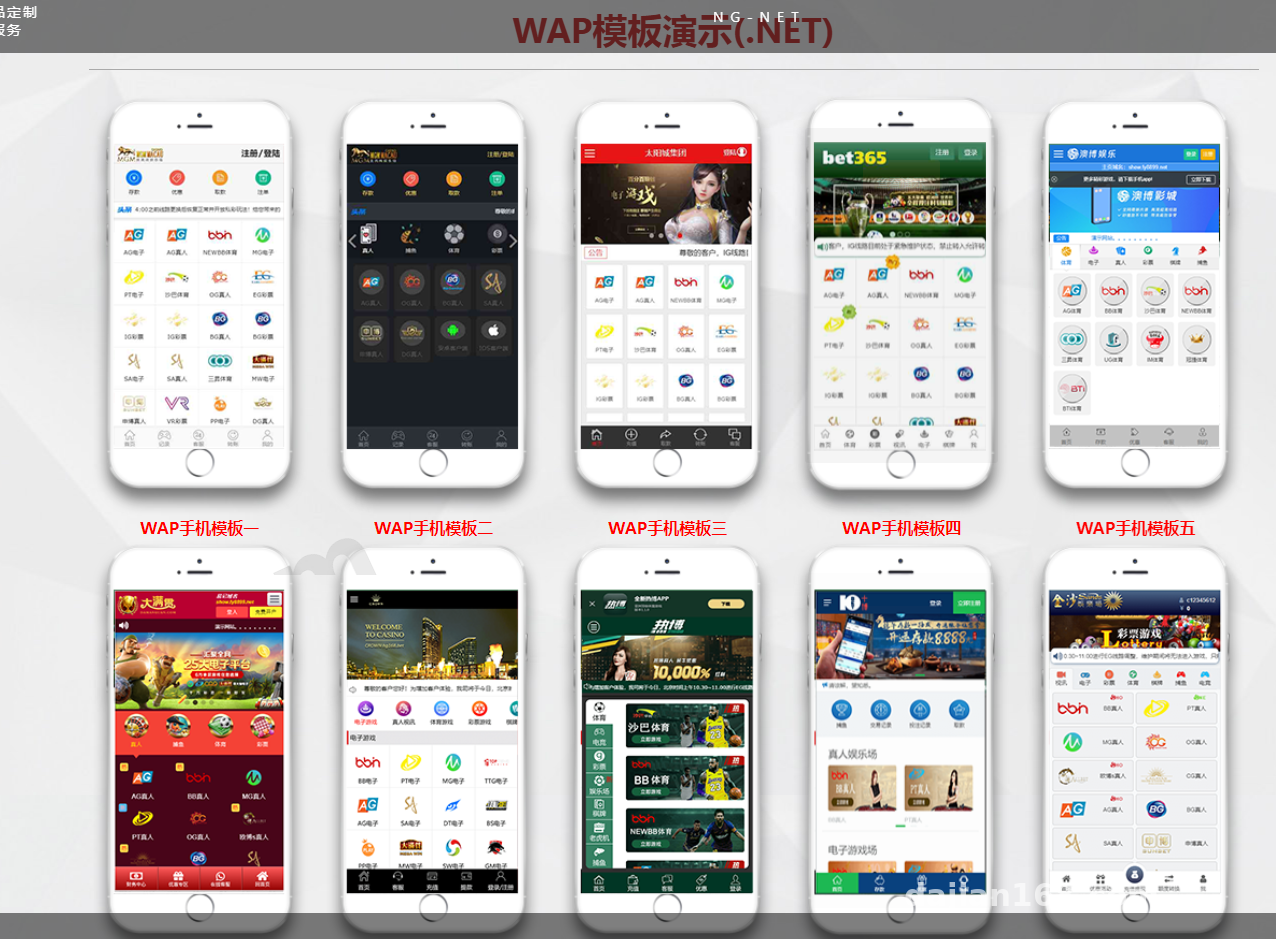
Frontend Multi-Template Switching
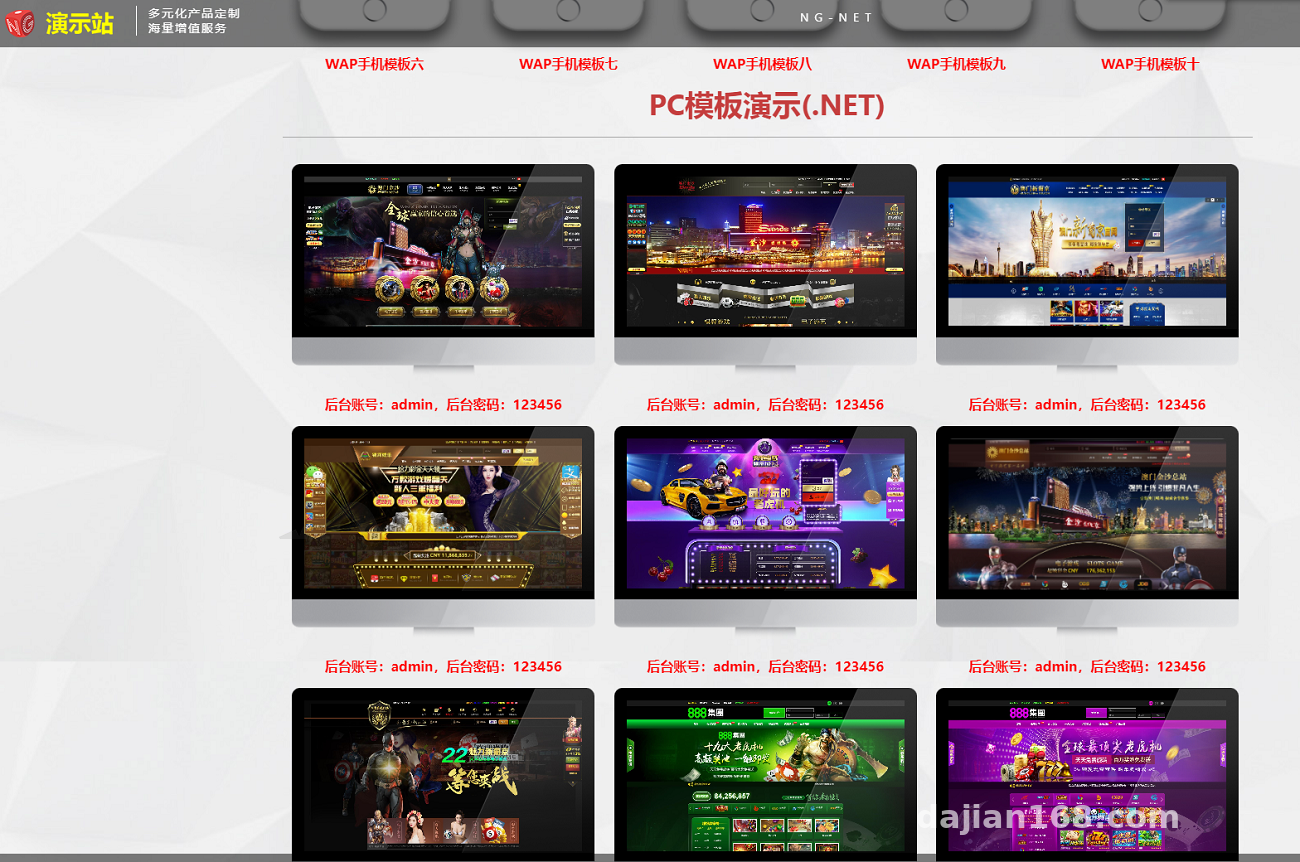
It ships with four frontend templates by default: two for desktop and two for mobile. Each template lives in its own directory, and after compilation you switch between them through a site configuration option in the admin panel. At first I thought I had to edit config files and restart the service, but it turned out the backend has a cache refresh button — one click and it takes effect without restarting IIS. Pretty convenient.
API Layer Design
The API is built with .NET Web API and supports JWT authentication. When the frontend calls an endpoint, it first obtains a token and then passes that token in the Header. I used Postman to test the full API flow: login, fetching user info, pulling demo data, and submitting simulated operations. Every endpoint returns the same format — {code,msg,data} — which makes customization much easier.
Admin Control Panel
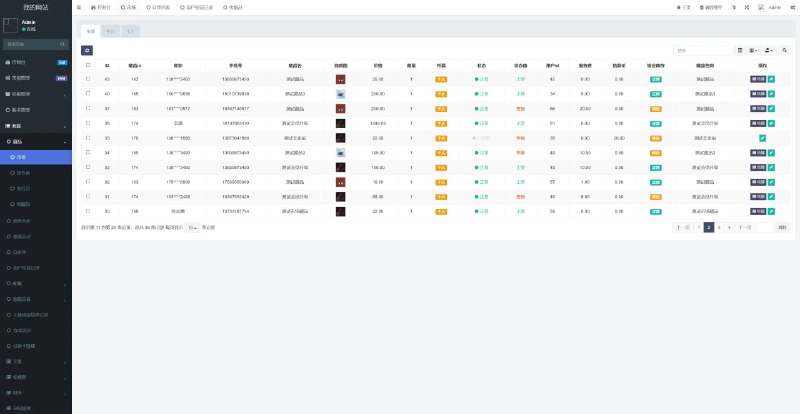
The admin panel is quite feature-rich, including:
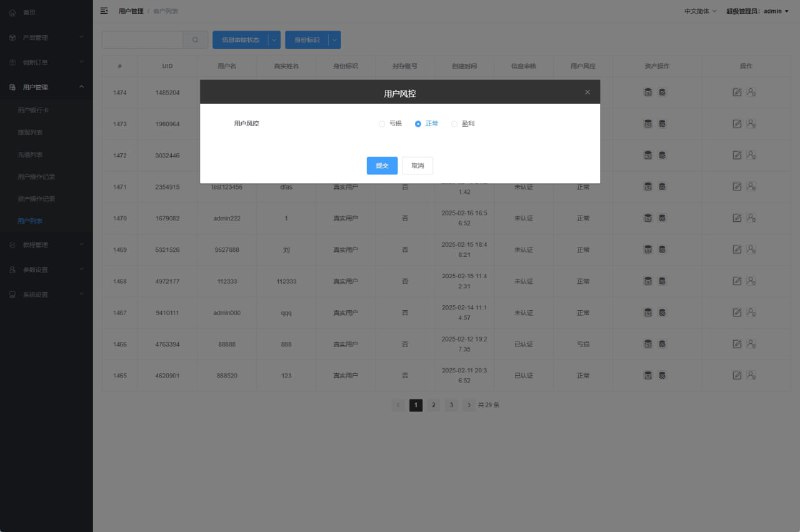
- User management: multi-role permissions down to the button level.
- Menu management: dynamic menus that sync to the frontend after changes in the backend.
- Demo data simulation: a built-in random number engine lets admins set probability parameters to generate various simulated market data.
- Payment gateway configuration: fill in the payment API parameters directly in the admin panel, with support for QR code, H5, and in-app payment modes.
Deployment Key Points
Environment Preparation
The server was Windows Server 2019 with IIS 10, and the .NET Core 6.0 runtime has to be installed beforehand. Note that the machine came with ASP.NET Core 3.1 installed, and running this program directly will throw errors. You need to install the 6.0 Hosting Bundle first.
Database Initialization
We used SQL Server 2016, and the scripts are in the database directory of the source code. I first tried running the full script directly and got foreign key errors. It turned out you need to run the base table structure script first, then the data initialization script — the order matters. Also, if the database collation is Chinese_PRC_CI_AS, Chinese data works fine. But if your server is in an English environment, remember to change the collation to that, or Chinese characters will be garbled.
Config File Pitfalls
The connection string is in appsettings.json, but here’s the catch: if you’re deploying on IIS, the ‘Load User Profile’ setting for the application pool must be set to True, otherwise you’ll get access denied errors when reading certificates and keys. I didn’t pay attention to this at first, which caused the JWT certificate to fail loading repeatedly. It took me half an hour to find the root cause.
Payment API Integration
For payments, the client uses a third-party aggregate payment provider, and two things need to be changed: the payment callback URL and the payment secret key configuration. The admin configuration page already has fields for these, so you just need to fill in the app ID, merchant number, and secret key. Don’t forget to configure the callback URL on the payment platform side as well, otherwise transaction status updates will not stay in sync. During testing, I made a real payment of a small amount, and the callback latency was around 2 seconds, which is acceptable.
Multi-language Support
The default language pack is Chinese, and the resource files are in the Resources directory of the source code. If you need to deploy an overseas site, you can add an English resource file and switch the language in the admin panel. Note that static text in frontend templates does not come from resource files — you’ll need to edit the template files yourself, and clicking the switch in the frontend won’t update everything.
Highlight: the backend has a built-in probability simulation engine that lets you set different return value ranges. This is great for teaching demos or market data simulation, so you don’t have to write extra random number logic.

Who Is This For?
This system is a good fit for the following groups:
- Teams building digital asset demo platforms that need multi-frontend display of market data.
- Teams building task distribution systems that need to manage multiple apps through a unified API.
- Teams building e-commerce marketing systems that need a templated frontend-backend separation architecture.
- Developers who want to learn .NET Core multi-tenant or multi-frontend architecture and can use the source code as a reference.
Custom Development Tips
If you plan to do custom development on top of this source code, here are a few suggestions:
- The API layer uses the repository pattern, and business logic lives in the Service layer. Don’t write SQL directly in controllers.
- The frontend templates are written with Razor Pages. If you want to switch to a framework like Vue or React, you’ll need to handle CORS configuration.
- The backend’s menu permissions are controlled at the button level. When adding a new API, remember to register the permission identifier in the menu table, otherwise the account won’t have permission to call it.
FAQ
Q: After deployment, accessing the root URL keeps redirecting to the login page. What’s going on?
A: First check whether the permission scripts were executed in the database, then check whether the initial admin account has been enabled. If both are fine, look at the Cookie domain configuration to see if it doesn’t match the domain you’re using to access the site.
Q: The API returns 401, but the token is clearly valid?
A: It’s most likely a JWT secret configuration issue. Check whether the Issuer and Audience in appsettings.json match what the frontend is sending. Also calibrate the server time — if the offset exceeds 5 minutes, signature verification will fail.
Q: Sometimes the payment callback is received, sometimes not.
A: First check the IIS logs to confirm whether the callback request actually reached the site. If it arrived but wasn’t written into the database, inspect the callback deduplication logic — duplicate requests may be blocked. I’d suggest adding a log output in the callback method to make troubleshooting easier.
Q: Can this system be deployed on a Linux server?
A: .NET Core is inherently cross-platform, so if the database is SQL Server, it can run on Linux as well. You’ll need a different process management approach, such as systemd or Nginx reverse proxy. I haven’t actually tested it on Linux myself, but you can try it if you have the setup.
Overall, the system structure is not overly complicated and is suitable for developers with a .NET background. The key is to understand the configuration files, the database script order, and the payment callback logic — the rest is pretty smooth. One last reminder: please comply with all applicable laws and regulations, and do not use the system for any illegal or unauthorized purposes.
Disclaimer: This article is for technical education and demonstration only. It is not professional or financial advice. Any real-world deployment must comply with applicable laws and regulations.
#.NET Deployment #Multi-Frontend #Payment API #Custom Development #Integrated Platform System
-
 Alipay QR Code Scan
-
 WeChat Scan Pay
![? [New UI NFT Blockchain Trading System] NFT Minting + Blind Box Synthesis + NFT Marketplace + Digital Art Collectibles](https://dajian168.com/wp-content/uploads/2025/07/telegram-img-2025-07-08-686ce28de969c.jpg)