Monte Carlo Gaming Platform Setup Guide – Backend Control System Deployment Notes
Monte Carlo Gaming Platform Setup Guide – Backend Control System Deployment Notes
Disclaimer: This article is for technical education and demonstration only. It is not professional or financial advice. Any real-world deployment must comply with applicable laws and regulations.
I recently helped a client deploy a Monte Carlo series gaming simulation platform. This system differs significantly from the more common web gaming architectures on the market — the backend response speed and client-side smoothness have both improved noticeably. The UI design is also quite polished, and the client was very satisfied. Today I’m putting together the full deployment process for anyone looking to build a similar system.
Let me start with the overall architecture. This system is built on the Monte Carlo series underlying framework, with its core advantage being a well-developed backend control module that supports switching between multiple demo modes. The sub-game modules are rich and diverse, covering probability simulation, strategy games, role-playing, and more — overall extensibility is quite good.
Feature Testing
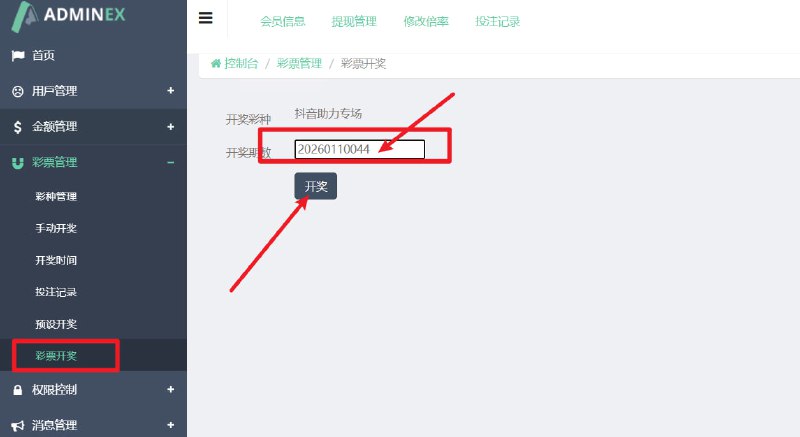
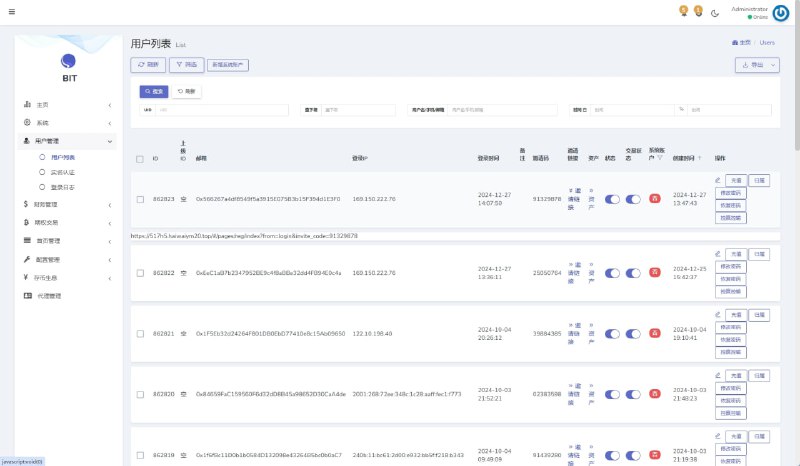
Backend Control System
The backend is the highlight of this system. It supports data simulation control and random number demonstration management. I tested several core features, and the response speed is indeed faster than the common web gaming architecture, with page loads completing in under 1 second. The control module supports multi-parameter adjustment, making it well-suited for managing data in demo scenarios.
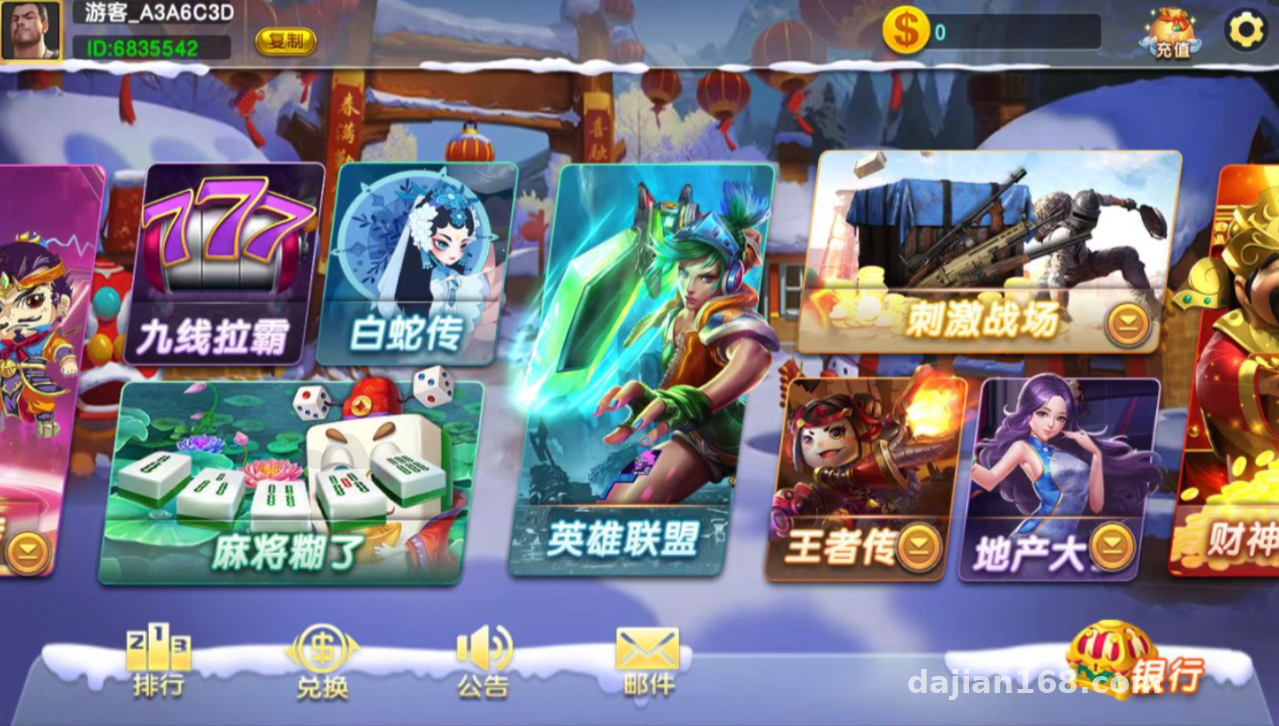
For sub-games, the system includes multiple built-in modules: probability simulation titles include fruit simulation demo and seven-star simulation; strategy titles include card strategy demo and property tycoon simulation; role-playing titles include classic IP adaptation versions. Each game module can be configured independently, which is convenient for creating different demo plans.
Client Experience
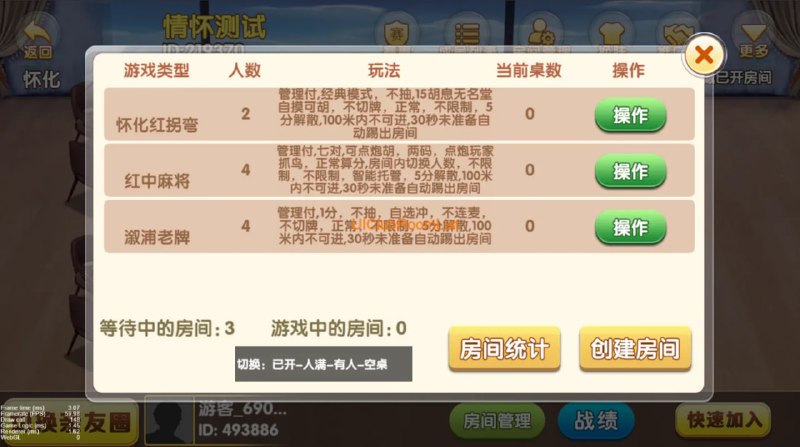
The client UI design is relatively modern with clear operational logic. I tested several mainstream browsers and compatibility was solid across the board. Game loading speed is stable, and I didn’t observe any memory leaks even after extended runtime — which is important for a long-term demo platform.
Multi-language Support
The system has built-in multi-language switching functionality, and the backend allows configuring language packs for different regions. For clients looking to build an international demo platform, this feature is quite practical. The configuration process isn’t complicated — following the documentation, it basically works on the first try.
Deployment Key Points
Environment Configuration
Server configuration: I recommend at least 4 cores and 8GB RAM. The database should be MySQL 5.7 or above. My test environment ran CentOS 7.9 with PHP 7.4, and it was stable. The key thing is to set the timezone correctly — otherwise time-related demo data will show discrepancies.
Backend Initialization
The first deployment requires running an initialization script to create the admin account and basic configuration data. Here’s a pitfall to watch out for: the database connection pool parameters have default values that are on the smaller side. I recommend increasing them based on your actual concurrent demand, otherwise you may encounter connection timeouts during peak periods.
Game Module Configuration
Each sub-game module has its own independent configuration file and needs to be enabled and parameterized individually. I suggest testing the complete flow on one module first, confirming everything works, and then batch-configuring the remaining modules. This avoids wasting time troubleshooting issues later.
💡 Highlight: The backend control module of this system supports real-time data simulation adjustment, making it ideal for parameter tuning in demo scenarios — much more flexible than static configuration.
Who Is This For
This system is suitable for teams that need to build gaming simulation demo platforms, such as game development companies doing product demos, universities teaching game development courses, or institutions conducting probability simulation research. If you only need a simple showcase page, this system might be overkill. But if you need full backend control and multi-module management, this architecture is a fairly mature choice.
FAQ
Q: What exactly can the backend control module do?
A: It supports parameter adjustment for demo data, random number generation rule configuration, start/stop management of sub-game modules, and permission assignment for user demo accounts.
Q: Can sub-game modules be custom-developed?
A: Yes. The system provides a standard module integration interface — just follow the development documentation to write game logic and integrate new modules. The official team also provides some basic templates for reference.
Q: What should I do if I encounter database connection timeouts during deployment?
A: Check the database connection pool parameters and appropriately increase max_connections and wait_timeout settings. Also confirm that the server firewall rules allow access to the database port.
Q: What’s the difference between this system and the common web gaming architecture?
A: The core difference lies in the backend control module architecture. The Monte Carlo series uses a more modern responsive framework, with noticeably improved page load speed and operational smoothness. The integration method for sub-game modules also differs — the Monte Carlo series supports more flexible parameter configuration.
Q: Is multi-language configuration complicated?
A: Not at all. The backend has a language management interface where you simply upload the corresponding language pack files. The system comes with commonly used languages like Chinese and English built in. If you need other languages, you can translate and configure them yourself.
Summary
Overall, this Monte Carlo series gaming platform performs well — the backend control features are comprehensive, the client experience is smooth, and the sub-game modules are rich. The deployment process isn’t overly complex, but pay attention to database parameter tuning and the testing order for module configuration. I recommend that beginners first run through the complete flow in a test environment before deploying to production.
A final reminder: this type of system should only be used for legitimate technical demonstration and educational research purposes. Please comply with all applicable laws and regulations, and prohibit any illegal or non-compliant use. Hope everyone can use it responsibly and build valuable projects.
Q: Are maintenance costs high after deployment?
A: Daily maintenance costs are moderate — mainly involving regular data backups and security patch updates. The system itself is quite stable, and as long as the server environment is configured properly, there’s generally no need for frequent adjustments.
Q: Can this be custom-developed further?
A: Yes. The code structure is clean and documentation is thorough, making it well-suited for secondary development. The official team also provides technical support services and can customize functional modules based on your needs.
Q: Which browsers does the client support?
A: All mainstream browsers are supported, including Chrome, Firefox, Safari, and Edge. Mobile adaptation is also implemented, and the experience on mobile browsers is quite good.
Disclaimer: This article is for technical education and demonstration only. It is not professional or financial advice. Any real-world deployment must comply with applicable laws and regulations.
#gaming platform #system deployment #backend control #game development #technical deployment
-
 Alipay QR Code Scan
-
 WeChat Scan Pay