Manual Lucky Draw Tutorial for Douyin Hot Topics – 2026.01.11:
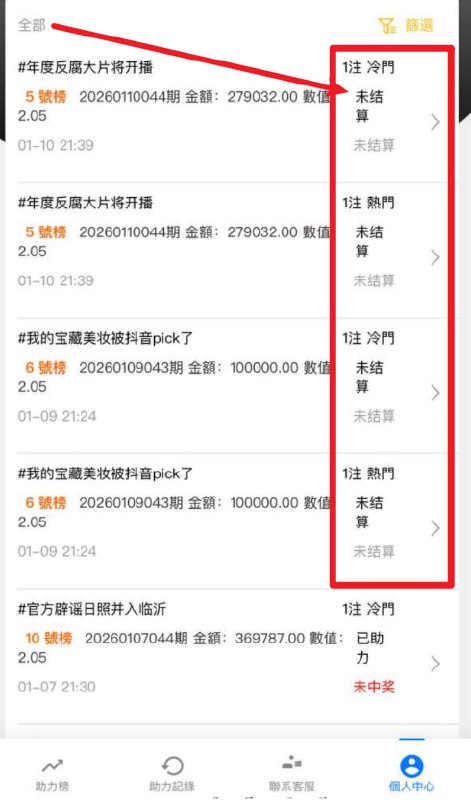
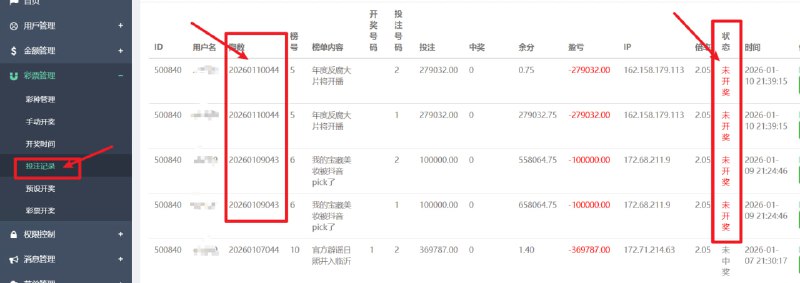
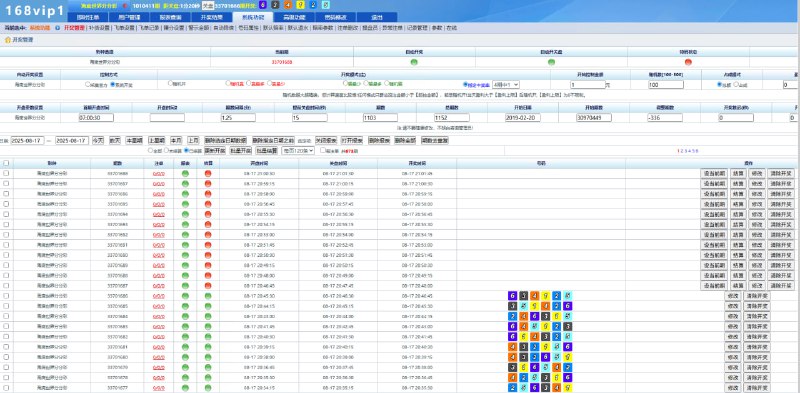
1. Log in to the backend, find the points simulation records, look for orders with status “Unopened,” and note the period number of the unopened points simulations, for example “20260110044”
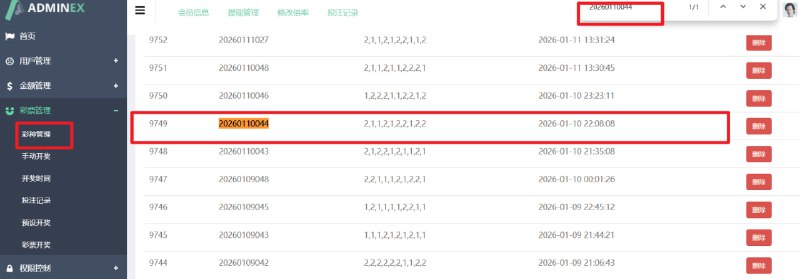
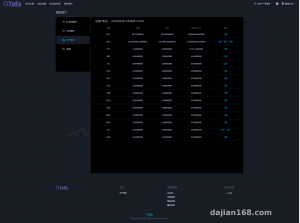
2. Go to Lucky Draw Type Management > Draw History and check if there is a draw result for this period. If not, proceed to Step 3. If yes, skip directly to Step 4.
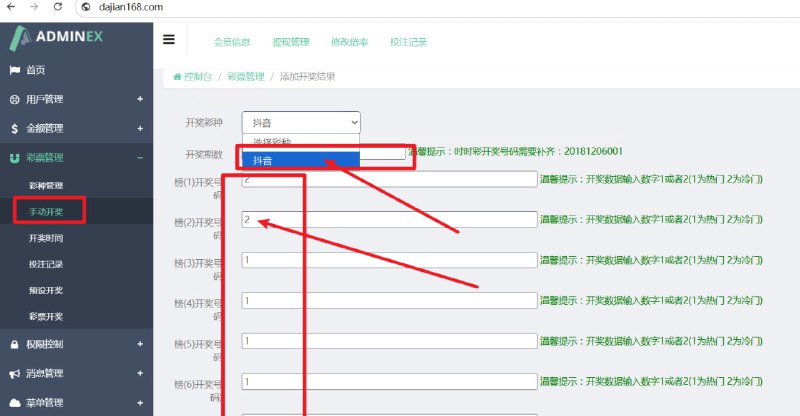
3. Manual draw: enter the draw period “20260110044,” enter the draw number “1” or “2,” then click Confirm.
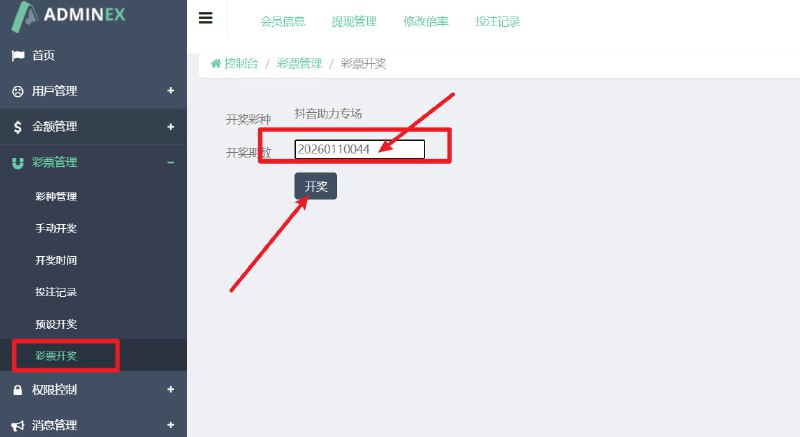
4. Click Lucky Draw, enter the draw period “20260110044,” click Draw, and the customer orders will be settled.

#DouyinHotTopics #DouyinTrending #Douyin #DouyinHotTopicsGaming #DouyinTutorial

Douyin Trending Topics Demo Draw Tutorial for Manual System SetupDouyin Trending Topics Demo Draw Tutorial for Manual System SetupDouyin Trending Topics Demo Draw Tutorial for Manual System SetupDouyin Trending Topics Demo Draw Tutorial for Manual System SetupDouyin Trending Topics Demo Draw Tutorial for Manual System SetupDouyin Trending Topics Demo Draw Tutorial for Manual System Setup