KaiXin Financial Multi-Language Demo System Source Code: BaoTa Deployment and Secondary Development Notes
KaiXin Financial Multi-Language Demo System Source Code: BaoTa Deployment and Secondary Development Notes
Disclaimer: This article is for technical education and demonstration only. It is not professional or financial advice. Any real-world deployment must comply with applicable laws and regulations.
I recently took on a job where the client needed a multi-language financial demo site for training their team on front-end and back-end features. After comparing a few options, I settled on this secondary-development source code from KaiXin Financial, advertised as heavily customized with a fully rebuilt front-end UI plus an earnings simulation module. It took me an afternoon and half an evening to get everything running, so I am jotting down the whole process to avoid stepping on the same landmines next time.
Feature Testing: How Much Did This Secondary Development Actually Change
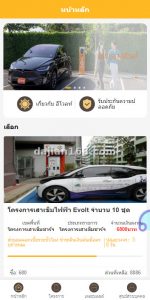
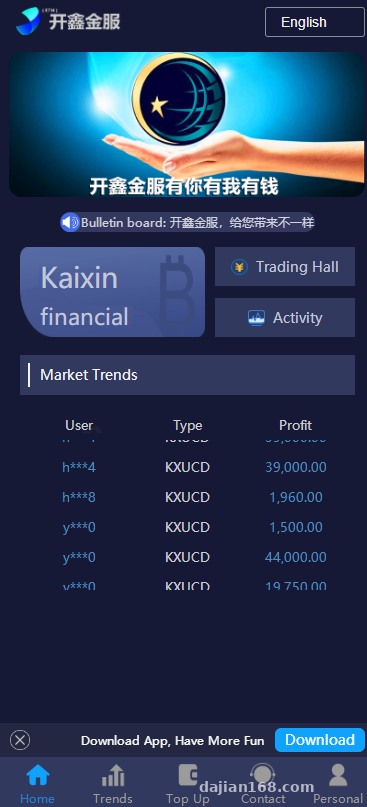
Bottom line first: this is not one of those shell products that only swaps the logo. The front-end template was torn down and rewritten—page structure, color scheme, interactions, all of it. Dig through the source code and you can clearly see traces of real secondary development, not a simple reskin.
Multi-Language Switching
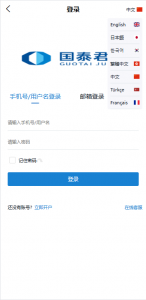
The language packs sit in the application/lang directory, with Chinese, English, Japanese, and Korean included by default. The admin panel can switch the default front-end language in one click, and users can pick their own language too. I tested adding a new language myself—just copy a language file and edit the key-value pairs, no need to touch core code. Pretty hassle-free.
Earnings Simulation and Copy-Trade Demo
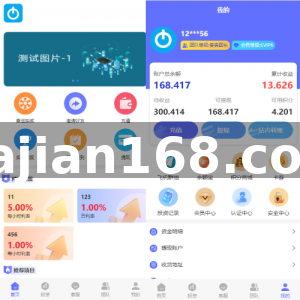
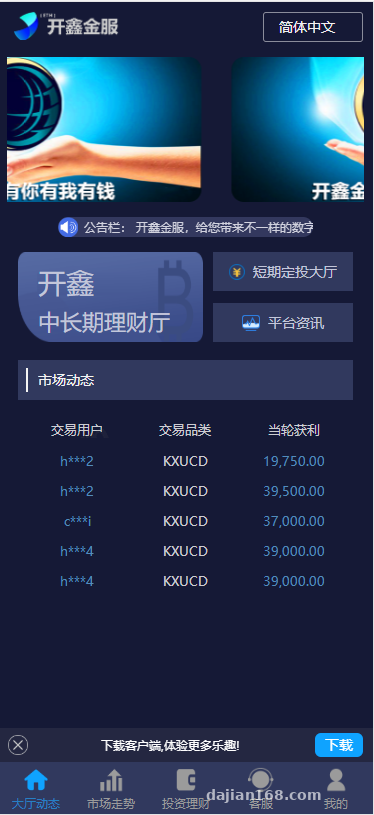
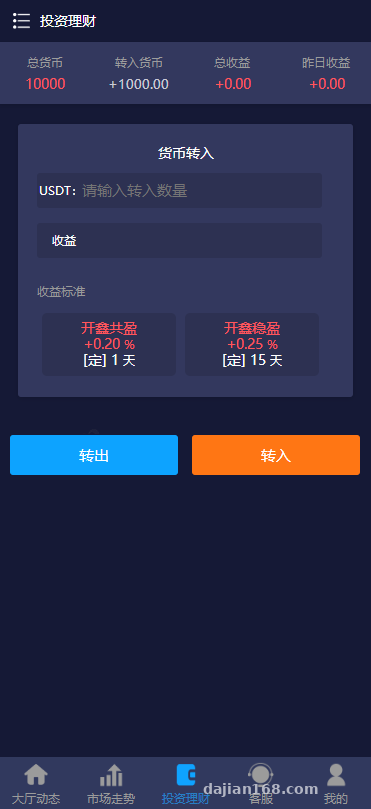
This version adds a money-market-fund style earnings simulation module: demo points in the account accrue simulated earnings at a rate set in the admin panel, settled automatically at a fixed time each day. There is also a points-based simulated copy-trading feature—the front end displays simulated operation records and earnings curves, all running on virtual points. Purely a numbers demo, no real funds involved.
K-Line Market Module
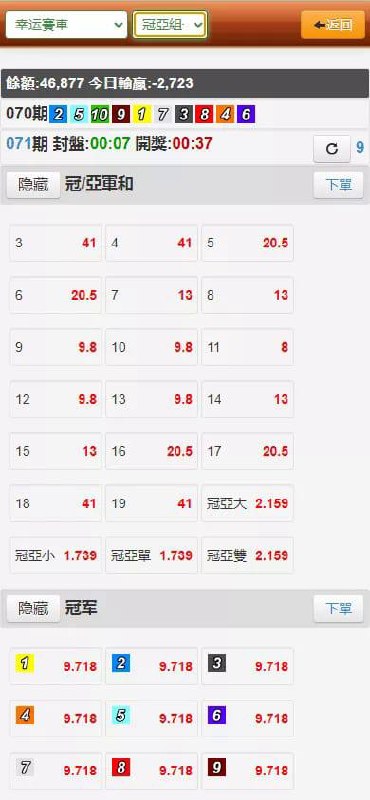
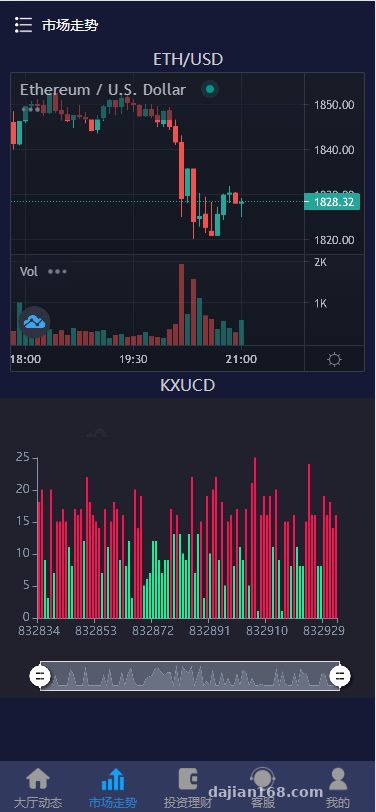
The K-line chart was one of the front-end rebuild highlights. Data is generated by a scheduled task in the admin panel, with switching between intraday and daily K-lines supported. In a demo environment it looks quite convincing—more than enough as front-end training material for market display features.
Deployment Essentials: BaoTa Environment and Pitfall Notes
Environment: BaoTa panel with Nginx + PHP 7.4 + MySQL 5.6. This source code ships with encrypted files, so PHP must have the sg11 extension installed, otherwise the homepage renders a blank white page. That was my first pitfall—the error message was vague, and I spent ages digging through logs before pinpointing it.
The second pitfall is URL rewrite (pseudo-static): you must select the ThinkPHP rules, otherwise the admin panel loads fine but every front-end route returns 404. After importing the database, remember to update the connection info in config. Change the default admin path right away, and swap out the default admin account while you are at it—security first.
On the payment side, the source code reserves slots for third-party payment interfaces. Since this is a demo site, I simply disabled the online payment channels in the admin panel and enabled the platform’s built-in simulated payment. The test flow runs end to end, and it spares you all the interface configuration hassle. One more thing: remember to add scheduled tasks in BaoTa—earnings settlement and market simulation both depend on them. Miss this and your data just sits there frozen.
Key takeaways: sg11 extension for PHP + ThinkPHP rewrite rules + BaoTa scheduled tasks. With these three in place the site is basically stable; miss any one of them and you get either a blank page or dead data.
Who It Suits and Secondary Development Tips
This codebase fits three kinds of work: front-end training (the UI was rebuilt, so the page assets look much fresher than old templates); PHP secondary development practice (standard TP framework structure, not painful to modify); and building multi-language demo sites for clients (the language pack mechanism is ready-made).
If you plan to customize, start by exploring the parameter configuration area in the admin panel—most display logic is adjustable from the back end, which saves a lot of coding. When editing front-end templates, remember to clear the cache; TP’s template cache, if left uncleared, will make you think your changes never took effect. Do not burn a whole evening on that like I did.
Frequently Asked Questions
Q: What does the unlicensed version mean? Will it lock up after a couple of days?
A: It means no domain authorization check is built into the source code. Switching domains or servers requires no re-authorization, and it runs fine in a local environment. I tested it across three different domains without any issues.
Q: What is the minimum server configuration?
A: For demo purposes, 2 cores and 4GB of RAM is plenty; even 1M bandwidth works. If concurrency gets heavy, add memory—it mainly consumes PHP process count.
Q: Can I add my own languages?
A: Yes. Copy the language pack directory, edit the key-value pairs, then enable the new language switch in the admin panel. Just note that the front-end language switcher button styles need adapting on your own.
Q: Is the data inside real?
A: No. Market data, earnings, and copy-trade records are all demo data generated by scheduled tasks in the admin panel, running on virtual points, for feature demonstration only.
One final reminder: this source code is intended for technical learning and educational demonstration purposes only. Please comply with all applicable laws and regulations when deploying and using it, and never use it for any unlawful purposes.
Disclaimer: This article is for technical education and demonstration only. It is not professional or financial advice. Any real-world deployment must comply with applicable laws and regulations.
#source code deployment #BaoTa panel #multi-language system #financial demo #secondary development
-
 Alipay QR Code Scan
-
 WeChat Scan Pay