Panda Data Collection System Setup Notes: Crawler Architecture and Task Distribution Platform Deployment
Panda Data Collection System Setup Notes: Crawler Architecture and Task Distribution Platform Deployment
Disclaimer: This article is for technical education and demonstration only. It is not professional or financial advice. Any real-world deployment must comply with applicable laws and regulations.
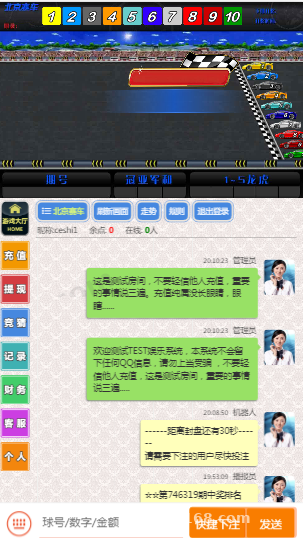
I recently helped a client deploy a standalone version of the Panda data collection system. It took about two days of tinkering, so I’m writing down the whole process and the pitfalls I hit. There are plenty of versions of this system floating around online, but many are incomplete. The copy I got has a full interface and runs collection tasks normally — in testing, it matched the demo screenshots pretty closely.
First, the environment: I used the BaoTa panel with Nginx 1.22 + PHP 7.4 + MySQL 5.7, on a lightweight cloud server with 2 cores and 4GB RAM. Don’t use PHP 8 — this codebase has a lot of legacy syntax and 8.0 throws errors immediately. I tripped over this at the start; switching back to 7.4 fixed it instantly.
Hands-On Testing: Collection and Task Distribution
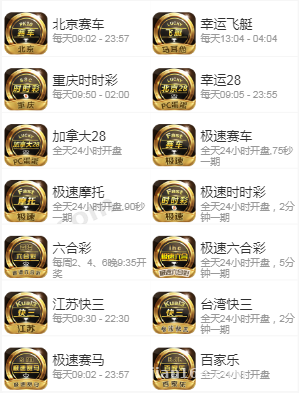
The core of this system is data collection plus task distribution. The backend lets you configure multiple collection sources and supports scheduled fetching of public data. Fetched data goes through a cleaning pipeline — deduplication and formatting — before being stored in the database. I tested three sources with concurrency set to 10 threads; a single collection run took about 40 seconds, with CPU usage hovering around 60%. Fairly stable.
Collection Module Details
Collection rules are configured visually, supporting both CSS selectors and regular expressions. One reminder here: always respect the target site’s robots protocol and only fetch publicly available data. Stay away from anything requiring login or involving private information — no matter how good the system is, it won’t save you. The system has a built-in request interval setting; I usually set it to 3-5 seconds to reduce the risk of getting blocked.
Task Distribution Backend
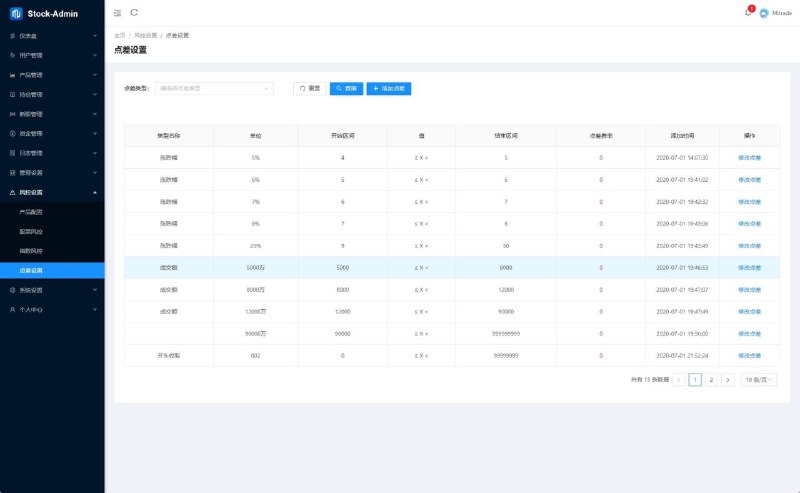
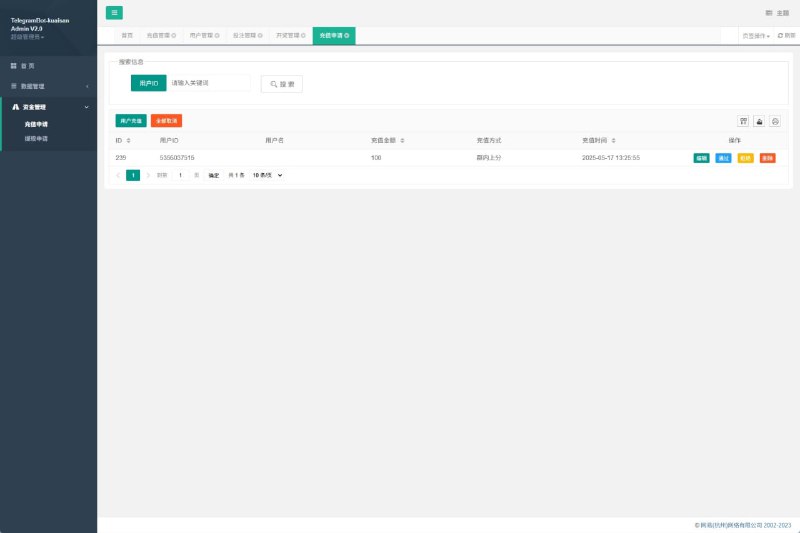
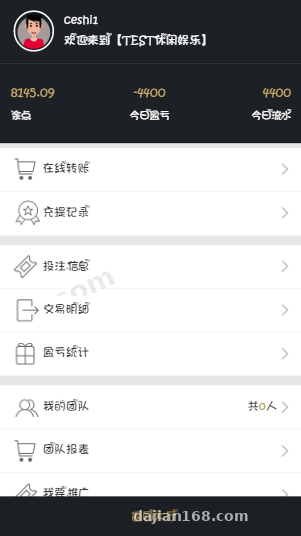
The task distribution side is fairly complete. Administrators can create tasks and assign them to different agent accounts, and agent accounts can have team hierarchies underneath them. Each task has status tracking: pending, in progress, completed, with a statistics panel in the backend showing completion rates. I created 50 test tasks in testing, and both distribution and status reporting worked fine — no queue lock issues came up.
Deployment Key Points
A few critical points from the deployment process:
1. Choose the ThinkPHP rewrite rules for pseudo-static URLs, otherwise all backend routes return 404;
2. After importing the database, remember to update the connection info in the config, and set the cache directory permissions to 755 or higher;
3. Collection tasks depend on the system’s scheduler. Add a scheduled task in BaoTa that hits the specified cron URL once per minute, otherwise scheduled collection won’t run;
4. The interface lives in a separate template directory. If you want to modify the frontend, just work in the template folder — the structure is reasonably clear.
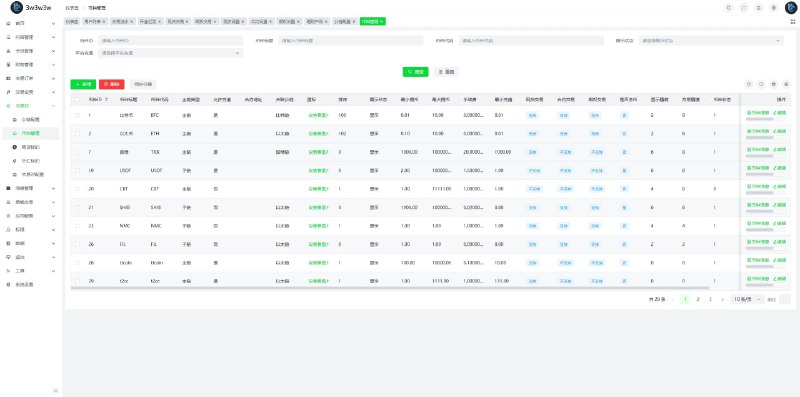
Highlight: this version ships with collection source management + an agent team hierarchy + a data statistics panel. The cost of secondary development and template changes is low, making it suitable for quickly building a data demo platform.
Payments and Multi-Language Support
The system reserves configuration slots for payment interfaces and supports integration with common third-party aggregated payment services — just fill in the merchant ID and key in the backend. In my test environment I didn’t connect real payments; I only ran the interface’s callback simulation, and the flow worked end to end. For multi-language, it ships with both Chinese and English language packs. The language files are in the lang directory — adding a new language is just copying a file and translating it. Not much work involved.
Who It’s For and Secondary Development Tips
This system suits developers who want to build data aggregation displays or task management demo platforms. For secondary development, I’d suggest modifying templates before touching logic — the core collection scheduling code is somewhat tightly coupled, so back it up before making changes. Also, the database comes preloaded with a lot of demo data; remember to clear it before going live.
FAQ
Q: Collection tasks stop running after a while — what do I do?
A: Nine times out of ten it’s the scheduled task misconfiguration. Check whether the BaoTa cron runs every minute, and also look at PHP’s max_execution_time — I’d suggest setting it to 300 or above.
Q: The backend login captcha doesn’t display?
A: Check whether the GD extension is installed — BaoTa may not have it checked by default. Restart PHP after installing and it’ll work. I hit this pitfall myself.
Q: Can I migrate directly to a new server?
A: Yes — just package the code and export the database. Make sure the new machine keeps PHP at 7.4, and re-apply permissions to the cache directory.
Disclaimer: This article is a technical setup note only. The system is intended solely for lawful data collection demonstrations and learning purposes. Users must comply with applicable laws and regulations, and any unlawful use is prohibited.
Disclaimer: This article is for technical education and demonstration only. It is not professional or financial advice. Any real-world deployment must comply with applicable laws and regulations.
#Data Collection System #Deployment Notes #Task Distribution #Crawler #Data Cleaning
-
 Alipay QR Code Scan
-
 WeChat Scan Pay