Building a .NET Random Number Probability Demo System: Deployment Notes for a Lucky 28-Style Source Code
Building a .NET Random Number Probability Demo System: Deployment Notes for a Lucky 28-Style Source Code
Disclaimer: This article is for technical education and demonstration only. It is not professional or financial advice. Any real-world deployment must comply with applicable laws and regulations.
I recently helped a client who runs educational demos deploy a random number probability demo system built in .NET — the kind of data simulation platform often called a Lucky 28 + airship-style simulator. The client’s requirements were simple: it had to run, the admin panel had to work, and it needed to be usable for teaching students how random number generation logic works. After two days of tinkering, I’m writing down every pitfall I hit so anyone else setting this up can save some time.
Hands-On Review: What This Source Code Can Actually Do
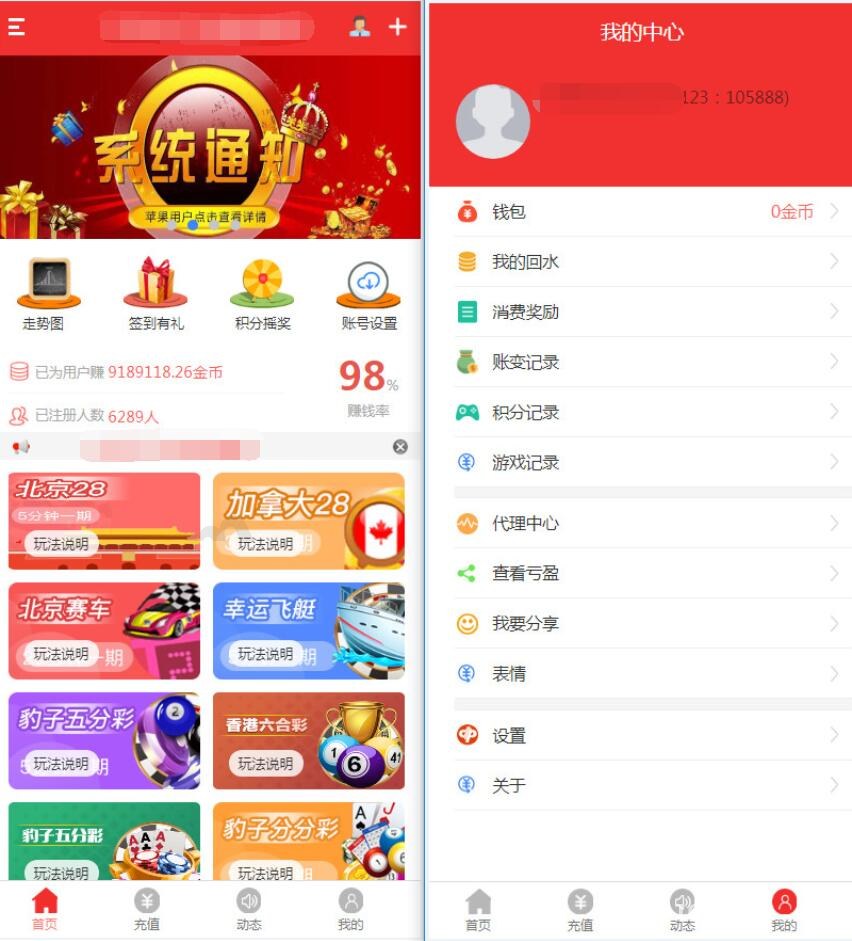
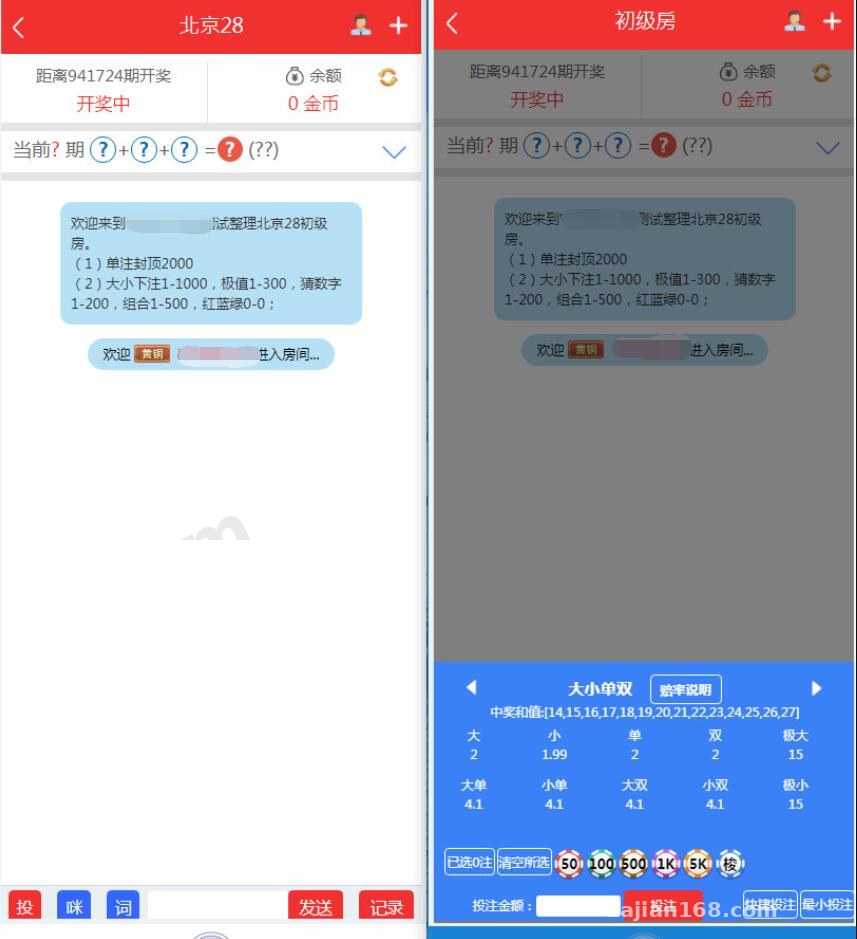
Short version: this is a purely demo-oriented random number generation and probability simulation system. The front end displays result publication data and trend charts, while the admin panel manages round numbers and parameter configuration. The overall structure isn’t complicated, but the details are reasonably well done.
Core Features
1. Random number engine: the core is a server-side scheduled job that generates random numbers to simulate the result publication flow. I tested it — the generation interval is configurable, defaulting to one round every 10 seconds, adjustable via the config file.
2. Trend chart display: the front end includes historical data trends, odd/even distribution, and similar charts, built with ECharts. Data comes from API endpoints, so swapping in a different chart library during secondary development isn’t hard.
3. Admin panel: log in with the admin account to set round number rules, manually backfill data, and adjust simulation parameters. There are just two permission levels — administrator and regular operator — which is enough.
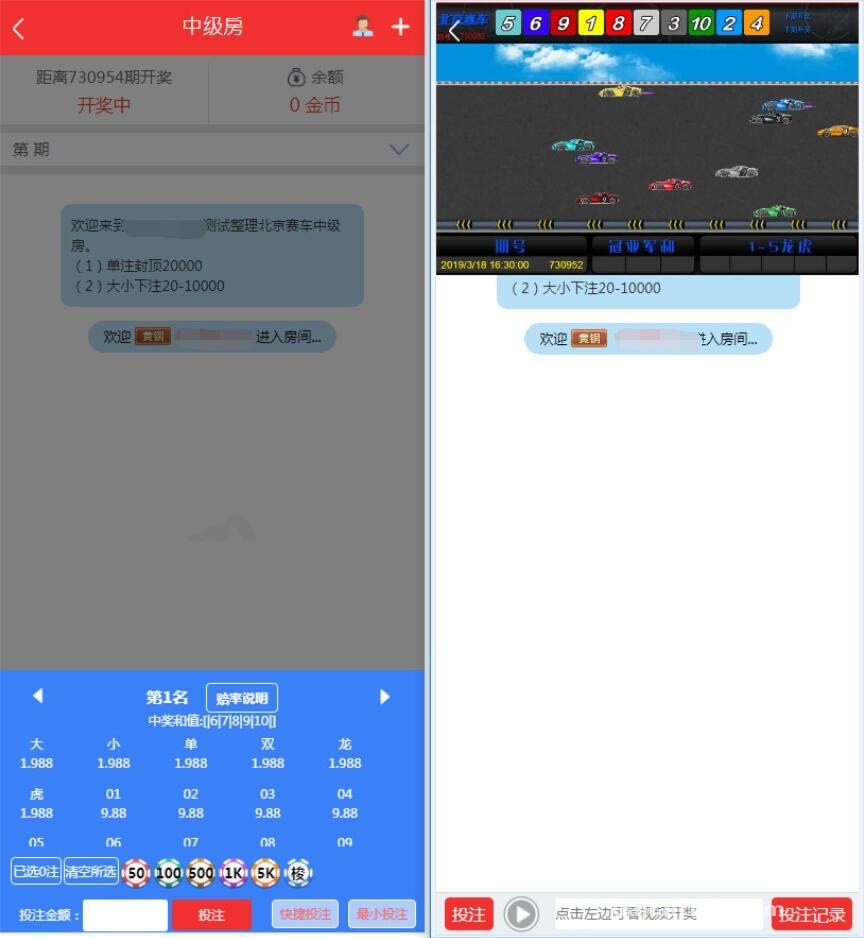
4. User-side simulation: registered users can go through the simulated flow entirely with virtual points, with no real money involved at all. The client cared a lot about this.

Deployment Essentials: Environment and Pitfall Log
Environment Requirements
.NET Framework 4.6 or above, IIS 8.0+, and SQL Server 2012 minimum for the database. I used Windows Server 2019 + IIS + SQL Server 2016 and got it running on the first try. Note: the database connection string lives in web.config — after changing it, remember to recycle the application pool, otherwise the old config stays cached. I wasted half an hour on that.
Database Restore
The backup file is in .bak format, so a direct restore through SSMS works fine. After restoring, update the connection string in web.config, and pay attention to the database collation — the original site uses Chinese_PRC_CI_AS. If your server defaults to something else, Chinese text will turn into garbled characters, so specify the collation manually when creating the database.
Scheduled Task Configuration
Random number generation is implemented with a Windows service plus a timer. When installing the service, run install.bat with administrator privileges. Here’s a gotcha: after the service started, the logs looked fine but the pages showed no data. Troubleshooting revealed the firewall was blocking an internal port — opening it fixed everything.
URL Rewriting and Permissions
The front-end URLs require the IIS URL Rewrite module; the rules file is already included in the source code, so just import it. Grant the IIS_IUSRS account read/write permissions on the site directory, especially the Upload and Log folders — missing those will throw 500 errors.
Secondary Development Suggestions
The code layering is fairly clean: presentation, business logic, and data access are separated. If you want to turn it into a task distribution system or a probability statistics demo for teaching, there are mainly two areas to modify: the random number generation strategy class, and the front-end display templates. The admin panel uses Razor views, which are comfortable to edit. As for payment integration, the source code only leaves an empty shell for a simulated channel — wiring up real payment would mean writing it yourself, or simply sticking with virtual points, which is entirely sufficient for demo scenarios.
Note: this system is intended only for probability education, random number algorithm demonstrations, and data simulation scenarios. After deployment, comply with all applicable laws and regulations; any illegal use is prohibited, and virtual points must never be tied to real money.
Who It’s For
First, developers looking for a .NET teaching case study — the code covers random number generation, scheduled tasks, and front-end/back-end interaction. Second, teams that need to build a data simulation demo platform — the admin features are complete. Third, beginners who want to study a layered architecture for secondary development — the code comments are fairly thorough.
FAQ
Q: Are the server requirements high?
A: Not really. A 2-core, 4GB cloud server is enough. Demo scenarios have low concurrency, so the bottleneck is basically database I/O — once the data grows, remember to archive historical rounds regularly.
Q: Can it be made multilingual?
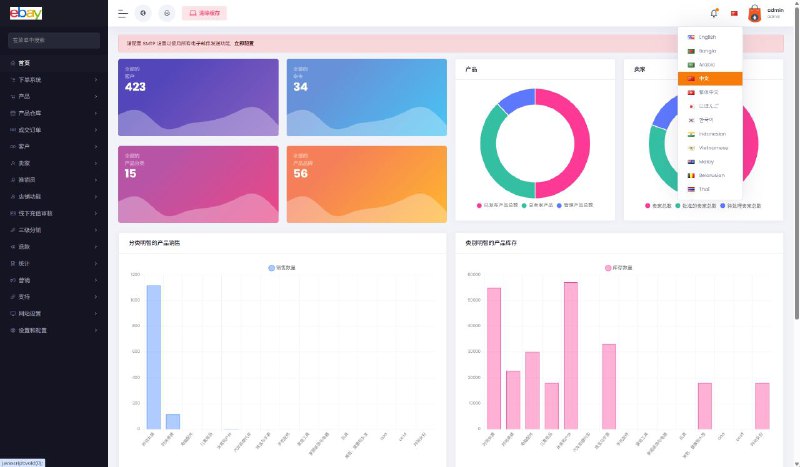
A: Yes. The front-end text is scattered across views and resource files, and the source code doesn’t ship with a complete language pack, so you’d need to extract resource files yourself — roughly two to three days of work.
Q: Does it work on mobile?
A: The front end uses a responsive layout with adaptive H5, so it opens fine in mobile browsers. The admin panel, however, uses old-style table layouts, so it’s best operated from a PC.
Q: Can it connect to external market data?
A: The source code supports configuring an external data source API for market data simulation. During secondary development, just add an adapter at the data ingestion layer — very convenient for demo purposes.
Overall, this source code is moderately above average in completeness. Deployment isn’t difficult; the main pitfalls are the database collation and the scheduled service permissions. Follow the steps above and you can have it running within half a day. Feel free to reach out with deployment questions — my next article will cover an analysis of its random number algorithm.
Disclaimer: This article is for technical education and demonstration only. It is not professional or financial advice. Any real-world deployment must comply with applicable laws and regulations.
#.NET Development #Source Code Deployment #Random Number Demo #Probability Simulation #Deployment Notes
-
 Alipay QR Code Scan
-
 WeChat Scan Pay