uni-app Shared Farm + NFT Metaverse System Build Log and Secondary Development Notes
uni-app Shared Farm / NFT Metaverse System Build Log and Secondary Development Notes
Disclaimer: This article is for technical education and demonstration only. It is not professional or financial advice. Any real-world deployment must comply with applicable laws and regulations.
Recently I helped a client deploy a uni-app shared farm + NFT metaverse demo system. The back end runs PHP, and the front end is built with uni-app. The source is fully open, and it even ships with a secondary-development handbook, so it makes a solid technical prototype for agricultural simulation, digital asset display, or gamified task systems. When I first unzipped the package, the name sounded grand, but after taking it apart I realized the core is just a simulation loop: growth mechanics, task distribution, and item crafting. Here is my full walk-through from environment prep to live testing, written both as a reference for myself and for anyone else jumping into the same project.

Hands-on Feature Review: How the Admin Panel and Front End Work Together
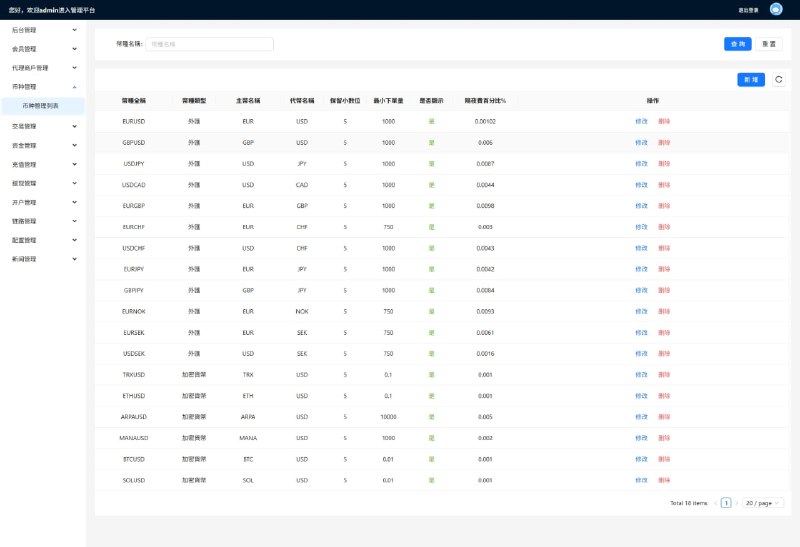
Admin Management Module
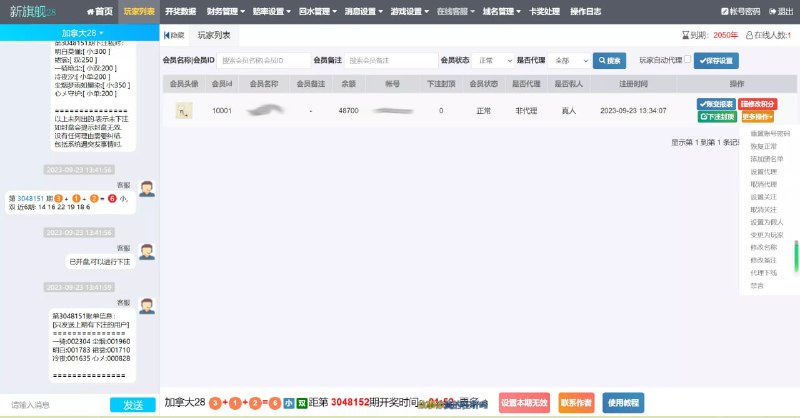
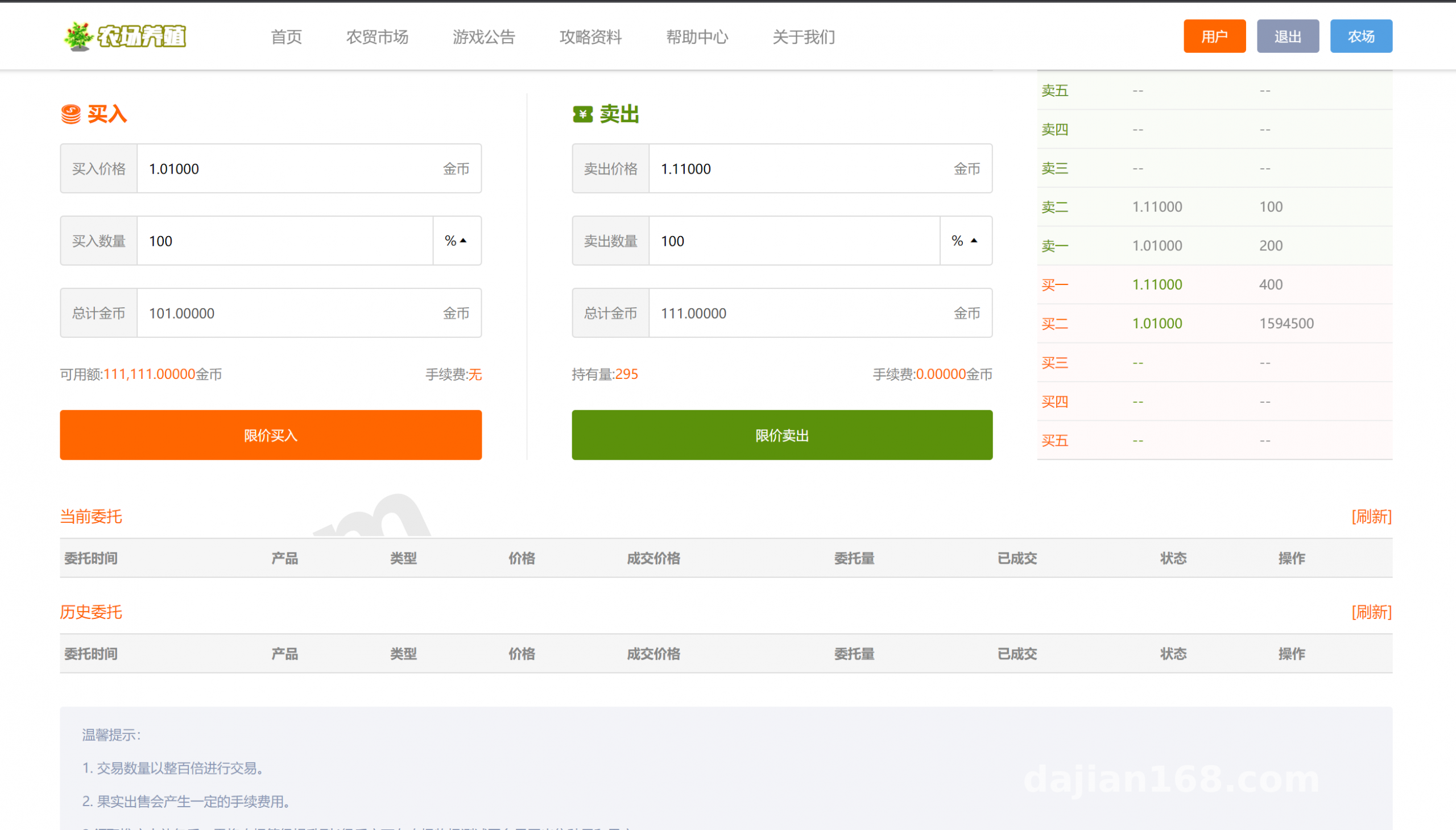
The admin panel is a standard PHP back office. The main menus cover member management, farm/ranch modules, an item shop, task distribution, reward simulation, payment gateway toggles, multi-language settings, announcement banners, and system logs. Role-based access is included: ordinary admins can view data, while super admins can edit configurations and remove members. For payment gateways, I only recommend integrating compliant channels. During testing, I always turn off real callbacks and switch to simulated payment mode so there is no risk of accidental charges.
Farm and Ranch Simulation Logic
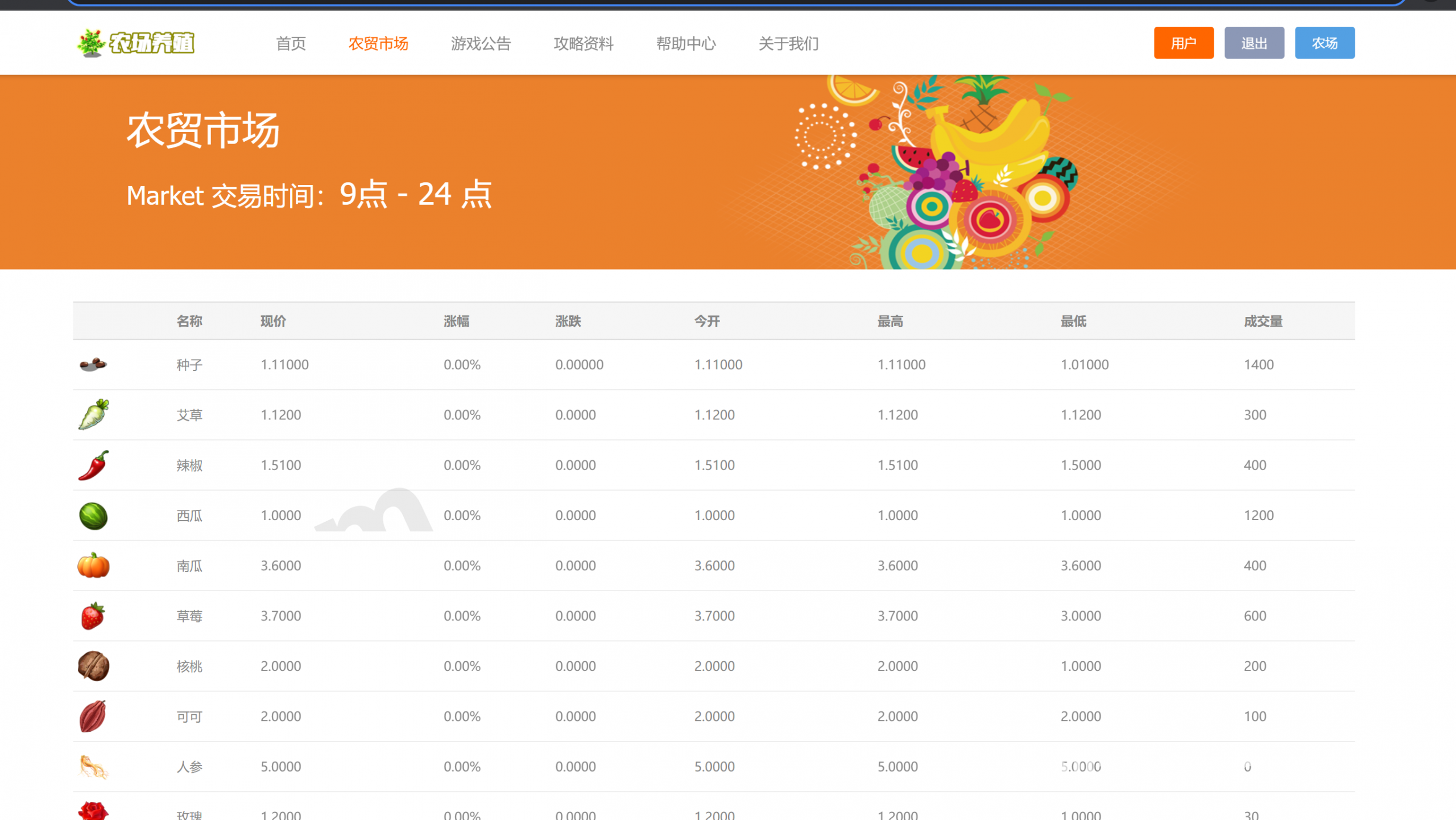
The full farming chain works: clear land, sow seeds, water, remove pests, and harvest. Each crop can be configured in the admin panel with growth time, yield, price, and experience points. The ranch side lets you feed animals, collect products, and store those products in the warehouse before selling them or crafting them into higher-tier items. Time and output parameters are adjustable in the back end. For quick testing, I set the ripening time to one minute so I could verify the whole loop without waiting.
NFT / Digital Collectible Display Module
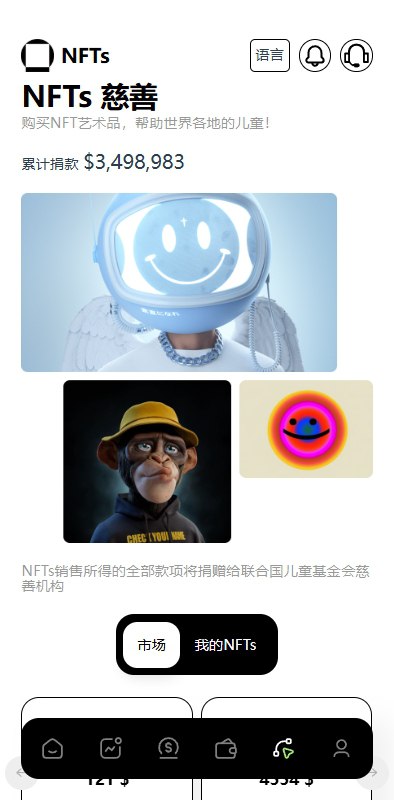
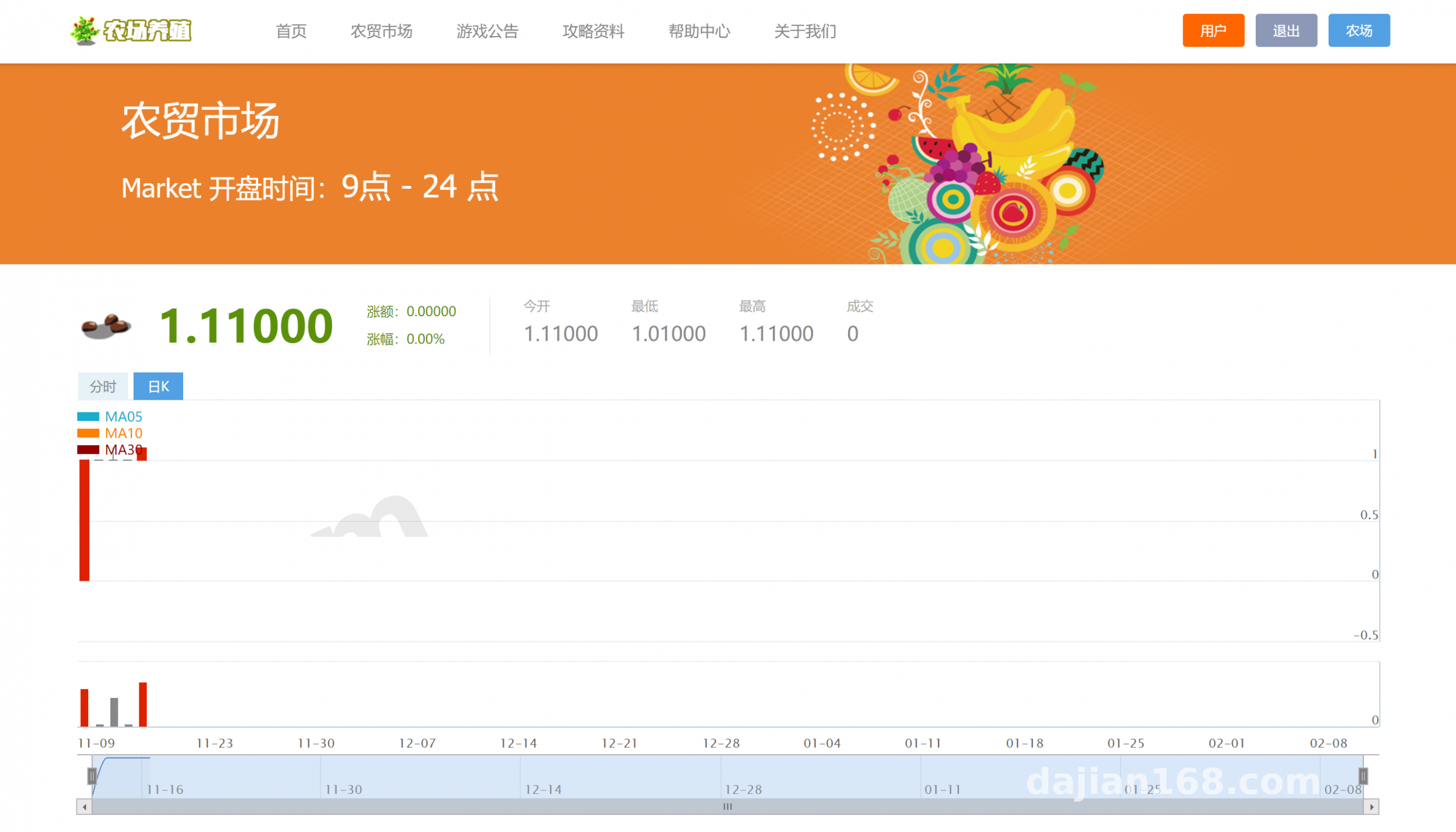
Items and animals are displayed as cards, each carrying metadata such as image, name, rarity, and description. Once the admin panel is configured, the uni-app front end renders the cards by category. This module is a good fit for a digital asset demo platform, for example showcasing virtual seeds or limited-edition tools, rather than handling real financial transactions. The front-end page uses a masonry layout and loads reasonably fast.
Multi-language and Theme Switching
The back end includes a language-pack manager, and the uni-app front end pairs with vue-i18n for switching. Chinese and English are included by default. To add a new language, copy an existing language JSON, update the keys and values, and you are done. Theme colors can be replaced globally in uni.scss.
Deployment Notes: From Source Code to a Live URL
Server Environment
The back end runs on PHP 7.4 or 8.0 with MySQL 5.7, and it works with either Nginx or Apache. Required PHP extensions include mysqli, pdo_mysql, gd, fileinfo, and openssl. Configure URL rewrite rules for ThinkPHP or native routes, depending on the folder structure you received. If you want a quick setup, use a panel such as Baota to spin up an LNMP stack.
Source Code Installation Steps
After extracting the archive, you usually see three folders: admin, API, and the uni-app front end. Start by importing the database SQL file, then edit the admin config with your database credentials, Redis address, and domain. The default admin account and password are usually in the install instructions; change the password immediately after the first login. If you deploy in a sub-directory, pay close attention to how the API endpoint and static asset paths are joined, because broken image links are the most common problem here.
Front-end Packaging Pitfalls
Import the front end into HBuilder X and set the appid and API domain in manifest.json. For H5 release, choose hash routing mode; otherwise, refreshing the page will give a 404. For cross-origin issues, add an Access-Control-Allow-Origin header in Nginx, or proxy the front end to the API domain. The mini-program and app packages can be built from the same project, but the mini-program requires you to register valid domain names.
Payment Gateway and Security
Before connecting a live payment gateway, run everything through a sandbox or simulated payment flow. Double-check callback signature verification, HTTPS certificates, strong admin passwords, and SQL injection filtering. I also recommend changing the default admin login path and adding an IP whitelist. Back up the database regularly, and never hard-code sensitive configuration values in the front end.
Highlight: The secondary-development documentation for this system is fairly complete: core table structures, API response formats, and uni-app page routes are all listed. When building a task distribution or digital asset demo, you can reuse the existing logic and save a lot of time.
Who This Is For and Secondary Development Directions
This source is suitable for teams or individuals with PHP or uni-app experience, student graduation projects, or agricultural tourism digital prototypes. Possible directions include a smart agriculture subscription platform, a rural tourism points system, a digital collectible display page, a task distribution system, or an internal virtual incentive platform. The farm theme naturally supports simulation, check-in, and redemption mechanics, so the changes are not too painful.
Frequently Asked Questions
Question: The front-end build shows a blank screen. What should I do?
Answer: Check that the H5 routing mode in manifest.json is set to hash, that the API domain uses HTTPS, and that the browser console shows no CORS errors. For local testing, use the built-in HBuilder browser, and switch to the production domain only when you publish.
Question: I cannot log in to the admin panel and it says permission denied. Why?
Answer: First confirm that the database was imported completely and that the admin account and password are in the install instructions. If the auth_rule permission table is missing data, rerun the initialization SQL or clear the runtime cache.
Question: I do not receive async notifications during payment callback testing. Why?
Answer: Make sure the server is reachable from the internet and that the callback URL does not have an index.php rewrite issue. In Nginx, use try_files $uri $uri/ /index.php?$query_string. For local development, use an internal-network tunneling tool to expose the callback address.
Question: How do I add a new language?
Answer: Add the key in the admin language-pack manager, create a matching JSON file in the front-end locales directory, and call it with $t in the pages. After that, recompile the H5 or mini-program package for the changes to take effect.
Disclaimer: This article is for technical education and communication only. When deploying this system, please comply with all applicable laws and regulations. Use payment features only with compliant channels and sandbox testing, and never use the system for illegal or unauthorized purposes.
Disclaimer: This article is for technical education and demonstration only. It is not professional or financial advice. Any real-world deployment must comply with applicable laws and regulations.
#uni-app #NFT metaverse #shared farm #PHP source code #secondary development
-
 Alipay QR Code Scan
-
 WeChat Scan Pay