Jinniu Interactive Pai Gow Demo System Setup Guide: Club Commission Configuration and Backend Deployment Notes
Jinniu Interactive Pai Gow Demo System Setup Guide: Club Commission Configuration and Backend Deployment Notes
Disclaimer: This article is for technical education and demonstration only. It is not professional or financial advice. Any real-world deployment must comply with applicable laws and regulations.
I recently helped a friend working on a tabletop game demo project deploy a Jinniu Interactive Pai Gow-style demo system. The single package includes two game modes, Big Pai Gow and Small Pai Gow, along with a club commission feature and card-shuffling animations. After two days of tinkering, here’s my deployment process and the pitfalls I hit, for anyone who needs a reference.
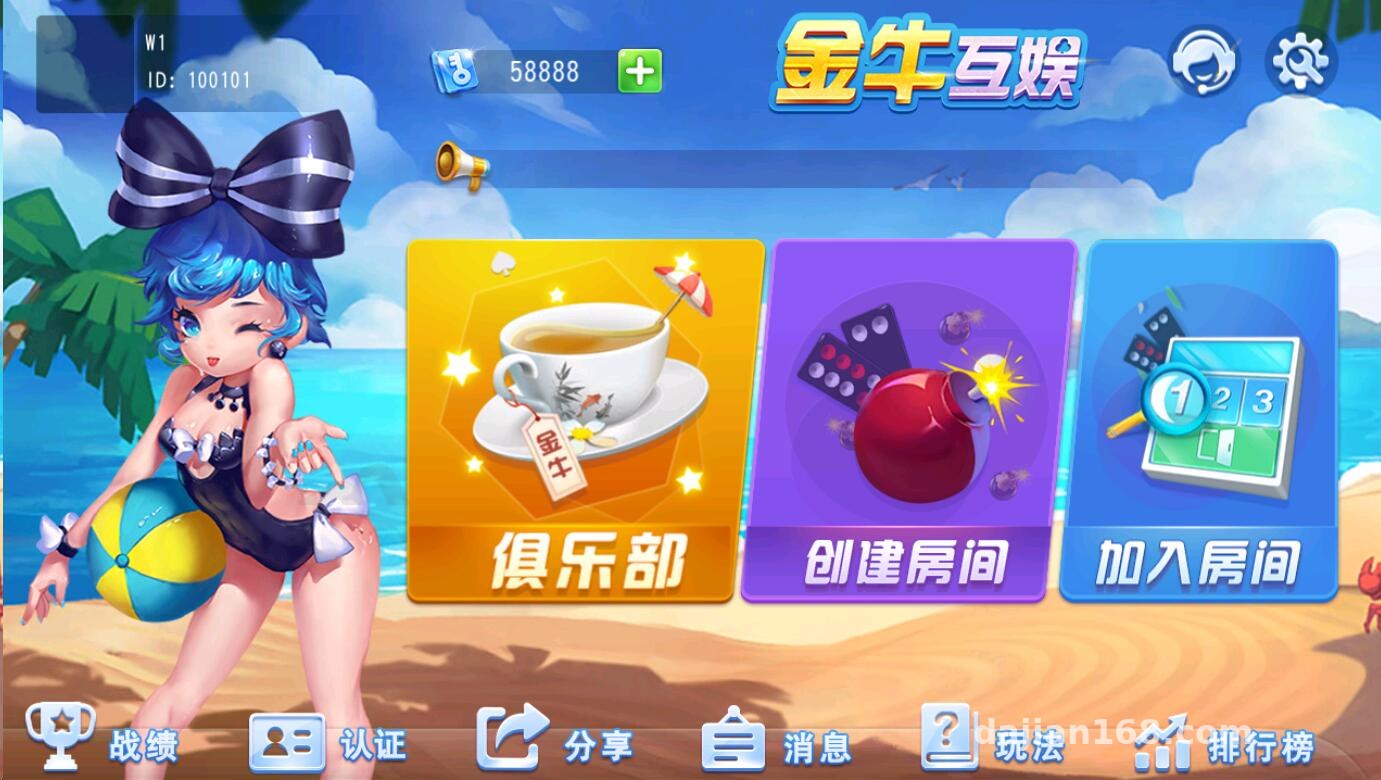
Feature Review: What This Source Code Actually Offers
Bottom line up front: the feature completeness is above average among similar tabletop demo source packages. Breaking it down:
Core Gameplay Modules
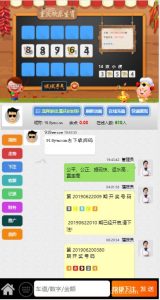
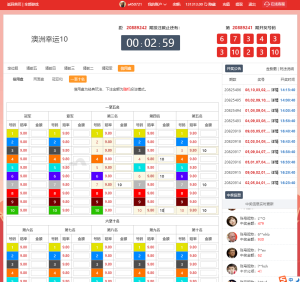
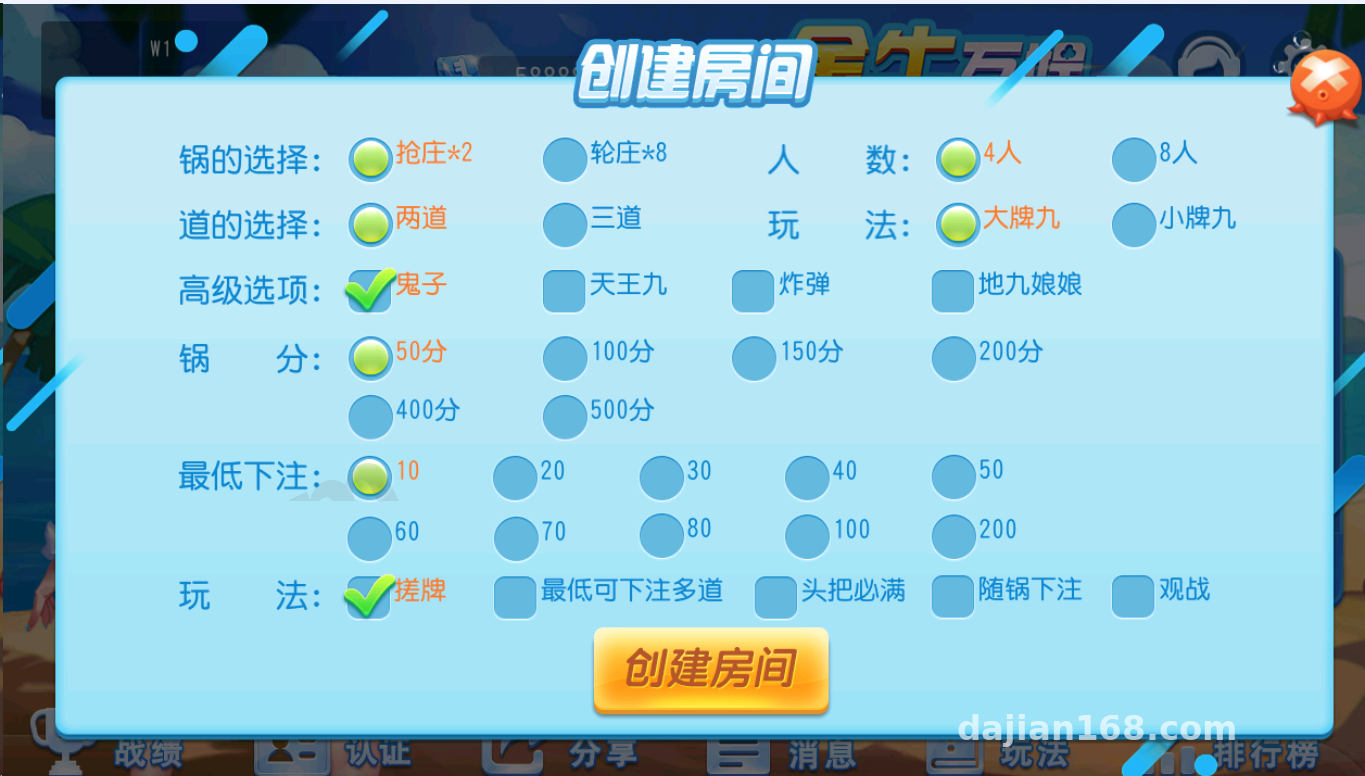
Both Big Pai Gow and Small Pai Gow room types are built in. The random card-dealing logic runs server-side validation, with the client handling display only. The card-shuffling animation is quite polished — the card flip has a physics-engine feel, which adds a lot to the demo experience.
Club and Commission System
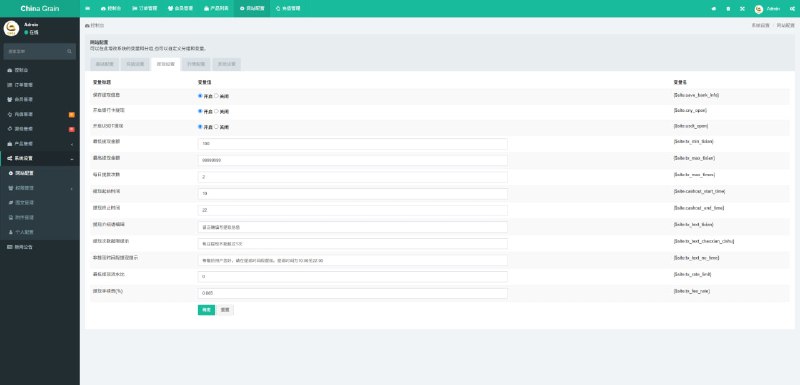
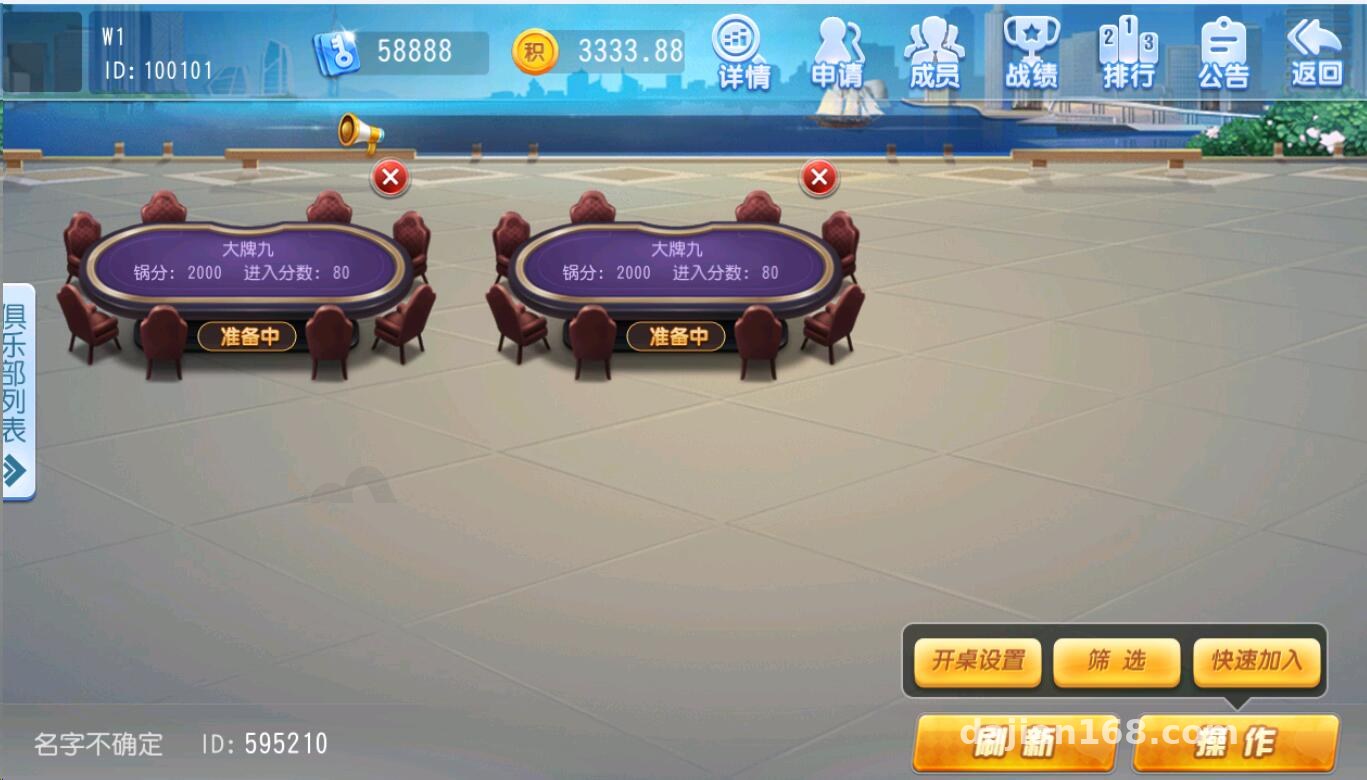
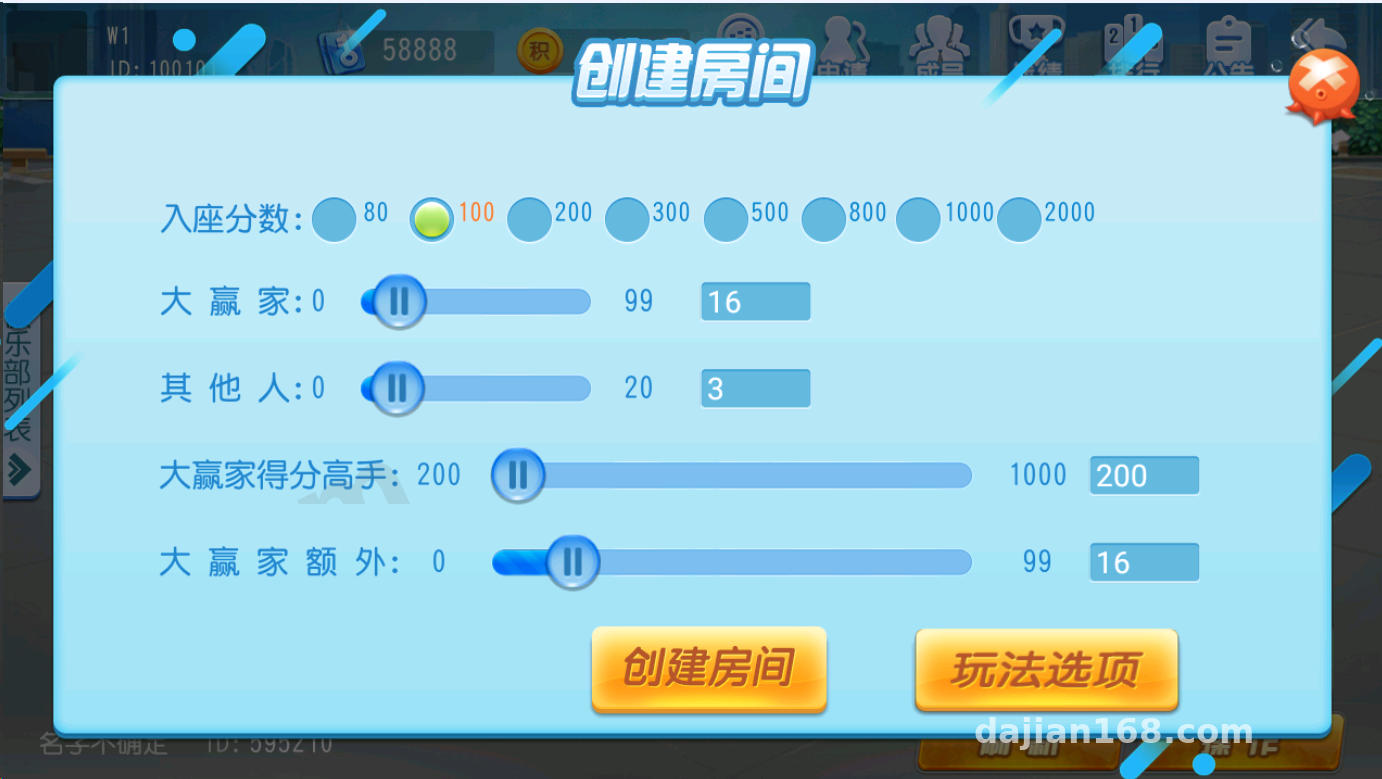
The club system is the highlight of this package. Creating rooms, inviting members, and setting commission rates are all one-click configurations in the backend. Commission rates can be set independently per room, in a range of 0–10%, and are automatically deducted at settlement and logged into the club’s transaction report. In my testing, commission changes took effect instantly without restarting the service.
Backend Control Panel
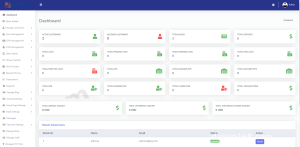
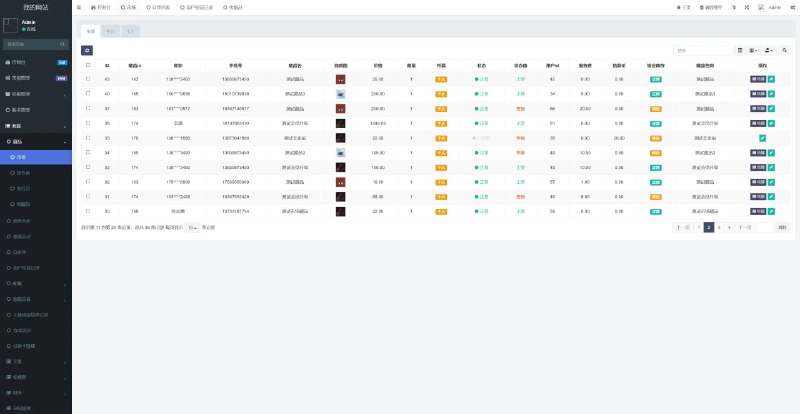
The backend is the classic PHP + MySQL combo, with features including:
· Member management: registration review, virtual account quota adjustments, ban operations
· Room management: game-start parameters, periodic reset of random number seeds
· Transaction reports: Excel export by day/week/month
· Announcement and customer service interface placeholders
Deployment Essentials: Environment and Parameters
My deployment environment was CentOS 7.9 + Nginx 1.22 + PHP 7.4 + MySQL 5.7. The server-side logic is sensitive to the PHP version — anything below 7.3 throws undefined-function errors, so I’d recommend going straight to 7.4.
Key Configuration Items
1. Watch the character set when importing the database. The source SQL file uses utf8mb4; importing with utf8 will cause errors on some emoji fields — that’s where I stumbled on my first pass.
2. You need to set up a crontab job for room state cleanup and settlement validation. It’s located in the /cron/ directory and should run every minute.
3. Drop the packaged H5 frontend directory straight into the web root; the default ThinkPHP rewrite rules work fine.
Payment Interface Integration
The system reserves a third-party aggregated payment interface. In a demo environment, I’d suggest using the built-in simulated payment channel in the backend and pointing the callback URL to a local test script to run through the full flow. When integrating in production, remember to verify the signature algorithm — the source uses MD5 with sorted concatenation, and the documentation explains it clearly.
Secondary Development Tips and Pitfall Log
A few things to note if you plan to customize:
· The dealing logic is concentrated in a single core server-side class. To change the random number strategy, only touch that one file — don’t touch the client.
· The card-shuffling animation is packaged with Cocos2d, so changing the UI requires recompiling the frontend project. The source package includes the project files, which is a rare plus.
· Language packs are in the /lang directory. Simplified Chinese and English are built in; adding a language is just a matter of filling in keys.
· A pitfall I hit: club report exports time out beyond 10,000 rows. Raising the PHP memory limit to 512M and execution time to 300 seconds solved it.
Highlight tip: this source package ships with demo test accounts and simulated data processing scripts. After deployment, you can switch straight to demo mode and run the full flow without integrating any third-party interfaces — debugging is much faster that way.
Who This Is For
This package suits: technical teams building tabletop-style H5 demo projects, training institutions that need teaching case studies, and developers who want to study card-dealing random number algorithms. If you’re expecting zero-configuration out of the box, you may be disappointed — you’ll still need half a day to get familiar with the backend parameters.
FAQ
Q: How powerful does the server need to be?
A: For a demo environment, 2 cores and 4GB RAM is enough, handling 50 concurrent users without issue. If the club has many users, start with 4 cores and 8GB, and tune MySQL separately.
Q: Can commission rates be differentiated by member?
A: Yes. The backend club management supports per-room settings, and member tiers can be adjusted individually in member management. For the two-level stacking logic, check the priority comments in the settlement code.
Q: Does it support mobile?
A: It’s a responsive H5 app, and it tested fine in the WeChat built-in browser. The card-shuffling animation occasionally drops frames on low-end Android devices; I’d suggest setting the particle effects to low on the frontend.
Q: Is the source code encrypted?
A: Parts of the core server side are encrypted with ionCube, which doesn’t affect routine secondary development. The interface documentation for the core dealing class is complete.
Disclaimer: This article only documents a technical deployment process for learning and research purposes. When using the related source code, please comply with applicable laws and regulations, and do not use it for any unlawful purposes.
Disclaimer: This article is for technical education and demonstration only. It is not professional or financial advice. Any real-world deployment must comply with applicable laws and regulations.
#Source Code Setup #Pai Gow Demo #Club System #H5 Game #Deployment Notes
-
 Alipay QR Code Scan
-
 WeChat Scan Pay