Card Game Simulation Demo System Build Log: Desktop Game Source Code Deployment Notes
Card Game Simulation Demo System Build Log: Desktop Game Source Code Deployment Notes
Disclaimer: This article is for technical education and demonstration only. It is not professional or financial advice. Any real-world deployment must comply with applicable laws and regulations.
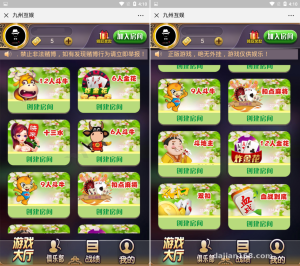
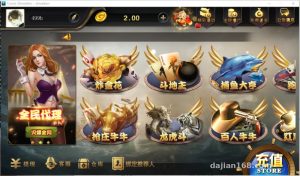
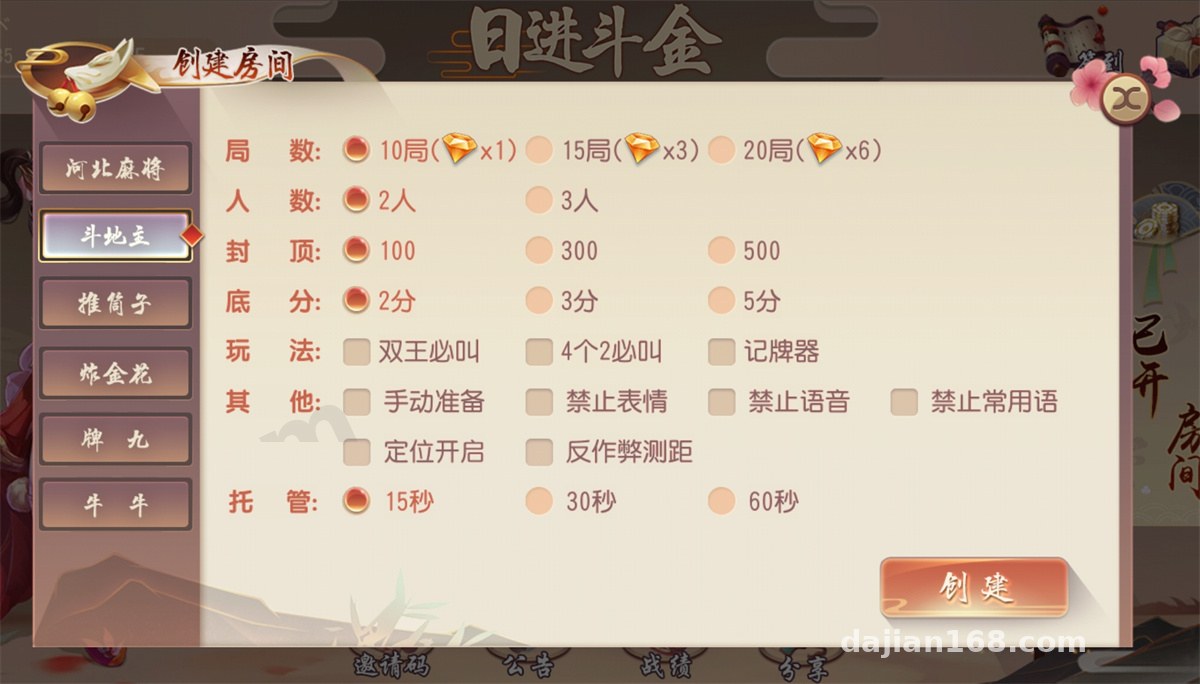
I recently helped a client who runs an interactive entertainment demo deploy a desktop card simulation system from the Chuangyou series, and once it was up and running I jotted down the whole process. The package includes six modules: a regional card simulation, card simulation simulation, TuiTongzi, ZhaJinhua, PaiGow, and NiuNiu — all demo-oriented probability simulation modes, well suited for technical showcases and algorithm research. The whole deployment took me about an afternoon, and I hit a few snags along the way, so here’s the detailed rundown.
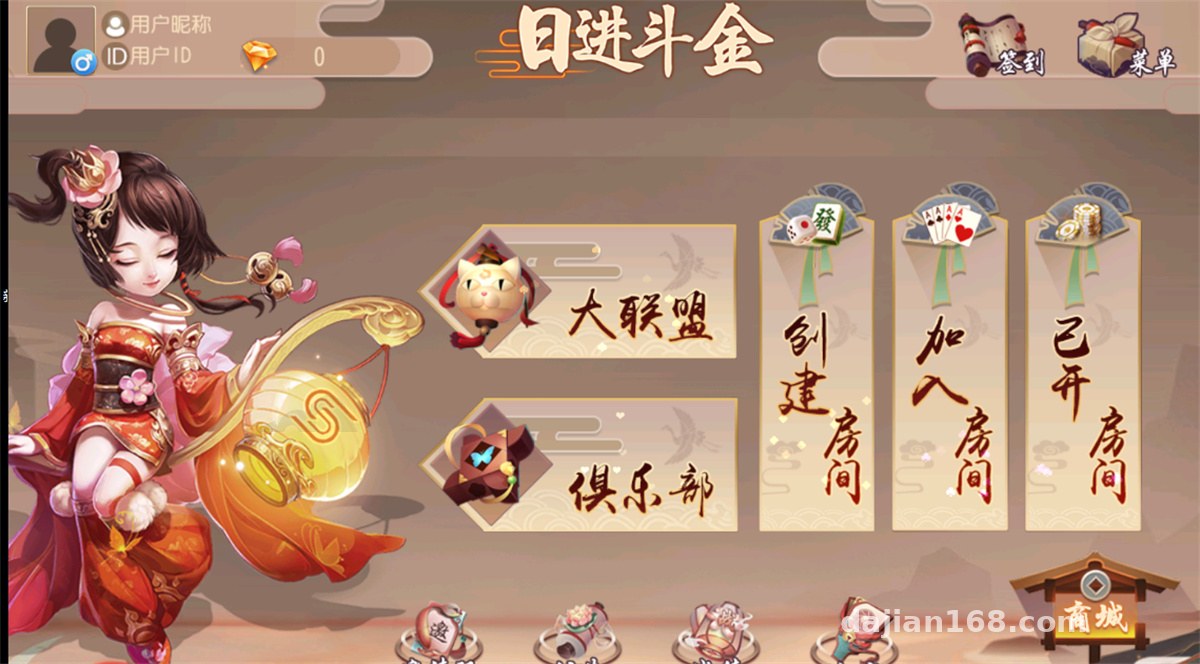
Feature Testing: What the Six Modules Look Like
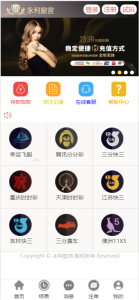
After getting the source code, I ran it locally first. The frontend is a responsive H5 app that opens directly in mobile browsers and the WeChat built-in browser, with no client download needed — a real plus for demo scenarios.
Card Logic and Interface
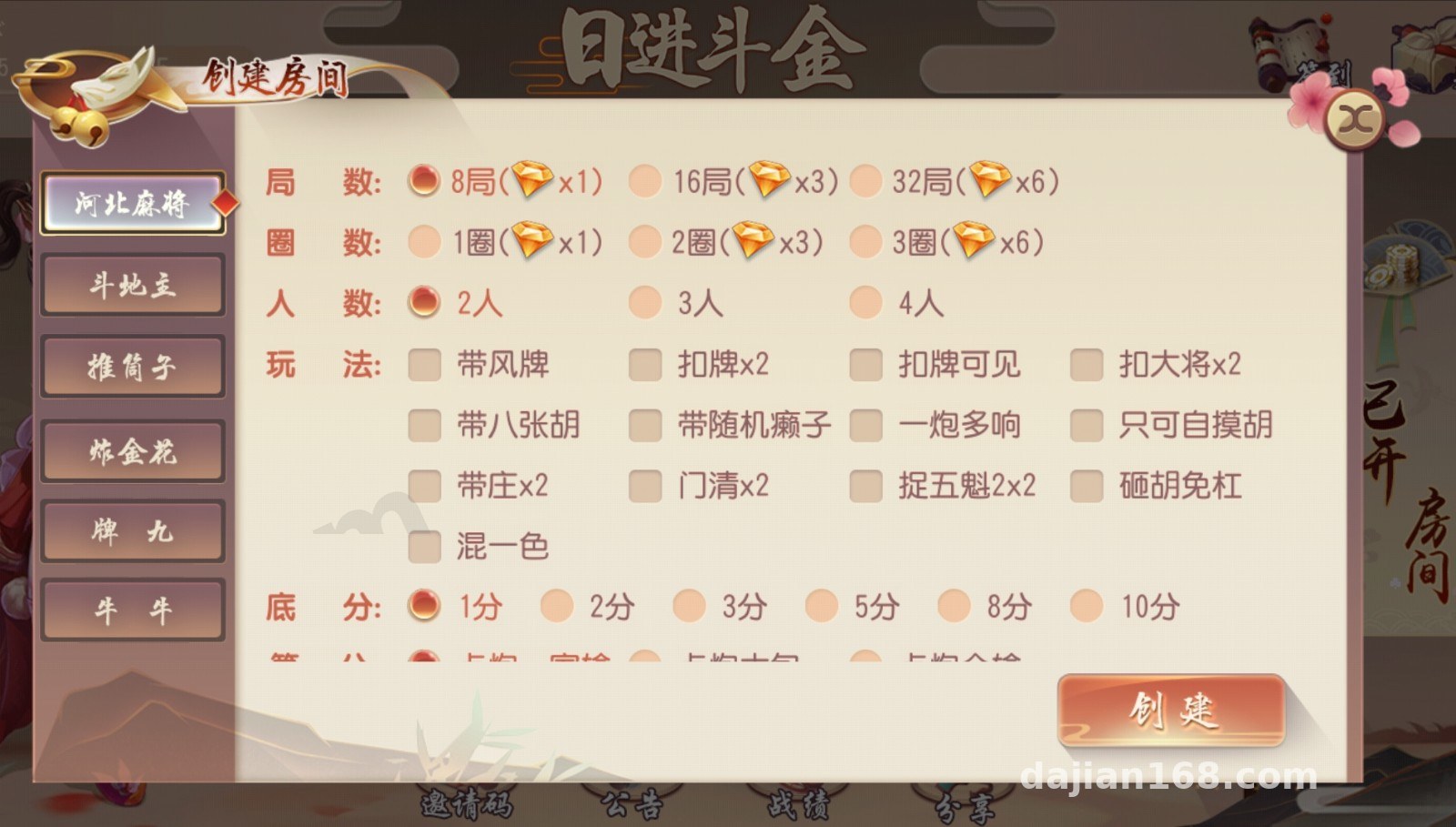
The regional card simulation and card simulation simulation are the flagship modules. The dealing algorithm is based on server-side random number generation; each round’s result is computed on the backend and pushed to the frontend, which only handles animation rendering. The TuiTongzi and PaiGow animations are fairly polished, and the NiuNiu module includes a multiplier demo configuration whose simulation parameters can be adjusted in the backend. The ZhaJinhua interface supports landscape and portrait switching, and in my testing the screen rotation didn’t crash the app.
Admin Backend
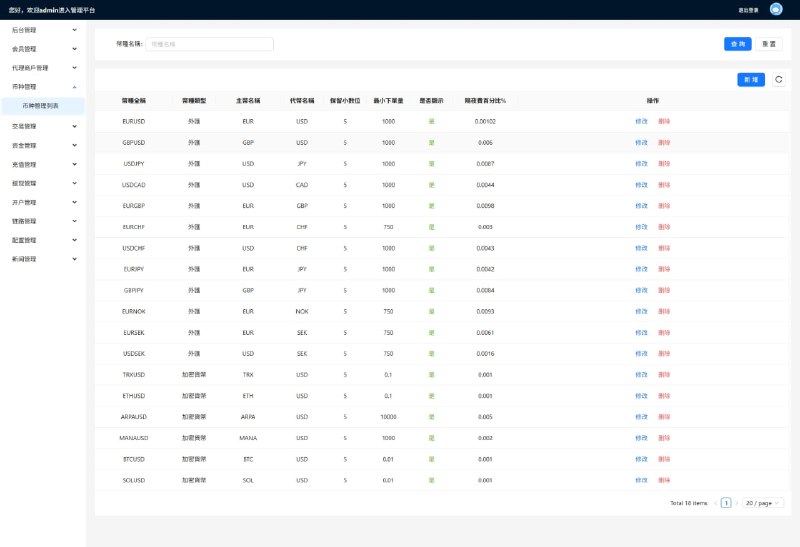
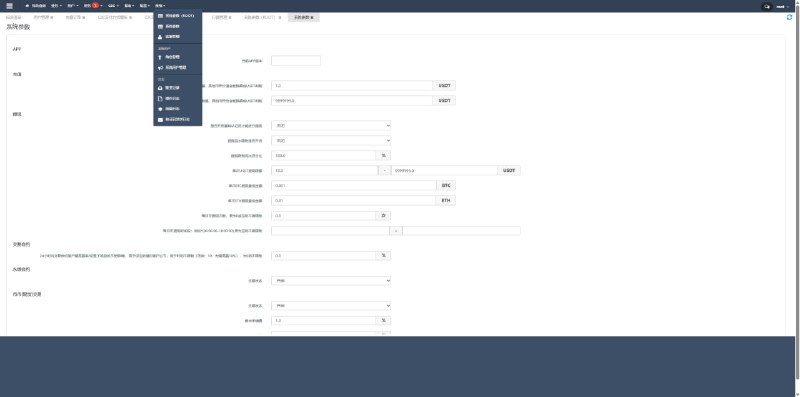
The admin backend is written in PHP and includes member management, demo ledger transaction queries, table parameter configuration, announcement push, and an agent hierarchy demo. The default backend account is admin, and the first thing to do after logging in is change the password and the backend path — that’s standard practice.
Deployment Essentials: Environment and Configuration Pitfalls
The official requirements are PHP 7.2 + MySQL 5.6, and I set it up with Nginx via the BaoTa panel. Here are a few things you absolutely need to watch out for:
First, the URL rewrite rules must be set to the ThinkPHP rules, otherwise every backend route returns a 404. My first deployment got stuck on this, and it took me twenty minutes of troubleshooting to realize the rewrite rules weren’t configured.
Second, after importing the database you need to update the connection info in the config. Note that if you use MySQL 8, you must manually adjust sql_mode and remove ONLY_FULL_GROUP_BY, or some aggregate queries will throw errors.
Third, the WebSocket service needs to be started separately from the command line. I recommend using supervisor for process monitoring, otherwise the table rooms won’t reconnect after a server reboot. For my client I set up both auto-start on boot and process monitoring as a double safeguard.
API Integration
The accounting portion of the system is a demo ledger; in a demo environment, virtual points are sufficient. If a client wants to integrate a real payment channel for a membership top-up demo, the source code reserves a payment interface layer that supports common third-party aggregated payment plugin formats — just edit the merchant configuration file and it works. For localization, the language packs live in the application/lang directory; building an English version only requires adding translation files, since the framework supports it natively.
Room for Secondary Development
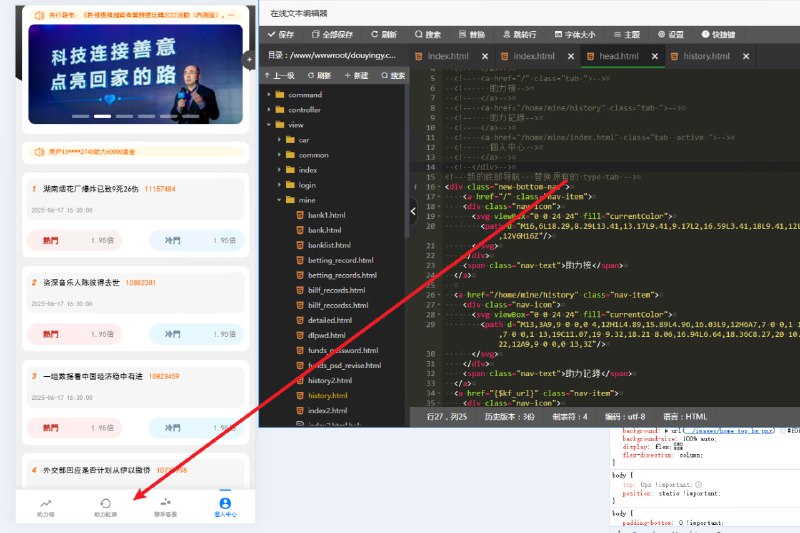
The code structure is reasonably clean, with proper MVC layering and separation of templates from logic. If you want to add a new game mode, the core game logic is concentrated in the game directory, with one independent class file per mode — copy the NiuNiu implementation, tweak the parameters, and you have a new simulation module. The frontend UI is under public/static, so reskinning doesn’t touch the backend. I added a data dashboard page for my client that tracks daily simulated round counts, and it took about two hours, which shows the secondary development cost is low.
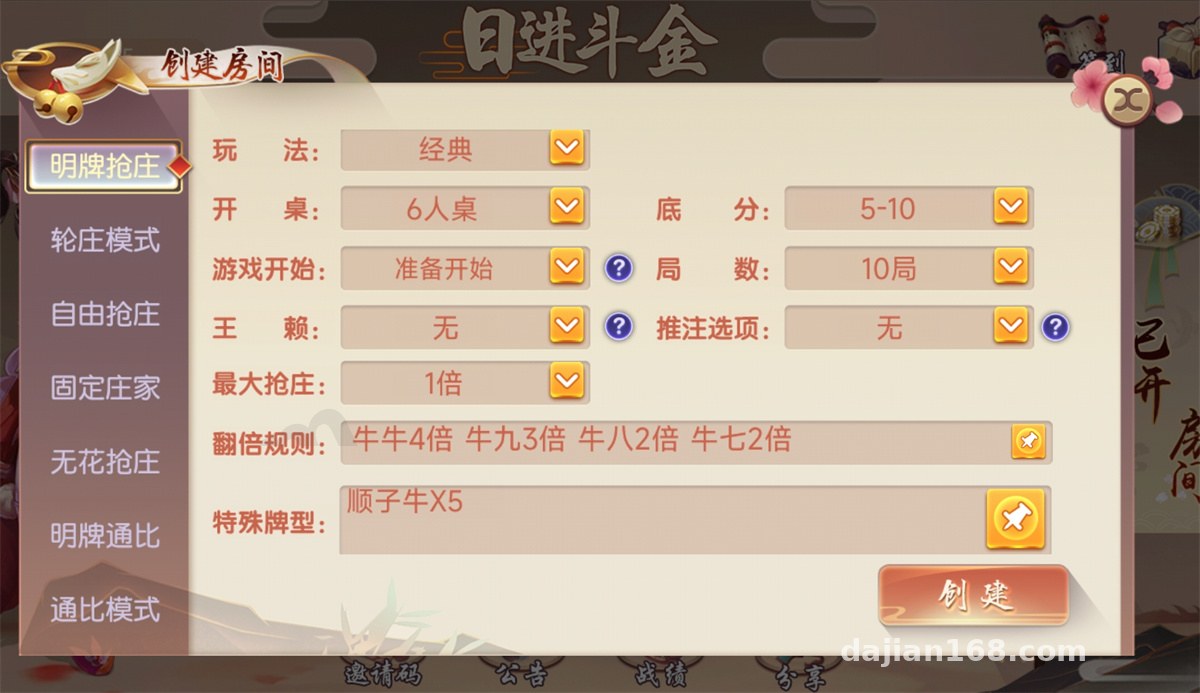
Highlight: The whole system supports points-based simulation operation, and the backend lets you freely configure each module’s simulation parameters and open hours. It works great for technical demos, algorithm validation, and teaching displays, with a low deployment barrier — a 2-core, 4GB cloud server is enough to run it.
Who It’s For
This source code suits three groups of people: developers doing desktop game algorithm research, who can read the dealing and settlement logic directly; operations teams that need interactive demo projects, who can tweak the UI and launch a demo; and freelance programmers taking customization work, who can reuse the six-module framework in other H5 entertainment projects. If you know nothing about servers, I’d suggest practicing locally with phpStudy first before going to the cloud.
FAQ
Q: What server specs are needed?
A: For a demo environment, 2 cores, 4GB RAM, and 3M bandwidth are enough for dozens of concurrent demo users. Add more machines as your user base grows; the key is deploying MySQL and the WebSocket service on separate servers.
Q: The room won’t open on mobile — what should I do?
A: Nine times out of ten, the WebSocket port isn’t open. Check whether the security group allows the corresponding port, and confirm the ws service process is running — use netstat to check the listening status.
Q: Can I modify the interface through secondary development?
A: Yes. Templates are in the view directory and static assets in public/static; changing the logo, color scheme, or homepage layout doesn’t touch the core logic. With basic PHP skills, adding a new simulation mode takes a day or two at most.
Q: Is the default backend account secure?
A: The default admin account must be changed immediately. I also recommend changing the backend entry path, enabling a login captcha, and restricting backend access to an IP whitelist — with those three steps done, you’re basically safe.
Disclaimer: This system is intended solely for technical education, algorithm demonstration, and lawful operational scenarios. Users must comply with applicable laws and regulations, and any unlawful use is prohibited.
Disclaimer: This article is for technical education and demonstration only. It is not professional or financial advice. Any real-world deployment must comply with applicable laws and regulations.
#source code setup #deployment notes #H5 games #PHP development #system demo
-
 Alipay QR Code Scan
-
 WeChat Scan Pay