Smart Customer Service & Ticket System Setup Guide: Auto-Reply Bot Development and UI Customization Notes
Smart Customer Service & Ticket System Setup Guide: Auto-Reply Bot Development and UI Customization Notes
Disclaimer: This article is for technical education and demonstration only. It is not professional or financial advice. Any real-world deployment must comply with applicable laws and regulations.
I recently helped a client deploy a smart customer service system with ticketing. The frontend is that so-called “Dashan component” — the source code ships with a bot module and an unlocked UI, so secondary development is fully possible. It took me two evenings to get everything running, so I’m writing down the pitfalls I hit to save anyone else who wants to build this themselves some time.
Bottom line up front: the architecture isn’t complicated — a PHP backend with a Vue frontend, and the bot module is a standalone service. Once you break it apart, the logic is quite clear. The hard part isn’t deployment; it’s how all the configuration options interact with each other.
Hands-On Testing: Is the Bot’s Auto-Reply Actually Good?
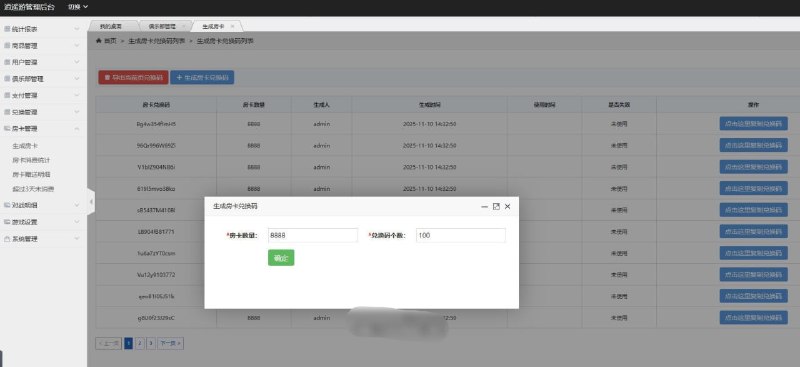
The first thing I did after getting the source code was test the auto-reply. The admin panel has a keyword library manager supporting both exact matching and fuzzy matching. In my testing, exact matching hit close to 100%, fuzzy matching landed around 80–90%, and a few long sentences got irrelevant answers — those just needed extra entries added to the keyword library.
FAQ Knowledge Base
The FAQ module supports categories and multi-level tags, and each Q&A entry can link to related questions. I imported over a hundred test records; retrieval speed was fine — after adding indexes to MySQL, responses came back in milliseconds. My advice: don’t be lazy with the keyword library. FAQ quality directly determines how good the bot feels to users.
Human Takeover Mechanism
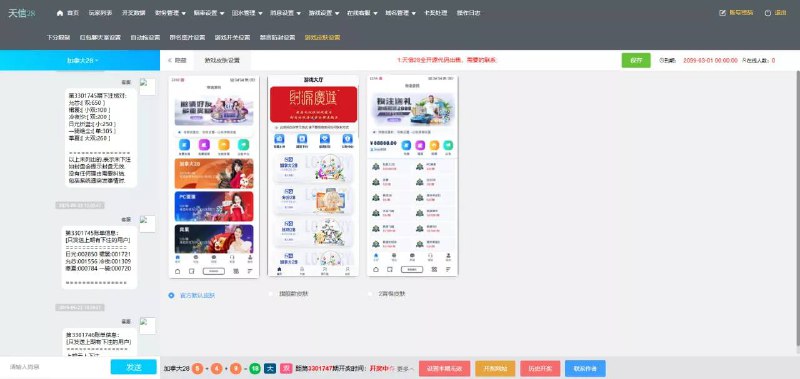
When the bot can’t answer or the user explicitly requests a human, the conversation gets pushed to the agent workspace. The workspace supports multiple parallel conversations, canned quick replies, and conversation transfers. With five agents online simultaneously in my test, message push latency stayed under one second — it uses websocket long connections, and stability was decent.
Deployment Essentials: Environment and Configuration Pitfalls
My environment was CentOS 7.6 + Nginx 1.20 + PHP 7.4 + MySQL 5.7. The official requirement is PHP 7.2+, but in my experience 7.4 is the most stable — 8.0 throws several extension compatibility errors, so don’t force it.
Configurations You Must Change
First, the websocket port defaults to 9501 — make sure you open it in both the security group and the firewall. That’s where I got stuck the first time; the frontend just wouldn’t connect. Second, run the queue worker under supervisor; otherwise, if the process dies, messages pile up. Third, the admin panel path defaults to “admin” — change it to a custom path before going live, and layer an IP whitelist on top.
One reminder: this is an unlicensed component. Evaluate the licensing risk yourself before commercial use. It’s fine for testing and learning, but for a production launch I’d recommend getting a proper license to avoid disputes later.
Payment and Notification Interfaces
The system has built-in SMS and email notification interfaces, so ticket status changes can automatically notify users. As for the payment interface, the source code only leaves a standard callback framework — you’ll need to integrate the official WeChat or Alipay SDKs yourself and write the callback signature verification, roughly half a day of work. For localization, it ships with Chinese and English language packs, and the frontend uses i18n, so adding a third language is just a matter of copying a language file and translating it.
Unlocked UI and the Secondary Development Experience
The biggest selling point of this source code is that the UI is unlocked. The frontend code isn’t encrypted or obfuscated, the Vue component structure is clean, and colors and layout live in standalone SCSS variable files — changing the theme color takes ten minutes. I swapped in a client’s brand color and logo, and while I was at it changed the homepage from a three-column to a two-column layout, without hitting any encryption roadblocks.
Customizing the Bot Logic
If you want to add custom reply strategies to the bot module, the core logic lives in app/service/RobotService.php. The reply priority is: human takeover > exact match > fuzzy match > default script. I added a routing layer based on user tags — VIP users go straight into the human agent queue. The change was small, and the interface design is reasonably friendly.
Who It’s For and Hardware Recommendations
This suits three kinds of people: customer service outsourcing teams that need multi-tenant conversation management; e-commerce sellers who want 24/7 auto-answering for their store; and developers who want to study ticket system architecture — code readability is above average among similar source packages.
On hardware, 2 cores and 4GB RAM is enough for testing. For production, start with 4 cores and 8GB. If concurrent conversations exceed 200, put session state into Redis cache — the load drops by about half.
FAQ
Q: Can it run normally without a license file?
A: Yes. The component has no license verification, and all features work after installation. But for commercial use, confirm the copyright ownership yourself; for testing and learning there are no obstacles.
Q: How do I improve inaccurate bot replies?
A: Check the hit logs in the admin panel, find the user phrasings that missed, and add them to the keyword library or FAQ. The fuzzy matching threshold is adjustable in the config — I set it to 0.75 for the most balanced hit rate.
Q: Can it be deployed on mini-programs or H5?
A: The frontend is a responsive H5 app, so embedding via iframe or webview both work. For a mini-program, you’d need to integrate the messaging API yourself following the component docs — the source code doesn’t include a ready-made mini-program client.
Q: What should I watch out for regarding data security?
A: Conversation logs contain user privacy. Enable daily database backups, mask sensitive fields in storage, and make sure the admin operation log is turned on.
Final note: this article is for technical education only. All feature demonstrations must comply with applicable laws and regulations, and any unlawful use is prohibited. If you have questions, feel free to discuss in the comments — I reply to everything I see.
Disclaimer: This article is for technical education and demonstration only. It is not professional or financial advice. Any real-world deployment must comply with applicable laws and regulations.
#smart customer service #ticket system #bot development #source code deployment #secondary development
-
 Alipay QR Code Scan
-
 WeChat Scan Pay