H5 Video Streaming Probability Simulation System: Live Demo Setup with Admin Panel
H5 Video Streaming Probability Simulation System: Live Demo Setup with Admin Panel
Disclaimer: This article is for technical education and demonstration only. It is not professional or financial advice. Any real-world deployment must comply with applicable laws and regulations.
Recently deployed an H5 video streaming probability simulation system for a client, primarily used for interactive demonstration scenarios with live presenters. The entire system has an H5 frontend with smooth mobile performance, plus a complete backend with data management and probability configuration features. Spent two days getting the environment ready and hit a few snags along the way. Recording the complete process here.
System Functionality Testing Records
After unpacking the source code, found the structure quite organized. The frontend is an independent H5 project, backend is a PHP-based admin system. Let me cover a few core features:
Live Video Demonstration Module
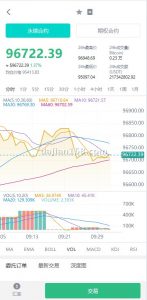
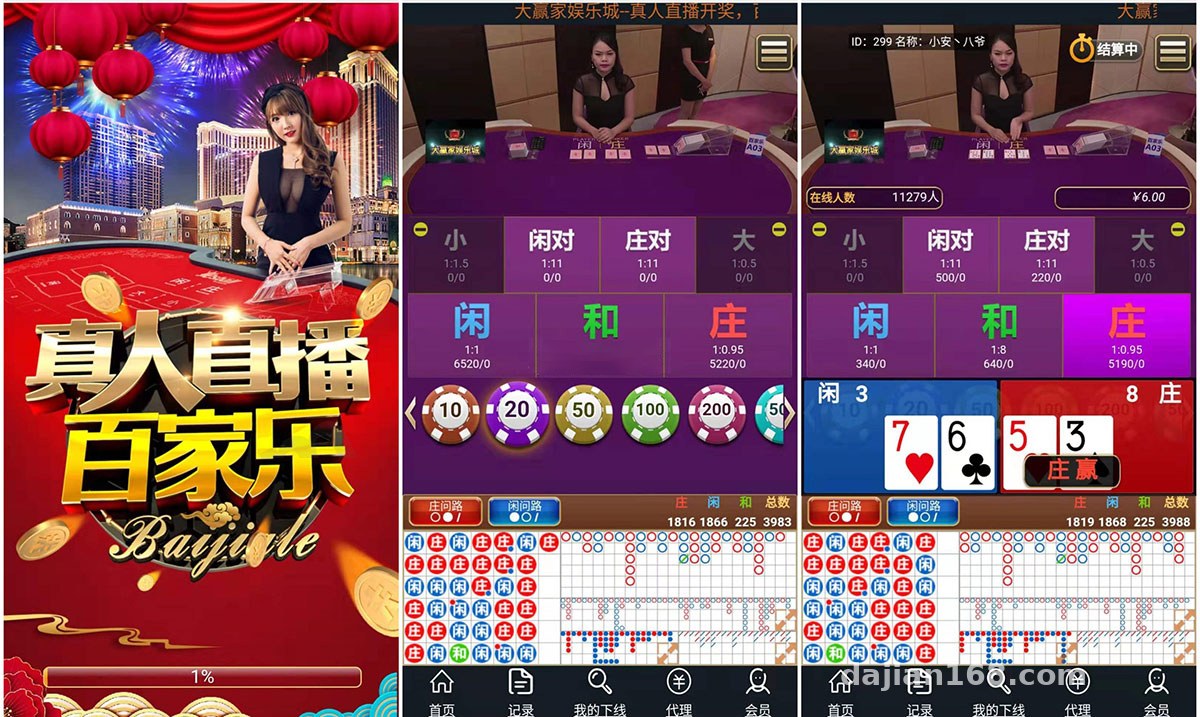
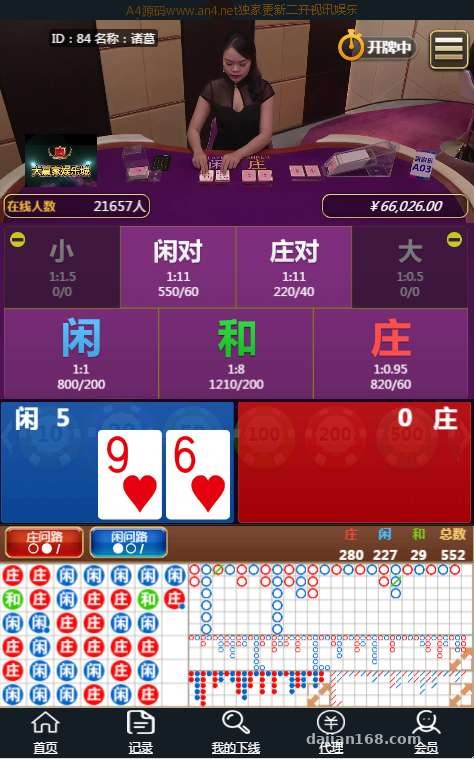
The frontend integrates a video stream push interface that can play live demonstration footage in real-time. During testing, I pushed a local video stream through OBS, with latency controlled around 2 seconds. The video window supports fullscreen and picture-in-picture modes. Mobile adaptation works well, automatically adjusting aspect ratio for both portrait and landscape orientations.
Result announcements use WebSocket for real-time push notifications. After each demonstration ends, result data appears on the frontend within 1 second. The backend allows setting time intervals between rounds. I set it to 30 seconds per round and tested over 20 rounds without any lag.

Backend Management and Probability Configuration
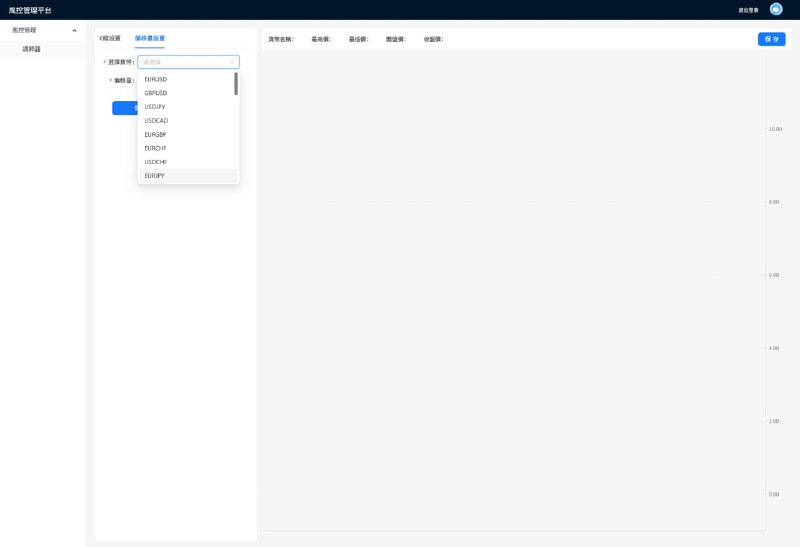
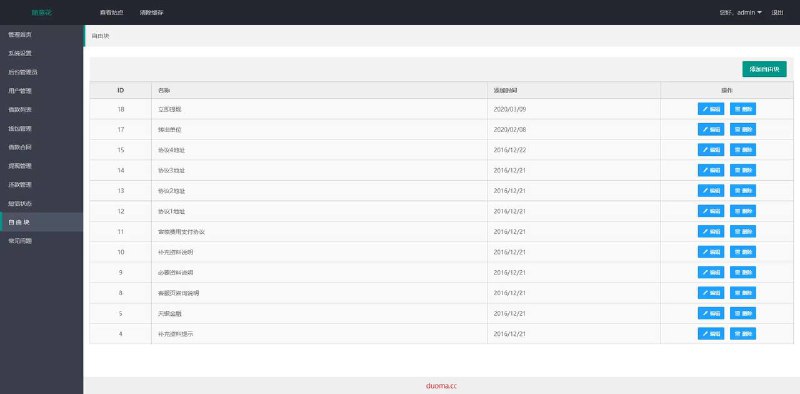
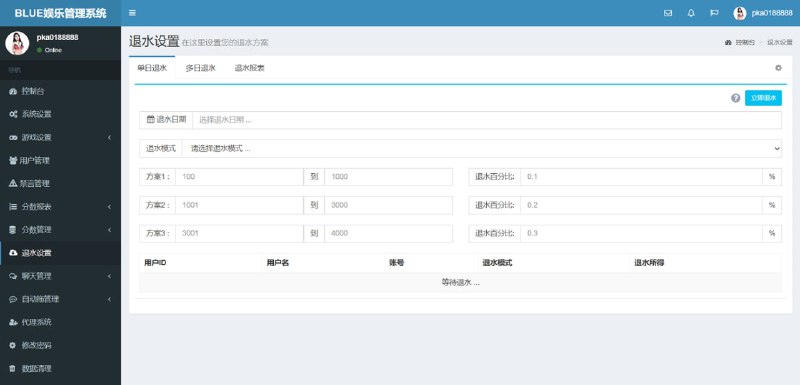
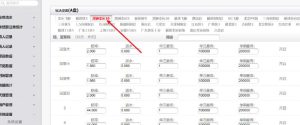
After logging into the backend, there are several main modules: user management, data statistics, probability parameter configuration, and system settings. The probability configuration section lets you adjust the weighting of different outcomes using slider controls, with changes taking effect in real-time. I tried setting one outcome’s weight to 80% and ran 50 rounds to verify. The actual appearance frequency basically matched the configured value.
The data statistics page shows daily participant counts, result distribution pie charts, and user point change curves. Export functionality supports both Excel and CSV formats, convenient for post-analysis.
Highlight: The backend includes a real-time monitoring dashboard showing current online users, ongoing demonstration sessions, and server load status, giving you confidence during operations.
Deployment Key Points and Troubleshooting Notes
Environment Preparation
Server requirements aren’t particularly high. I used a 2-core 4GB cloud server running CentOS 7.6. PHP version needs to be 7.2 or above, MySQL 5.7, with Nginx as the web server. You also need to install Redis for caching, otherwise database pressure gets heavy under high concurrency.
For the video stream, I recommend using a dedicated streaming media server. I directly used Alibaba Cloud’s live streaming service, avoiding the hassle of setting up SRS myself. Just fill in the push and playback URLs you get into the configuration file.
Database Import
The source package includes a complete SQL file with all table structures and initial data. Remember to create the database first before importing, choosing utf8mb4 for the character set. My first import threw an error because the default max_allowed_packet was too small. Changed it to 64M and the re-import worked fine.
The initial admin account is in the user table with an MD5-encrypted password. If you forget to change the password, you can directly update it with an SQL statement. Remember to MD5-encrypt the new password as well.
Frontend Configuration and Build
The frontend project is written in Vue and requires running npm install first to install dependencies. The configuration file is in src/config.js. Mainly need to change three things: API interface address, WebSocket address, and video playback address. After making changes, run npm run build to package. Drop the generated dist directory directly into Nginx’s html directory.
Mobile adaptation uses a rem-based approach with the base font size set in index.html. If display looks abnormal on certain phones, you can adjust this base value.
Suitable Use Cases
From a feature completeness perspective, this system is well-suited for scenarios requiring interactive demonstrations. For example:
- Educational training institutions demonstrating probability and statistics concepts
- Interactive prize draws at marketing events
- Live explanation scenarios for data simulation platforms
- Technical learning projects to understand WebSocket real-time communication and video stream integration
The backend’s data management functionality is quite comprehensive, with clear entry points if you need secondary development. Code comments are reasonably detailed. If you have PHP basics, modifications won’t be too difficult.
Frequently Asked Questions
Q: How much latency can the video streaming be controlled to?
A: With professional streaming media services, generally 2-3 seconds. During my testing with Alibaba Cloud’s live streaming service using RTMP push and HLS playback, average latency was around 2.5 seconds. For lower latency requirements, you can switch to a WebRTC solution that can achieve under 1 second, but pay attention to browser compatibility.
Q: Will backend probability configuration changes affect demonstrations already in progress?
A: Won’t take effect immediately. The system is designed to read new probability parameters when the next round starts. If you need immediate effect, you can manually end the current round in the backend, and the next round will use the new configuration.
Q: Does it support multiple demonstration rooms running simultaneously?
A: The source code defaults to single-room mode, but the architecture has reserved extension interfaces. Looking at the database table design, adding a room_id field would enable multi-room functionality, with corresponding frontend routing adjustments. If the number of concurrent rooms isn’t large (within 5), upgrading server configuration to 4-core 8GB should suffice.
Q: Can the frontend UI be customized through secondary development?
A: Absolutely. Vue components are separated quite clearly, with styles written in SCSS. I helped a client modify a version, mainly adjusting colors and layout, which took half a day. Recommend getting the development environment running locally first before making changes. Hot reload will make debugging much more efficient.
Summary and Recommendations
Overall deployment difficulty is manageable. With basic operations experience, you can get it done in half a day. Video stream integration is a technical highlight, and WebSocket real-time push response speed is solid. Backend functionality is quite practical, with data statistics and probability configuration very convenient for operations.
If for learning purposes, recommend focusing on the WebSocket implementation logic and frontend-backend data interaction flow. For commercial use, remember to implement security hardening by adding Token verification to API interfaces and logging sensitive operations.
Disclaimer: This article is for technical education and communication purposes only. Please strictly comply with national laws and regulations. Users must assume all legal responsibilities arising from the use of this system.
Disclaimer: This article is for technical education and demonstration only. It is not professional or financial advice. Any real-world deployment must comply with applicable laws and regulations.
#H5 Development #Video Streaming #System Deployment #Backend Management #Mobile Responsive Design
-
 Alipay QR Code Scan
-
 WeChat Scan Pay