Multilingual USDT OTC Trading System Setup Guide: Digital Asset Demo Platform Deployment Notes
Multilingual USDT OTC Trading System Setup Guide: Digital Asset Demo Platform Deployment Notes
Disclaimer: This article is for technical education and demonstration only. It is not professional or financial advice. Any real-world deployment must comply with applicable laws and regulations.
I recently helped a client deploy a second-development version of a multilingual USDT OTC trading system, positioned as a digital asset demo platform. It took a couple of days of tinkering, so I’m writing down the process and the pitfalls to save some time for anyone planning to set one up themselves.
Feature Testing: What This Modified Version Actually Adds
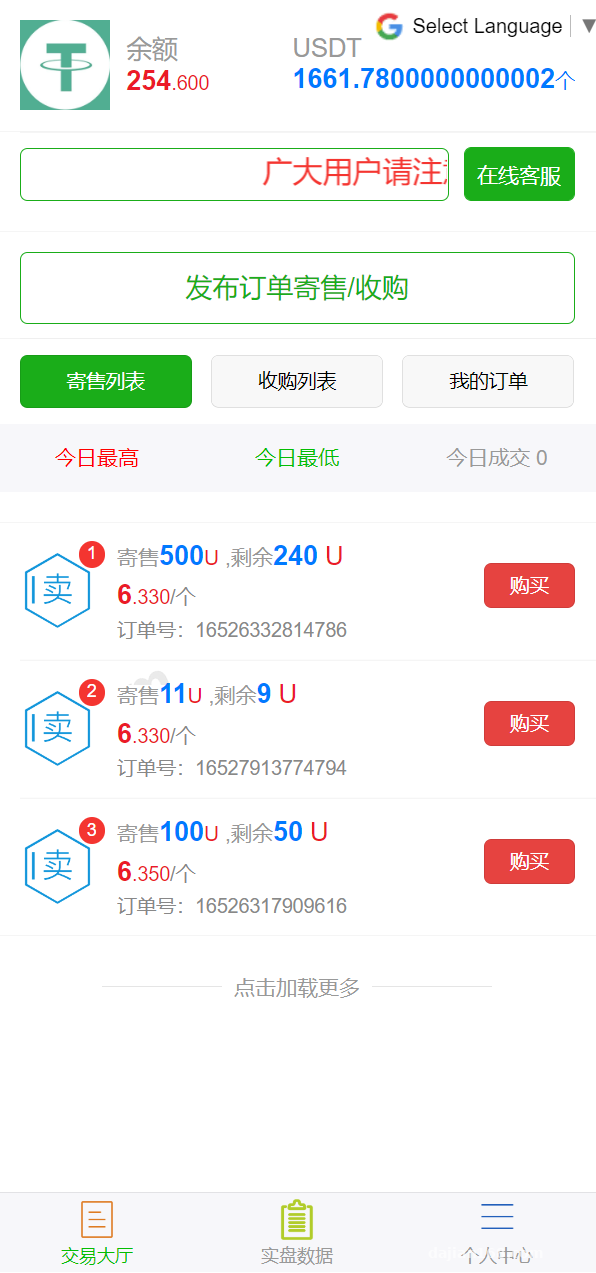
The original is a fairly standard OTC trading architecture, with the usual flow of placing orders, accepting them, handling disputes, and releasing funds. The modified version mainly touches three areas:
1. Multilingual Module
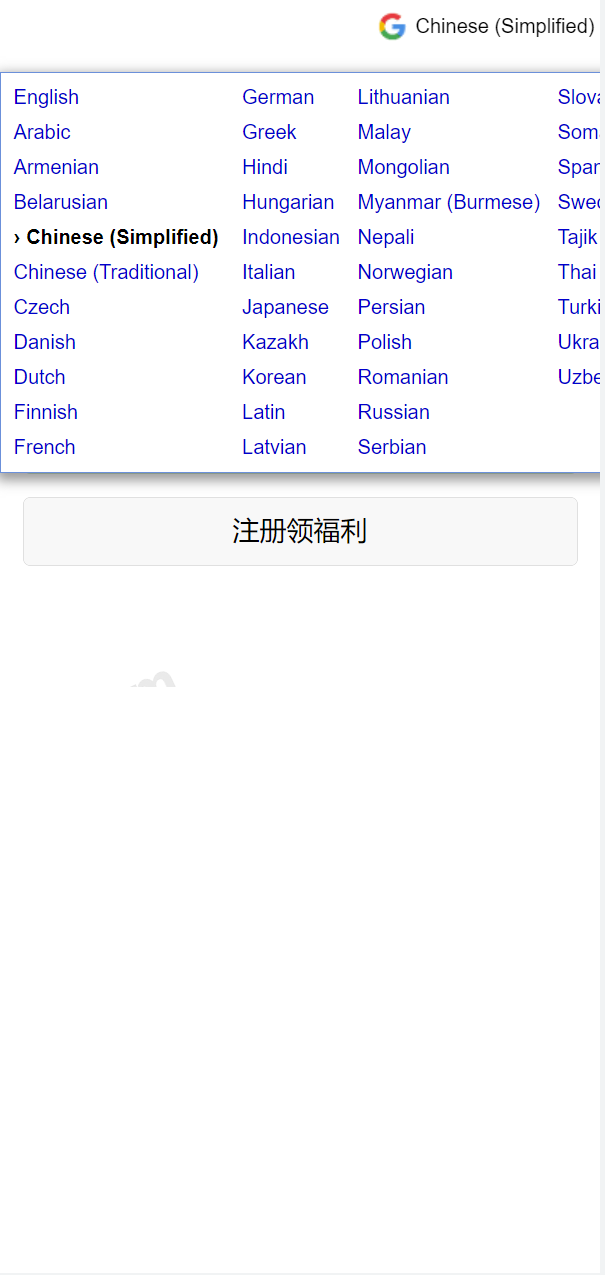
Looking at the code in the admin panel, the language pack uses the Google Translate API for dynamic translation, fetched in real time when the frontend switches languages. In my testing, the English and Japanese translations were decent, though some less common languages occasionally came out stiff. My suggestion is to export frequently used languages into a static cache, otherwise every request hitting the translation API can slow page loads down to two or three seconds.
2. USDT Third-Party Payment
The newly added payment channel supports integration with third-party aggregated payment providers, and the backend lets you configure merchant IDs, keys, and callback URLs. You absolutely must test the callback part. On my first deployment, callback signature verification kept failing; after a long investigation I found the server timezone didn’t match the platform’s, an 8-hour offset that broke the timestamp check in the signature.
3. Payment Monitoring Script
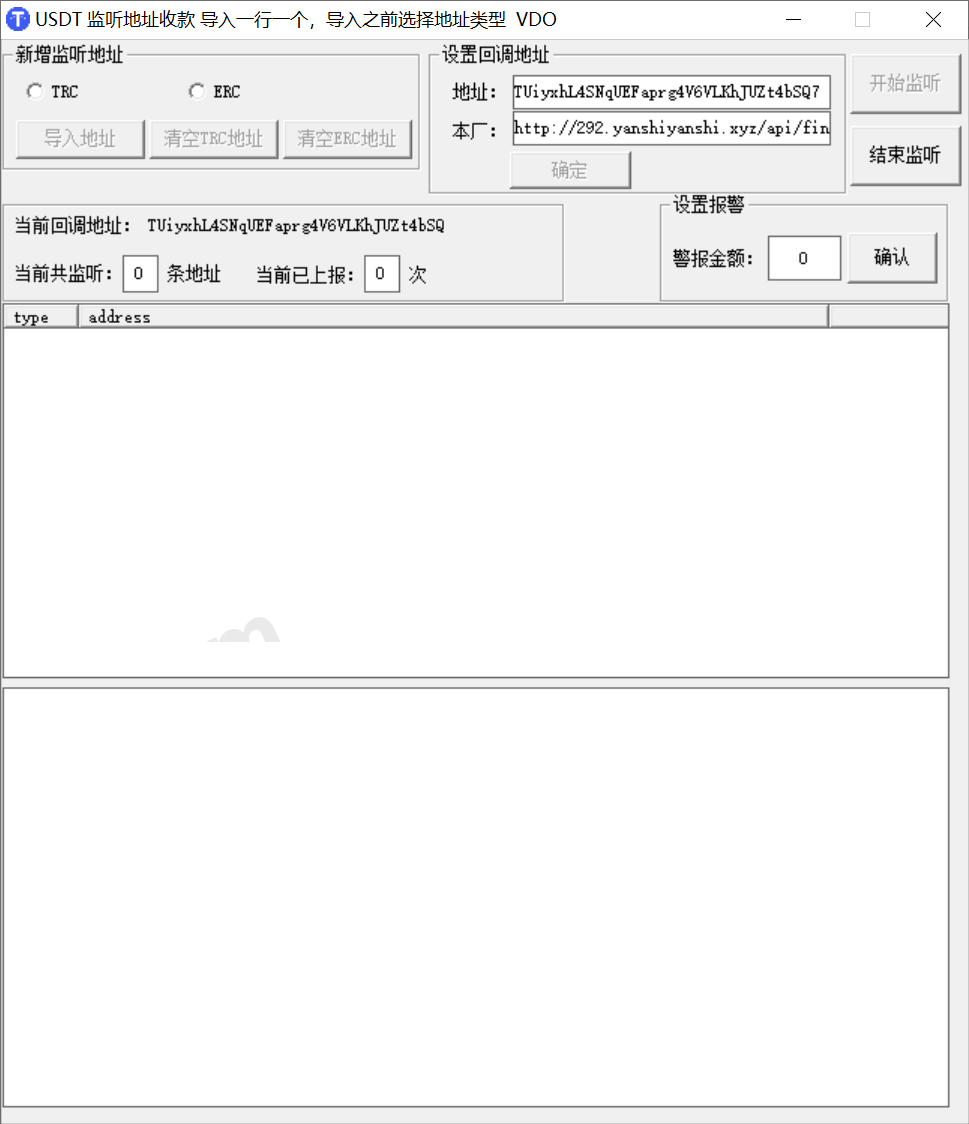
The package includes a monitoring program and a complete task documentation file for tracking on-chain transfer arrivals. The documentation is quite detailed—follow it once and it works. Note that the monitoring process needs to run persistently; I recommend managing it with supervisor, otherwise the process dies the moment your SSH session drops.
Deployment Essentials: Environment Setup and Pitfall Log
For the environment I used Nginx 1.22 + PHP 7.4 + MySQL 5.7, which installs quickly with BaoTa panel. A few key points:
Rewrite Rules and Directory Permissions
It’s a ThinkPHP framework, so just pick the thinkphp rewrite rule. The runtime and upload directories need 777 permissions, or image uploads in the admin panel will throw errors. SSL is mandatory—most payment platforms require https for callbacks.
Cron Jobs
Several scheduled tasks need to be added to crontab: order timeout cancellation, exchange rate sync, and data statistics. If you miss one, orders will sit there forever without funds being released. The client will think the system is broken when it’s really just the cron job not running.
Admin Panel Controls
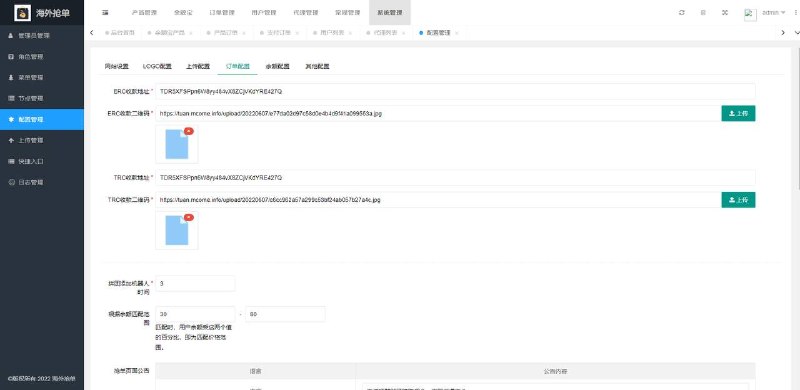
The backend is quite complete: fee settings, merchant management, order records, multilingual dictionary editing, and payment channel toggles are all there. Role permissions can be granular down to the button level, which makes creating sub-accounts for operations staff very convenient.
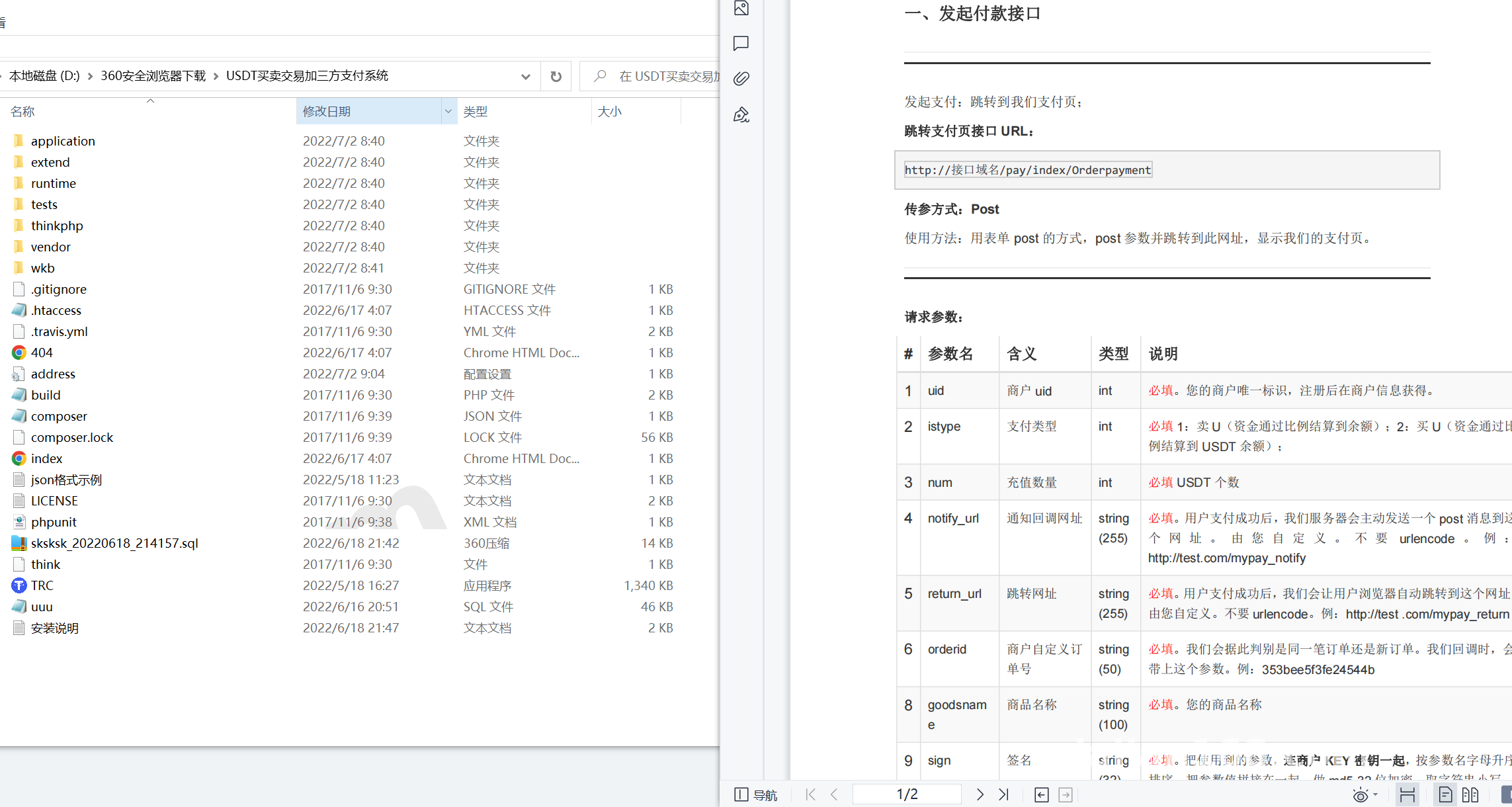
Highlight: This system ships with the monitoring software plus full task documentation. The payment integration part is basically copy-and-run level—far less hassle than source packages on the market that only give you a zip file.
Second Development Suggestions
A few things to watch if you plan to modify it: part of the code is encrypted—the core business logic is editable, but a few verify files can’t be touched; to add a new language, just drop a JSON file into the language pack directory and the backend picks it up automatically; the payment module lives in its own directory, so when integrating a new channel, write an adapter class instead of hardcoding things into the main flow, or you’ll regret it at the next upgrade.
Who This Is For
Suitable for developers who want to build a digital asset demo platform, do technical study and research, or deliver a multilingual site to a client. With some PHP basics you can handle it yourself; complete beginners should get familiar with ThinkPHP first.
FAQ
Q: Are the server requirements high?
A: Not really. 2 cores and 4GB RAM is enough to start; add bandwidth as traffic grows. Regular database backups are a must.
Q: Does the translation API cost money?
A: The Google Translate API has a free tier; beyond that you need your own API key. Caching well saves a lot of calls.
Q: Can the monitoring script run on Windows?
A: The documentation includes a Windows option, but I still recommend Linux—stability is much better, and troubleshooting crashes on Windows is painful.
Q: What if payment callbacks never arrive?
A: First check whether the SSL certificate is valid, then check the timezone and whether the firewall is blocking the callback IP. It’s almost always one of those three.
Disclaimer: This article is for technical education only. The system is intended for technical learning and legitimate business demonstration purposes. When deploying and using it, comply with all applicable laws and regulations; any unlawful use is prohibited.
Disclaimer: This article is for technical education and demonstration only. It is not professional or financial advice. Any real-world deployment must comply with applicable laws and regulations.
#Source Code Setup #USDT #OTC System #Payment Integration #Deployment Notes
-
 Alipay QR Code Scan
-
 WeChat Scan Pay
![[Exposing Scammers] Warning everyone to beware of being deceived!](https://dajian168.net/wp-content/uploads/2026/07/dajian168_thumb-300x200.jpg)