Random Number Demo & Trend Chart System Build Log: Data Collection, Invite Codes, and Admin Panel
Random Number Demo & Trend Chart System Build Log: Data Collection, Invite Registration, and Admin Panel
Disclaimer: This article is for technical education and demonstration only. It is not professional or financial advice. Any real-world deployment must comply with applicable laws and regulations.
Last week I helped a friend who works in data visualization get this probability demo system running. His requirements were clear enough: the front end displays a trend chart built from a random number sequence, users enter an invite code when they register, and the admin panel should support both manual result entry and automatic pulls from public data via a collector. Sounds simple, but deployment raised plenty of issues. Here is the log, in the order I did things.
1. Hands-On Testing: What the System Actually Looks Like Running
Let me start with the modules I actually verified, so nobody grabs the source code and assumes it’s an empty shell.
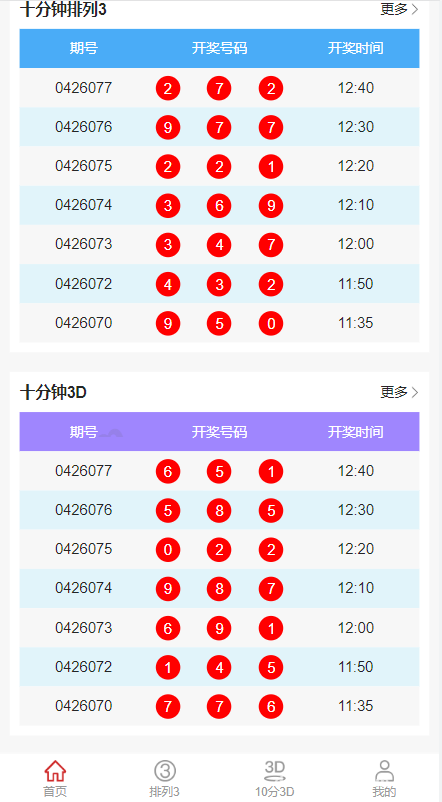
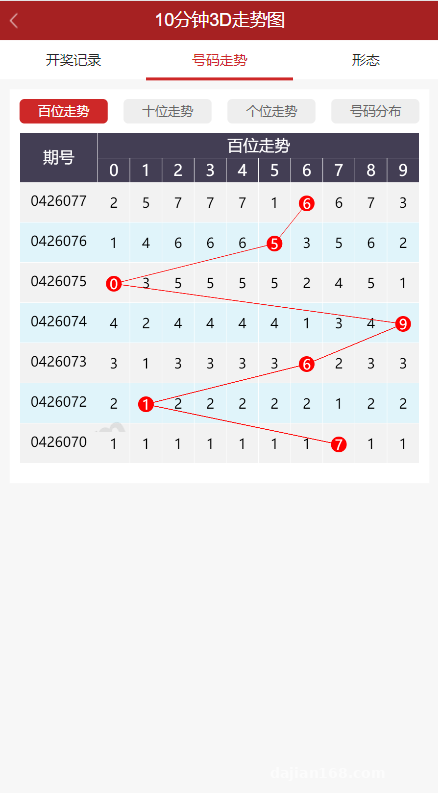
1.1 Random Number Demo and Trend Chart
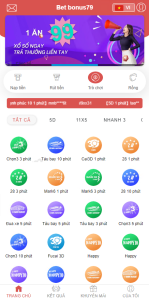
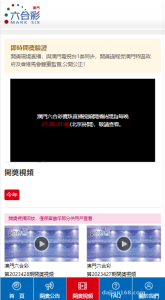
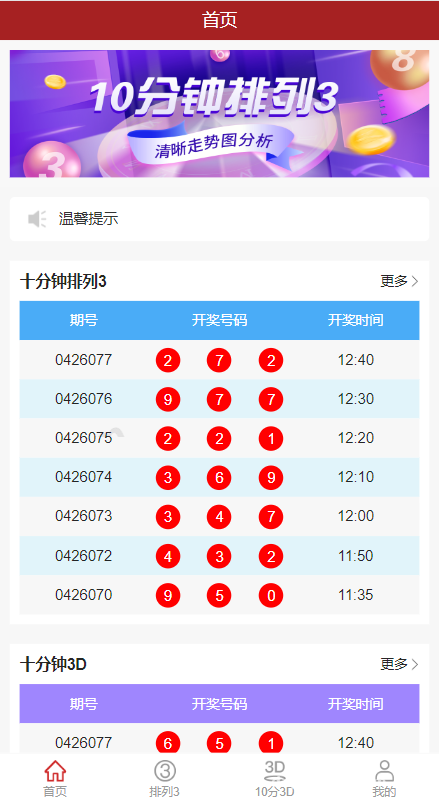
The core of the front end is a sequence of random numbers, generated per cycle and rendered as a trend in the browser. The source code ships three views: line trend, miss statistics, and hot-cold distribution. Refreshing the page doesn’t make the numbers jump, because the generation logic fixes a seed on the back end, so results stay identical within the same cycle. That alone beats a lot of stitched-together templates — those call Math.random() straight in the front end, so every refresh changes every number and the demo falls apart.
1.2 Invite-Based Registration
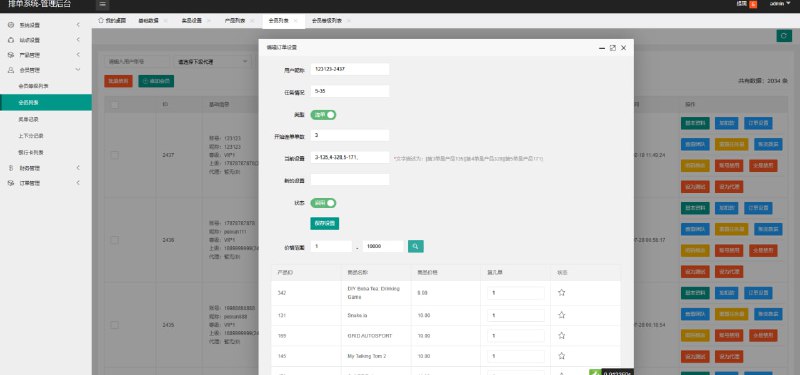
The registration page requires an invite code. In the admin panel you can batch-generate codes, set expiry dates, and see how many registrations and active users each code brought in. In testing, a code could be capped at a fixed number of uses, and entering a wrong code returns a clear message. Duplicate sign-ups are blocked by phone number plus device fingerprint — the same device can’t register twice.
1.3 Result Configuration
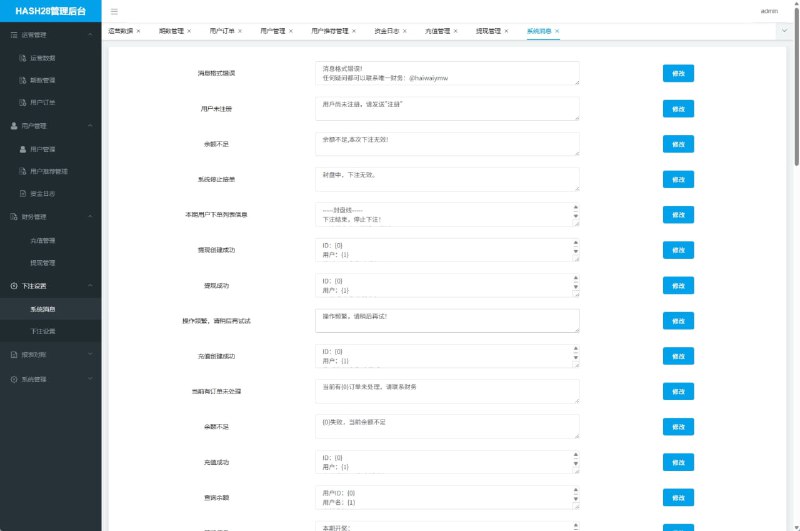
There are two entry points in the admin panel. One is manual entry, handy for adjusting results on the fly during a demo. The other is a collection switch that, once enabled, runs a scheduled job to pull from public data sources. Manual entries override collected results, and the priority order is adjustable in the config table — just don’t set it backwards.
1.4 Data Collection
The collector uses HTTP requests plus page parsing. It only scrapes publicly accessible data pages, sends a normal user agent, keeps the rate at single-digit requests per minute, and skips any path marked Disallow in robots.txt. More on this below.
2. Deployment Notes: Environment, Collection Boundaries, and a Few Traps
Environment Dependencies
PHP 7.4 + MySQL 5.7 is the most stable combination. The source uses a fair amount of older syntax, so on PHP 8 you’ll get a pile of deprecated warnings — it runs, but the logs get messy. Remember to configure the Nginx rewrite rules, or admin routes will 404 immediately. Hook the scheduled job up with crontab and set the collector to run every 5 minutes — don’t make it tighter than that.
Where Collection Should Stop
I want to be clear here: public data only, read-only, nothing behind a login session, no high-frequency requests. I added three safeguards to the collector script — a per-domain QPS cap, a retry limit, and an automatic circuit breaker on errors. Some people, out of laziness, write the retry as an infinite loop, run it overnight, get the IP blocked, and put unnecessary load on the other side.
Cache Problems with Admin Result Configuration
A trap I hit: I changed a result in the admin panel and the front end didn’t update. The trend chart API has a 60-second cache, so you either clear it manually after a change or shorten the TTL. For demo scenarios, 10 seconds works well; in production, tune it to your actual traffic.
Concurrency on Invite Codes
Two people using the same limited-use invite code at the same moment — in the early version, both registrations went through. The fix is to put the decrement inside a transaction with a row lock. Small change, but you have to do it, otherwise your admin statistics won’t add up.
Tip: make the collector and manual entry mutually exclusive switches. Don’t run the scheduled job while editing results by hand — the data overwrites each other and debugging eats hours.
3. Secondary Development: Payments, Multi-Language, and APIs
The extension points left in the source are reasonably clear. Here are a few common customization requests.
Payment interface: If membership subscriptions or paid features need online payment, the source leaves a callback entry file — WeChat Pay, Alipay face-to-face payment, or an aggregated gateway all plug in. Verify the signature on the callback and re-check the amount server-side; never trust values posted from the front end.
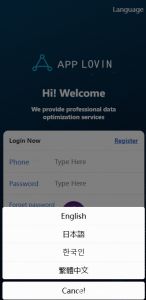
Multi-language: Language packs are standalone PHP array files. Adding a language means copying one and editing the key-value pairs. The front end switches automatically based on browser language, or you can force it with a parameter.
API output: You can expose the trend data as a separate JSON endpoint with a signature and rate limit, which makes it easy to feed your own mini program or dashboard. Put that endpoint on its own subdomain so its throttling stays separate from the main site’s.
4. Who It’s For
People building data visualization demos, instructors teaching random distributions and statistics, anyone who wants a ready-made admin panel to practice on — all good fits. The system isn’t complex, the code structure is clean, and modifications don’t hurt. One thing to be clear about: it’s a demo tool, so don’t push it beyond that.
Frequently Asked Questions
Q: Will the collector get the IP blocked?
A: With the throttling described above, robots-excluded paths skipped, and a circuit breaker in place, it runs fine. Just don’t be greedy and set the interval to seconds.
Q: How long until manual admin changes take effect?
A: There’s a 60-second cache by default. Drop it to 10 seconds, or clear the cache manually after a change, and it’s instant.
Q: Can invite codes limit the number of uses?
A: Yes. Set the cap when creating the code in the admin panel; the decrement runs inside a transaction with a row lock, so concurrency won’t overshoot.
Q: Can I add payments for memberships?
A: Yes, the source leaves a callback entry. Add signature verification and amount validation before you go live.
One last note: this system is intended only for lawful data demos and learning or research. Please follow your local laws and regulations and do not use it for anything outside that scope.
Disclaimer: This article is for technical education and demonstration only. It is not professional or financial advice. Any real-world deployment must comply with applicable laws and regulations.
#source code setup #deployment notes #data collection #random number demo #admin panel
-
 Alipay QR Code Scan
-
 WeChat Scan Pay