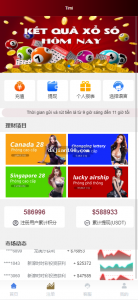
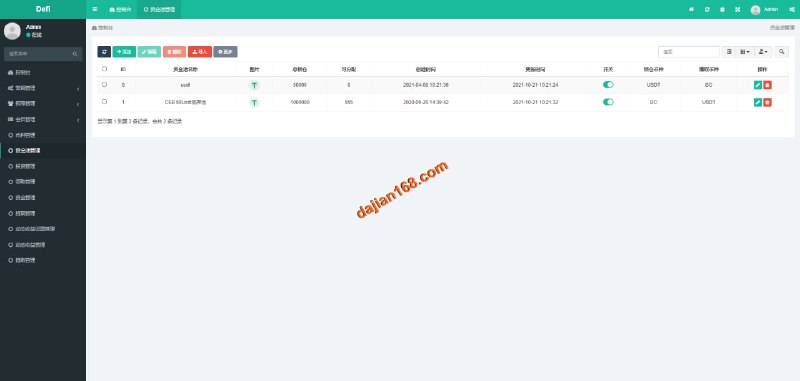
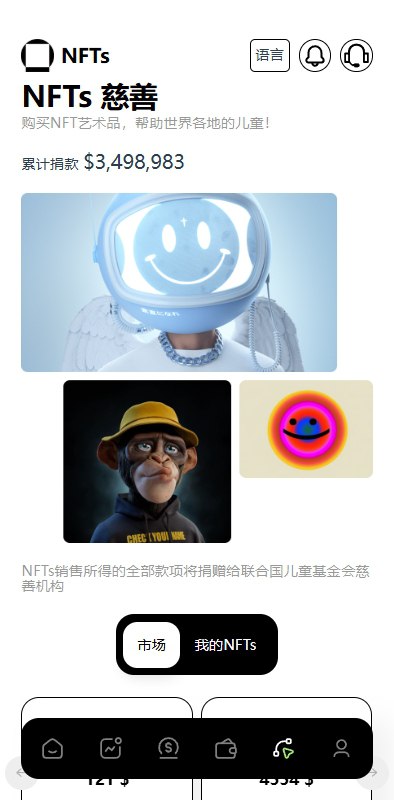
Cross-Border E-commerce Mall System Setup Notes: uniapp Frontend + FastAdmin Backend Multi-language Deployment
Cross-Border E-commerce Mall System Setup Notes: uniapp Frontend + FastAdmin Backend Multi-language Deployment
Disclaimer: This article is for technical education and demonstration only. It is not professional or financial advice. Any real-world deployment must comply with applicable laws and regulations.
I recently helped a client targeting the Southeast Asian market deploy a cross-border e-commerce mall system — uniapp on the frontend, PHP’s FastAdmin framework on the backend. The whole thing took me about a day and a half, and I hit a few snags along the way. While it’s still fresh in my memory, here’s the deployment process written down for anyone who needs it.
The system was originally designed as a multi-language mall template, with ready-made modules for product management, orders, coupons, and logistics tracking — plenty of room for secondary development. As is my habit, I’ll go through the feature testing first, then the deployment essentials.
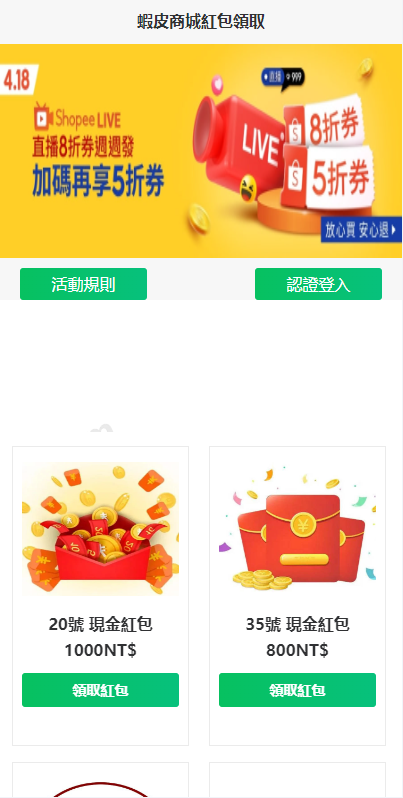
Feature Testing: Walking Through the Core Modules
Product and Order Management
The product management in the backend is generated with FastAdmin’s CRUD, and SKU supports multi-attribute combinations, which exceeded my expectations. The inventory deduction logic reserves stock at order placement, confirms it after payment, and auto-rolls back on timeout. During testing I deliberately placed an order without paying, and after 15 minutes the stock came back as expected. The order status flow has 9 nodes, with logs recorded from pending payment all the way to after-sales completion — makes troubleshooting really convenient.
Multi-language Implementation
The uniapp frontend uses a language pack approach, with JSON files split by module and loaded dynamically when switching languages. The backend also has multi-language content fields, so product titles and descriptions can be maintained separately per language. I tested Simplified Chinese, English, and Thai. Thai had a couple of style issues with text overflowing, fixed with two lines of CSS. Since the client mainly does cross-border business, this is a must-have — I’d recommend running a full regression across all languages right after deployment.
Payment and Coupons
The payment module has an interface layer reserved. I connected the client’s existing third-party aggregated payment service — just modified one controller and the callback signature verification, and it worked. The coupon system supports three types: spend-threshold discounts, percentage discounts, and new-user coupons, integrated with the marketing campaign module, with configurable claim limits and validity periods. For testing this part, use a sandbox environment — don’t plug in production keys directly.
Deployment Essentials: Environment and Pitfall Log
Environment Configuration
PHP 7.4 + MySQL 5.7 + Nginx, installed via the BaoTa panel. FastAdmin requires the fileinfo and redis extensions to be enabled — don’t forget this, or the backend captcha will throw errors immediately. For URL rewriting, use the ThinkPHP rules. I missed this on my first try, and the H5 pages would 404 on refresh; it took me half an hour to figure out what was wrong.
uniapp Packaging
The frontend is compiled with HBuilderX. For the mini-program build, you need to change the appid in the manifest and the API domain whitelist. Here’s a gotcha: API requests default to a production domain constant — remember to switch to the dev address in the config for your test environment, otherwise the packaged build keeps failing its requests, and the logs won’t tell you why.
Security Hardening
Change the default backend path from admin, add Google Authenticator two-factor verification, and set up scheduled database backups in BaoTa. The FastAdmin community has disclosed a few historical vulnerabilities, so after deployment, definitely update to the latest patched version — no slacking on this one.
Suggested deployment order: set up the PHP environment and extensions first → import the database and update connection settings → get the backend working before compiling the uniapp frontend. Doing it in reverse will waste a lot of troubleshooting time.
Secondary Development Tips and Who This Suits
The code structure is quite tidy, and FastAdmin’s plugin mechanism means secondary development doesn’t require touching the core much. I added a logistics tracking module for the client, hooked up to a third-party logistics API — done in two days. If you want to build an independent site, a multi-language mall demo, or an internal system for cross-border operations, this foundation is solid enough.
As for who it’s not for: if you know nothing about PHP and Vue and just want a one-click launch as a total beginner, you should brush up on the basics first — otherwise a single URL rewriting issue can stall you for a whole day.
FAQ
Q: What server specs are needed?
A: 2 cores and 4GB RAM is enough to run it, fine for up to around a thousand orders per day. PHP 7.4 is recommended — some plugins have mediocre compatibility with 8.0, and in my testing 7.4 was the most stable.
Q: Can I add custom languages?
A: Yes. Add a JSON language pack on the frontend, add the corresponding language in the backend’s language management, and the product content fields will extend automatically. I’ve added Indonesian — the process isn’t complicated.
Q: Is the payment interface limited to specific providers?
A: No. The payment layer has an abstract interface — as long as you implement the signature and callback methods per the documentation, mainstream aggregated payment services can all be connected. I’d suggest getting it working in a sandbox environment before switching to production.
Q: Can the source code be used commercially after deployment?
A: The technical deployment itself is fine, but usage must comply with applicable laws and regulations, and no unlawful purposes are permitted. For commercial licensing questions, check the source code’s license terms yourself.
Overall, this system offers good value for money — clean architecture, complete documentation, and well suited for developers with a PHP background who want to quickly launch a cross-border mall project. If you run into deployment issues, feel free to discuss in the comments.
Disclaimer: This article is for technical education and demonstration only. It is not professional or financial advice. Any real-world deployment must comply with applicable laws and regulations.
#Cross-border E-commerce #uniapp #FastAdmin #Source Code Deployment #Multi-language Mall
-
 Alipay QR Code Scan
-
 WeChat Scan Pay


![🖼 2025 [One-Yuan Cloud Purchase] Crowdfunding Source Code Cloud Purchase CMS System One-Yuan Treasure Hunt](https://xz.dajian168.com/wp-content/uploads/2025/11/telegram-img-2025-11-12-69143d343d248.jpg)