Vue Finance Demo System Build Log: Multi-language Frontend and Admin Approval Deployment Notes
Vue Finance Demo System Build Log: Multi-language Frontend and Admin Approval Deployment Notes
Disclaimer: This article is for technical education and demonstration only. It is not professional or financial advice. Any real-world deployment must comply with applicable laws and regulations.
Last week I helped a friend who runs cross-border business get this Vue-based finance demo system up and running. The requirements were concrete: end users in Vietnam had to be able to read everything, with a Chinese–Vietnamese toggle; the ops team needed workflow management and status tagging in the admin panel; and the agent portal needed its own separate entry point so permissions didn’t bleed across. Both frontend and backend are written in Vue, and the yellow theme is loud enough to notice — not the usual template look soaked in gradients. From unzipping the package to a working online deployment took about a day and a half, with a few small potholes along the way. I’m writing them down so the next person saves some time.
1. Hands-on Test: How the Frontend, Admin Panel and Agent Portal Work Together
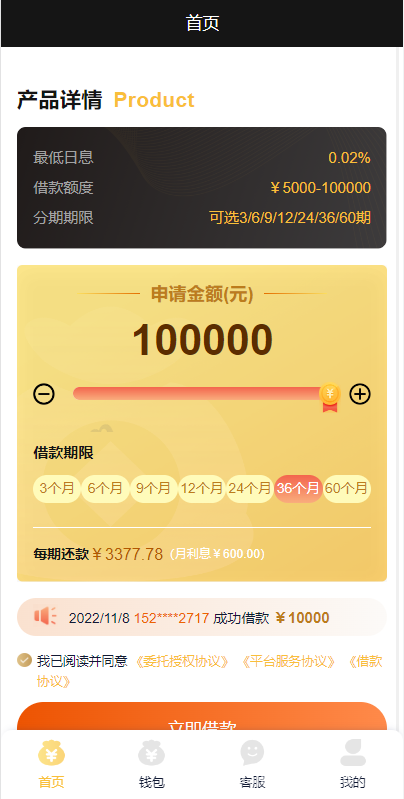
Let’s get the structure straight first. There are three interfaces: the user side (mobile-adapted), the admin backend, and the agent portal. All three share one set of APIs, the data is connected, and login state runs on tokens.
Frontend Dual-language Switching
The language packs use a standard i18n structure under src/locales, with one JSON file each for Chinese and Vietnamese. The toggle sits in the top right corner, and the choice survives a refresh because the preference is stored locally. I went through the Vietnamese pack and the field coverage is around 95% — a handful of button labels are still in Chinese and need filling in yourself in the JSON. Adding a third language is easy too: copy a JSON file, rename it, register it in the entry file, and you’re done without touching business code.
Registration and Profile Completion Flow
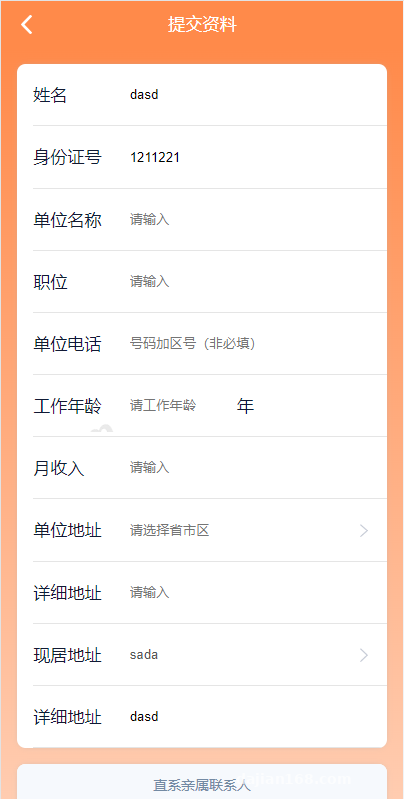
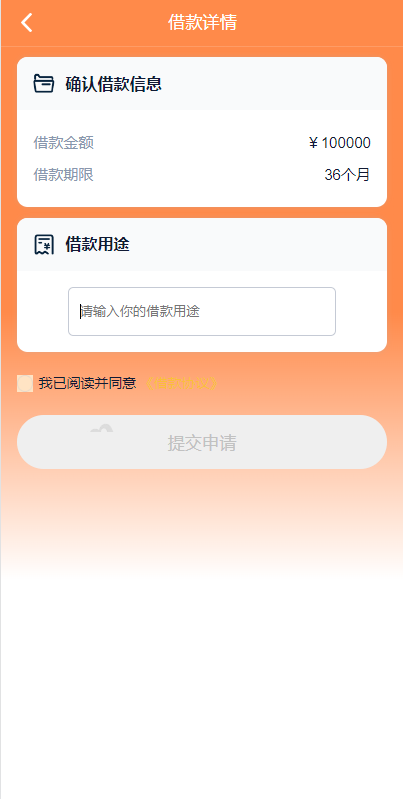
Registration is phone number plus verification code — more on that code later. After signing up, users land on the profile page, which is split into three sections: basic info, contact info, and supplementary details. Each section saves on its own, so quitting halfway doesn’t lose anything. The form has required-field validation, and the hints follow the language pack. Once submitted, the status flips to “pending review” and a progress bar appears so the user can see exactly which step they’re stuck on.
Admin Approval and Custom Status Labels
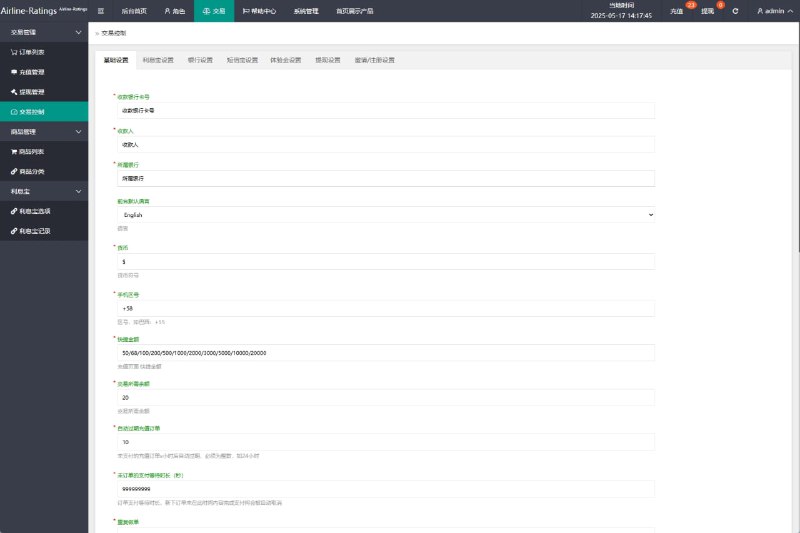
This is the part I found genuinely useful. The approval list in the admin panel filters by status; clicking into the details shows everything the user filled in, and approve or reject are one-click actions. When rejecting, you can leave a note, and that note shows up on the user’s side.
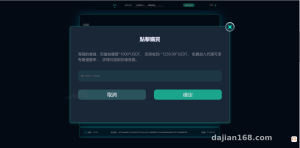
Highlight: the display text for approval statuses can be changed right in the admin panel, no code edits. Say you want “pending review” to read “documents under review”, or “approved” to read “review complete” — just swap the copy in the status config and the frontend picks it up immediately. When you’re running operations across multiple regions, this saves a lot of hassle.
2. Deployment Notes: Environment, SMS and Permissions
Environment and Build
Node 16 or above is recommended. I started on 14 and one dependency threw an optional chaining syntax error; upgrading to 16 fixed it. After npm install, run npm run build and drop the output into Nginx — remember try_files for history routing fallback, otherwise a page refresh returns 404. Put the API base URL in the environment variable file rather than editing source directly, so swapping domains later is painless.
SMS Integration Is Optional
Out of the box, the system ships with an international SMS integration reel simulation — the config file has two fields for the request URL and key. If you want to hook it up, fill in your provider’s endpoint and template ID and it runs; if you don’t, just flip the verification code switch off and use a fixed code or email verification instead, which suits internal demo environments. On my first integration test the firewall wasn’t letting outbound traffic through and messages just wouldn’t send — took half an hour to figure out it was a network policy issue. Consider that a heads-up.
Don’t Cut Corners on Agent Portal Permissions
The agent portal and admin panel are two separate roles, with menus and API permissions configured independently. First thing after deployment: change the default admin password, then walk through the agent portal’s visible menu and turn off what shouldn’t be there. I’ve seen deployments where nobody bothered and the agent account could see all the data — awkward, to say the least.
3. Customization Suggestions and Who This Fits
The code reads reasonably well, components are split up neatly, state management uses Vuex, and all APIs are wrapped in a single request file, so adding a new endpoint doesn’t mean hunting all over the place. If you want to extend it, a few directions flow naturally:
One, add nodes to the approval flow — right now it’s single-level; making it two-level only takes an extra status flag in the backend plus a matching API check. Two, add data export — drop an Excel export component onto the list page and you’re done. Three, expand the language packs for multiple regions; paired with custom status copy, one system can serve several markets.

Who’s it for? Teams demoing cross-border finance business workflows, developers who want a manageable admin-style project skeleton to build on, and anyone studying Vue multi-language architecture and permission design. Even as a pure learning project it’s worth a run-through — the frontend and backend responsibilities are cleanly divided.
FAQ
Q: Why does the page 404 after a refresh once built?
A: Nginx isn’t configured with a history-mode fallback. Add try_files $uri $uri/ /index.html; inside the location block — Vue Router’s history mode requires it.
Q: A few spots in the Vietnamese pack are still in Chinese — how do I fill them in?
A: Open the Vietnamese JSON under src/locales, find the matching key and change the value. No need to touch business code, just rebuild the frontend once. Going through page by page against screenshots is the reliable way.
Q: If I skip international SMS, can users still register normally?
A: Yes. There’s a verification code switch in the admin panel; turn it off and registration falls back to local validation logic, or switch to email verification. That’s plenty for a demo environment.
Q: Can approval status text show different wording per region?
A: Status copy is a config item, so paired with language packs it works. Configure one set of status labels per language — Chinese and Vietnamese — and the frontend pulls the matching value for the current language without touching business logic.
Q: What database does it use, and is migration easy?
A: A standard relational schema; the table creation script sits in the install directory, just import it. When moving environments, set the charset to utf8mb4 — otherwise Vietnamese characters with tone marks come out garbled.
One last note: this article is a technical deployment record only. The system is intended for learning, research, and business workflow demos. Please comply with local laws and regulations and do not use it for any unlawful purpose.
Disclaimer: This article is for technical education and demonstration only. It is not professional or financial advice. Any real-world deployment must comply with applicable laws and regulations.
#Vue in Practice #System Deployment #Multi-language Frontend #Admin Dashboard #Customization Notes
-
 Alipay QR Code Scan
-
 WeChat Scan Pay