Apple CMS Video Site Build Log: Collection API Integration & Member Payment System Customization Notes
Apple CMS Video Site Build Log: Collection API Integration & Member Payment System Customization Notes
Disclaimer: This article is for technical education and demonstration only. It is not professional or financial advice. Any real-world deployment must comply with applicable laws and regulations.
A friend of mine who runs licensed video content came to me last month. He wanted a video site with a membership system and automatic top-up, with three requirements: content updated through legitimate collection APIs, ad spots manageable from the admin panel, and a single template covering both desktop and mobile. I went with Apple CMS (maccms) as the foundation, plus a customized standalone agent dashboard. It took about three days of trial and error before everything ran smoothly. This post documents the whole process, including a few traps that are easy to fall into.
1. Why This Stack, and the Overall Architecture
Apple CMS has a mature ecosystem: plenty of templates, broad compatibility with collection APIs, and most legitimate resource sites on the market are built on it. The customized version I used mainly enhances the admin backend — I didn’t touch the core framework, only adapted things at the configuration level. The architecture is straightforward:
- Environment: Nginx + PHP 7.4 + MySQL 5.7, installed in one click via the aaPanel
- Core: Apple CMS V10 (customized build), with a built-in theme settings panel
- Data sources: three public collection APIs, bound by category, synced nightly via scheduled tasks
- Payments: the Yipay universal gateway — you just fill in the parameters in the admin panel
One reminder: before connecting any collection source, confirm the provider actually holds content distribution rights, and check the target site’s robots.txt. Every source I connected this time came with a proper authorization letter. Don’t cut corners by hooking up sketchy data sources — the copyright trouble later will cost you far more than the time you saved.
2. Field Notes from Deployment
Collection and category configuration
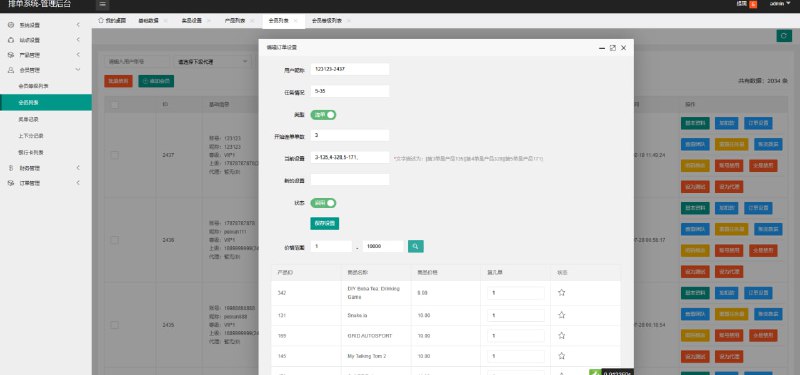
Binding collection sources turned out easier than expected. The backend adds two custom parameters that let you designate a category as a free zone, while all other categories default to member-only access. The video, actor, topic, favorites, and member modules are all in place, and this customization also fixed the subcategory display issue — previously only top-level categories showed, so video lists under subcategories were effectively invisible. The hierarchy now renders correctly.
I bound the three collection APIs separately under “Movies / Series / Variety Shows,” each with its own sync schedule. A full sync runs in the early morning, with incremental syncs during the day, which keeps server load much lower.

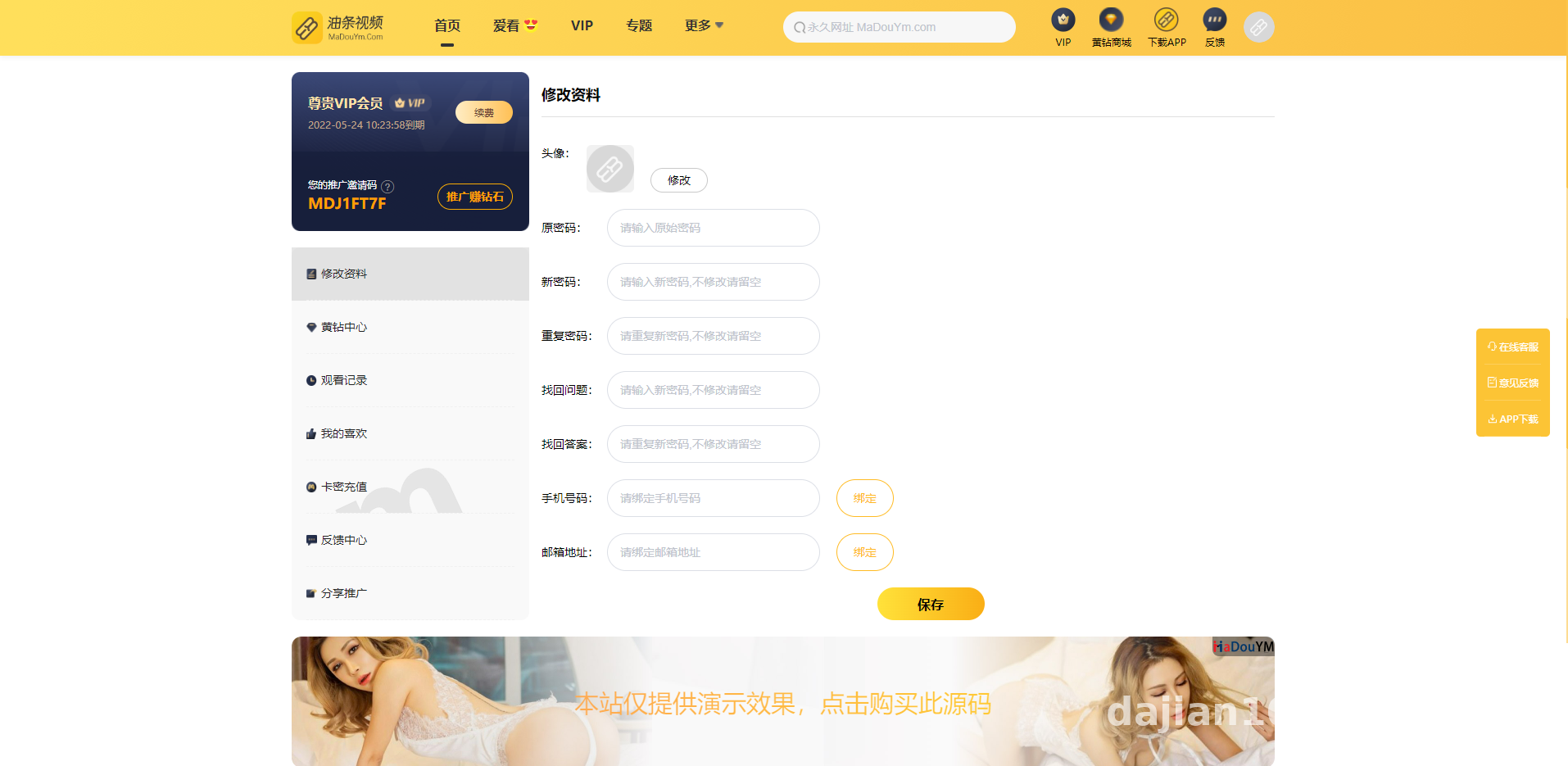
Membership and points system
This module was the main focus of the customization. A few things stood out in practice:
- Top-ups split into two modes: buying VIP time directly, or buying points. VIP activation lands automatically with no manual handling
- Card-key (redeem code) system supported, with batch generation — handy if you distribute codes through third-party card platforms
- Registration bonuses split into two independent settings: gifted VIP days and gifted points. They don’t interfere with each other, and either one can be disabled separately in the backend
- Points-paid videos carry a distinct badge — any video with a points threshold requires points to watch, even for VIP members
- Every user gets an auto-generated invite code and can view their own referral tree
The player page renders three different UI states: guests, regular members, and VIPs each see different prompt text and buttons. The conversion funnel is designed in fine detail.
Ads and templates
The backend ships with a splash ad module — toggle and display duration are both adjustable from the panel, no code changes needed. The template is responsive across PC and mobile. I tested packaging it with HBuilder: wrapping the site in a WebView shell as an app requires almost no style changes, just swapping the icon and launch image.

Highlight: the real value of this customization is the visual admin panel. Collection binding, category permissions, ad toggles, and payment parameters are all managed through the UI — no code required. For operators without development skills, you can get comfortable with it in half a day.
3. Deployment Checklist and Pitfalls
Problems I actually hit:
- Pretty URLs: Apple CMS routing depends on rewrite rules. On Nginx, remember to import the official rule set, or every category page returns 404
- PHP version: some customized functions throw Deprecated warnings under PHP 8 — dropping to 7.4 made everything rock solid
- Scheduled tasks: run collection cron jobs via the system crontab calling the backend endpoint — far more reliable than page-triggered scheduling
- API timeouts: collection APIs occasionally time out. I added retries and logging to the scheduled script, so failures get recorded for easy debugging
- Payment callbacks: the Yipay async callback URL must be a publicly accessible HTTPS address. Verify it with an intranet tunnel during local testing before going live
Aside from replacing the logo and ad slots, the interface is essentially ready out of the box. The one precondition is stable collection APIs — if the source disconnects, the frontend becomes an empty shell.

4. Who This Setup Suits
In my view, three groups are a good fit: individual webmasters who want to launch a video content site fast; small companies with licensed content sources but no technical team; and PHP developers who want to study CMS customization patterns — the member, points, and referral modules here are cleanly structured and easy to extend. Complete beginners should run the full workflow locally before touching a production server.
FAQ
Q: Do I have to write my own scraper for the collection APIs?
A: No. Apple CMS supports binding ready-made XML/JSON collection APIs. Plenty of properly licensed providers offer standard formats — paste the endpoint in the backend, bind categories, and you’re done. Writing your own collector is possible too, but respect the target site’s robots.txt and only fetch publicly authorized data.
Q: Is the Yipay gateway configuration complicated?
A: Not at all. The customization bundles a universal Yipay interface — just enter three values in the backend: merchant ID, secret key, and gateway URL. Make sure the callback URL format is correct, and I recommend running one small test transaction in sandbox mode first.
Q: Does packaging the app require native development?
A: No. The template is responsive out of the box, so an installable package is just a WebView shell around the URL using HBuilder or similar tooling. If you want to publish to app stores, then consider building a native shell with push notifications.
Q: Do points and VIP permissions conflict?
A: No. Points payment is a per-video threshold, while VIP is an account-level privilege — the two stack. For example, if a video costs 10 points, even a VIP member will have points deducted on playback. The backend badge makes these easy to distinguish.
Closing Thoughts
This customized build is genuinely complete — every operational feature you’d expect is there. But I’ll say what I always say: the technology itself is fine; what matters is how you use it. Building and operating any site means following applicable laws and regulations, with no tolerance for unlawful purposes, and all content must come from properly authorized sources. That line is non-negotiable. This article is for technical education only.
Disclaimer: This article is for technical education and demonstration only. It is not professional or financial advice. Any real-world deployment must comply with applicable laws and regulations.
#Apple CMS #video site setup #collection API #payment gateway integration #deployment notes
-
 Alipay QR Code Scan
-
 WeChat Scan Pay