UniApp Multi-Vendor Mall System Build Log: Live Streaming Commerce + Multi-Platform Mini Programs + Payment Integration
UniApp Multi-Vendor Mall System Build Log: Live Streaming Commerce + Multi-Platform Mini Programs + Payment Integration
Disclaimer: This article is for technical education and demonstration only. It is not professional or financial advice. Any real-world deployment must comply with applicable laws and regulations.
I recently helped a client doing cross-border business deploy a UniApp-based multi-vendor mall system with a live streaming community and self-operated store modules. It took three days of back-and-forth, and I hit plenty of pitfalls along the way. Here’s the whole process written down, so friends building the same setup can save some time.
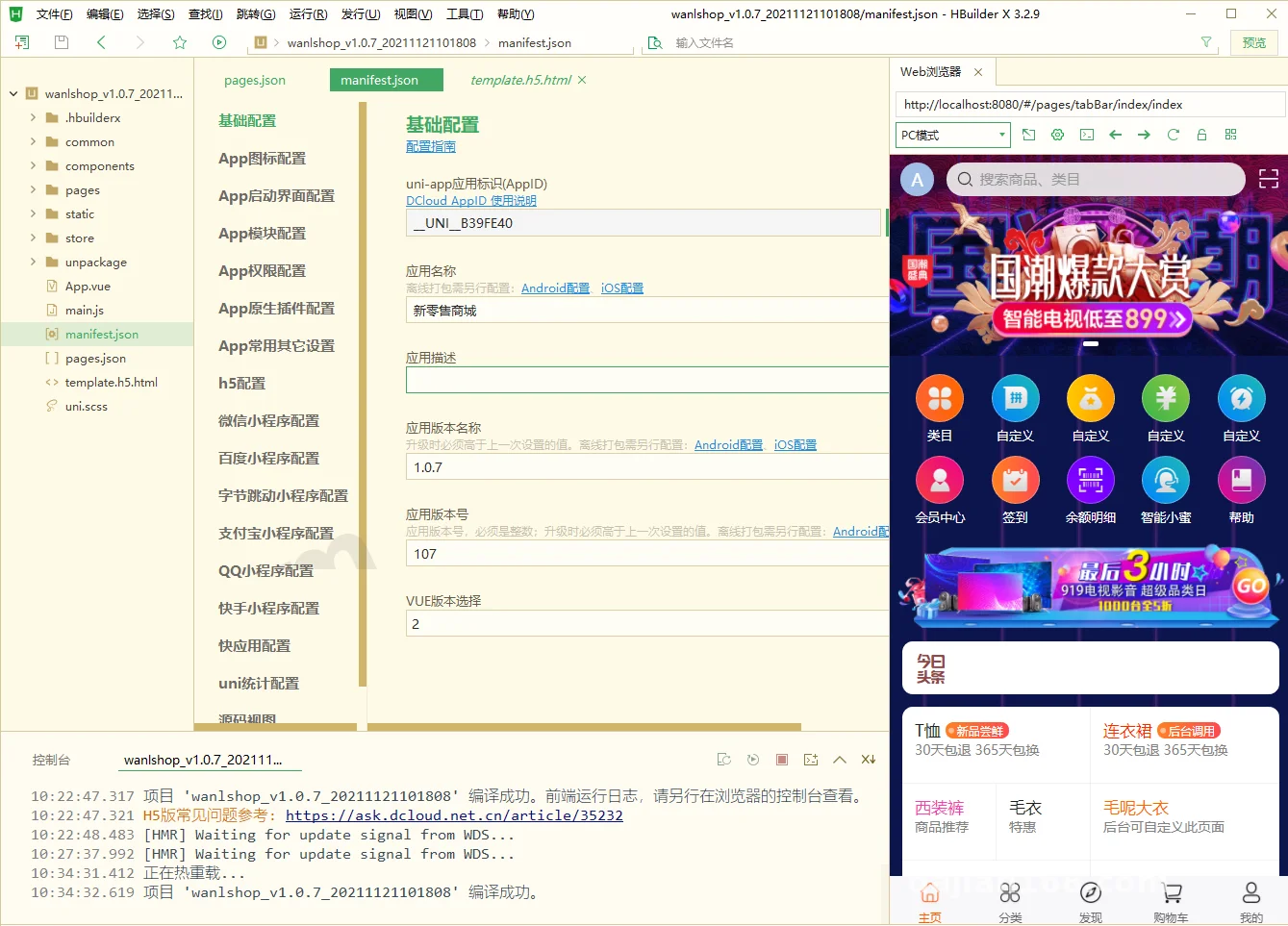
The biggest selling point of this source code is one codebase, many platforms: H5, APP, and WeChat/Baidu/ByteDance/Alipay/QQ mini programs all come out of it. The admin backend is auto-generated, and the frontend pages are configured via drag-and-drop, so the cost of secondary development is lower than you’d expect.
Feature Testing: What Live Streaming + Mall + Multi-Vendor Can Actually Do
Live Streaming Commerce Module
The live streaming uses a push-stream approach: the host’s APP pushes the stream while viewers pull it via H5, with a measured latency of 2-3 seconds. During product demos, you can attach shopping cart links directly in the live room, and viewers tap once to jump to the product detail page. The client tested it for a week, and the live room conversion rate was indeed higher than a plain detail page — the psychology of buying while watching is real.
Multi-Vendor Onboarding
The merchant side has an independent onboarding and review workflow; the backend lets you set deposit amounts, commission rates, and settlement cycles. Each vendor gets their own store decoration backend, with customizable homepage carousels and product categories. I focused on testing the revenue-splitting logic: after an order completes, funds are automatically split by ratio, the accounts are clear, and the reconciliation module is reasonably well built.
Multi-Language Support
Since the client does cross-border e-commerce, multi-language was a hard requirement. The frontend language packs can be switched and edited directly in the backend. I added English and Traditional Chinese, and after switching, product titles, categories, and button copy all changed accordingly. For payments, we integrated PayPal and international credit card channels; for logistics, we hooked up the 17track tracking API, so buyers can check shipment status right on the order page.
Deployment Essentials: Environment Setup and Pitfall Log
I provisioned a 4-core 8GB server with a BaoTa environment: PHP 7.4 + MySQL 5.7 + Redis. A few pitfalls you must know about:
First, the swoole extension must be installed — live message push depends on it — and the version shouldn’t exceed 4.5, or you’ll get compatibility errors. Second, before publishing mini programs, remember to configure each platform’s appid in the backend, especially ByteDance and Alipay; miss one and the frontend build fails outright. Third, the H5 cross-origin issue: nginx needs a reverse proxy config block, otherwise every API call shows red.
When integrating the payment API, WeChat Pay requires a separate certificate directory with permissions set to 755, otherwise unified ordering keeps failing on the signature. That pitfall took me two hours to debug — I only found out from the logs that the certificate couldn’t be read.
Suggestion: before going live, clear out all the demo data in the backend, especially test orders and test vendors. Otherwise the frontend will show a pile of simulated data after launch, which makes for a terrible first impression.
Secondary Development Tips and Who This Suits
The code structure is fairly clean: the frontend follows the standard uniapp directory layout, and the backend uses the ThinkPHP framework. If you have some development background, adding a referral tier or tweaking a marketing feature takes about 3-5 days of work. Who it suits:
Teams building social commerce that rely on live streaming and share-based growth; cross-border sellers, for whom the multi-language + international payment + logistics tracking combo fits perfectly; and freelance developers who need a fast-to-modify foundation when clients ask for mall-type projects.
I wouldn’t recommend it for people with zero technical background trying to do it all themselves. Even though the backend is visual, environment deployment and API configuration still require some fundamentals.
FAQ
Q: Can one codebase really publish to that many platforms?
A: Yes, but each platform needs its own appid and packaging parameters configured, and each mini program review has its own rules. I’d suggest launching WeChat and H5 first, then rolling out other platforms after verification.
Q: Does the live streaming feature require buying an extra server?
A: For low concurrency, one machine is enough. If simultaneous viewers exceed a few hundred, consider CDN acceleration or a cloud provider’s streaming service — the cost balance works out better.
Q: Can I integrate my own logistics and payment providers?
A: Yes. Payment and logistics are both API-based; just swap parameters per the docs. Back up before changing anything, and verify in a test environment before going to production.
One last note: this system is for legal e-commerce technical learning and demonstration only. When deploying and using it, please comply with applicable laws and regulations, and never use it for any unlawful purposes.
Disclaimer: This article is for technical education and demonstration only. It is not professional or financial advice. Any real-world deployment must comply with applicable laws and regulations.
#UniApp #Multi-Vendor Mall #Live Commerce #Mini Program Development #Cross-Border E-Commerce
-
 Alipay QR Code Scan
-
 WeChat Scan Pay