Overseas AI Robot Computing Power Investment System | Complete Deployment Guide for Multi-language Compound Interest and JAVA Development
Overseas AI Robot Computing Power Investment System | Complete Deployment Guide for Multi-language Compound Interest and JAVA Development
Last quarter I deployed an AI robot computing power investment system for a fintech startup targeting the Southeast Asian market. The system is built with JAVA API backend, Vue desktop frontend, and UniApp mobile frontend. It supports multi-language compound interest calculations with AI-powered fund management. This guide covers the full stack deployment from JAVA environment setup to frontend compilation and production launch.
1. System Architecture and Technology Stack
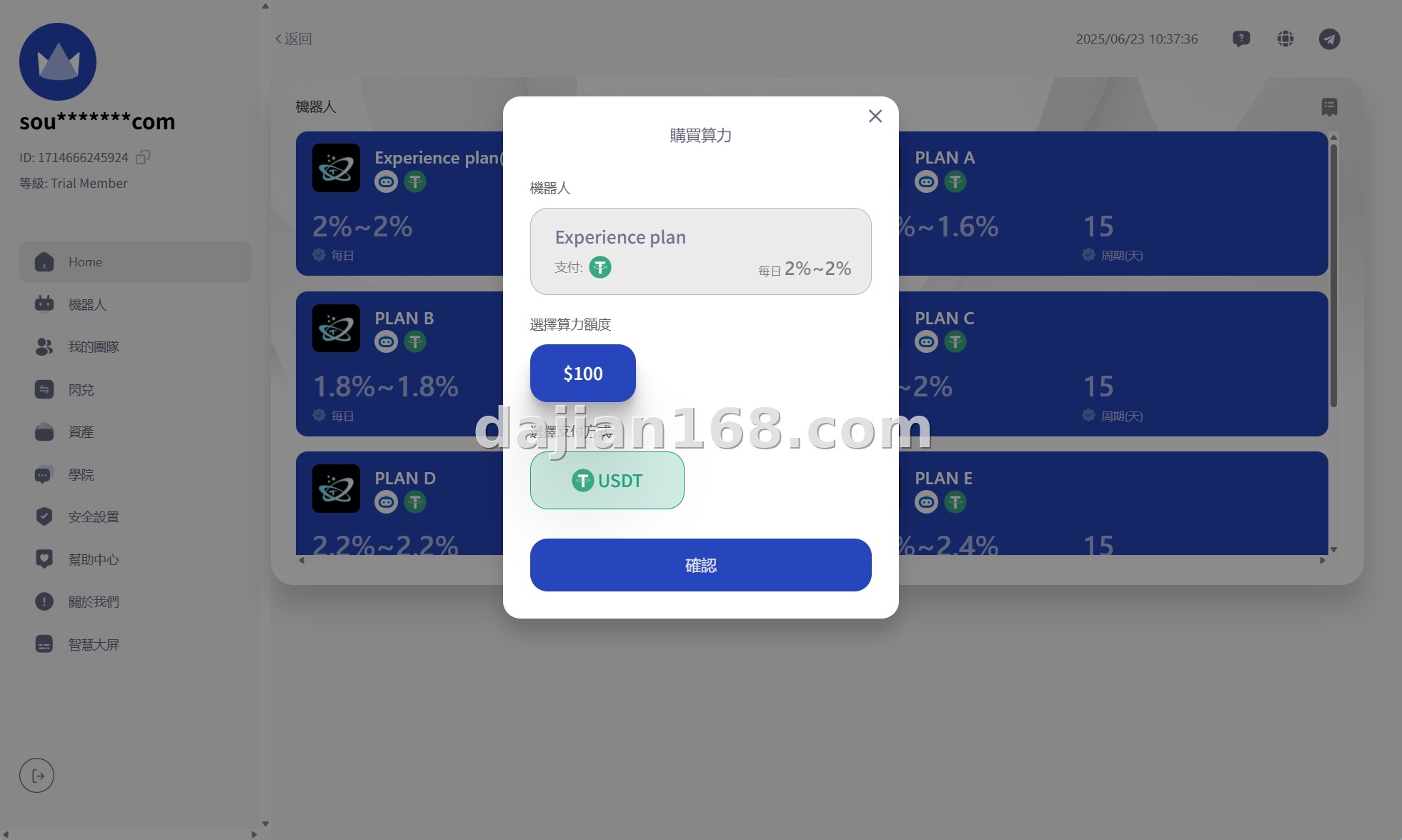
The system uses a multi-end separated architecture with distinct frontend and backend components:
- JAVA API Backend: Spring Boot 2.7+ with MyBatis-Plus for database access. The API handles investment calculations, compound interest scheduling, AI robot allocation logic, and user account management.
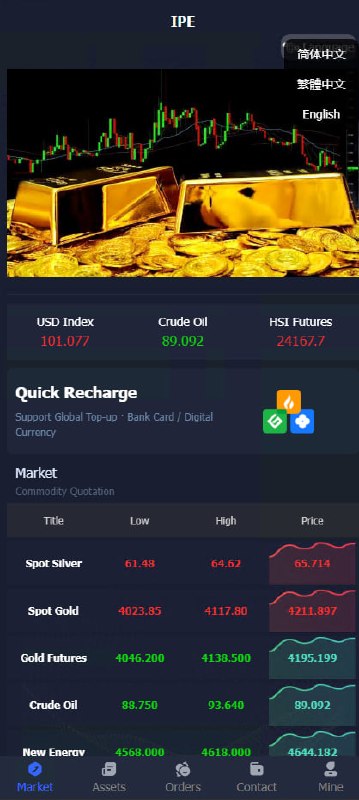
- Vue Desktop Frontend: Vue 3 with Element Plus UI framework. Designed for admin panels and desktop users who need detailed charts and real-time investment data.
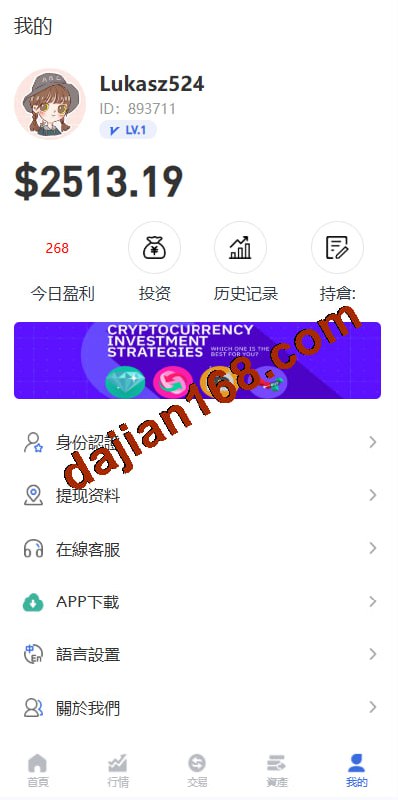
- UniApp Mobile Frontend: Cross-platform mobile application supporting iOS, Android, and H5. Users can check investment returns, withdraw earnings, and manage AI robot configurations from their phones.
- AI Smart Fund Management: The AI module analyzes market trends and allocates computing power across multiple strategies. Compound interest is calculated daily and reinvested automatically.
The multi-end separation is what makes this system scalable. I can update the JAVA API without touching any frontend code, and vice versa. The client needed this flexibility because they planned to add a web trader portal later.
2. Pre-Deployment Environment Requirements
Before deploying, ensure your server meets these specifications:
- JAVA JDK 11 or 17 (OpenJDK recommended) with JAVA_HOME configured
- MySQL 8.0+ or MariaDB 10.6+ with InnoDB engine and transaction support
- Redis 6.2+ for caching investment data and session management
- Maven 3.8+ for JAVA dependency management
- Node.js 18 LTS for Vue and UniApp frontend builds
- Nginx or Apache for reverse proxy and SSL termination
- Recommended server: 8 CPU cores, 16GB RAM, SSD storage
I used Ubuntu 22.04 LTS with JDK 17, MySQL 8.0, and Redis 7.0. The JAVA application is packaged as a JAR file and runs as a systemd service. For the AI computation module, I allocated a separate 4-core instance because the machine learning inference is CPU-intensive. Do not run the AI inference on the same server as the API if you expect more than 100 concurrent users.
3. Common Issues and Troubleshooting
3.1 JAVA API fails to start with database connection errors
This is usually caused by timezone mismatch between the JVM and MySQL. Add serverTimezone=Asia/Shanghai to the JDBC URL in application.yml. Also verify that the MySQL user has proper privileges for the investment database. I spent 2 hours debugging this because the error message was generic: Communications link failure.
3.2 Compound interest calculation precision loss
Never use float or double for financial calculations in JAVA. Use BigDecimal with MathContext.DECIMAL128 for all interest and return calculations. I found a rounding bug where the daily compound interest was off by 0.0001 due to double precision errors. This adds up over thousands of user accounts.
3.3 UniApp mobile build fails with HBuilderX
Make sure you are using the latest stable version of HBuilderX. The system uses some UniApp plugins that require version 3.7+. Also, for iOS builds, you need a valid Apple Developer certificate installed in the keychain. One workaround I used for quick Android testing was to enable the custom base package option in the build settings.
4. Customization and Feature Extension
The system is fully open source and can be extended in several ways:
- AI strategy customization: The robot uses a configurable strategy engine. You can add new investment strategies by implementing the StrategyInterface in JAVA and registering the bean in Spring.
- Multi-language expansion: The current system supports English, Chinese, Thai, and Vietnamese. Adding a new language requires translating the JSON locale files in both Vue and UniApp projects.
- Secondary development: The codebase can be adapted for other financial products. I have reused the same JAVA backend for a crypto staking platform by changing the calculation formulas and UI branding.
- Real-time push notifications: Integrate WebSocket or MQTT for real-time investment return notifications. The current system uses polling, which is acceptable for most use cases but inefficient at scale.
Important Notice: Before handling real user funds, run a full security audit on the JAVA API. Check for SQL injection vulnerabilities in MyBatis dynamic queries and ensure all withdrawal endpoints require 2FA verification. I delayed the client launch by 3 days to fix a missing authorization check on the admin endpoint.
5. FAQ
Q1: What is the minimum investment amount for the AI robot?
A: The default configuration sets the minimum at 50 USD equivalent. This is configurable in the admin panel under Investment Settings. For testing, I recommend setting it to 1 USD so you can verify the compound interest calculations with real numbers.
Q2: Can the system work without the AI module?
A: Yes. The AI module is optional. If you disable it, the system falls back to fixed-rate compound interest calculations. This is useful for markets where AI-driven financial advice is restricted by regulation.
Q3: How is the computing power allocation calculated?
A: The AI engine analyzes historical return data, market volatility, and user risk profiles. Computing power is allocated across conservative, balanced, and aggressive strategies. By default, new users are assigned to the balanced strategy until they complete a risk assessment questionnaire.
#AIRobotInvestment #ComputingPowerSystem #JAVAInvestmentPlatform #MultiLanguageCompoundInterest #FinancialSystemSetup
-
 Alipay QR Code Scan
-
 WeChat Scan Pay