UniApp + DAPP Financial Demo System: Laravel Backend, Market Data Simulation & Deployment Notes
UniApp + DAPP Financial Demo System: Laravel Backend, Market Data Simulation & Deployment Notes
Disclaimer: This article is for technical education and demonstration only. It is not professional or financial advice. Any real-world deployment must comply with applicable laws and regulations.
Recently I helped a client deploy a DAPP financial demo system. The source code is fully open: the frontend is UniApp, and both the backend and agent panel use Laravel. The client mainly wanted it as a digital asset data demo platform for internal team training. It took me two days to set up the environment, so I’m writing down the process and a few pitfalls I hit.
1. Feature Walkthrough
1.1 DAPP Login and Wallet Connection
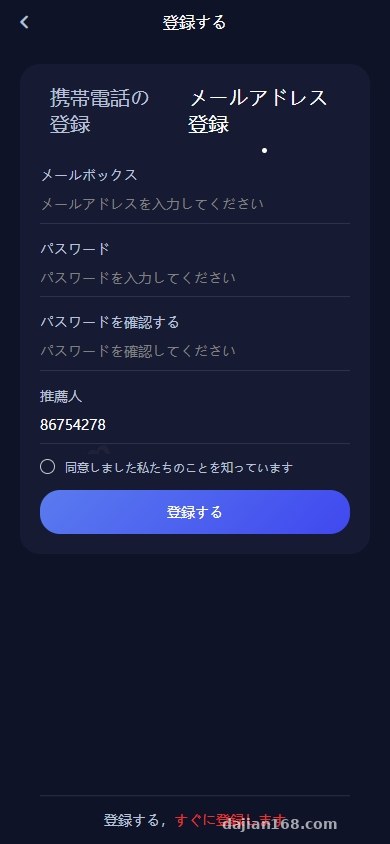
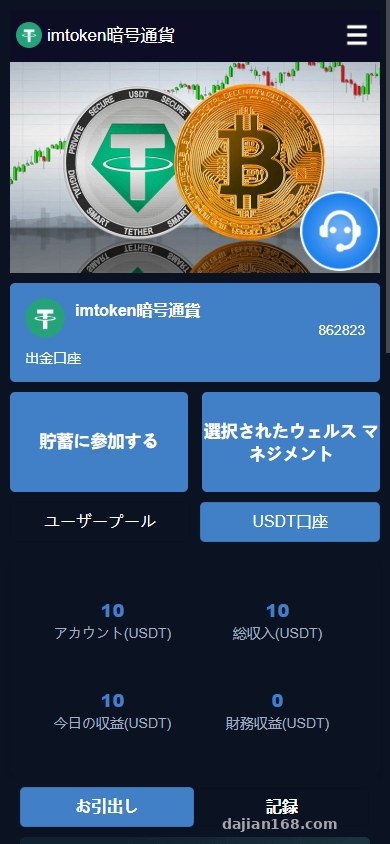
The frontend runs as a DAPP, so login has to go through a wallet connection. I tested with a mainstream browser extension wallet, triggered via a deep link. Once the homepage loads, the wallet address is verified before the user enters the dashboard. Because UniApp wraps the H5 in a webview, pay attention to the CORS setup. If someone opens the page without a wallet, a guide prompt pops up. I localized the prompt into Chinese and added a language switcher.
1.2 Token-Yield Simulation Module
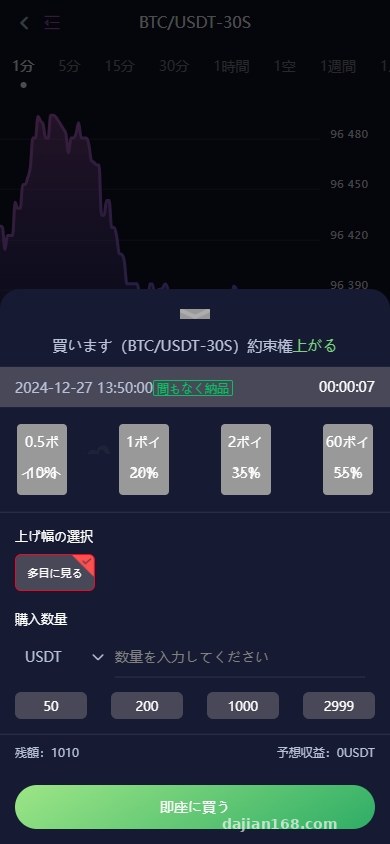
The backend can configure multiple token-yield plans, each with a term, a simulated rate, and a number of daily distributions. The source code defaulted to four distributions a day; I changed it to two per the client’s request. The reward calculation is driven by a Laravel scheduled task that runs a script every minute. Every simulated reward is logged in the database so the records are easy to reconcile. Keep in mind this is only a demonstration system: no real user funds are moved; all data runs in a sandbox.
1.3 Market Data Simulation and Trend Demo
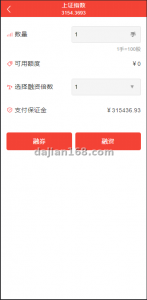
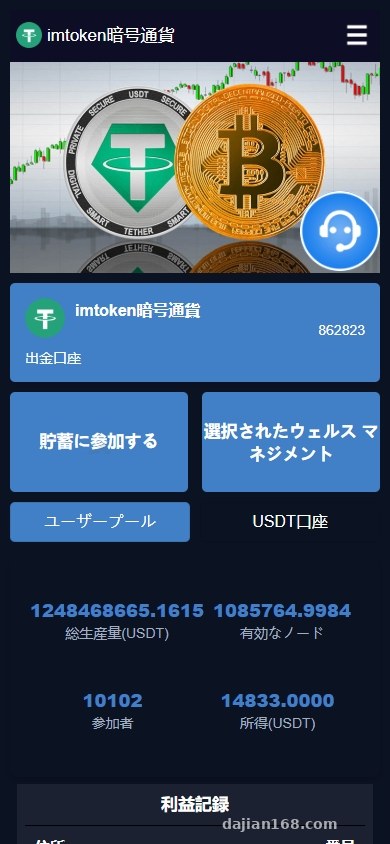
The platform includes a market data simulation module where users can watch up-or-down trends update every second. The backend lets you configure the time window and the simulated volatility range. This data is not a real market feed—it is generated for demonstration purposes—so it works well for algorithm training. The frontend renders the chart in real time with ECharts, and the backend pushes updates through a WebSocket built with Laravel and Workerman. During testing, I noticed that mobile browsers drop the WebSocket when the screen locks, so the frontend needs a heartbeat and reconnection mechanism.
2. Deployment Environment and Technical Notes
2.1 Laravel Backend Environment
The backend needs PHP 8.0 or higher and MySQL 5.7 or 8.0. I used aaPanel plus an Nginx reverse proxy. Drop the source into the project directory and run composer install. In the .env file, set the database, Redis, SMTP, and file-storage credentials. Don’t forget to add the scheduler to cron:
* * * * * cd /project-directory && php artisan schedule:run >> /dev/null 2>&1
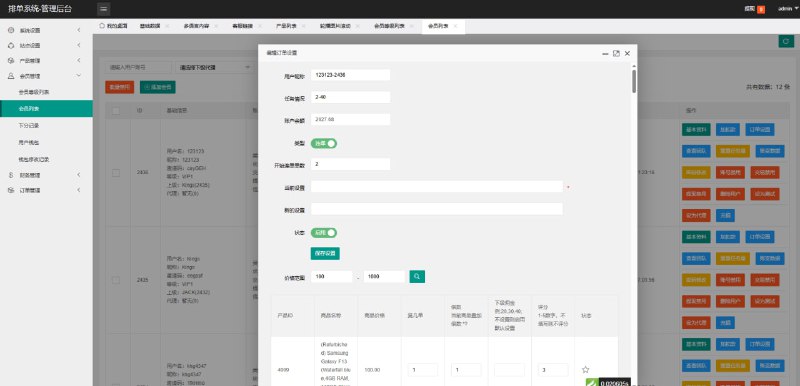
Otherwise the reward distribution and simulated market data will not run automatically. Redis handles queues and caching, while Supervisor keeps queue:work alive.
2.2 UniApp Frontend Build
The frontend source is a UniApp project, so it can be built for H5, native app, or WeChat mini-program. The client only needed H5, so I published it directly as H5. In manifest.json, fill in the API domain and WebSocket address. The DAPP login relies on window.ethereum, so the H5 must be opened inside a wallet browser. After building, place the dist/build/h5 directory on a server subdirectory or serve it through a CDN.
2.3 Agent Panel and Multilingual Support
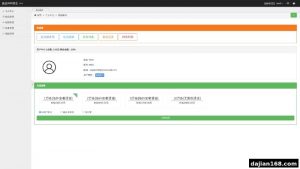
The agent panel is also built with Laravel and is deployed as a separate instance. The admin area can manage language packs; the project currently ships with Chinese, Japanese, and English. Language files live under resources/lang, and adding a new language is as simple as copying a folder and editing the keys. The panel includes demo referral tracking and team statistics, which are useful for internal training scenarios. I also added a layer of encryption to the default referral code to prevent brute-force enumeration.
3. Deployment Pitfalls and Customization Tips
The first pitfall was SSL. A wallet connection requires HTTPS. localhost works for local testing, but production needs a valid certificate. I used Let’s Encrypt with auto-renewal and had no issues.
The second pitfall was the PHP timezone. The admin panel showed yield distribution times eight hours behind expectations. It turned out php.ini was set to UTC. Switching it to Asia/Shanghai fixed the display.
The third pitfall was mismatched field names. The frontend’s plan details expected a field called expected_income, but the API returned expected_profit. We had to align the interface documentation. My customization advice is to inventory and document every API endpoint first; otherwise the frontend side becomes painful to maintain.
This system is well suited for digital asset data simulation, financial training demos, and internal technical drills. Before going live, back up the database, and keep the demo toggle enabled in production to avoid accidental interactions with real wallets.
4. FAQ
Q: What server specs does this source code need?
A: I tested it on a 2-core 4 GB server and it ran fine. For concurrent demo sessions, I recommend 4-core 8 GB or higher, and it’s best to run Redis and MySQL on separate instances.
Q: Does the frontend have to be opened in a wallet browser?
A: The DAPP login depends on the wallet object. A regular browser will prompt you to install one. If you only want to preview the pages, you can disable the DAPP login check and switch to an account-password demo mode.
Q: What should I check if the yield distribution time is wrong?
A: Start with the server timezone, then confirm that schedule:run is in cron. If both are correct, check the Laravel logs at storage/logs; the scheduled task script usually throws an exception there.
Q: Can it be connected to a real payment gateway?
A: The source code only provides simulated data and demo features. Connecting real business flows requires obtaining the appropriate licenses under local laws, customizing the payment interfaces yourself, and assuming full compliance responsibility.
5. Disclaimer
This deployment note is for technical learning and system demonstration reference only. Use of this system must comply with applicable laws and regulations; any illegal or non-compliant use is prohibited. This article is for technical education only. All market data shown is simulated and is not a real market feed.
Disclaimer: This article is for technical education and demonstration only. It is not professional or financial advice. Any real-world deployment must comply with applicable laws and regulations.
#UniApp #DAPP #Laravel #financial simulation #deployment notes
-
 Alipay QR Code Scan
-
 WeChat Scan Pay