Building a Multi-Language Financial Market Simulation System: A UniApp + Laravel Backend Record
Building a Multi-Language Financial Market Simulation System: A UniApp + Laravel Backend Record
Disclaimer: This article is for technical education and demonstration only. It is not professional or financial advice. Any real-world deployment must comply with applicable laws and regulations.
Recently I helped a client deploy a multi-language financial market simulation system built on UniApp + Laravel. The client mainly needed to display overseas market data on both PC and mobile, and manage asset types, language packs, and demo account data from a backend. After receiving the source code, I first performed a compliance review and removed any modules that implied live financial services, keeping only market data visualization, a demo board, and admin management. Here is a record of the deployment process and the pitfalls I hit.
Feature Testing: Market Display and Admin Management
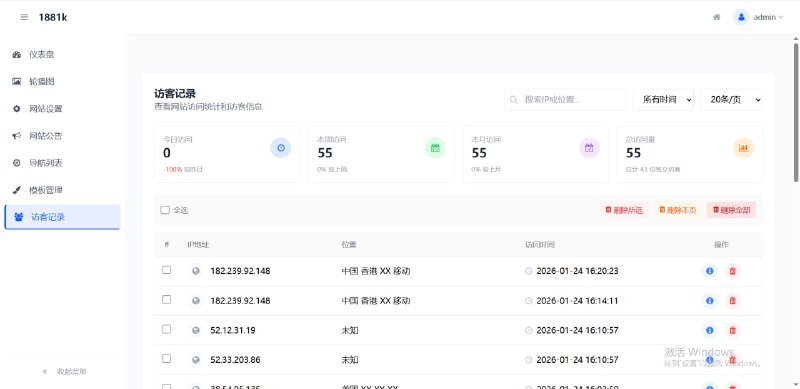
The front end uses UniApp, compiled with HBuilderX to output both PC and mobile versions. The backend is Laravel running on PHP 8.0+ with MySQL 5.7. The admin panel can configure multiple languages, asset lists, candlestick data sources, and user demo balances. I tested several core points; overall it worked, but front-end details needed tweaking.
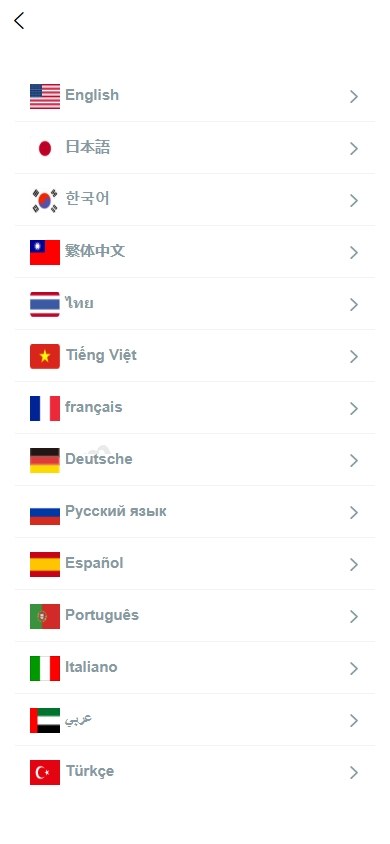
Multi-language and Front-end Adaptation
Language packs sit in the front-end i18n directory, and the backend can add or remove languages dynamically. The PC version uses a responsive layout, while the mobile version runs inside an app shell. Note: when UniApp runs as H5 in a PC browser, some rpx units distort. I switched the chart containers to fixed px heights, which stabilized the pages. Charts render with ECharts, and market pushes use a WebSocket simulation.
Market Data and Candlestick Interfaces
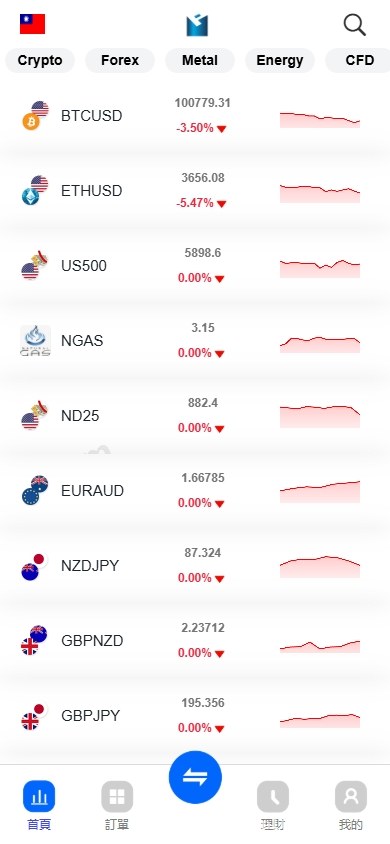
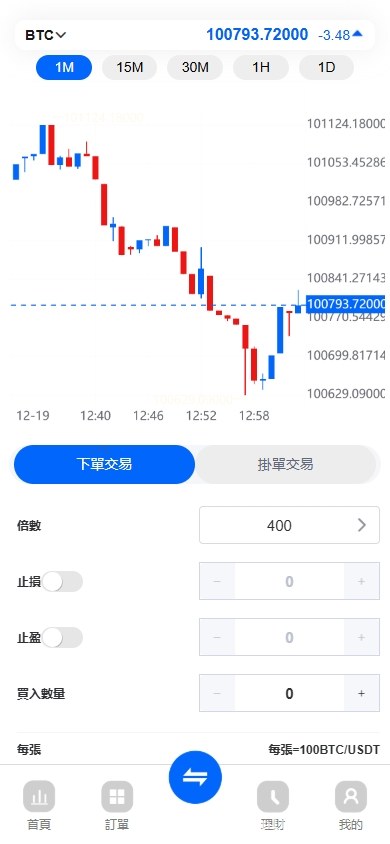
Candlestick data comes from a paid market-data interface; the backend can configure tokens and asset codes. The default data is for demonstration only and is not connected to any real brokerage account. The problem I ran into was inconsistent timestamp formats from the interface, which caused the intraday chart to shift. I standardized timestamps on the backend before sending them to the front-end ECharts. I also cached market data locally and refresh it every five seconds to avoid being rate-limited.
Demo Board and Wealth Simulation
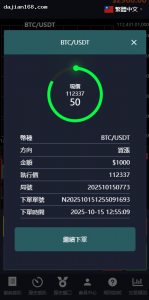
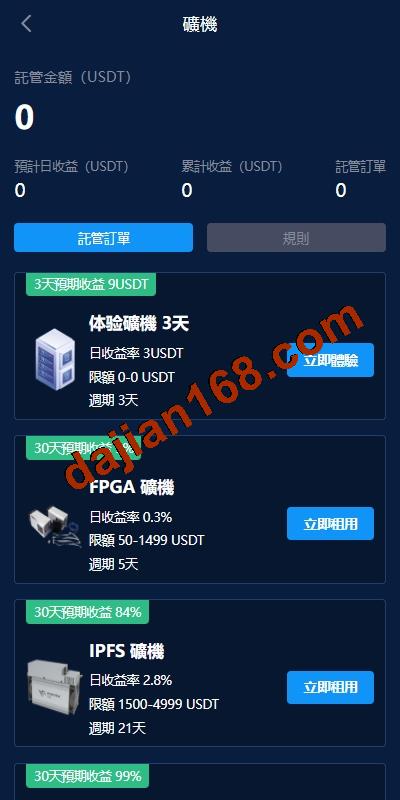
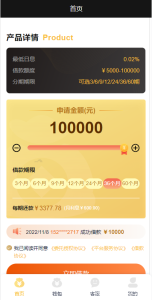
After registration users receive virtual funds and can place simulated buy/sell orders, but all settlements are local simulations with no real money movement. The backend can view user positions and profit/loss statistics. The wealth-management section was also turned into a pure demo, only displaying an earnings calculation model without promising any returns. I deliberately disabled any interfaces that could be mistaken for real payments.
Deployment Essentials: Environment, Customization, and Data Compliance
The source code is not a from-scratch project; it is a customization of an existing financial data demonstration framework. The PC version was added later, and the mobile version was also adjusted. During deployment, pay special attention to the following, especially permissions and compliance statements.
Environment Configuration
On the server I used Nginx + PHP 8.1 + MySQL 5.7 + Redis. The Laravel backend needs the public directory as the entry point, so Nginx root must point to public. In the backend .env, fill in database, Redis, and market-data interface token. Set storage and bootstrap/cache directories to 755, otherwise log writes fail. After the UniApp front end is built, place it in the static directory and access it through an Nginx reverse proxy.
Customization Notes
During customization I removed some original modules, such as rapid demo-contract screens, keeping only market data and the demo board. After adding the PC version, routing and interfaces needed re-authentication; a few fields were missing in the original backend interfaces, so I added a few migration files. The mobile wealth-management feature added an asset earnings chart, but the data source is still local simulation. During customization I recommend using git branches, testing each step, because routing and permissions are tightly coupled.
Data Compliance
The whole system must declare that it is for technical demonstration only, not for live securities services, regulated financial services, or return promises. The disclaimer sits on the login page and admin dashboard, emphasizing compliance with laws and prohibiting improper use. The client also signed a technical service agreement clarifying that no real fund matching is involved. If you plan to put it online, confirm local regulatory requirements first and do not position the platform as a real financial service.
Deployment tip: All market data is for visualization only, and demo board orders are local simulations. Do not connect real trading accounts or payment channels.
Who It Suits and Next Steps
This system suits teams that want financial data visualization, market simulation training, or internal enterprise demos. It is not recommended for direct consumer-facing financial services. Later you can add modules such as data backtesting, training courses, and task-distribution simulation, turning the platform into a fintech training tool. If you only need data display, you can replace the candlestick interface with free public data to further reduce costs.
FAQ
Q: Can this system be used for real stock trading?
A: No. It only visualizes market data and runs a demo board; it does not connect to brokerage trading channels or handle real fund matching.
Q: Can the UniApp front end be compiled into mini-programs and an app at the same time?
A: Yes. The source is a UniApp project, and HBuilderX can compile H5, App, and mini-programs, but I used a separate H5 responsive layout for the PC version.
Q: Does the backend support real-time language switching?
A: Yes. After language packs are configured in the backend, the front end loads them dynamically through i18n. Switching languages refreshes market labels in real time without interrupting the candlestick chart.
Q: What should I do if the candlestick interface returns 401 during deployment?
A: Check whether the market-data interface token in .env is valid and whether Nginx allows outbound access. Some servers also need DNS resolution configured.
Q: How do I remove unwanted modules during customization?
A: First map out routes/web.php and routes/api.php, delete the corresponding controllers and front-end pages, then run database migrations to clean up redundant fields.
Disclaimer: This article is for technical education and demonstration only. It is not professional or financial advice. Any real-world deployment must comply with applicable laws and regulations.
#financial data visualization #UniApp #Laravel #demo trading #deployment notes
-
 Alipay QR Code Scan
-
 WeChat Scan Pay