Multi-Language Java Digital Asset Demo Platform Setup Guide: Deployment Notes for Simulated Trading and Demo Contract Systems
Multi-Language Java Digital Asset Demo Platform Setup Guide: Deployment Notes for Simulated Trading and Demo Contract Systems
Disclaimer: This article is for technical education and demonstration only. It is not professional or financial advice. Any real-world deployment must comply with applicable laws and regulations.
I recently picked up a project from an overseas client who wanted me to set up a multi-language digital asset demo platform, mainly for financial data visualization and teaching demonstrations. After roughly a week of tinkering, everything from environment setup to language switching is up and running. I’m writing this down for other developers working on Java financial demo systems, hopefully to save you some detours.
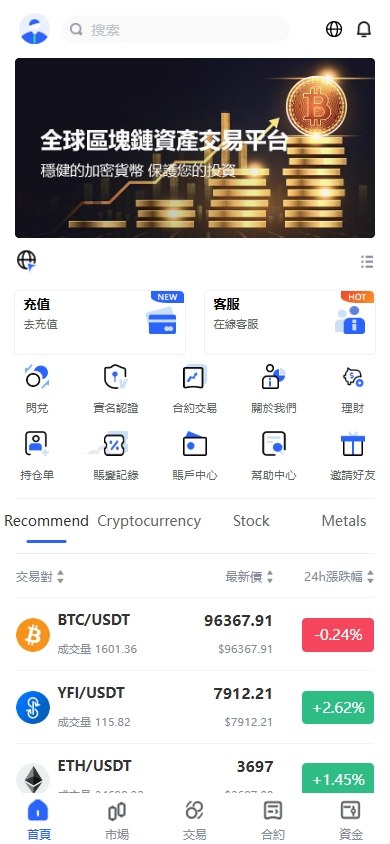
Honestly, I’ve deployed a few Java open-source projects like this before, but the code structure here is fairly clean. VUE handles the mobile frontend, pure Java runs the server side, and the database stack combines MySQL with Redis. The architecture aligns with the mainstream Spring Cloud microservices pattern.
First Steps After Getting the Source Code
Don’t rush to throw the extracted source onto your server. My habit is to first walk through it in IntelliJ locally, checking module boundaries and dependency versions. This codebase uses Spring Boot 2.x, JDK 1.8 or above is recommended, Maven for packaging, and the VUE frontend sits in its own directory needing Node 14+.
Environment Checklist
My server is a 2-core 4GB overseas VPS running CentOS 7.9. The software stack is Nginx 1.20 + JDK 1.8 + MySQL 5.7 + Redis 6.0 + RocketMQ. RocketMQ is non-negotiable here since market data pushing and the matching demo both depend on it. Skip it and nothing starts.
Database Initialization
The SQL files sit in the doc directory. Before importing, switch the character set to utf8mb4, otherwise Chinese emojis and multi-language content will show up as garbled text later. I tripped over this the first time I deployed. After the import, all my Korean and Japanese text turned into question marks and I had to start over.
Testing the Core Features
Once the services were up, I clicked through each module one by one. The overall completeness is solid, no obvious empty shell pages.
Simulated Pair Trading Module
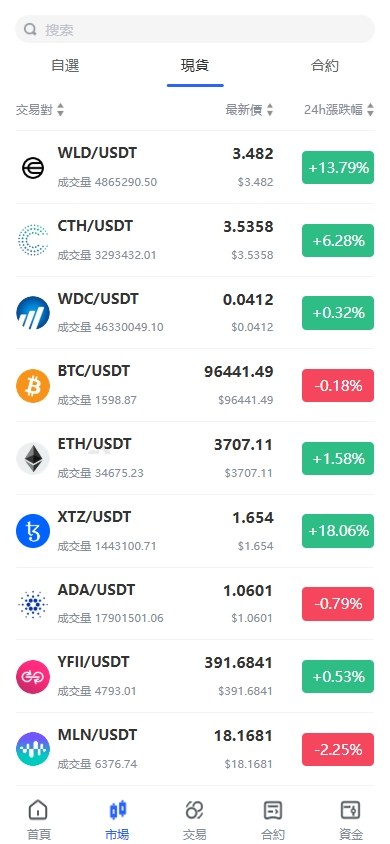
This is the centerpiece. The K-line chart uses the open-source version of TradingView embedded in place. Depth charts and order books refresh in real time. The matching engine runs as a separate service and communicates with the frontend through MQ. I ran a concurrent order test with 200 simulated users placing orders simultaneously and saw no noticeable lag.
Demo Contracts and Options Simulation
The demo contract module supports leverage parameter configuration from 1x to 100x. The admin panel lets you customize fee rates, risk demonstration lines, and maintenance margin ratios. Options simulation uses a European option model, and the exercise time cycle is configurable in the backend, making it suitable for demonstrating derivative pricing concepts.
Instant Swap, Yield Demo, and Asset Borrowing
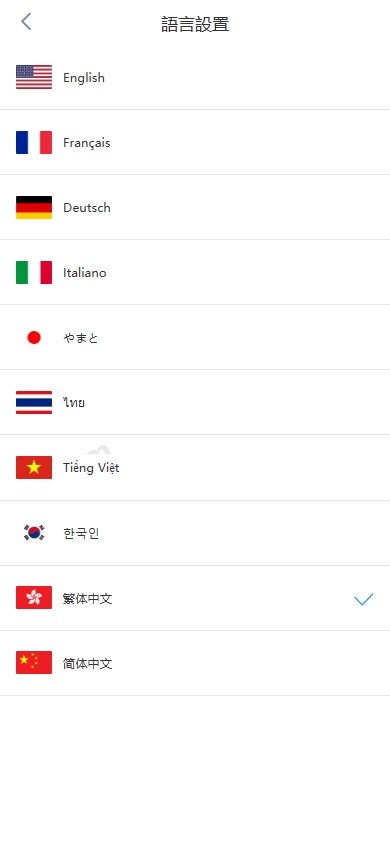
Instant swap is a quick conversion demo between asset types, running through an exchange rate pool configured in the backend. The yield demo module supports both fixed-term and flexible modes, with interest rates, durations, and cap limits all controllable from the admin side. The borrowing module includes collateral ratios and demo liquidation lines, following the same logic as mainstream demo platforms.
Referral Rebate System
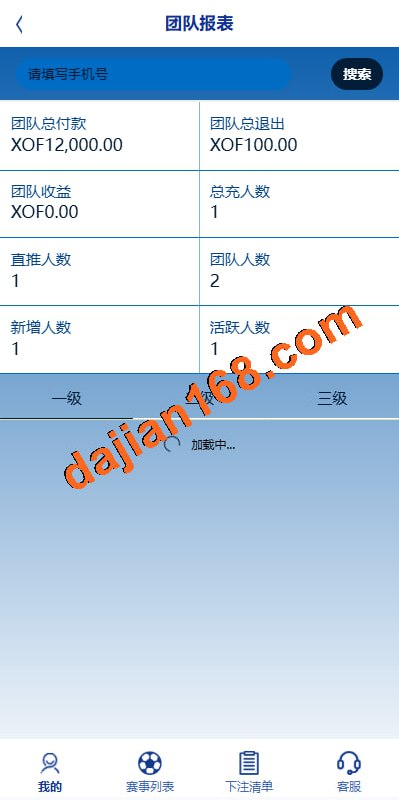
Three-tier distribution structure with adjustable commission rates in the backend. Invitation posters support custom background images and QR code positioning, which is handy when demonstrating user growth mechanics.
A quick note: this type of financial data simulation platform is intended solely for technical learning, teaching demonstrations, and software feature showcases. This article is for technical education only. Before deployment, please confirm your use case complies with local laws and regulations.
Multi-Language Configuration Gotchas
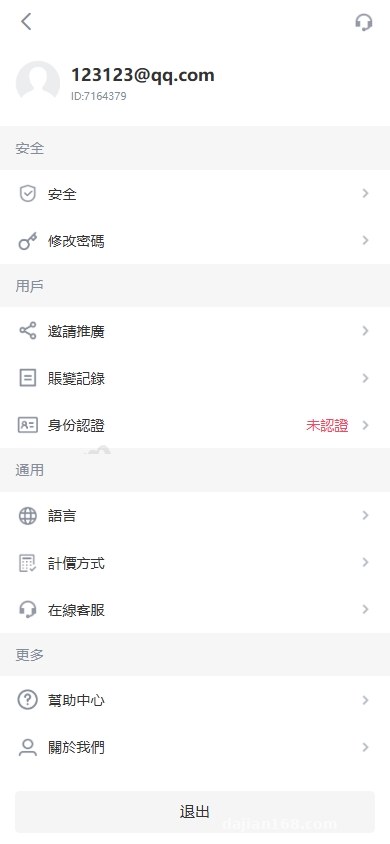
The client wanted English, Japanese, Korean, and Traditional Chinese, five languages in total. The source ships with a language pack switching mechanism. The i18n config lives in the resources directory, with one properties file per language.
But I found the built-in translations were incomplete, especially the professional terminology in the demo contract module. Japanese was missing over thirty keys. I handed it to ChatGPT for batch translation, then manually reviewed the financial terms afterward. Took me the better part of a day.
The VUE frontend uses vue-i18n, with the language switcher on the profile page. After switching, the selection persists in localStorage, so the next visit remembers your last choice.
Deployment Pitfalls I Hit
Nginx WebSocket Reverse Proxy
Market data streams over WebSocket, and Nginx’s default config won’t proxy it correctly. You need to add the Upgrade and Connection headers, and bump proxy_read_timeout to 3600. Otherwise the connection keeps dropping mid-session.
Redis Connection Pool
Default maxTotal is 8, which starts throwing connection timeout errors as user count grows. I raised it to 64 and set minIdle to 8. Much more stable after that.
H5 Frontend CORS Issues
Once the mobile VUE project is packaged and served from a separate domain, you’ll hit cross-origin issues by default. The backend CORS config needs the frontend domain added to the whitelist, and allowCredentials should be true. Otherwise the login token won’t get through.
Admin Panel Security
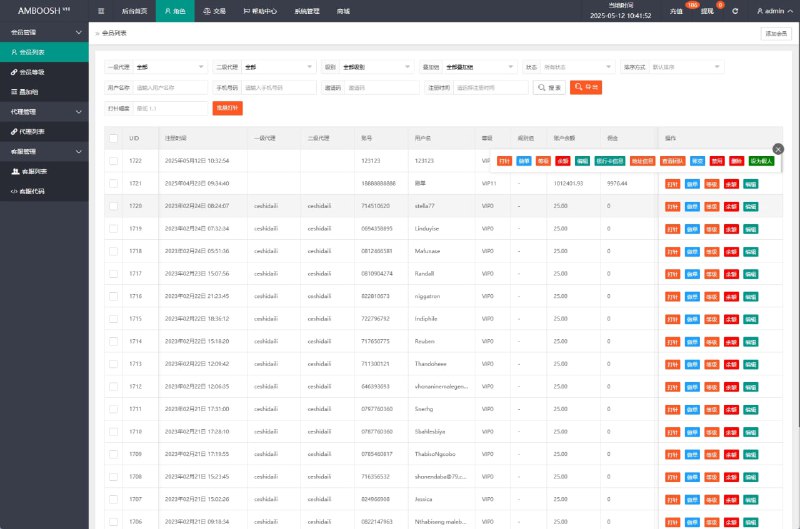
The default admin credentials sit in the sys_user table, stored with MD5 plus salt. Change them immediately after your first login, and also rename the admin panel entry path. Don’t leave it as the default admin, that’s a security liability.
Who Should Deploy This
This codebase suits developers with some Java background who are already comfortable with Spring Boot and VUE. If you’ve never touched a backend project before, just the environment setup will eat several days of your time.
Use-case wise, it fits fintech teaching demonstrations, blockchain technology showcases, and software feature demos. If you want to do secondary development, the code comments are reasonably clear and modifications aren’t too painful.
Common Questions
Q: Are the server requirements high?
A: The minimum 2-core 4GB will run it, but for multi-user load testing I’d start at 4-core 8GB. Separating MySQL and Redis onto different instances gives a noticeable performance boost.
Q: How do I add another language like French?
A: On the backend, copy a properties file in the i18n directory and rename it with the fr_FR suffix, then translate the corresponding fields. On the VUE frontend, add an fr.json in the locales directory and register it in the language switcher component.
Q: Is the K-line data self-generated or does it need an external feed?
A: The source includes a parameterized market data generator that produces K-lines using random walk algorithms. You can also configure external market API integrations from the admin panel. For demo scenarios, the built-in simulated data is plenty.
Q: Can the mobile frontend be packaged as an app?
A: The VUE project can be packaged directly into Android and iOS apps using HBuilderX. You can also go with a native shell wrapping the H5, depending on client preference. For iOS distribution you’ll need enterprise signing or TestFlight.
Overall, this codebase works well as a technical demo project. The frontend-backend separation is clean, multi-language support is thorough, and it’s a solid reference for studying Java financial system architecture. After finishing, I bundled the deployment steps into a one-click script, so the next round should take me half a day at most.
Disclaimer: This article is for technical education and demonstration only. It is not professional or financial advice. Any real-world deployment must comply with applicable laws and regulations.
#Java Source Code #Digital Asset Demo #Multi-Language System #VUE Frontend #System Deployment
-
 Alipay QR Code Scan
-
 WeChat Scan Pay