Unity H5 Game System Deployment Guide: C# Backend + Frontend Complete Setup
Unity H5 Game System Deployment Guide: C# Backend + Frontend Complete Setup
Disclaimer: This article is for technical education and demonstration only. It is not professional or financial advice. Any real-world deployment must comply with applicable laws and regulations.
Last week I took on a project where the client needed to deploy an H5 game system. Looking at the source code package, it was a typical Unity exported project with a C# backend architecture. I ran into a few issues during deployment, so I’m organizing my notes here for anyone who might find them useful.
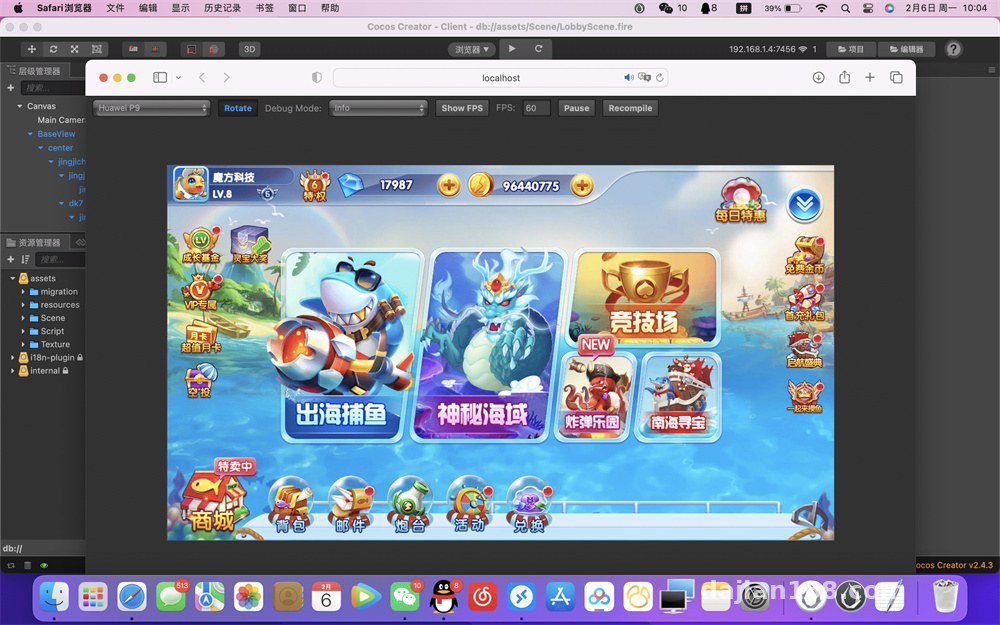
The source package mainly contained three types of files: .c native modules, .cs C# logic scripts, and a bunch of .meta configuration files. Judging from the directory structure, the frontend was Unity WebGL export, and the backend appeared to be using the ASP.NET Core stack.
Server Environment Configuration Essentials
Let’s start with backend deployment. I used a CentOS 7.6 server, which required the .NET runtime installed beforehand. This system depends on .NET 6.0 or higher, which you can install directly via yum using Microsoft’s official repository.
Database Migration Handling
The database uses MySQL 5.7, and the source package included a .sql initialization script. When importing, make sure to set the character set to utf8mb4, otherwise multilingual content will display as garbled characters later. I tried to save time by using utf8, and ended up with all the traditional Chinese characters in the backend showing as question marks.
The configuration file is in appsettings.json, where you mainly need to change three things: database connection string, Redis cache address, and file upload path. For Redis, I recommend deploying it separately rather than mixing it with the database on the same instance, since they’ll compete for resources under high concurrency.
API Interface Testing
After starting the backend, I tested the interfaces with Postman. Basic functions like login, room list, and point queries all worked normally. One detail to note: the JWT Token expiration time defaults to 30 minutes. For production environments, I suggest changing it to 2 hours, otherwise players will get disconnected frequently and have a poor experience.
Unity Frontend Resource Processing
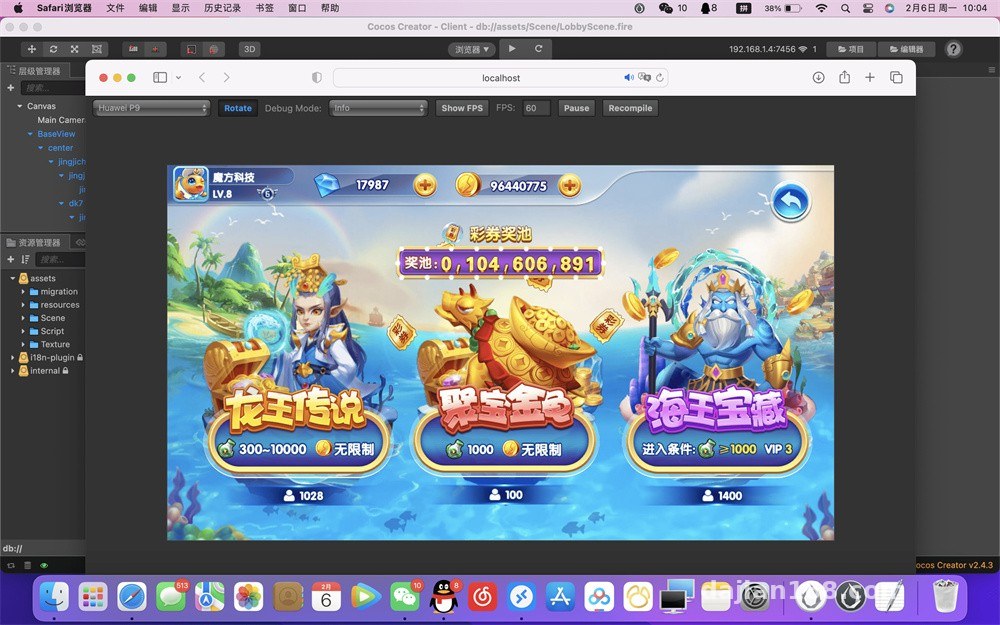
The frontend part was more involved. Unity’s WebGL export produces a Build folder containing compiled wasm and data files. You can’t just throw them under Nginx—you need to configure the correct MIME types.
Key configuration: Nginx needs to add application/wasm type for .wasm files and application/octet-stream for .data files, otherwise the browser will throw errors when loading
During testing, I noticed the initial screen load was particularly slow. Opening the developer tools, I saw the Build.data file was over 80MB. Later I repackaged it using Unity’s compression options, enabling Brotli compression, which reduced the size to 30MB and more than doubled the loading speed.
Multilingual Adaptation Testing
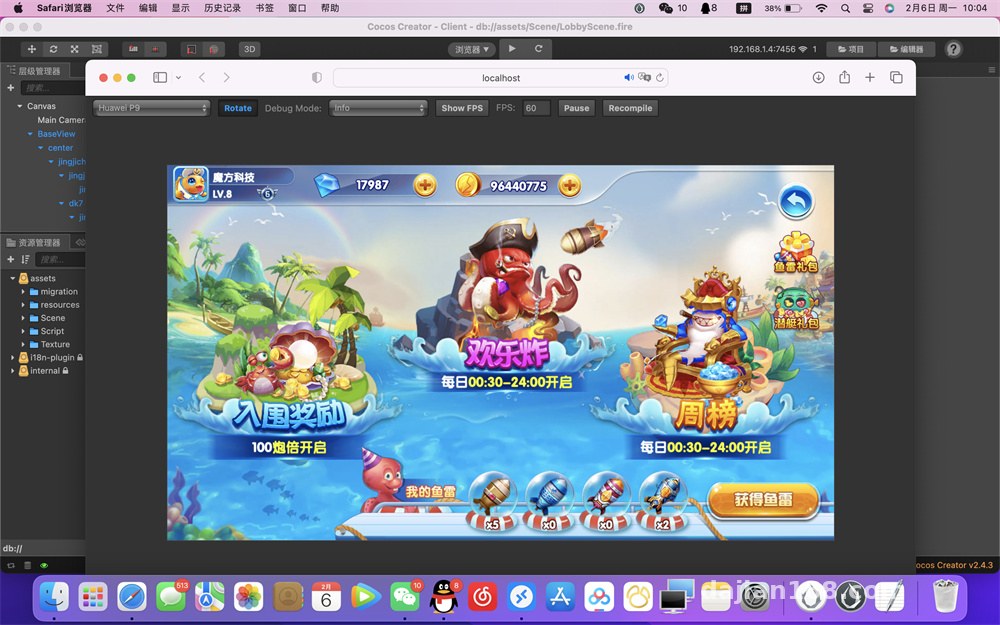
This system supports three languages: Chinese, English, and Japanese. The switching logic is in Localization.json under the frontend Resources directory. When modifying language packs, note that Unity’s TextMesh component doesn’t support dynamic fonts. Chinese and Japanese require different font files, or you’ll see boxes instead of characters.
Backend Management Function Testing
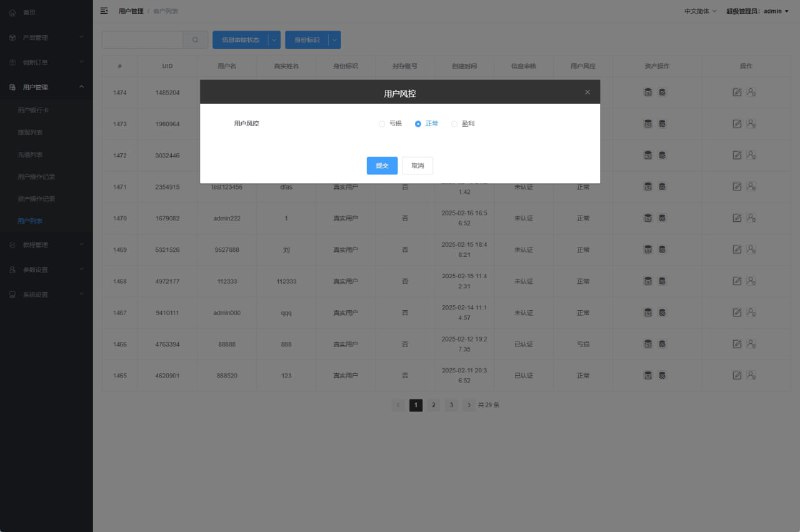
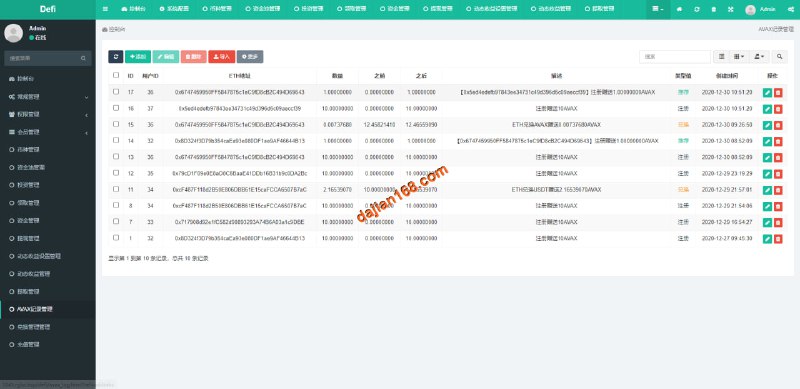
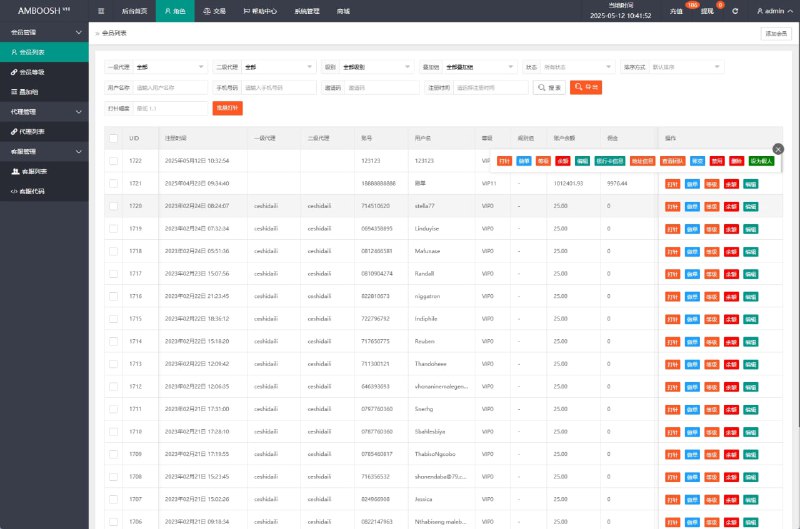
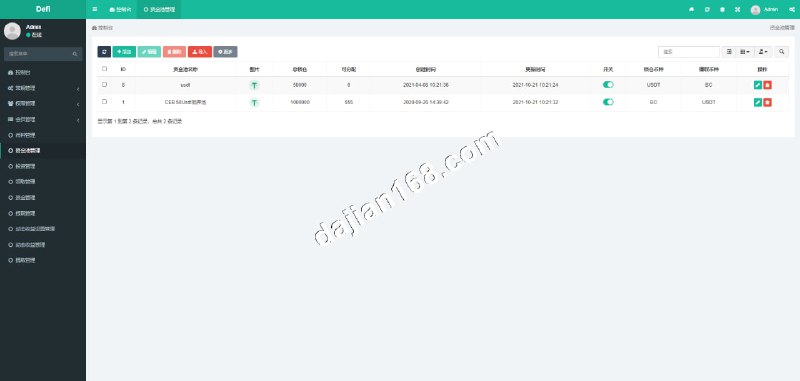
The admin backend is a separate web project written in Vue. The default account is admin/123456. After logging in, you can see modules for player management, room configuration, and data statistics.
I tested several commonly used features:
- Player accounts can be imported in batches, supporting Excel format
- Room configuration allows setting minimum entry thresholds and rake percentages
- Data reports include real-time online users, revenue statistics, and retention analysis—basically sufficient
- The logging system records all key operations, convenient for troubleshooting later
Payment Integration Considerations
The payment module has reserved interfaces for WeChat Pay and Alipay, but you need to apply for merchant accounts yourself. When integrating, I recommend testing in the sandbox environment first, especially the callback URL configuration. The first time I deployed, I wrote the callback URL incorrectly, which caused points not to be credited after successful payments.
Which Developers Is This Suitable For
This system is better suited for teams with Unity experience. If you haven’t worked with Unity before, just understanding the dependency relationships in .meta files will take considerable time. The C# backend portion is fairly standard though—anyone familiar with ASP.NET can understand it.
There’s decent room for secondary development. I helped the client add a daily check-in feature by creating a new SignInController in the Controllers directory and adding a UI interface on the frontend. The code structure is reasonably clear, with MVC layering done quite properly.
Common Questions
Q: What if the frontend shows a white screen after deployment?
A: First check the browser console errors. 90% of the time it’s incorrect Nginx MIME types or wrong Build folder paths. Check the location configuration in nginx.conf to ensure it points to the correct Build directory.
Q: Can player data be migrated to another database?
A: Yes, but you need to change the Entity Framework Provider. The source code defaults to MySQL. If you want to switch to SQL Server, you need to modify the database context configuration in Startup.cs, then regenerate the migration files.
Q: How to handle Session synchronization with multiple server deployments?
A: The system already uses Redis for distributed caching, with Session data stored in Redis. When deploying multiple application servers, as long as they point to the same Redis instance, they’ll synchronize automatically without additional configuration.
Q: Can the Unity frontend be converted to a native app?
A: Theoretically yes, but the workload is substantial. You’d need to re-export Android and iOS packages from Unity and handle native API calls. If you just want a wrapper, loading the H5 version with WebView is more straightforward.
The complete deployment took about two days, with most time spent on Unity resource optimization and server tuning. If you have a similar project, I suggest getting the environment running locally first before migrating to the server—you’ll avoid many pitfalls.
Disclaimer: This article is for technical education only. Please comply with all applicable laws and regulations.
Disclaimer: This article is for technical education and demonstration only. It is not professional or financial advice. Any real-world deployment must comply with applicable laws and regulations.
#Unity Deployment #H5 Game Development #C# Backend #WebGL #Game System Setup
-
 Alipay QR Code Scan
-
 WeChat Scan Pay