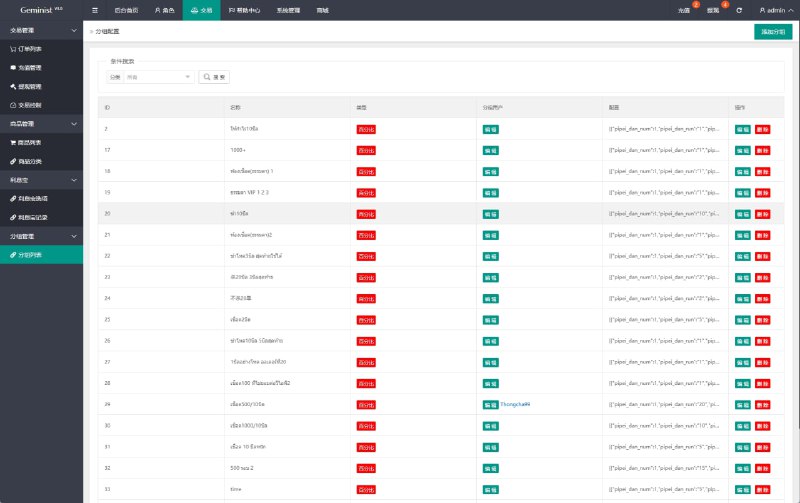
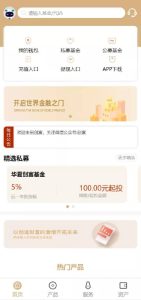
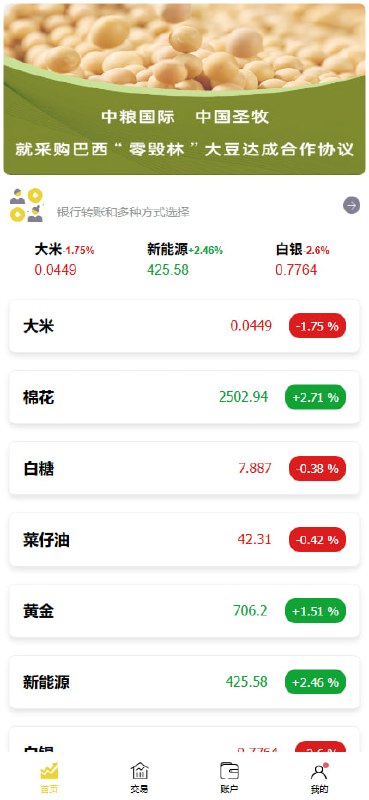
2026 COFCO Group Micro-Platform Micro Trading Fix Version
Web Investment Trading Platform (ThinkAdmin v5)
Features
Based on ThinkAdmin v5 (ThinkPHP 5 kernel), mature and stable backend interface
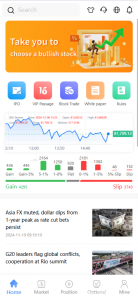
PC frontend supports user registration, login, deposit, and order trading
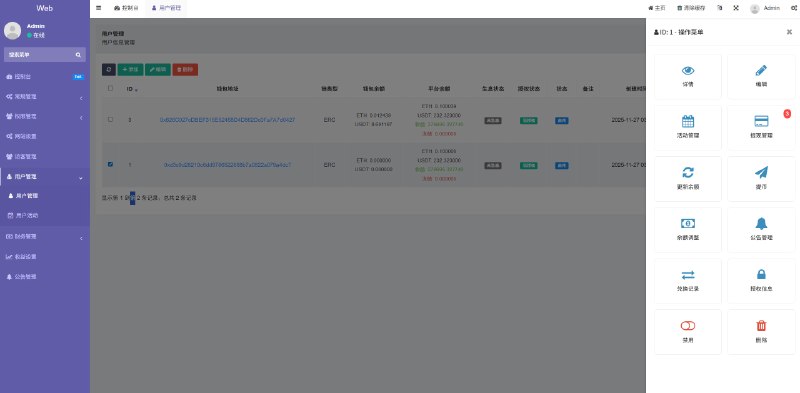
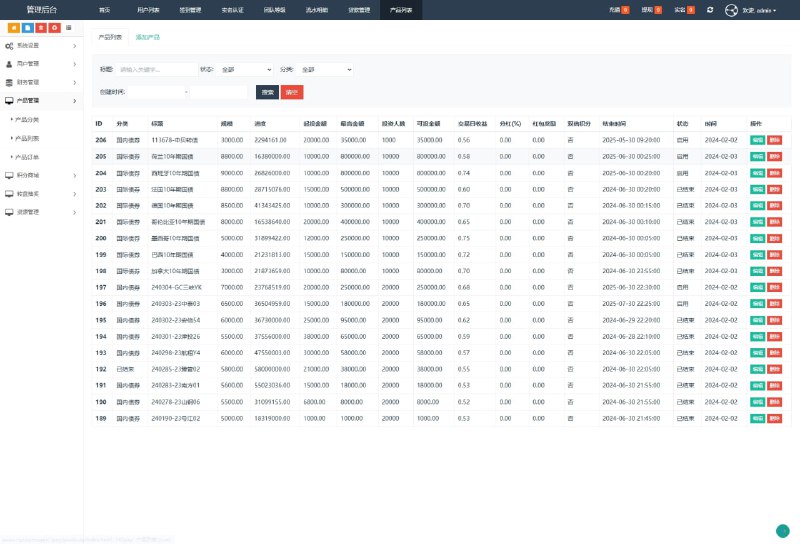
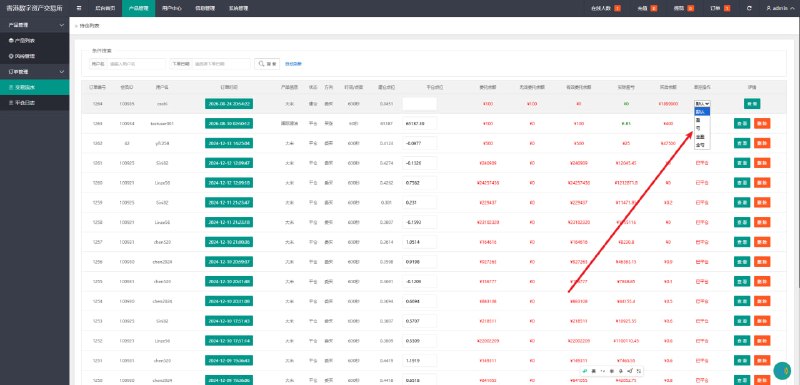
Backend management supports user balance adjustment, deposit review, and order management
Built-in scheduled tasks for automatic order settlement
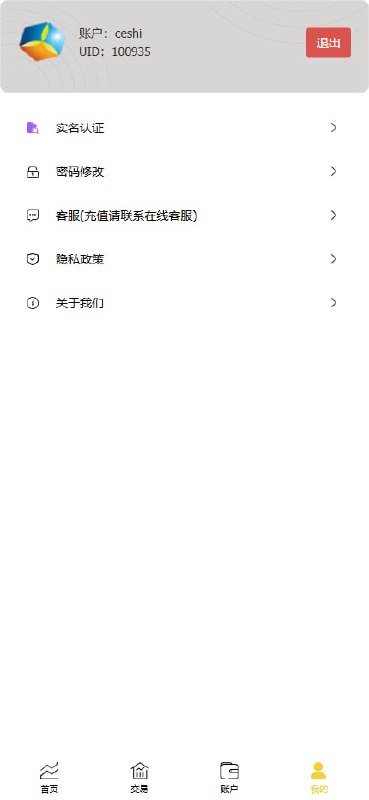
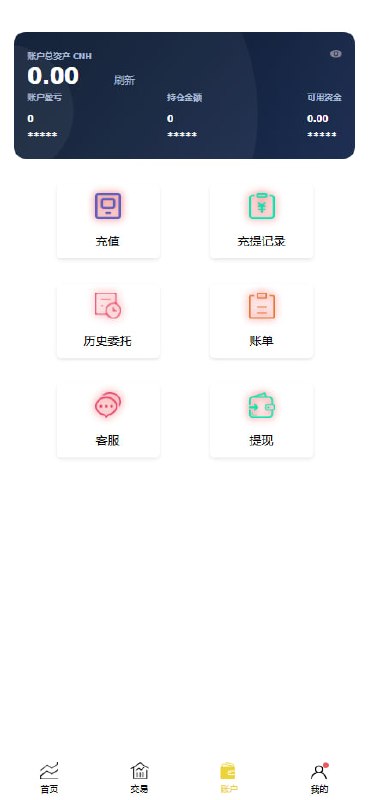
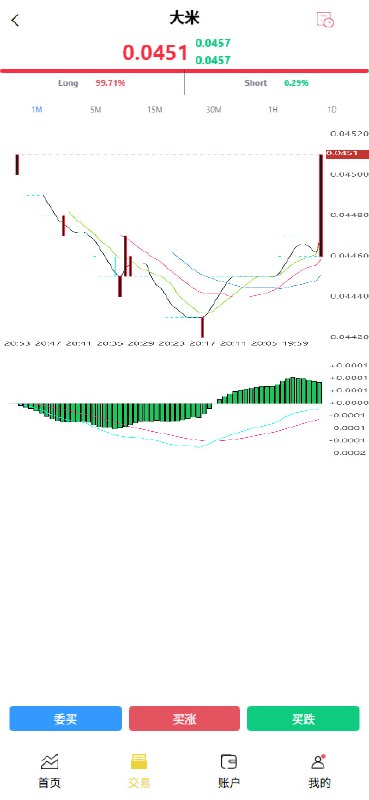
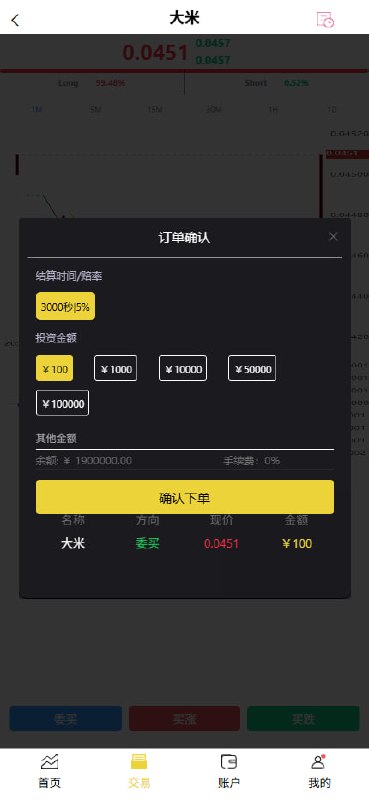
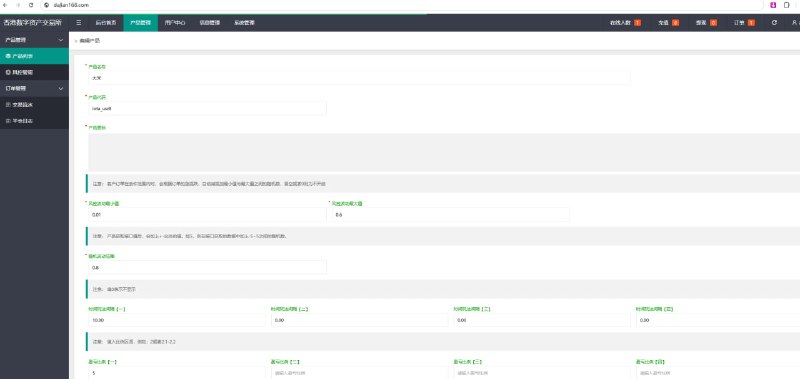
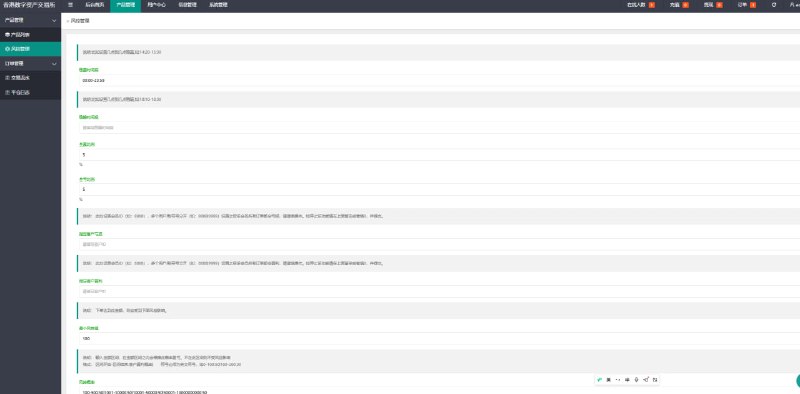
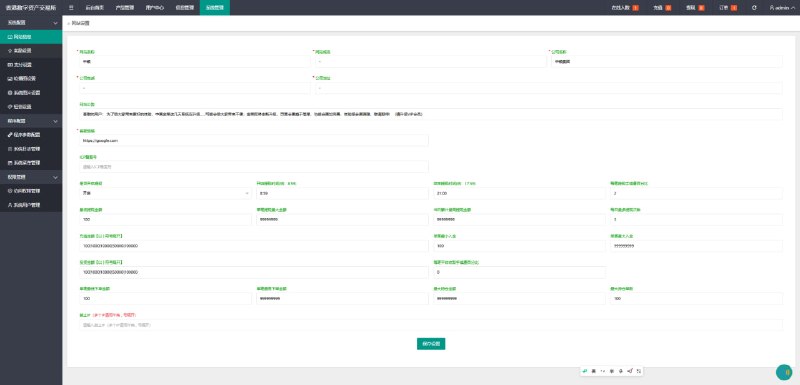
Screenshots
Fix & Update Log
2026-08-10 Full chain functional testing
✅ Registration (testuser001) → Login → Deposit 500 → Backend review → Place buy-high order 100 → Auto settlement profit 15 → Balance 415, full chain passed
✅ Backend deposit review and order management functions verified
2026-08-10 Fix Records
🔧 ThinkPHP 5.0.24 captcha RCE verification: Classic _method=__construct exploit returns 404, confirming official patch is effective (Request.php method() now restricted to valid HTTP method whitelist).
2026-08-11 Security Hardening
✅ Disabled app_debug on the site (prevents error pages from leaking database structure, SQL, server paths)
✅ tightened runtime directory permissions from 777 to 755, changed owner to www:www, files to 644
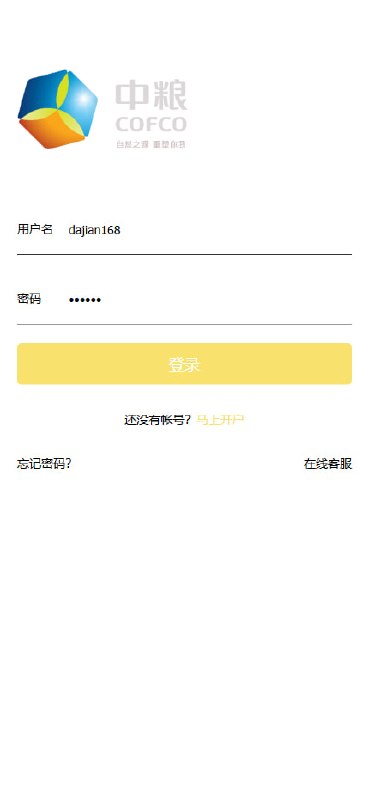
✅ Added demo site notice on login page (demo environment only, reminding users not to deposit)
6. Security Hardening Checklist (ThinkPHP Specific)
This is the most valuable part of this deployment. All ThinkPHP projects are strongly recommended to check the following items before going live:
High-Risk Items
Disable debug mode
// config/app.php or application/config.php
‘app_debug’ => false,
When debug mode is on, triggering a 500 error will directly leak database name, table structure, SQL statements, and server absolute path.
runtime directory permissions
chown -R www:www runtime
find runtime -type d -exec chmod 755 {} \;
find runtime -type f -exec chmod 644 {} \;
777 permissions on the runtime directory pose a cache poisoning risk and may allow arbitrary code execution when combined with file inclusion vulnerabilities.
Confirm RCE Patch Status
The _method=__construct + filter[]=system classic RCE chain exists in ThinkPHP 5.0.x
Check whether thinkphp/library/think/Request.php method() is restricted to GET/POST/DELETE/PUT/PATCH whitelist
Can verify with harmless commands: POST /index.php?s=captcha with method=__construct&filter[]=system; if it returns 404 and the command is not executed, the patch is applied
Medium-Risk Items
Database password management: Do not hardcode passwords in database.php; use .env files instead and exclude them from version control
Clean up backup files: Do not leave .tar.gz, .sql, .bak files in the web root; move them outside the web directory
Upload directory permissions: Avoid 777 for upload directories like public/uploads, and regularly scan for webshells
Backend entry obfuscation: Use WPS Hide Login or custom routes to hide the default backend entry
Other Recommendations
MySQL should not listen on public network 0.0.0.0; restrict to localhost access only
Enable IP whitelist on BT Panel
Enable access log auditing for sensitive endpoints like index.php?s=captcha
7. Common Troubleshooting Experience
Issue 1: Class ‘Redis’ not found
Symptom: FastAdmin backend settlement task reports an error; logs show Redis class does not exist.
Cause: PHP 7.2 environment does not have Redis extension installed, but the code uses Redis locks.
Solution: Downgrade lock implementation to file locks:
// Use file locks in RUNTIME_PATH/filelock directory to replace Redis locks
$lockFile = RUNTIME_PATH . ‘filelock/’ . md5($key) . ‘.lock’;
Issue 2: Backend login shows captcha error
Cause: Captcha session and request are not in the same session, or captcha functionality was temporarily disabled and not restored.
Recommendation: If you temporarily disable captcha during testing, be sure to record the configuration location and restore it to true immediately after testing is complete.
Issue 3: H5 page shows white screen or resources 404
Troubleshooting order:
Check Nginx static resource path configuration
Check whether H5 compiled artifacts are completely uploaded
Check specific 404 resources in browser Console
Check whether /api reverse proxy points to the correct location
Issue 4: Scheduled tasks not executing
Troubleshooting:
Confirm BT Panel scheduled task status is running
Check whether absolute paths in cron script are correct (after migrating directories, old paths becoming invalid is a common pitfall)
Check PHP error logs to confirm whether the script is throwing errors
8. FAQ – Common Questions
Q1: Can this system be used commercially?
The system described in this article is an internal demo environment for technical learning and function verification. Any trading system must complete compliance review, qualification processing, fund custody, and security audit before commercial use.
Q2: How to choose between ThinkAdmin and FastAdmin?
ThinkAdmin v5: Modern backend interface, suitable for web platforms with complex management functions
FastAdmin: Rich plugin ecosystem, good frontend-backend separation support, suitable for multi-platform projects with APIs
Q3: How to connect uni-app H5 to FastAdmin API?
uni-app requests the API domain through uni.request; on the FastAdmin side, configure CORS or use same-domain reverse proxy (e.g., /api path proxy), and carry the token after login to access business interfaces.
Q4: Is ThinkPHP 5.0.x secure?
ThinkPHP 5.0.x has reached end-of-life and has historical RCE vulnerabilities. If it must be used, confirm that all security patches have been applied (especially the method() whitelist in Request.php), or upgrade to supported versions 5.1/6.x/8.x.
9. Conclusion
This article fully documents the deployment and hardening process of a dual-program trading demo system. The core value lies in:
Full-chain testing methodology: Complete business closed-loop validation approach from registration to settlement
Security hardening checklist: High-risk items that ThinkPHP projects must check before going live
Real-world troubleshooting experience: Common issues such as missing Redis extension, captcha management, and scheduled task paths
If this article was helpful to you, feel free to bookmark and share. We will continue to share content on PHP project deployment, security hardening, and SEO best practices. Follow dajian168.com for the latest updates.
Disclaimer: All screenshots in this article are from an internal demo environment, and the market data shown is simulated data. All investment activities carry risk; please make decisions with caution.
#MicroPlatform #MicroTrading #COFCO #Rice #Cotton #Gold #Silver

 Alipay QR Code Scan
 WeChat Scan Pay