Unity3D Card Game Demo Source Code Deployment: Texas Hold’em Simulation + Club System Setup Guide
Unity3D Card Game Demo Source Code Deployment: Texas Hold’em Simulation + Club System Setup Guide
Disclaimer: This article is for technical education and demonstration only. It is not professional or financial advice. Any real-world deployment must comply with applicable laws and regulations.
Recently I helped a client deploy a Texas Hold’em card game project written in Unity3D, bundled with club management features. The client originally built card game simulations, and wanted to customize this package into their own operational version. After three days of back-and-forth, I figured I’d jot down the process while it’s still fresh, as a reference for a few friends in the group who asked about it.
What This Source Code Actually Ships With
After unzipping, the package weighs about 2.3GB. The Unity version is 2020.3.35f1, with the client project and server kept separate. The server is written in C# on a Socket framework, the admin panel runs on PHP, and the database is MySQL 5.7. I ran the demo first — the overall structure was more complete than I expected.
Client Side
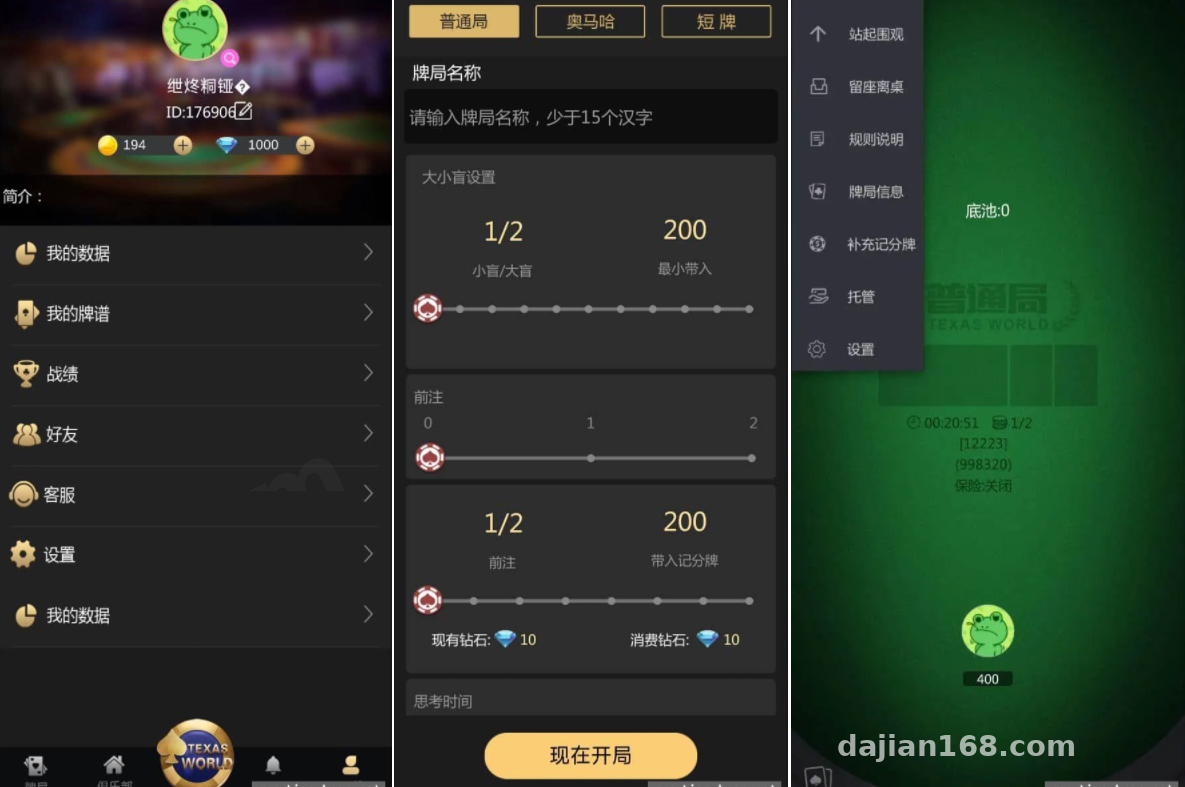
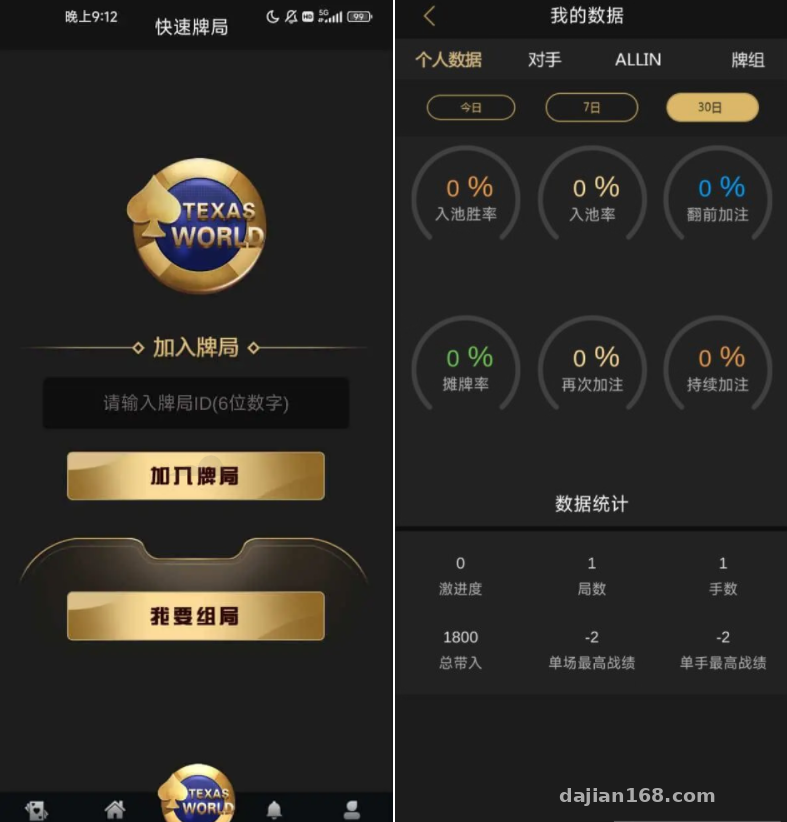
The Unity3D scenes include three core modules: Lobby, Table, and Club. The lobby UI is laid out in portrait mode, with avatar, virtual credit balance, and settings button at the top. The table animations are smooth — dealing, revealing, and raise inputs each have their corresponding animation event callbacks. When customizing, you can just hook your scripts onto them. Inside the Club module, you can create rooms, manage members, and view table listings. This module is most often used for friend-invite scenarios.
Backend Control Panel
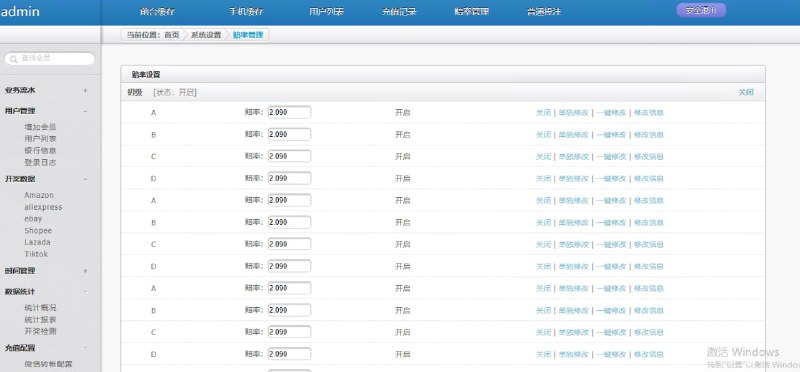
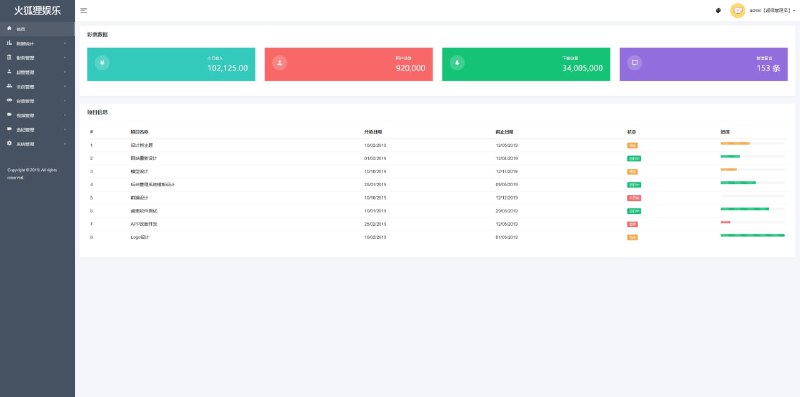
The admin panel is accessible through any browser, with three account roles: super admin, operations, and customer service. The parameters the client cares most about live under “System Settings” — initial virtual credit amounts, daily task reward lists, and share-for-reward ratios. Table parameters can be configured individually for each table: maximum seat count, timer duration, and starting token amount. Changes don’t require a server restart — just hit save and the new config gets pushed to the client. That’s a nice touch.
For data stats, there’s DAU, retention, round counts, and virtual credit consumption logs. Note that text labels like credit names are hardcoded into the lang table in the database — there’s no split into multi-language resource files. If you want an English version later, you’ll need to refactor the lang table structure.
Payment Integration (Demo)
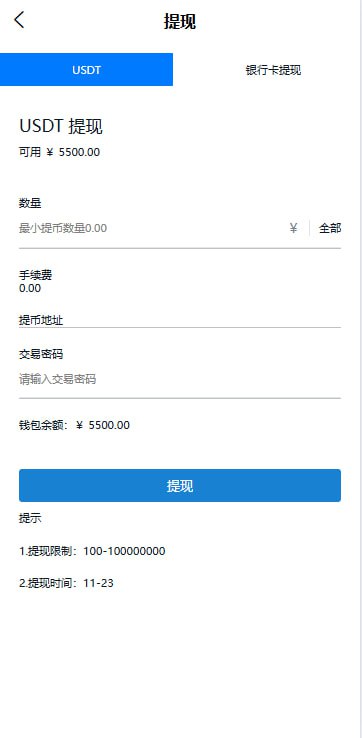
The payment module in this source code is built as a standard callback interface, with two APIs reserved: “Top-up Success” and “Order Query”. I ran it through the Alipay sandbox environment — the signature verification logic works out of the box, no server-side code changes needed. On the client side, you just pass the order ID to the server, the server initiates a pre-order, and the callback URL is your domain + /pay/notify. From my perspective, the author has clearly worked with real-world channels — the interface design is clean.
Highlight: the client-side hot update framework is already wired up using the xLua plugin. That means if you want to change the lobby event page or table UI, you don’t need to go through the app store review process — just swap the Lua scripts on the server. For an operations-focused team, this design is extremely practical.
Deployment Highlights: From Zero to Running
I deployed this on CentOS 7.9 with an 8-core 16GB configuration. Environment stack: Nginx 1.18 + PHP 7.2 + MySQL 5.7 + Redis 6.0. Below are the steps you can’t skip.
Server Environment Prep
Install the required PHP extensions first: bcmath, swoole, and redis. For swoole, version 4.8.13 is recommended — don’t use the latest. When I tried the 5.x line, I found it incompatible with the async Task pattern used in this source code, and wasted two hours on it. After installation, run php -m to confirm the extensions loaded properly.
Database Initialization
The SQL file inside the source package is sql/db_install.sql — import it using the source command. Note that if you’re using a Baidu Cloud or Tencent Cloud database, you may need to manually set sql_mode to an empty string, otherwise the default values on time fields will throw errors. I hit this gotcha on a local MySQL 8.0 — when creating tables, the datetime columns had no default values set, which threw exceptions immediately.
Client Connection Configuration
There are two places to modify in the Unity client: the server address and port in Assets/Resources/config.json, and the network permissions in PlayerSettings when building for Android. Remember to check the Internet permission, otherwise real-device connections will fail. iOS additionally requires ATS whitelist setup, or you can permit HTTP access — for development, just selecting “Allow Arbitrary Loads” is the simplest path.
Customization Notes
If you plan to modify the business logic yourself, I’d suggest getting familiar with the ServerRoot/Modules directory first. It’s organized into folders by module: Login, Room, Club, Pay, and so on. Each module’s entry file has a block of event registration code, looking like eventDispatcher.register("joinRoom", onJoinRoom). When making changes, don’t delete the registration code — only modify the implementation inside the callback. That way, future source updates are easier to diff.
Who This Source Code Is For
Bottom line first: this source code is better suited for technical teams with a Unity3D foundation, not for complete beginners. The client uses the Unity 2017+ pipeline, with light baking and UI atlases generated by an older version. After upgrading the engine, you’ll need to manually rebake. Also, while the server code looks compact, the Socket communication’s packet-sticking handling uses a custom header — you’ll need to spend time reading the code to fully understand it.
If you’re building a social card game, online party mini-games, or a card game simulation for teaching algorithms, this code can save you the time of writing hand evaluation logic and server framework from scratch. The hand comparison algorithm is in Assets/Scripts/card simulation/PokerUtil.cs — it’s textbook standard, and works well as input for data model training.
FAQ
Q: The client can’t connect to the server — it works locally but real devices always time out. What should I do?
A: First check the server logs to see if any heartbeat packets arrived. If the server has zero logs, the client is most likely hitting the wrong IP, or the cloud server’s firewall isn’t allowing the port. Another common issue: when swoole runs in daemon mode, it listens on 127.0.0.1 — you’ll need to manually change it to 0.0.0.0.
Q: I added items and events in the admin panel, but they don’t show up in the client even after refresh?
A: Check the Redis cache. This system updates MySQL first when admin config changes, then asynchronously pushes the new config to Redis. If the Redis queue isn’t running, you’ll see data in the database but the client reads the stale Redis cache. SSH into the server and run php think queue:work to start the queue worker.
Q: I want to switch to my company’s UI style — what files do I need to change?
A: The core targets are the UI prefabs under Assets/AssetBundles, plus the atlas resources in res/UI/Atlas. The client reads the AssetBundle version number on startup. I’d suggest using a build tool to repackage the prefabs into a new AB bundle and replace the ab directory on the server. Anywhere in the script logic that calls UIManager.Instance for window navigation, you don’t need to change — just keep the controller script’s mount node on the prefab intact.
One final reminder: please comply with local laws and regulations when using this source code. This article is for technical education only, and the project is intended for learning and demonstration purposes.
Disclaimer: This article is for technical education and demonstration only. It is not professional or financial advice. Any real-world deployment must comply with applicable laws and regulations.
#Unity3D Card Game Source Code #Texas Hold’em Demo #Club System #Unity3D Development #Backend Deployment
-
 Alipay QR Code Scan
-
 WeChat Scan Pay