Task Distribution System Source Code Build: Task Scheduling, Queue Control, and Multilingual Deployment
Task Distribution System Source Code Build: Task Scheduling, Queue Control, and Multilingual Deployment
Disclaimer: This article is for technical education and demonstration only. It is not professional or financial advice. Any real-world deployment must comply with applicable laws and regulations.
Recently I helped a client deploy an overseas task distribution platform from source. From environment setup to backend launch, the whole process took about two days. This system is oriented toward a “task scheduling + queue distribution” demo scenario. It has a custom frontend UI, supports 13-language switching out of the box, and lets admins add task products and groups in the backend. Below I’ve sorted out the pitfalls I ran into, as a reference for anyone who wants to build something similar.
Functional Testing: What This System Can Do
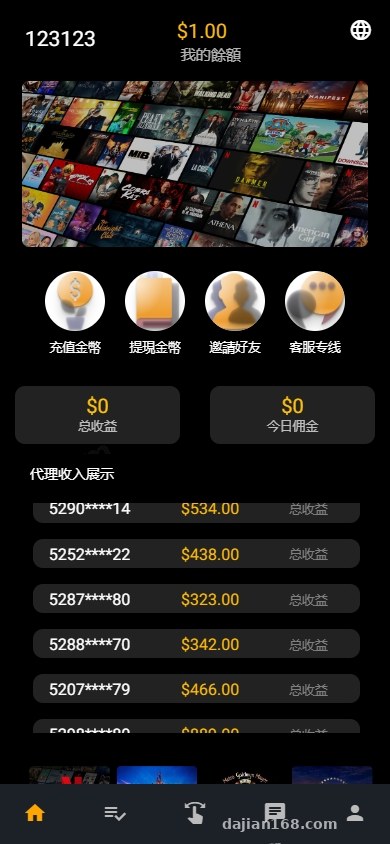
First I ran the source code and explored it. The core is a task distribution hub: admins publish task packages, frontend users claim them and enter queue processing, and the backend watches task progress and group status in real time. The flow is clear, and it works well for task scheduling, data simulation, or internal workflow exercises.
Multilingual Frontend and UI Customization
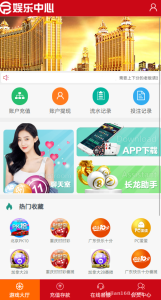
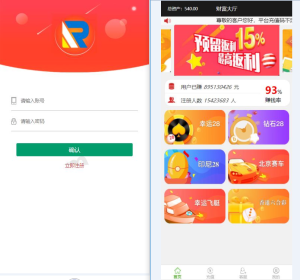
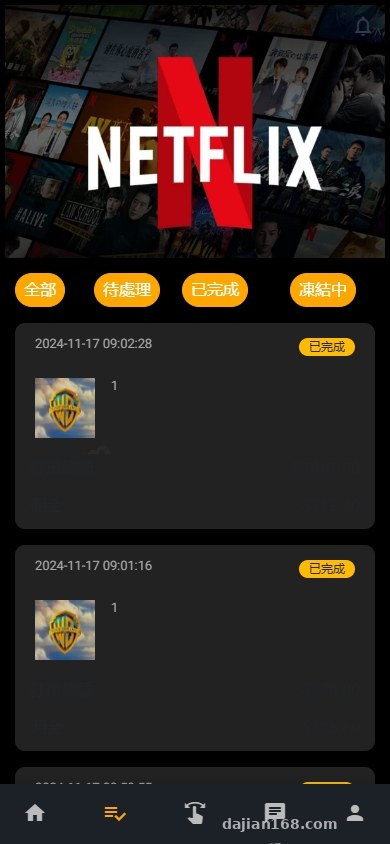
The frontend ships with 13 language packs and defaults to English. When switching languages, it dynamically loads JSON files. The page structure is fairly tidy, and there are not many places where Vue and React are mixed, so changing the theme color and logo usually just means replacing assets in the static directory. I helped the client customize the homepage carousel and task card styles this time, and it took about half a day.
Task Scheduling and Queue Control
Task dispatch uses a queue mechanism. After the backend publishes a task, it enters a pending distribution pool and is then distributed according to configured grouping rules. The system includes a “parameterized data simulation” demo switch, which generates fluctuating data such as task completion rate and queue load, useful for stress testing or teaching demos. In a real environment, I recommend turning this switch off and connecting to real business data sources.
Backend Products and Stacked Groups
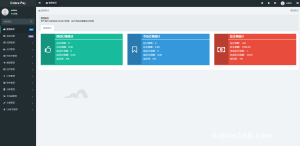
The admin backend can add task products, set groups, and manage permissions. The “stacked group” is essentially a combined task package: several subtasks are bundled into a task group, and after completion they settle points or rewards uniformly. This feature is suitable for membership growth systems or internal training task distribution scenarios.
Highlight: The 13-language support and multilingual routing are the most convenient parts of this source code. Updating language packs does not require rebuilding the frontend; you only need to replace the files in the lang directory, which is very friendly for secondary development.
Deployment Essentials: From Source to Launch
Environment Setup
I used Nginx 1.24 + PHP 8.1 + MySQL 8.0. The source code includes the composer dependencies and a frontend node_modules list. Run composer install first, then npm install and npm run build. Note that PHP needs to enable the pdo_mysql, gd, and redis extensions; otherwise queue tasks will report errors.

Database and Queue Processes
After importing the .sql file, modify the database, Redis, and backend domain in the .env file. The task queue is supervised by Supervisor; configuring one worker process is enough. During testing, I found that if Supervisor is not running, task status gets stuck at “processing.” After running systemctl start supervisord, it returns to normal immediately.
Payment Callback Integration
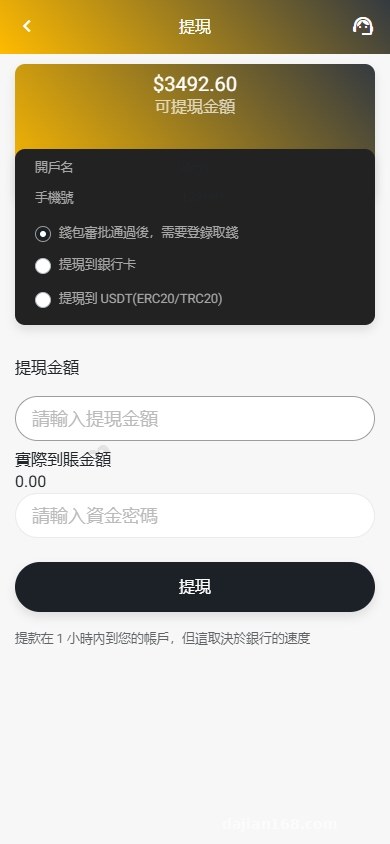
The system reserves slots for payment callback interfaces and supports mainstream third-party aggregator payment channels. When integrating, focus on the notify_url and return_url configuration. The signing algorithm is in common/Pay.php. This time I only connected one test channel. For production, I recommend running another sandbox verification to avoid callback signature verification failures.
Target Audience and Customization Advice
This source code is suitable as a technical prototype for task distribution platforms, internal work order dispatch, or overseas multilingual marketing task systems. The frontend UI is lightweight, and the backend API structure is clear, so the secondary development threshold is not high. Used as a workflow demo, it stays within normal technical boundaries. This article is for technical education only; please comply with local laws and regulations and use the system only for legitimate technical purposes.
FAQ
Q: After switching among the 13 languages, there is still garbled text. How do I fix it?
A: Check that the lang files are saved as UTF-8 without BOM, and that the database and table character sets are both utf8mb4. When the frontend reads them, garbled text should not appear.
Q: The task queue gets stuck and the status does not update.
A: Most likely Supervisor is not running, or Redis is unreachable. First confirm the queue process is running, then check the Redis address and port in the .env file.
Q: Can it be turned into a pure internal task scheduling system?
A: Yes. Disable the payment-related interfaces and the points redemption module, keep only the task publish, claim, and review processes, and it becomes an internal work order distribution platform.
Q: Will secondary development break the multilingual feature?
A: As long as new fields are added to the language packs and read using i18n on the frontend, it will not break. Hard-coded Chinese is what actually breaks multilingual support.
Disclaimer: This article is for technical education and demonstration only. It is not professional or financial advice. Any real-world deployment must comply with applicable laws and regulations.
#task distribution #multilingual deployment #queue scheduling #source code setup #task system
-
 Alipay QR Code Scan
-
 WeChat Scan Pay