Vue Multi-Language Random Number Demo System Deployment: H5 Packaging and Backend Configuration
Vue Multi-Language Random Number Demo System Deployment: H5 Packaging and Backend Configuration
Disclaimer: This article is for technical education and demonstration only. It is not professional or financial advice. Any real-world deployment must comply with applicable laws and regulations.
I recently set up a multi-language random number demo system for a client working on an interactive demonstration project. The frontend is Vue with an experience close to native H5, and the backend runs as a standalone API. Overall it wasn’t hard, but the pitfalls cluster around language packs, callback signature verification, blank screens after packaging, and probability parameter boundaries. I’ll walk through my actual deployment order below so you can skip a few of the traps I hit.
Hands-On Feature Test: Don’t Just Look at the Demo Page, Watch the Backend Switches
Frontend Experience
The homepage uses split-bundle loading, and first paint lands around 1.8 seconds, dropping to about 3 seconds on a weak network. Route transitions are smooth and Vue component reuse is decent. Language switching doesn’t reload the page — it hot-swaps the copy. Arabic direction needs separate testing, since buttons overflow easily. Random results are displayed with an animation delay, but the frontend only renders them; the actual result must come from the API, or things fall apart after secondary development.
Backend Controls
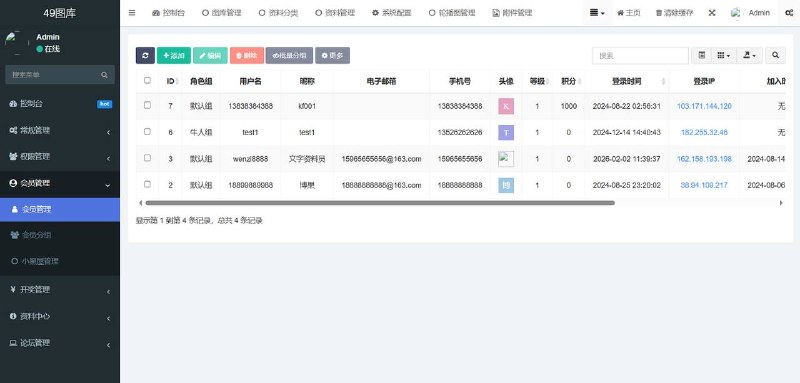
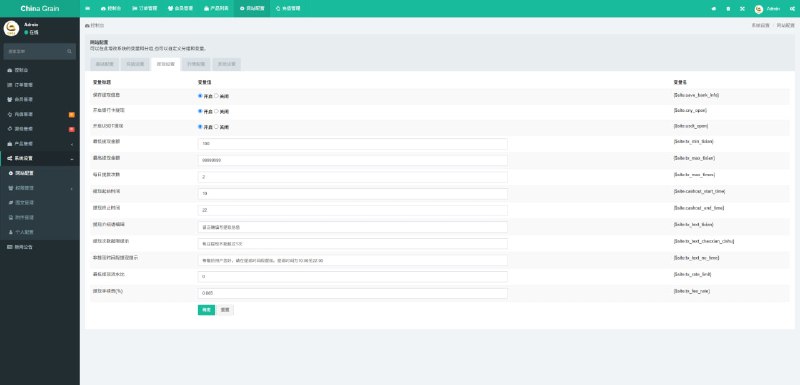
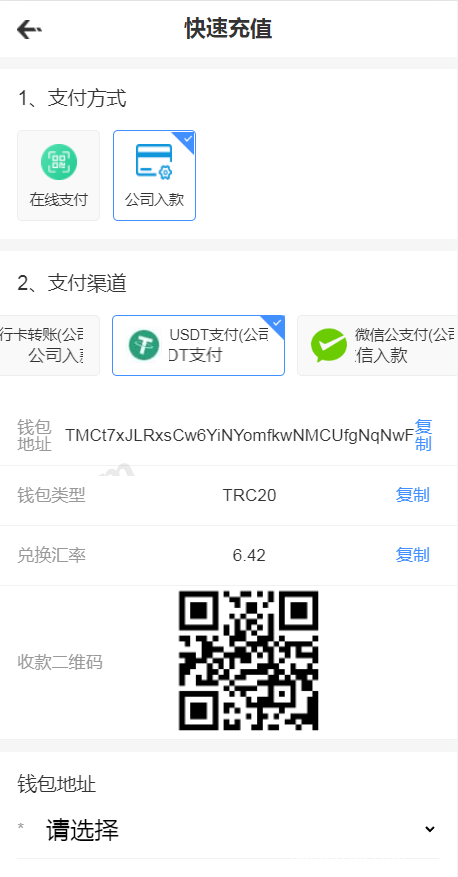
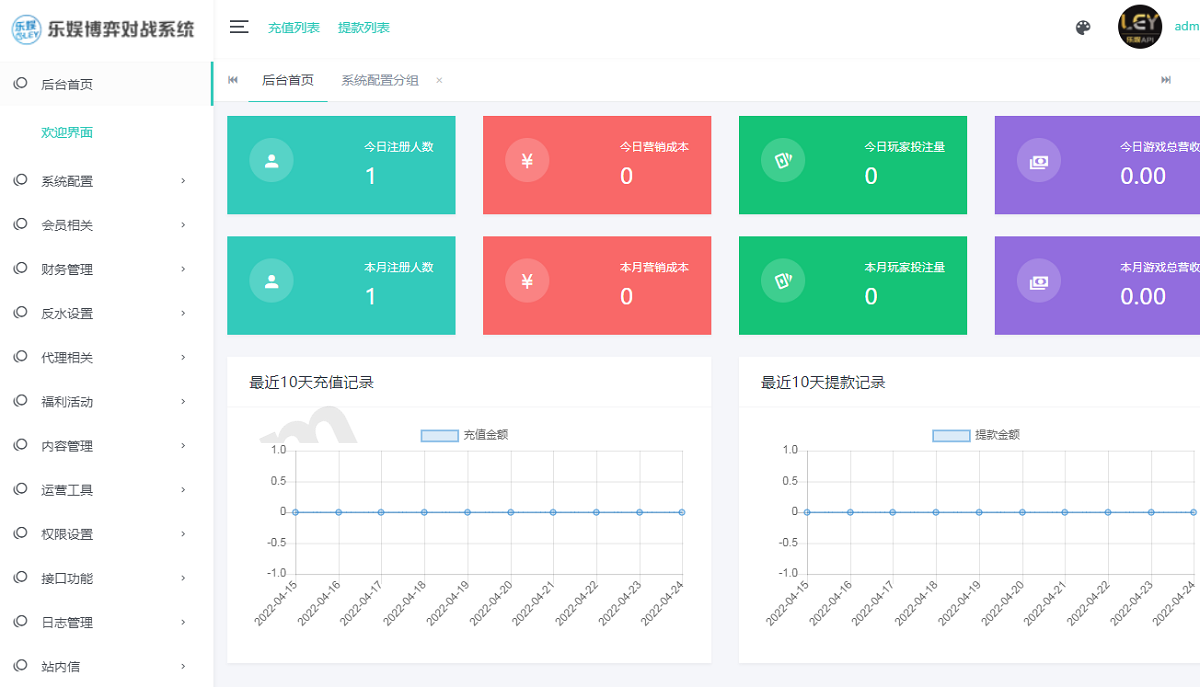
The admin panel lets you configure language packs, feature toggles, demo probability ranges, per-request caps, cooldown periods, and a blocklist. Pay close attention to the logs: every random request needs a request_id, a timestamp, a parameter snapshot, and the returned result. Without those four items, troubleshooting later is pure guesswork. For payments I only wired up a sandbox gateway, with order states split into created, paid, timeout, and closed. Callbacks must be signature-verified and protected against replay.
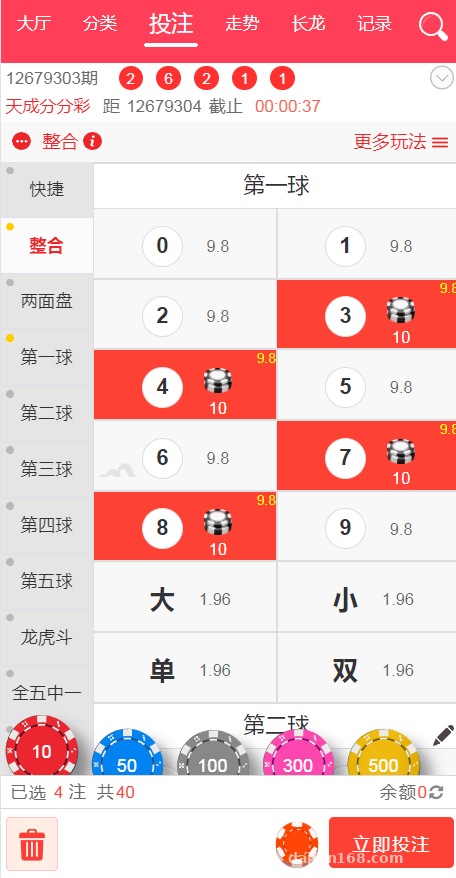
Highlight: frontend-backend separation plus unified response codes means secondary development only touches the service layer — pages barely change. But demo probability, attempt caps, and risk-control switches must live in the admin panel, never hardcoded into the frontend.
Deployment Essentials: Don’t Mix Up Nginx, APIs, and Caching
Environment Stack
I used Ubuntu 22.04 with Nginx as a reverse proxy, the frontend dist folder on its own site, and the API behind an /api prefix. MySQL 8.0 for the database, Redis for sessions, rate limiting, and idempotency on random requests. Docker Compose is recommended — start with three containers: web, api, and redis. MySQL can sit on the host machine if your team prefers. Keep .env out of the repo, and manage JWT secrets, gateway keys, and callback whitelists separately per environment.
Common Errors
If history-mode routes return 404 on refresh, your try_files directive isn’t pointing to index.html. Don’t lazily open CORS to everyone — use a domain whitelist. After H5 packaging, if the API runs on HTTPS, the page can’t mix in HTTP or requests get blocked outright. When wrapping the app into Android and iOS shells, sort out the splash screen, immersive status bar, and back-button exit confirmation first, or app store review becomes a headache later.
Secondary Development and Compliance Boundaries
For secondary development, start with three directories: locales, api/service, and admin/config. Adding a new language isn’t just dropping in a JSON file — date formats, number thousand separators, and nickname sensitive-word filters all need to stay in sync. Pull theme colors into CSS variables so the client can reskin everything in ten minutes. Treat all random results as demo data and label them clearly on the page. Anything involving digital assets or balance changes should only connect to test channels, with sandbox status written out explicitly. Before going live, turn off the demo watermark, default accounts, and debug endpoints, follow applicable laws and regulations, and prohibit any illegal or non-compliant use.
Who This Is For
This suits site owners with some frontend experience, studio developers, and teams building interactive demos or teaching demonstrations. A complete beginner can get it running, but tweaking probability rules and the payment sandbox will be a stretch. Anyone looking to plug it straight into production payment collection should look elsewhere — the value here is the clean structure: Vue + i18n + API authentication + backend parameterization. It holds up well when adapted into course examples, event draw logic demos, or random task distribution prototypes.
Frequently Asked Questions
Q: What if the homepage shows a blank screen after H5 packaging?
A: Nine times out of ten, publicPath is set to an absolute root path — change it to the relative path ./. Then check the router base and resource CSP, and enable remote debugging in the Android shell to watch the console.
Q: Why are some fields still in Chinese after switching languages?
A: That means copy is mixed into the API responses. The backend should only return codes, with the frontend mapping codes to text. If backend copy is truly necessary, cache it by Accept-Language — never concatenate it into random results.
Q: Will repeated payment sandbox callbacks credit the balance twice?
A: Yes, if idempotency isn’t in place. Build a unique index on the gateway transaction number, verify the signature before checking status in the callback, and if the order already succeeded, return success immediately without re-running the balance-crediting logic.
Q: Can demo probability be controlled via frontend parameters?
A: No. The frontend only sends the mode id and a demo flag. Ranges, caps, and cooldowns are all validated server-side, and parameter changes in the admin panel must leave an audit trail.
Disclaimer: This article is for technical education and demonstration only. It is not professional or financial advice. Any real-world deployment must comply with applicable laws and regulations.
#Vue #Multi-language #H5 Packaging #Deployment Record #Random Number Demo
-
 Alipay QR Code Scan
-
 WeChat Scan Pay