Data Collection & Processing Platform Build Notes: Vue Decoupled Architecture Deployment Guide
Data Collection & Processing Platform Build Notes: Vue Decoupled Architecture Deployment Guide
Disclaimer: This article is for technical education and demonstration only. It is not professional or financial advice. Any real-world deployment must comply with applicable laws and regulations.
I recently deployed a data collection and processing platform for a client who works in industry data analysis. The front end and back end are decoupled, and the collector is split out as an independent service. The whole thing ran for two weeks and I hit a few snags along the way, so I’m writing the process down as a reference for anyone planning a similar architecture.
Let me clarify what this system is: it’s a legitimate demo platform for collecting publicly available data. All data sources come from open APIs and public pages, it strictly follows the robots protocol, and it’s used purely for data visualization and statistical analysis demos. Vue on the front end, PHP on the back end, and a Python collector running separately — none of them interfere with each other.
Breaking Down the Overall Architecture
The Front End
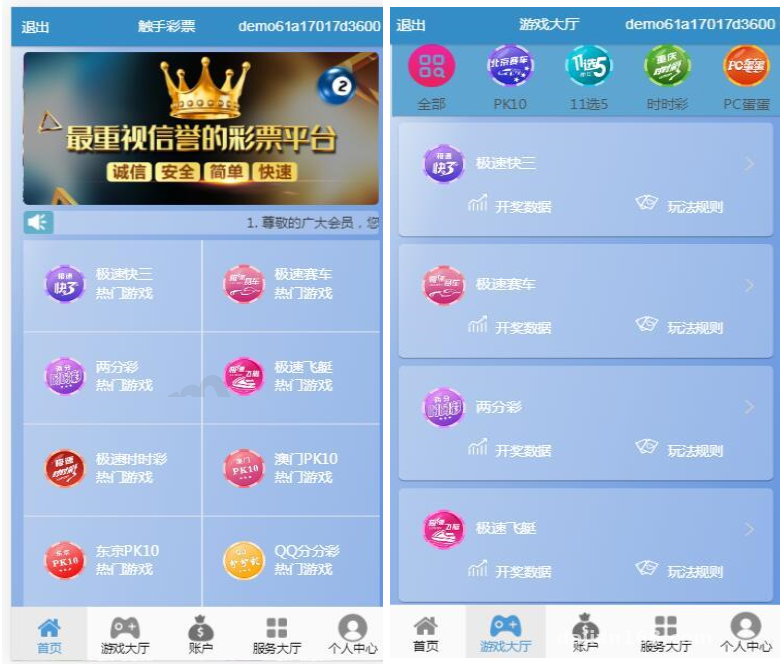
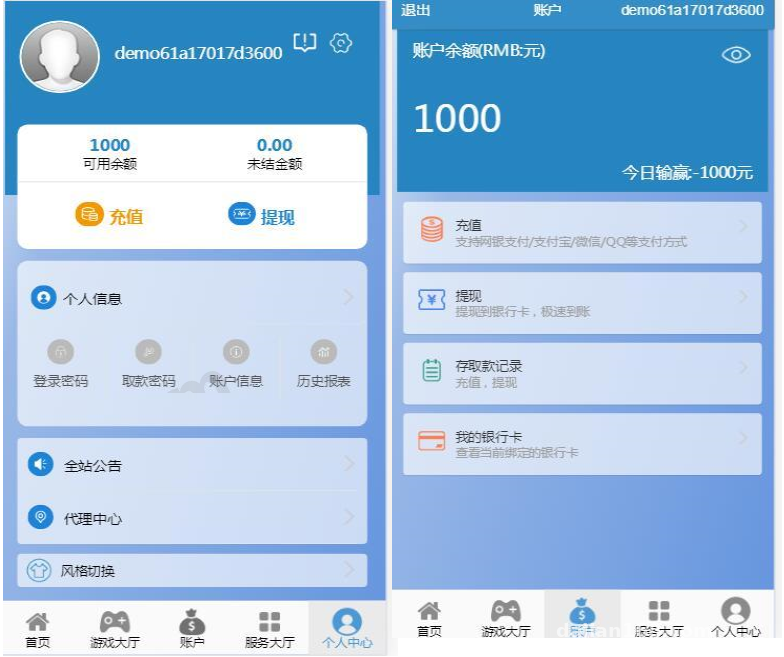
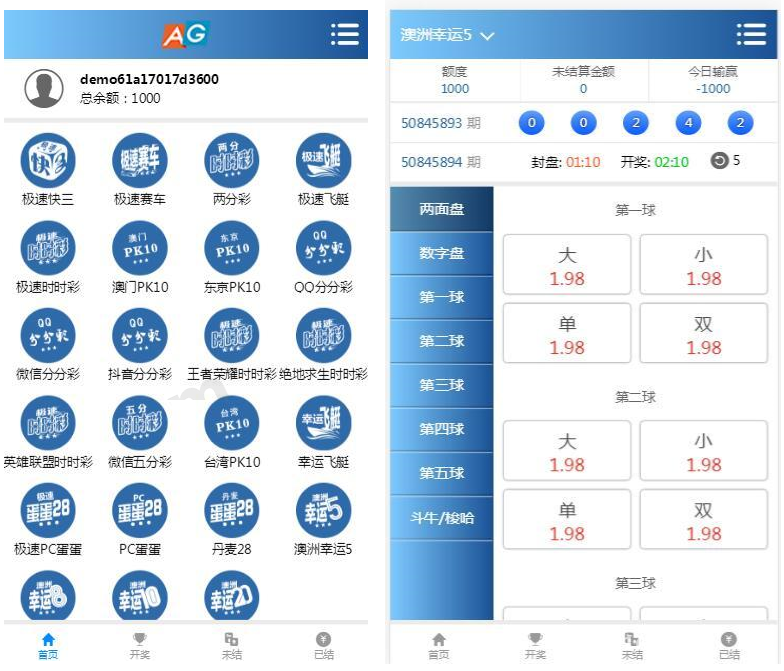
The front end is the standard Vue stack — Vue 2 + Element UI — built and served directly through Nginx. The interesting part is that the mobile side ships two sets of UI, switching automatically based on the user agent: one leans toward a clean list style, the other toward a card-style dashboard. I tested it by switching back and forth on two phones; cookie handling was clean enough that no styles leaked between the two layouts.
The front end also has its own account system: registration, referral relationships, and personal data reports, all wired up through the back-end REST API. The report pages use ECharts for visualization, so core metrics like daily activity, collection volume, and task completion rate are obvious at a glance.
Separating the Back End from the Collector
The biggest highlight of this system is that the collector is completely independent. The main back-end program only handles business logic and APIs. Collection tasks get dispatched to the Python collector through a message queue (I swapped in RabbitMQ — the original plan polled the database, which performed noticeably worse). The collector picks up tasks, pulls from public data sources, cleans the data, and writes it back to MySQL.
Key insight: the biggest advantage of deploying the collector independently is that a crash doesn’t take down the main site. I actually killed the collector process during testing — the front end kept serving normally, data just stopped updating, and once the process came back it resumed automatically. That design is worth copying.
Deployment Essentials and Pitfalls
Environment Setup
The server is a 4-core 8GB machine running CentOS 7.9. Environment checklist: Nginx 1.20, PHP 7.4 (the redis and swoole extensions are mandatory), MySQL 5.7, Python 3.8, and Redis 6. The Python dependencies are mainly requests, aiohttp, and pandas, used for concurrent collection and data cleaning.
Build an Adapter Layer for Data Source APIs
Here’s a pitfall worth flagging early: public data APIs return formats in every shape imaginable, and if you hardcode the parsing logic you’ll cry during maintenance later. My approach was adding an adapter layer inside the collector — one parser class per data source, all outputting standardized JSON before hitting the database. Adding a new source only means writing one new parser without touching the main pipeline.
Also, keep collection frequency restrained. I added rate limiting for every source — no more than 20 requests per minute per source, with automatic backoff and retry on timeout. That’s both a technical necessity and basic etiquette: only collect public data, and never touch anything that requires authorization or involves private information.
Data Management Features in the Admin Panel
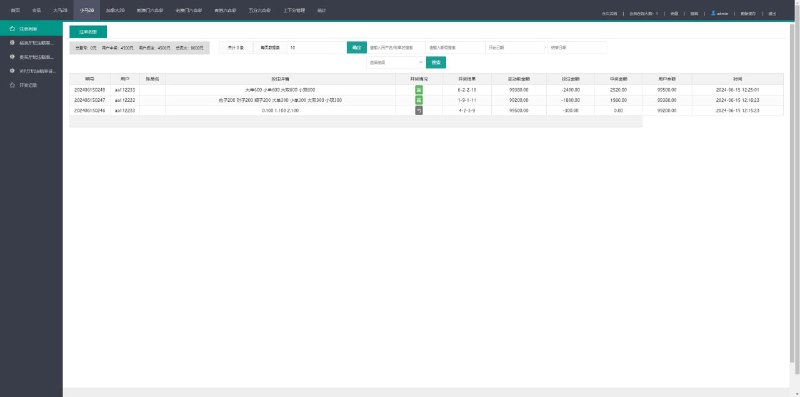
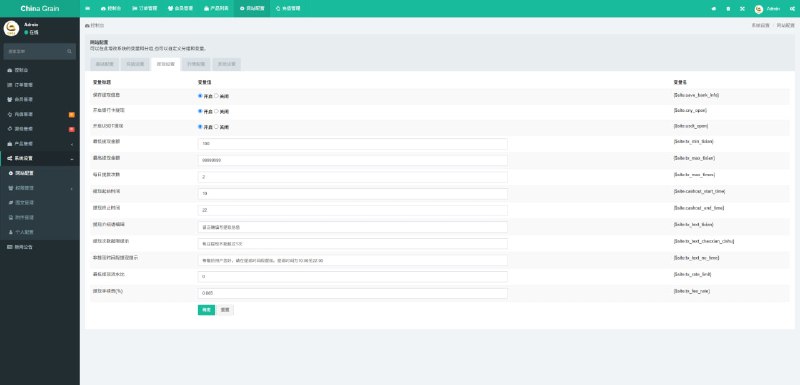
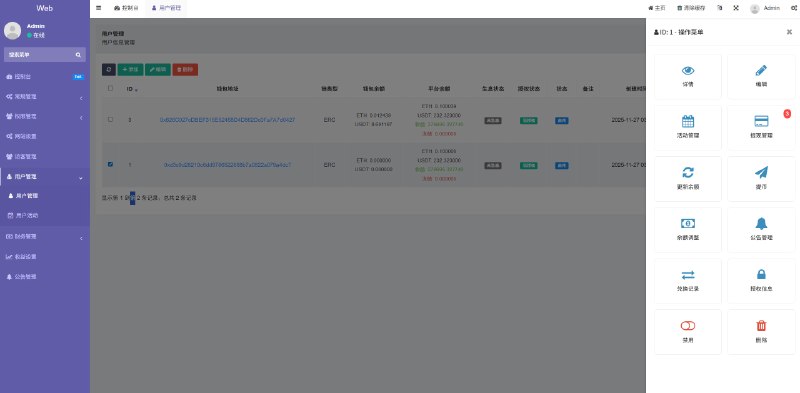
The admin panel is fairly complete: collection task scheduling (with cron expression support), data source toggles, data cleaning rule configuration (regex filtering, deduplication, field mapping), user management, agent/channel management, and statistical reports. The cleaning rules support visual configuration, so fields can be adjusted without touching code — operations staff can handle it themselves.
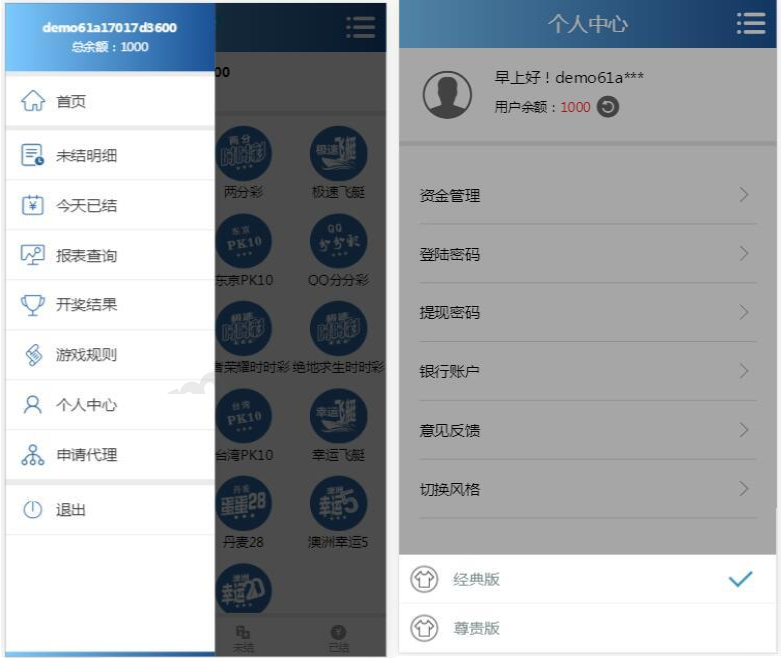
Permissions come in three levels: super admin, operations, and channel. Channel accounts only see users and data under their own name. Menus render dynamically by role, implemented with Vue Router’s permission routing — front-end developers will find this familiar.
Who Is This System For
Honestly, this architecture is friendly to anyone who wants to learn how to deploy a decoupled front-end/back-end project. Vue builds, Nginx reverse proxying, message queues, scheduled tasks, Python collection — you get hands-on with the whole mainstream stack. It works well as a practice project or as the foundation for an internal company data dashboard.
There’s also decent room for secondary development. For example, if you want to integrate a payment API for a membership-subscription data service, the system already reserves a callback entry point — hooking up WeChat Pay or Alipay face-to-face payment takes about half a day to get working. Multi-language support is ready out of the box too; you just add language packs to the i18n dictionary files. I added an English language pack for the client to test, and switching worked without issues.
One extra word on compliance: this kind of collection system should only be used for learning, research on public data, and lawful business scenarios. Follow applicable laws and regulations during use, and always confirm that the target site allows crawling before collecting — that’s the bottom line.
FAQ
Q: What if the collector’s memory usage keeps climbing after running for a while?
A: Most likely pandas isn’t releasing memory after processing large files. I manually call del plus gc.collect() after each batch finishes cleaning, and dropped the per-batch size from 5,000 rows to 2,000. Memory stabilized at around 600MB.
Q: How do I fix cross-origin errors on API calls after deploying the front-end build?
A: Don’t mess around with proxies on the front end. Just use an Nginx reverse proxy, forward the /api path to the back-end port, and deploy front and back ends under the same domain. Solve it once and for all.
Q: Can the system run without RabbitMQ installed?
A: Yes. A simple queue built on Redis lists works too, using brpop for blocking reads. It’s perfectly adequate for low-traffic scenarios — that’s exactly how my test environment runs.
Q: Will the two mobile UI sets hurt SEO?
A: This kind of system generally doesn’t need search engine indexing. I added UA-based redirects plus canonical tags. If you do need a public-facing page, build a separate static landing page rather than exposing the admin panel entry.
All in all, from environment setup to getting the full pipeline running, an experienced developer needs about a day, a newcomer two or three. The source code structure is clear, and while secondary development docs are sparse, the code comments are adequate. It’s worth the tinkering.
This article is for technical education only. The system described is a demo environment for learning data collection architecture and deployment practices.
Disclaimer: This article is for technical education and demonstration only. It is not professional or financial advice. Any real-world deployment must comply with applicable laws and regulations.
#Vue #data collection #crawler architecture #decoupled front-end back-end #deployment notes
-
 Alipay QR Code Scan
-
 WeChat Scan Pay


![? ? [Anti-Ban Guide] E-Commerce Order Architecture Breakdown with 100% Survival Rate](https://xz.dajian168.com/wp-content/uploads/2025/08/telegram-img-2025-08-14-689e778db813c.jpg)