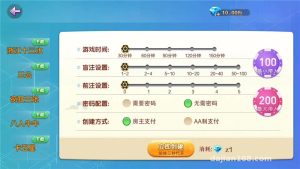
Group Purchase Random Number Demo System Setup Notes: Probability Simulation Platform Deployment Guide & Customization Tips
Group Purchase Random Number Demo System Setup Notes: Probability Simulation Platform Deployment Guide & Customization Tips
Disclaimer: This article is for technical education and demonstration only. It is not professional or financial advice. Any real-world deployment must comply with applicable laws and regulations.
I recently helped a client deploy a group purchase random number demo source code. They used it as a product demo for a probability simulation entertainment direction, and it has been running stably for a while now. While the details are still fresh, I’ve put together this note covering the whole deployment process and the pitfalls I hit, to save some time for anyone who needs it.
To put it plainly, this is a combined system of a random number demo + group purchase task distribution. The frontend displays a simulated result announcement flow, while the backend manages data sources, user groups, and task allocation logic. The code is a standard PHP + MySQL structure — not new, but the logic is complete and it runs out of the box.

Feature Testing: What This System Can Actually Do
Whenever I get source code, my habit is to go through the backend first. This one has more feature modules than I expected.
Core Features
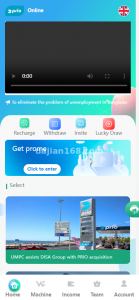
1. Random number simulation engine: the backend lets you configure the random algorithm and the result announcement demo rhythm, and the frontend shows simulated results in real time. The data is generated server-side, not simulated frontend data — this matters a lot for a demo site.
2. Group purchase task module: users can initiate group purchase tasks that others join and share, with logic similar to group-buying task distribution. All transaction records are logged, and the backend lets you check the details of every entry.
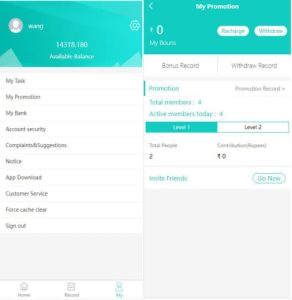
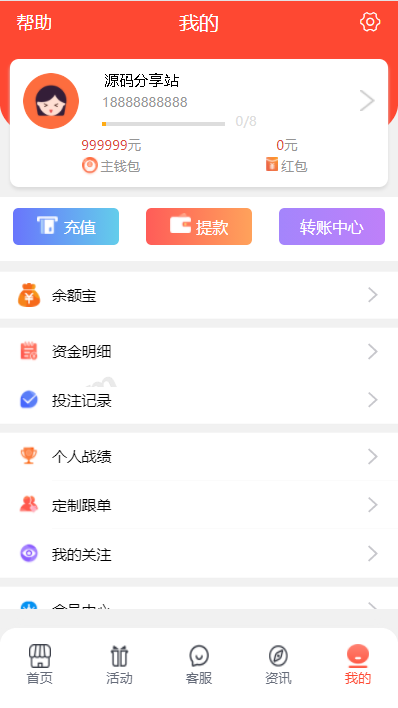
3. Membership system: registration, levels, balances, and transaction history are all included, plus an invitation referral mechanism — useful for the client’s operations.
4. Payment interface: several third-party aggregated payment providers are built in. In my testing, only the simulated channel connected; for the live channel you need to apply for your own merchant account and replace the keys. Don’t expect the built-in one to work as-is.
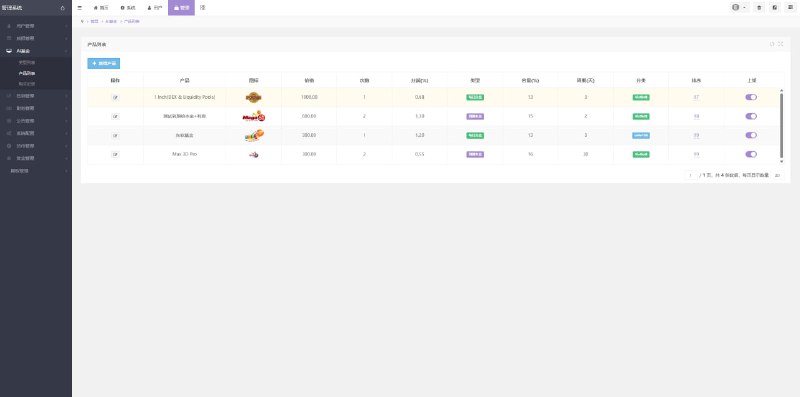
Backend Management
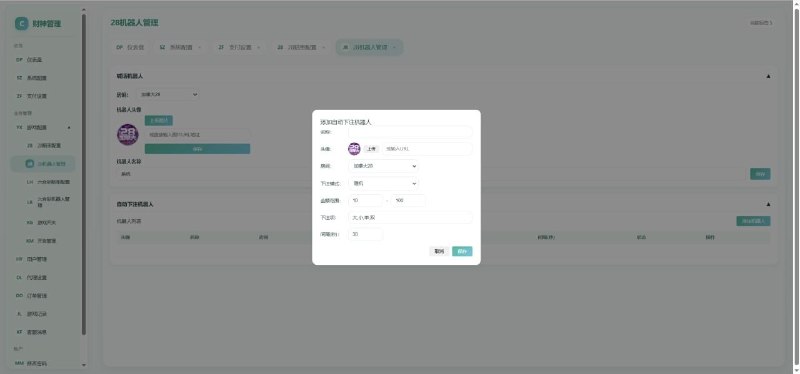
The backend uses a dark theme, with menus split into fine-grained sections: data simulation configuration, user management, financial reconciliation, announcements, and permission groups. Permissions can go down to the button level — you can create a sub-account for support staff that can view data but not change settings. I give this design a thumbs up.
Deployment Essentials: Environment and Parameter Configuration
My environment was CentOS 7.9 + Nginx 1.22 + PHP 7.4 + MySQL 5.7. Don’t use PHP 8 — the old code is full of deprecated syntax and will throw errors immediately.
A few things you must watch out for:
– The rewrite rules need to follow ThinkPHP’s default rules. I forgot this the first time and every frontend link returned 404 — took me half an hour to figure out.
– The scheduled task for random number generation must be added to crontab, running every minute. Miss this step and the frontend just sits there frozen; my client thought the system was broken.
– After importing the database, remember to update the connection info in the config, and note that the backend URL defaults to /admin — change it before going live.
– The payment callback URL must be configured in the merchant backend, otherwise deposits won’t arrive. This is the step most easily missed.
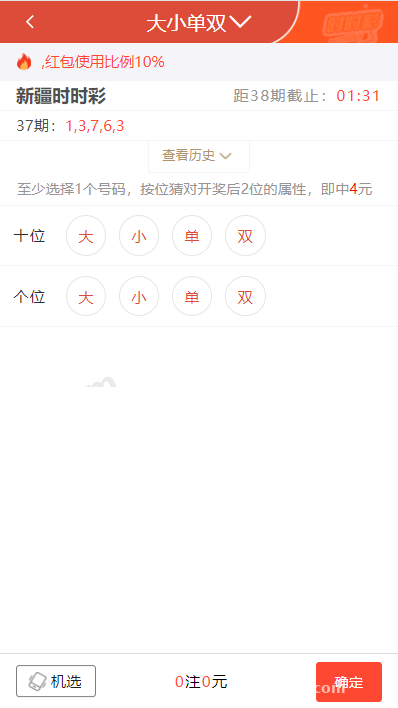
Highlight: this source code ships with a data simulation configuration panel where you can customize the random algorithm parameters. It’s very convenient for demo and teaching scenarios, and offers more room for secondary development than similar packages.
Secondary Development and Operations Experience
The client later requested a few customizations, which I handled along the way. The frontend template lives in its own directory, so changing the skin doesn’t touch the core logic; the language files are in the lang directory, so adding an English version just means adding a translation file. The API follows standard REST style — if you want to build a mini-program client, you can plug straight into the existing endpoints without much work.
On the operations side, the system isn’t demanding on hardware: a 2-core 4GB server handles several hundred concurrent users without trouble. I recommend backing up the database daily, and archiving the financial transaction table periodically since it keeps growing — otherwise queries slow down.
Who This Is For
This source code suits three types of people: technical teams building probability simulation or random number demo products; developers who want to study how a group purchase task distribution system is implemented; and web agencies who need to deliver a demo site for a client quickly. If you’re a complete beginner with no coding background, set up a test environment on your local machine first before touching a server — don’t push straight to production.
FAQ
Q: What server specs are needed?
A: Minimum 2 cores, 4GB RAM, 50GB disk, and at least 5M bandwidth. Upgrade later as your user base grows — this is enough for the early stage.
Q: Is the source code fully open? Can it be modified?
A: It’s fully open source with no encryption; the PHP code can be edited directly. The framework is ThinkPHP, so developers familiar with it will get up to speed fast — adding modules or changing logic is no problem.
Q: How do I integrate the payment interface?
A: The source code reserves a directory for aggregated payment plugins. Apply for a merchant account following the official documentation, fill the keys into the backend payment configuration, set the callback URL, and it will connect. I suggest running through the flow with the simulated channel first before switching to the live interface.
Q: How long does setup take?
A: If you’re familiar with the environment, half a day to go live. For beginners, budget one or two days to account for troubleshooting.
Disclaimer: This article is for technical education only. All features are for probability simulation and task distribution demonstration purposes. Users must comply with applicable laws and regulations, and any unlawful use is prohibited.
Disclaimer: This article is for technical education and demonstration only. It is not professional or financial advice. Any real-world deployment must comply with applicable laws and regulations.
#Source Code Setup #PHP Deployment #Probability Simulation #Task Distribution System #Web Development Notes
-
 Alipay QR Code Scan
-
 WeChat Scan Pay