Wangzhe GuiLai Four-Platform Board Game Simulation System Build Log: H5 + APP Deployment Notes and Secondary Development Tips
Wangzhe GuiLai Four-Platform Board Game Simulation System Build Log: H5 + APP Deployment Notes and Secondary Development Tips
Disclaimer: This article is for technical education and demonstration only. It is not professional or financial advice. Any real-world deployment must comply with applicable laws and regulations.
I recently helped a client deploy a “Wangzhe GuiLai” board game simulation system — a commercial version with full source code available for secondary development. Honestly, after eight years of running websites, this is the most complete four-platform package I’ve ever seen. While the memory is still fresh, let me write down the pitfalls I hit.
Feature Review: Is the Four-Platform Setup Worth It?
Let’s start with the selling point — four platforms from one codebase. Android APP, iOS APP, PC client, and H5 web version, all from a single codebase. In my testing, the H5 version loaded the fastest, with a first screen around 1.5 seconds. The Android build went smoothly after re-signing with HBuilderX. For iOS, you’ll need self-signing or an enterprise certificate, and the client has to prepare their own account for that.
Multiple UI Style Switching
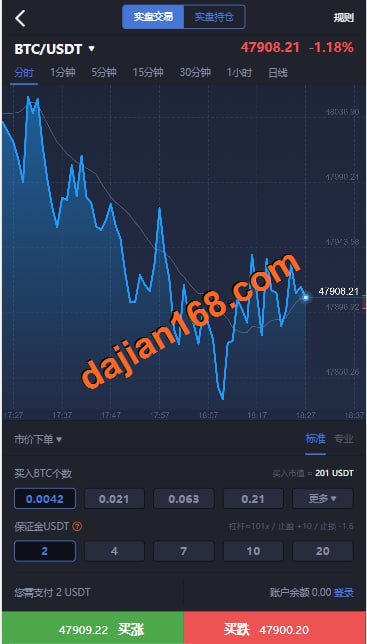
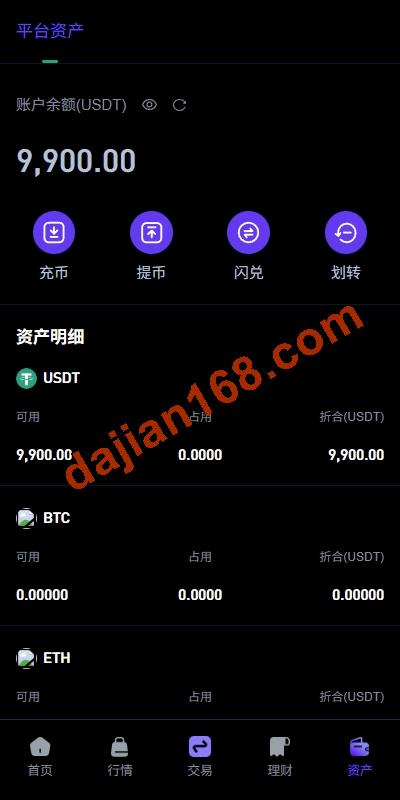
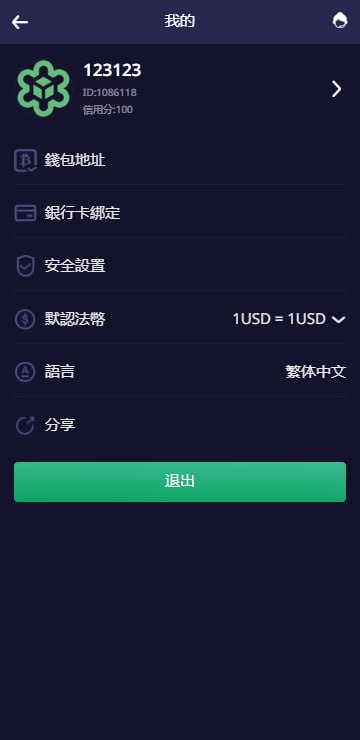
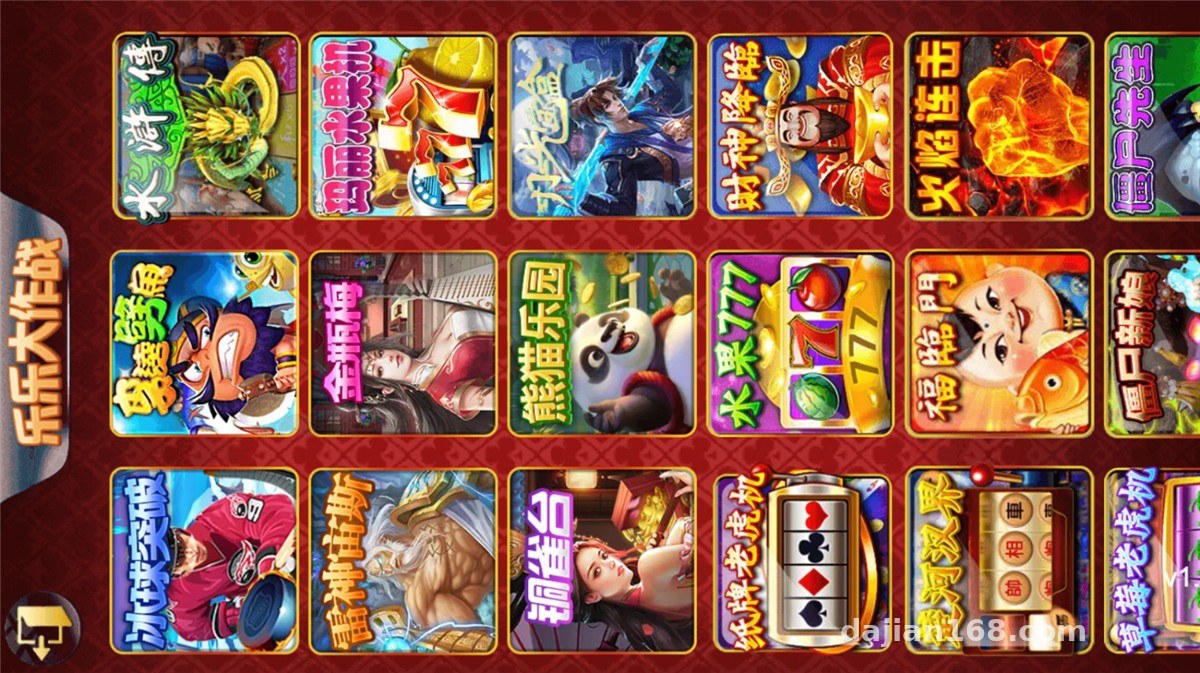
The frontend ships with several UI templates in different styles, and users can switch skins right from the backend. What’s interesting is that some games change their assets along with the UI — essentially one logic layer paired with multiple sets of visual resources. During stress testing I found that switching UIs only touches frontend resource packages, not the API layer, so switching is smooth and doesn’t drop the login session.
Backend Control Logic
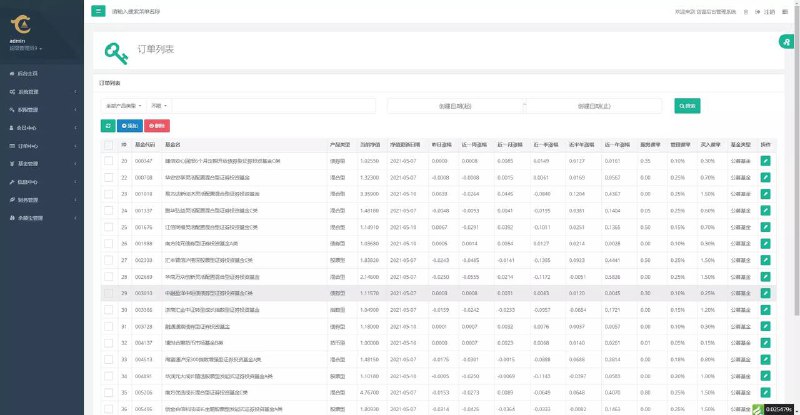
The control mechanism here uses dual parameters — waterline plus difficulty — rather than the old-style inventory control. Anyone who has used inventory-based systems knows the waterline mode is far less hassle: you set a waterline threshold, and the system automatically adjusts the random-number demo output within the range, no daily manual restocking needed. The backend also has a data simulation panel where task distribution and probability demo parameters can all be tuned visually.
Highlight: the waterline + difficulty control is much easier to manage than traditional inventory-based schemes. Once the parameters are set, it basically runs on its own. When doing secondary development, I’d recommend keeping this core logic intact.

Deployment Essentials: Environment and Pitfall Log
Environment Setup
My deployment environment: CentOS 7.9 + Nginx 1.22 + PHP 7.4 + MySQL 5.7. The backend is built on the ThinkPHP framework, so a one-click LNMP package gets you up and running. Note that PHP needs the fileinfo and redis extensions installed, otherwise the backend captcha and cache will throw errors immediately — I got stuck on this for half an hour.
Payments and Interfaces
The system reserves a standard payment interface layer, with third-party aggregated payment templates included; you just swap in the merchant ID and keys to integrate. For a demo environment, I’d suggest using the platform’s built-in simulated payment channel first, get the flow working, then connect a real channel. For multilingual support, Simplified Chinese, Traditional Chinese, and English are built in. Language packs live in the lang directory — adding a new language is just a matter of copying a file and translating it.

Common Errors
Two pitfalls during deployment: first, the Nginx rewrite rules must be set to the thinkphp rules — the default rules cause 404s on H5 routes. Second, remember to open the WebSocket port in your security group, otherwise the PC client’s persistent connection keeps reconnecting.
Secondary Development Suggestions
The source code structure is fairly clean — uniapp on the frontend, TP on the backend, with good comment coverage. If you want to change game assets, the asset directories are already organized by game ID. If you want to add new games, focus on the server-side probability demo module and the integration protocol with the frontend rendering layer. I’d recommend getting everything running locally before going to the server, and export a backup of the database structure — always keep a copy before changing table schemas.

Who Is This For?
This package suits technical teams with secondary development needs, webmasters looking to build board game simulation demo platform products, and client projects requiring multi-platform coverage. If you’re a complete beginner hoping to launch and operate it right away, I’d suggest spending a week getting familiar with the backend logic first.
FAQ
Q: Do the four platforms need to be compiled and packaged separately?
A: The core logic is one codebase. Android and iOS use uniapp cloud packaging or offline packaging, H5 deploys directly to the site directory, and the PC client reuses the H5 responsive layout. Most of the work is in certificates and signing.
Q: How should the waterline control be configured sensibly?
A: I’d suggest setting a narrow waterline range initially to observe the data trends, starting the difficulty parameter from the default level, then fine-tuning after a week based on the backend statistics curves. Don’t make big changes right away.
Q: What server specs are needed?
A: For demos, 4 cores and 8GB RAM is enough. For production, I’d recommend at least 8 cores and 16GB, with a minimum of 20M bandwidth. The H5 version has lots of image assets, so a CDN is recommended.
One final reminder: this system is for technical learning and lawful demonstration purposes only. When deploying and using it, please comply with applicable laws and regulations, and never use it for any unlawful purposes.
Disclaimer: This article is for technical education and demonstration only. It is not professional or financial advice. Any real-world deployment must comply with applicable laws and regulations.
#source code deployment #board game simulation #four-platform system #deployment log #secondary development
-
 Alipay QR Code Scan
-
 WeChat Scan Pay